How to Choose Gaming Keyboard: A Simple Guide for Gamers

Article Overview & Key Takeaways
Choosing the right gaming keyboard can boost comfort and performance. This guide breaks down the essential factors so you can pick a board that fits your style.
Gaming gear to check
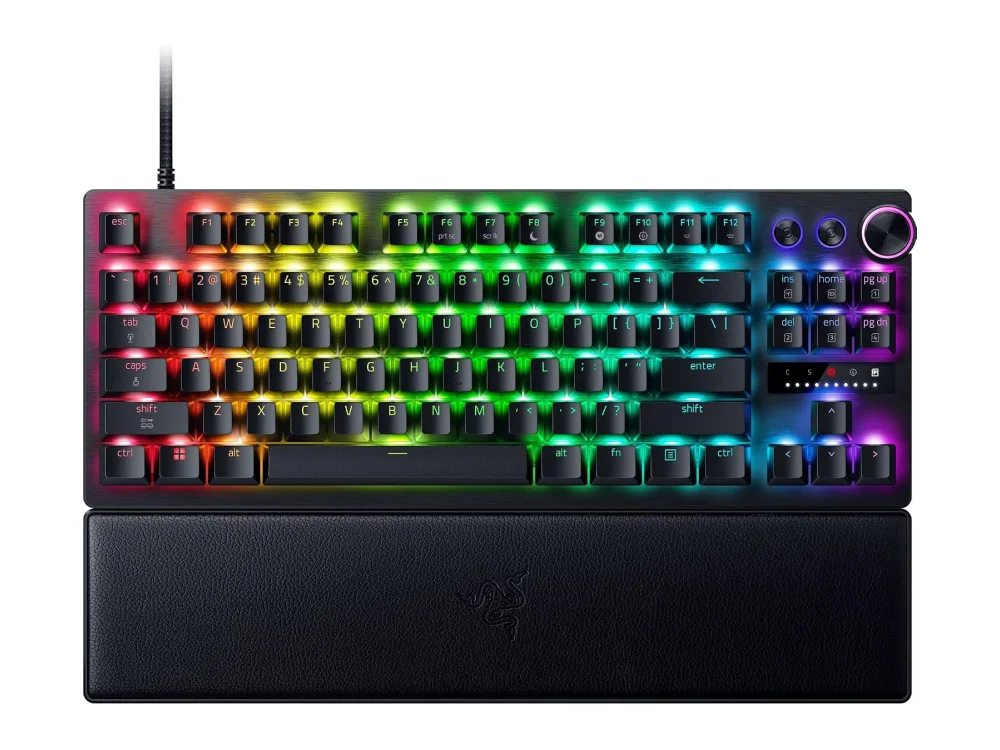 Razer Huntsman V3 Pro TKL
Finding the perfect keyboard is one of the first steps in building a solid gaming setup. In this guide we answer the question how to choose gaming keyboard by walking you through the most important specs, features, and form factors. For a quick look at our top picks, visit our Gaming Keyboards hub.
Whether you’re a competitive shooter, a strategy enthusiast, or a casual player, the right keyboard can improve reaction time, reduce fatigue, and even enhance immersion. Below you’ll find clear explanations of each factor, practical tips, and example products to illustrate the concepts.
What to Look for in a Gaming Keyboard
Before you start scrolling through endless listings, it helps to know the core criteria that separate a good gaming keyboard from a great one. These include switch type, connectivity, size, lighting, build quality, and extra features such as macro programming.
Switch Types: Why Choose a Mechanical Keyboard
Mechanical switches are the hallmark of most serious gaming keyboards. Each switch contains a separate housing, spring, and stem, delivering distinct actuation forces and tactile feedback. The three broad families are:
- Linear – smooth travel, no tactile bump (e.g., Cherry MX Red). Ideal for rapid key presses in fast‑paced shooters.
- Tactile – a noticeable bump at the actuation point (e.g., Cherry MX Brown). Good for both gaming and typing.
- Clicky – tactile bump plus audible click (e.g., Cherry MX Blue). Preferred by typists who like audible feedback, but the click can be noisy in shared spaces.
Choosing a mechanical keyboard means you can pick the exact feel you want, and many boards let you swap switches without soldering.
Key Features that Matter
Beyond the switch, consider these features:
- N-Key Rollover (NKRO) & Anti‑Ghosting – ensures every key press registers, even when many keys are pressed simultaneously.
- Programmable Macros – assign complex command sequences to a single key, a huge advantage in MMOs and RTS games.
- Dedicated Media Controls – volume sliders or function‑row shortcuts let you adjust sound without leaving the game.
- Customizable RGB Lighting – while purely aesthetic, per‑key lighting can highlight hotkeys or sync with other gear.
Wired vs Wireless
Wireless keyboards have closed the latency gap dramatically, thanks to low‑latency Bluetooth 5.0 and proprietary 2.4 GHz dongles. However, wired boards still guarantee zero input lag and never need battery changes. If you value a clean desk and don’t mind a cable, go wired; if you prefer freedom of movement and have a reliable wireless solution, choose wireless.
Size and Layout Options
Keyboard size affects both desk real‑estate and key availability:
- Full‑Size (100%) – includes a number pad; great for players who also do a lot of spreadsheet work.
- Tenkeyless (TKL, 87%) – removes the numpad, saving space while keeping most function keys.
- 75% and 65% – compact layouts that keep arrow keys and a few navigation keys, ideal for tight desk setups.
Pick the size that matches your desk and your need for extra keys.
Backlighting and Customization
RGB lighting is no longer a novelty; many keyboards let you program zones, sync with other peripherals, or create reactive effects that pulse with in‑game events. If you already have RGB gear, look for a board that supports the same software ecosystem (e.g., ROG Armoury II, Corsair iCUE).
Ergonomics and Build Quality
Long gaming sessions demand comfort. Look for a sturdy chassis (often aluminum or high‑grade plastic), detachable wrist rests, and keycaps with a pleasant texture. Some premium boards also feature adjustable typing angles.
ASUS ROG Azoth – Premium Full‑Size Keyboard
The ASUS ROG Azoth gaming keyboard targets enthusiasts who want a full‑size layout with high‑end features. It uses ROG‑rated optical switches for sub‑millisecond actuation, a detachable magnetic wrist rest, and per‑key RGB that syncs with the ROG ecosystem.
- Who it’s for: Players who need a number pad and want the fastest optical switches.
- Key features: 100% anti‑ghosting, 5‑zone RGB, on‑board macro recorder, USB‑C passthrough.
- Pros: Extremely low latency, premium build, extensive lighting options.
- Cons: Larger footprint, higher price point.
Want to buy a gaming keyboard? Here are 3 similar picks:
- Epomaker Glyph: Best New Mechanical / Typing
- Keychron K2 HE: Best Value Magnetic
- Keychron Q1 HE: Best Premium Typing + Gaming
Open a product to see its full details, then use the Amazon button there.
ASUS ROG Azoth 96 HE – High‑End 96‑Key Keyboard
The ASUS ROG Azoth 96 HE gaming keyboard trims the numpad while keeping the same optical switch technology. The 96‑key layout saves desk space without sacrificing dedicated media keys.
- Who it’s for: Gamers who want high‑performance switches but don’t need a full number pad.
- Key features: Same optical switches as the full‑size Azoth, detachable wrist rest, per‑key RGB.
- Pros: Compact yet feature‑rich, low latency.
- Cons: Still larger than 75% boards, premium price.
Want to buy a gaming keyboard? Here are 3 similar picks:
- Logitech G PRO X 60 LIGHTSPEED: Best Compact Mainstream
- Logitech G915 X LIGHTSPEED: Best Low-Profile Wireless
- MonsGeek FUN60 Ultra: Best Budget Hall Effect
Open a product to see its full details, then use the Amazon button there.
ASUS ROG Strix Scope II 96 Wireless – Wireless Performance
The ASUS ROG Strix Scope II 96 Wireless gaming keyboard demonstrates that wireless can be competitive‑grade. It uses a 2.4 GHz low‑latency dongle and offers both linear and tactile optical switches.
- Who it’s for: Players who value a cable‑free desk but still demand top‑tier performance.
- Key features: 2.4 GHz wireless with 1 ms latency, 96‑key layout, RGB, battery life up to 100 hours.
- Pros: No noticeable lag, clean setup, interchangeable switches.
- Cons: Requires occasional battery charging, slightly heavier than wired counterparts.
Want to buy a gaming keyboard? Here are 3 similar picks:
- NuPhy Halo75 V2: Best Customizable 75%
- NuPhy WH80: Straightforward gaming keyboard
- Razer BlackWidow V4 Pro 75%: Best Premium Mechanical
Open a product to see its full details, then use the Amazon button there.
be quiet! Light Mount TKL – Compact Tactile Board
The be quiet! Light Mount TKL gaming keyboard is a tenkeyless board that focuses on quiet tactile switches and a minimalist design. It’s perfect for streamers or small‑desk setups.
- Who it’s for: Users who need a quiet typing experience and a space‑saving layout.
- Key features: Tactile brown‑type switches, detachable wrist rest, single‑zone RGB.
- Pros: Low noise, solid build, affordable.
- Cons: Limited lighting customization, no dedicated macro keys.
Corsair Vanguard Pro 96 – Budget‑Friendly Full‑Size
The Corsair Vanguard Pro 96 gaming keyboard offers a full‑size layout at a more approachable price. It uses membrane technology with a “gaming” feel and includes basic RGB.
- Who it’s for: Beginners or budget‑conscious gamers who still want a full set of keys.
- Key features: Membrane keys with tactile bump, full‑size layout, per‑key RGB, USB‑C connection.
- Pros: Lower cost, easy to set up, decent lighting.
- Cons: Not mechanical, lower durability, less precise actuation.
Comparison of Common Keyboard Types
| Feature | Mechanical | Membrane | Wireless | Wired |
|---|---|---|---|---|
| Latency | Very low (≈1 ms) | Low (≈2 ms) | 1–3 ms (depends on dongle) | 1 ms |
| Durability | 50‑100 M keystrokes | 5‑10 M keystrokes | Same as wired type | Same as wired type |
| Noise | Varies by switch | Quiet | Varies by switch | Varies by switch |
| Customizability | High (switch swaps, RGB) | Limited | High if mechanical | High if mechanical |
| Power | None (unless RGB) | None | Battery required | None |
Gaming Mice and Other Gear
While the keyboard is central, pairing it with the right mouse can complete your setup. Check out our Gaming Mice hub for recommendations that match the switches and lighting of the keyboards above.
FAQ
How do I choose between mechanical and membrane keyboards?
Mechanical keyboards give you precise actuation, longer lifespan, and switch variety, which is valuable for fast‑paced games. Membrane boards are quieter and cheaper but lack the tactile nuance and durability of mechanical switches.
Is a wireless gaming keyboard worth the extra cost?
Modern wireless keyboards can achieve latency comparable to wired models, so if a tidy desk and freedom of movement matter to you, the premium is justified. Otherwise, a wired board remains the most reliable choice.
What key switch is best for competitive FPS games?
Linear switches such as Cherry MX Red or ROG Optical Linear are popular for FPS titles because they have a smooth travel and low actuation force, allowing rapid double‑taps.
Do I need RGB lighting for gaming?
RGB is purely aesthetic; it doesn’t affect performance. However, per‑key lighting can help you locate important keys in low‑light environments or highlight macros.
Conclusion
Choosing the right gaming keyboard boils down to understanding your priorities: switch feel, connectivity, size, and extra features. By evaluating each factor and matching it with your play style, you’ll land on a board that feels like an extension of your hands. Use the product examples above as a starting point, and explore the full range on our Gaming Keyboards hub to find the perfect fit.
Keep reading: more on Gaming Keyboards
Keep reading
Gaming gear on Run On Console
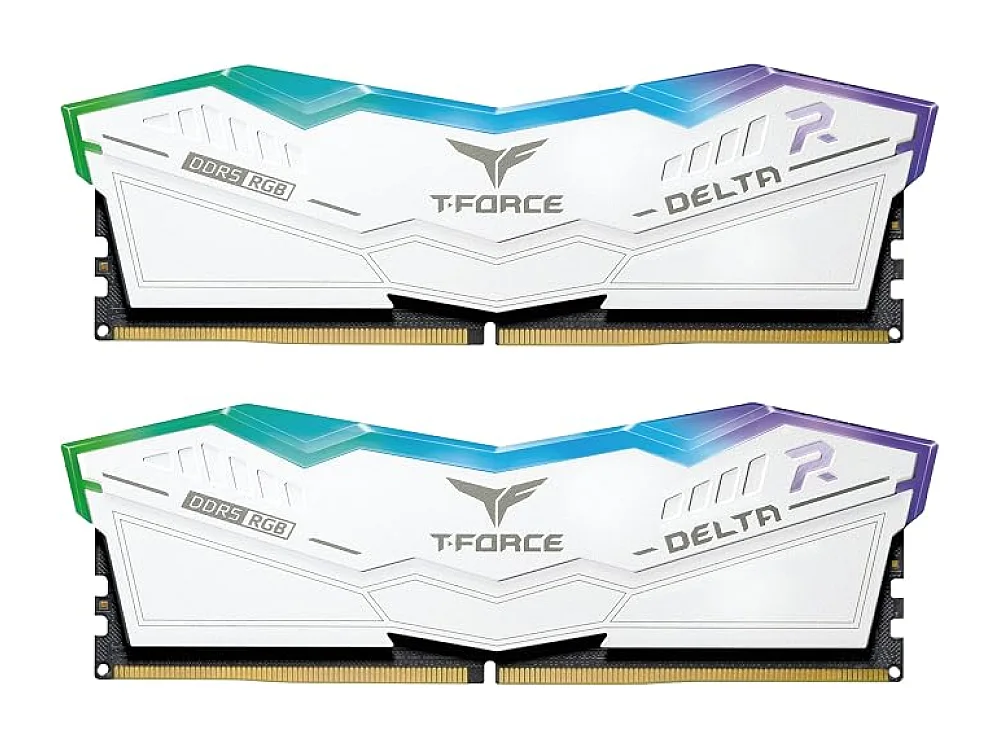 TeamGroup T-Force Delta RGB DDR5-6000 64GB
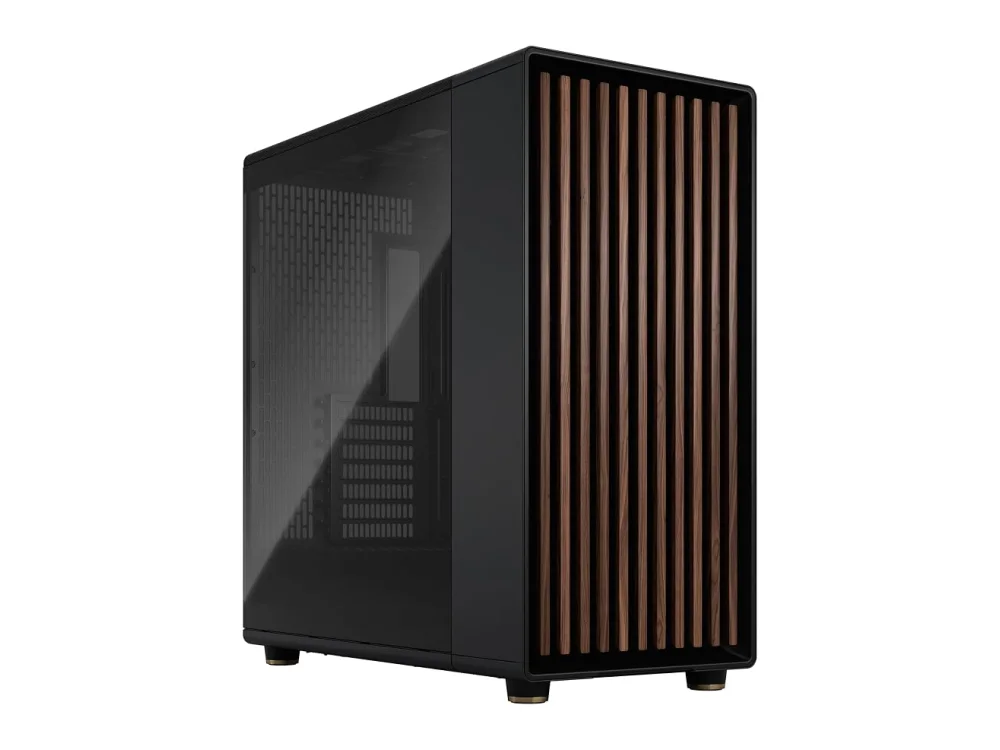 Fractal Design North XL
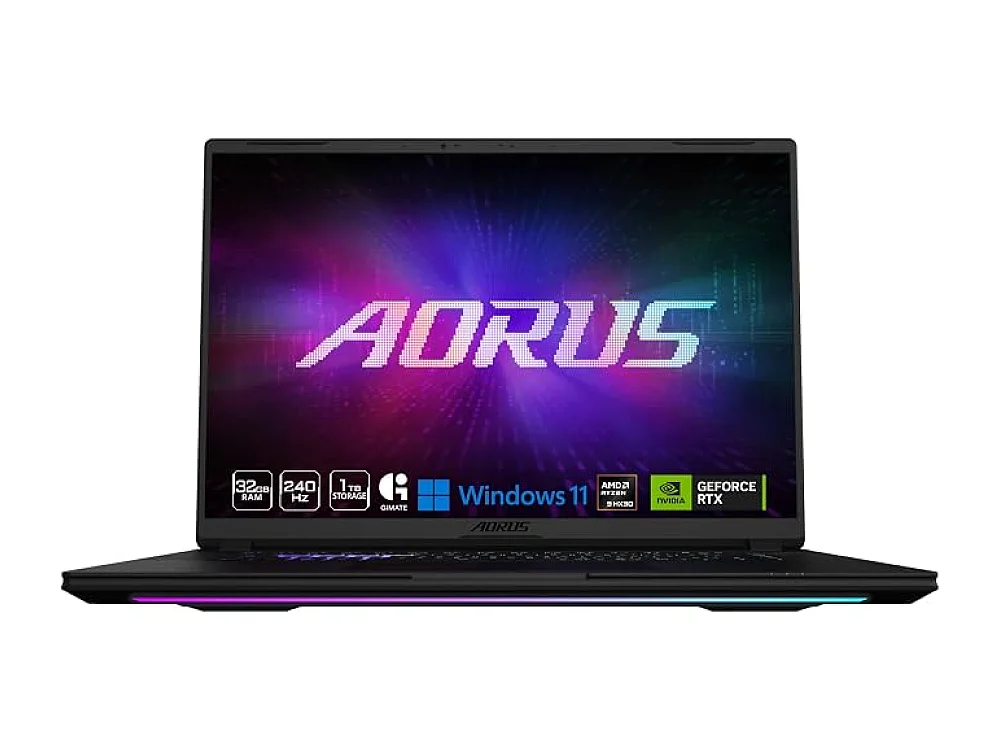 Gigabyte AORUS Master 16
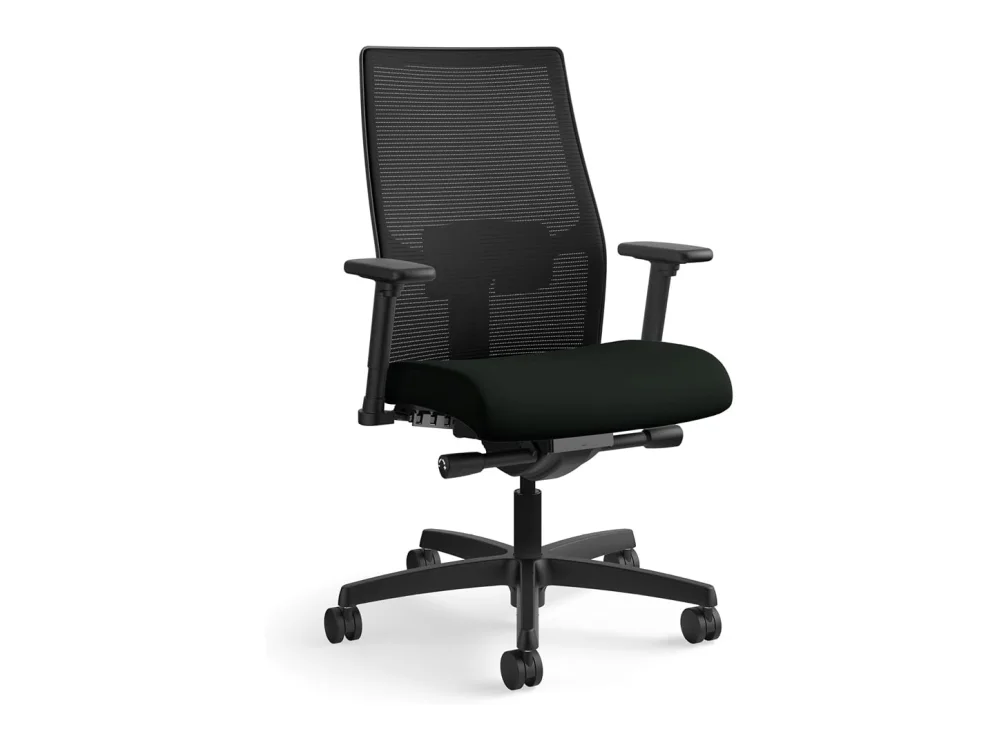 HON Ignition 2.0
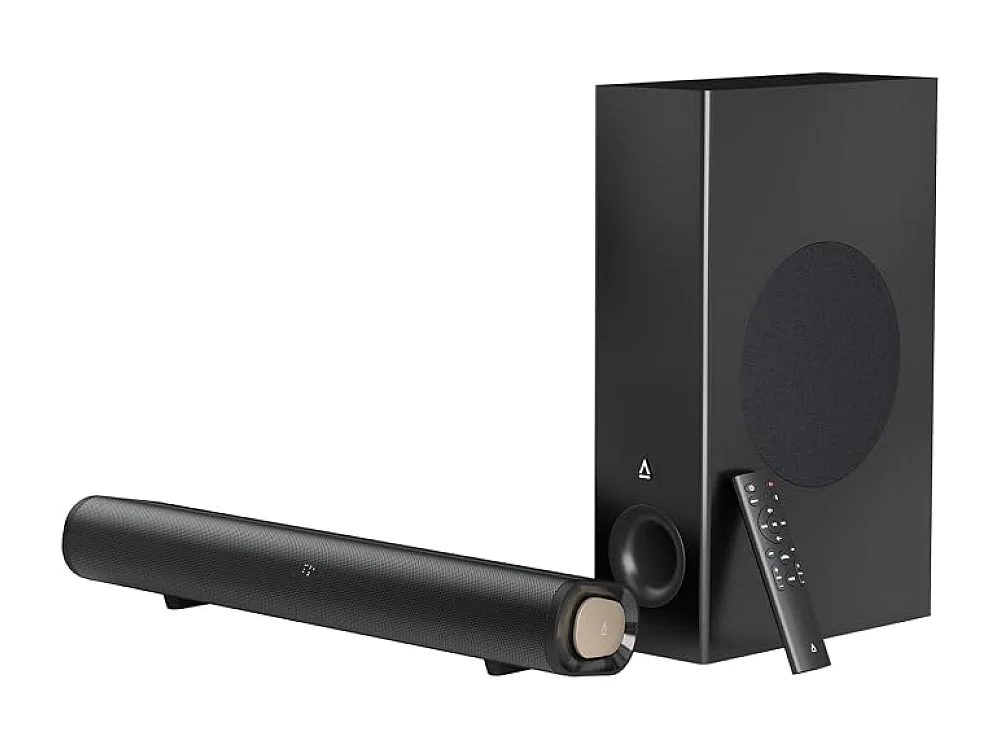 Creative Stage Pro
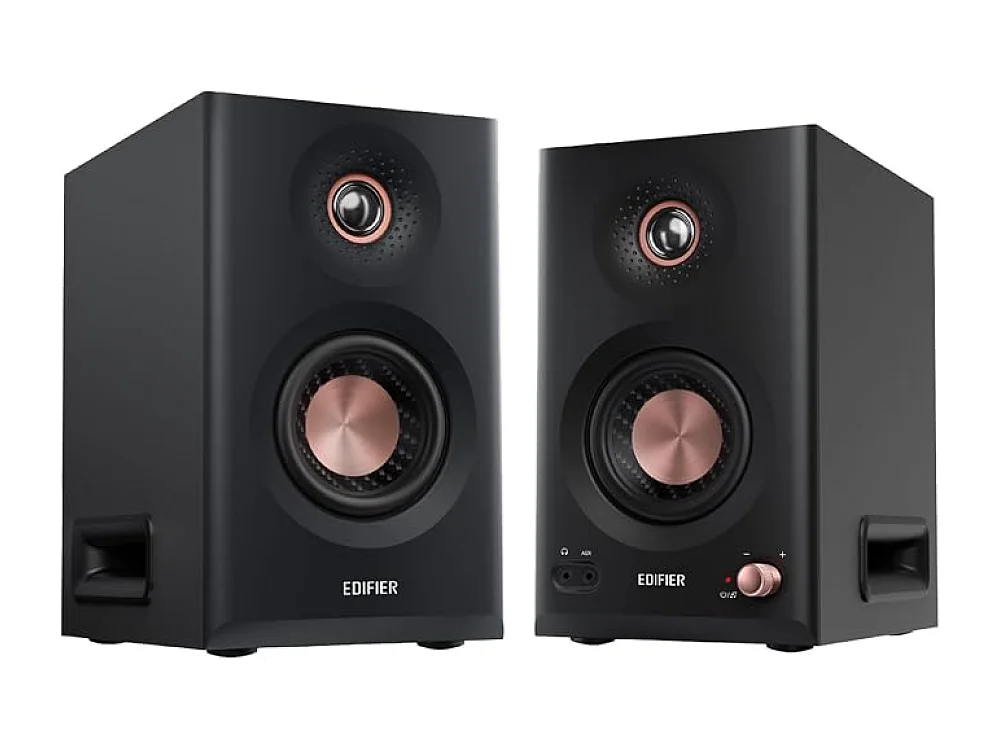 Edifier S350DB
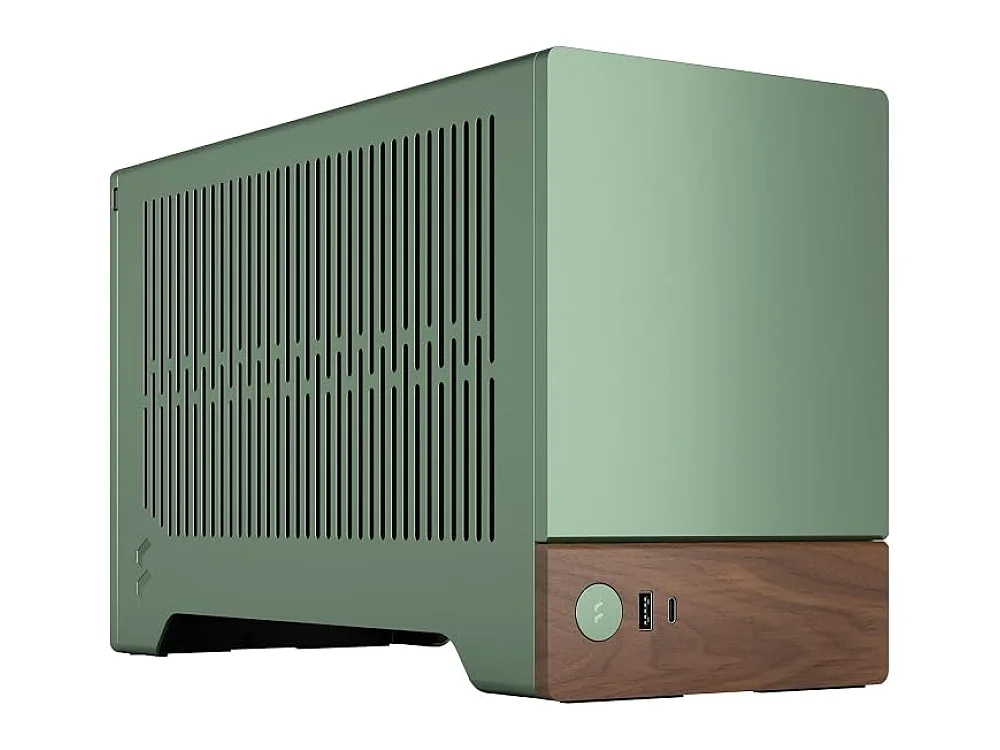 Fractal Design Terra
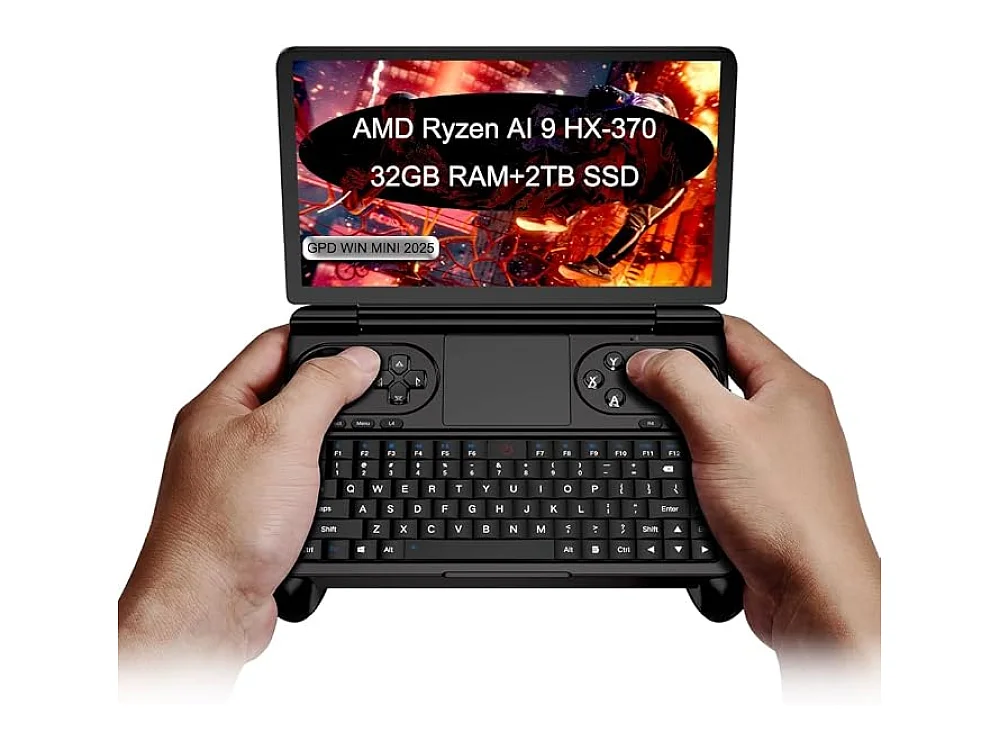 GPD WIN Mini 2025
Leave a comment
Questions, corrections or your own experience: it goes to our team at comments@runonconsole.com and you get a copy.