Best Gaming Mice
Ultra-light esports mice, ergonomic wireless mice and feature-rich MMO mice.
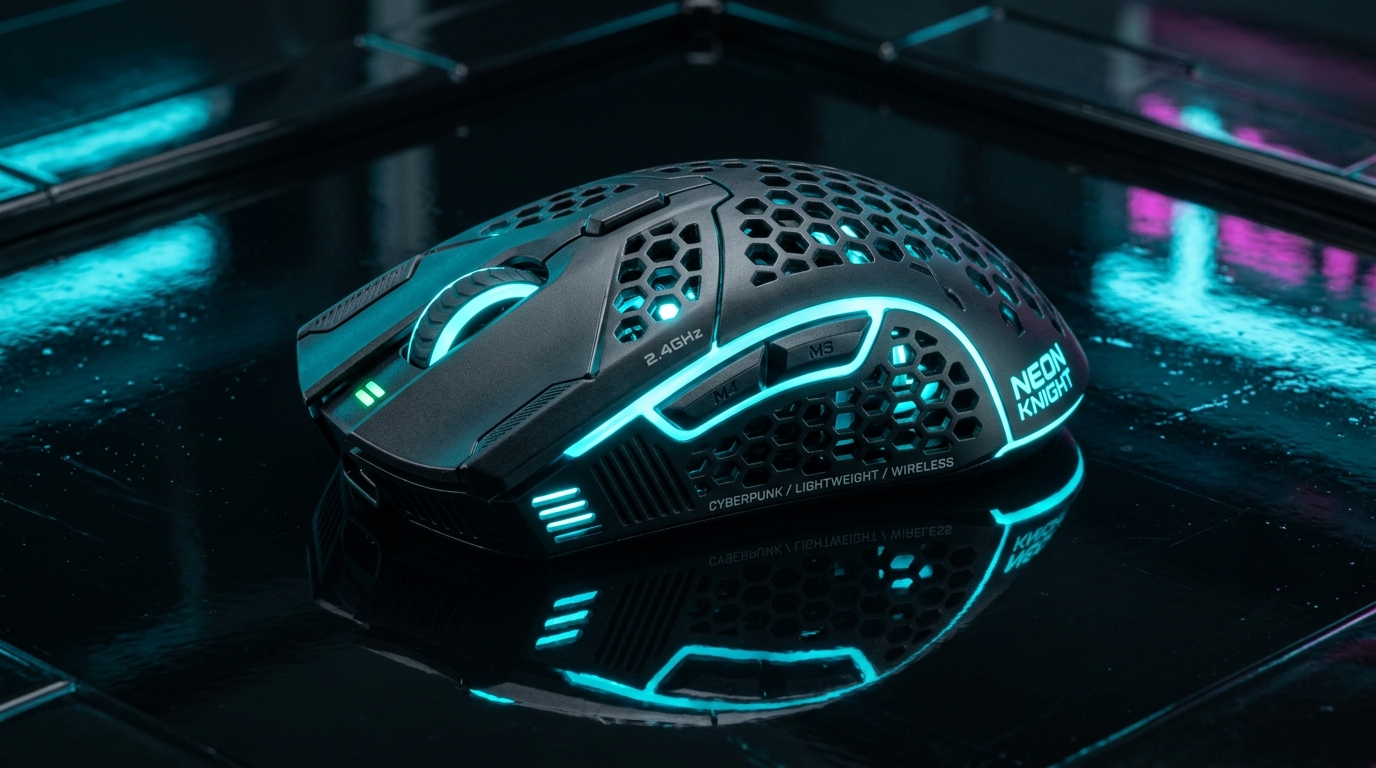
Our top gaming mice picks for 2026
A good gaming mouse balances sensor accuracy, polling rate, and weight to match your grip style and playstyle. This list highlights top options based on their listed specifications and intended use cases, from ultra-light competitive sticks to ergonomic workhorses. We focus on the hardware facts provided in the product data to help you decide what fits your setup.
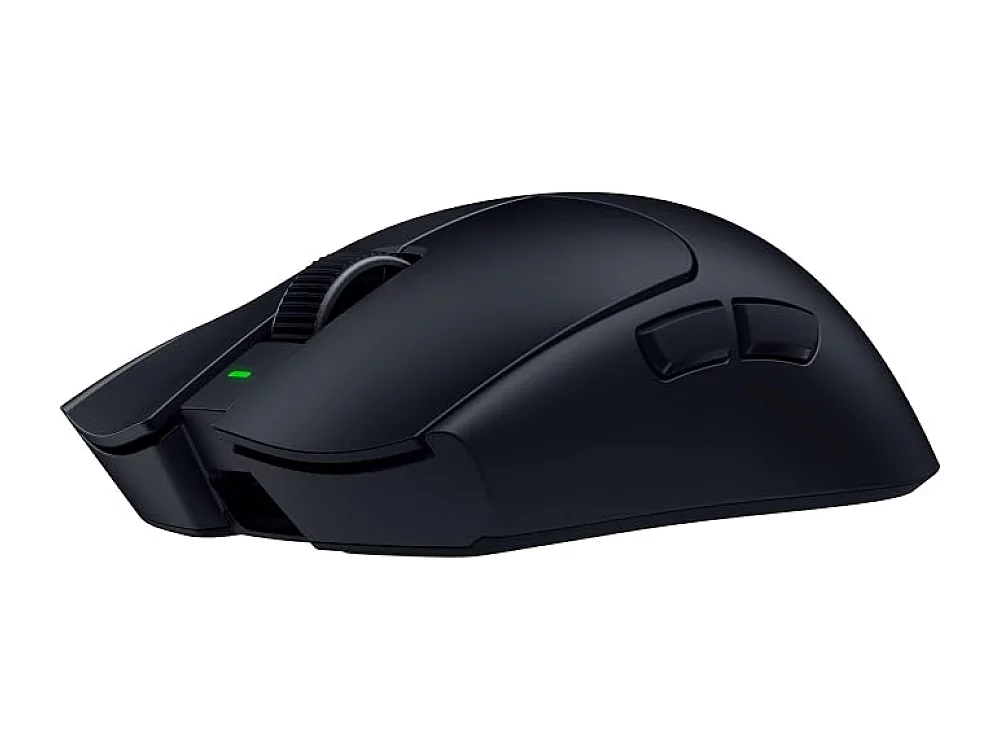
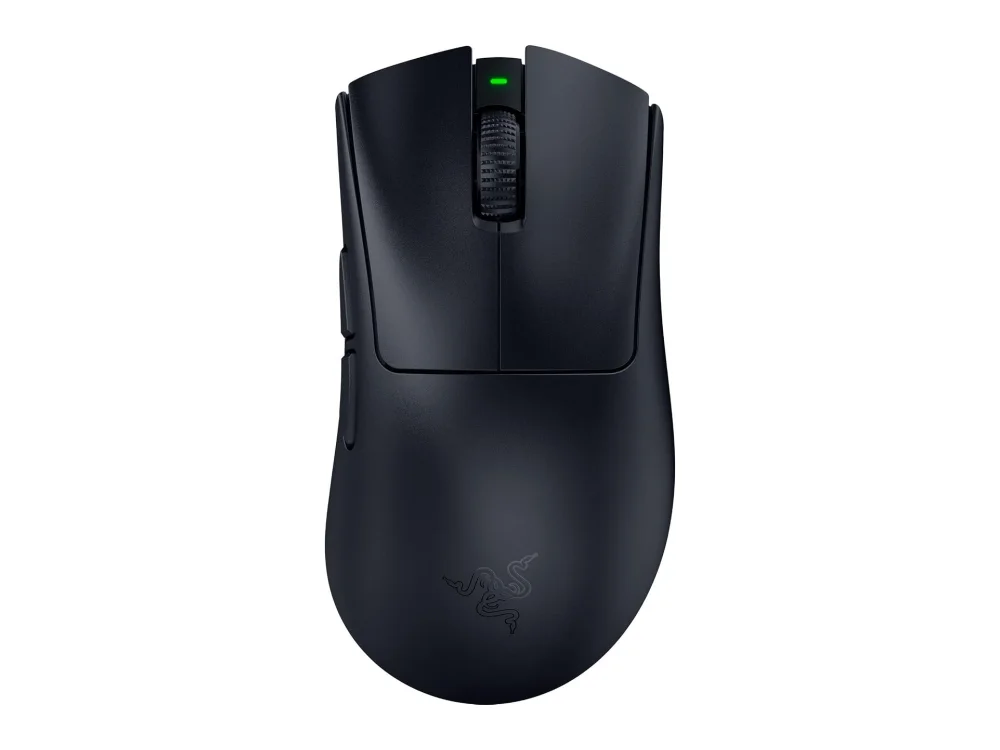
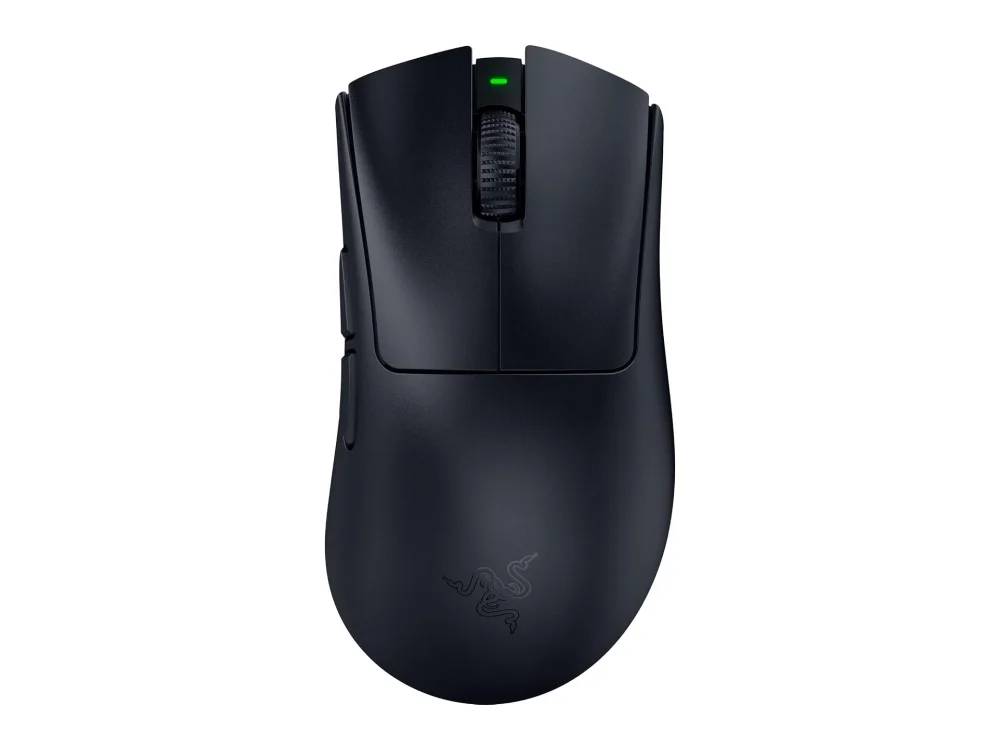
Razer Viper V4 Pro
This wireless mouse pairs a 50,000 DPI sensor with an 8,000 Hz polling rate for precise, low-lag tracking. It is a strong pick for competitive FPS players who want high-end performance without cable drag, though you will need to manage battery life during long sessions.
Check price on Amazon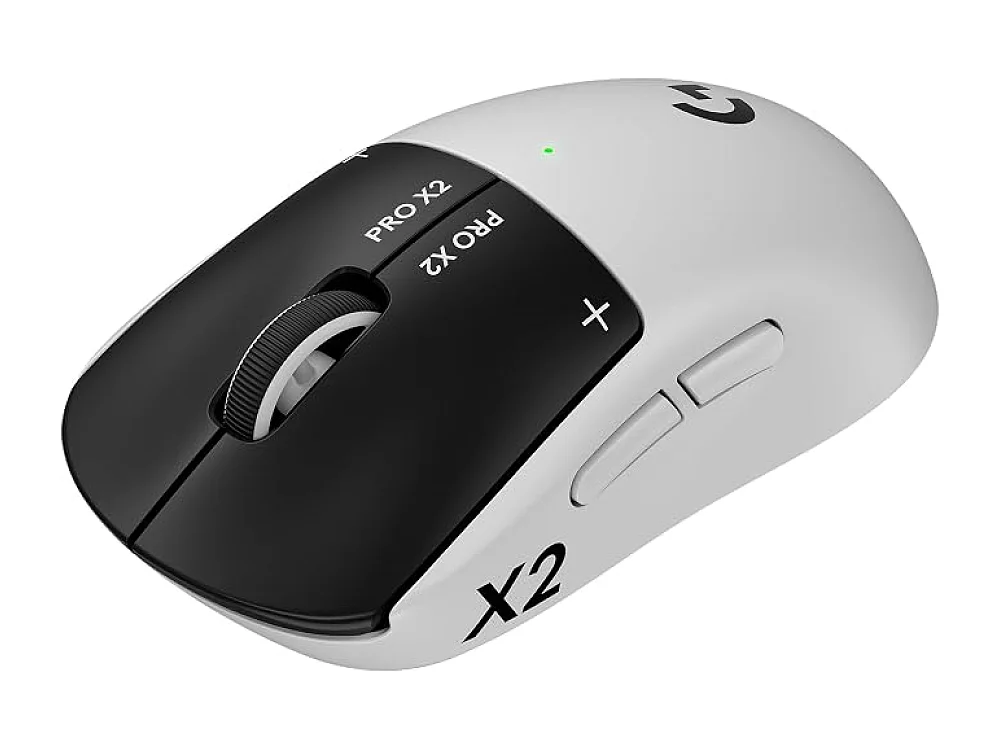
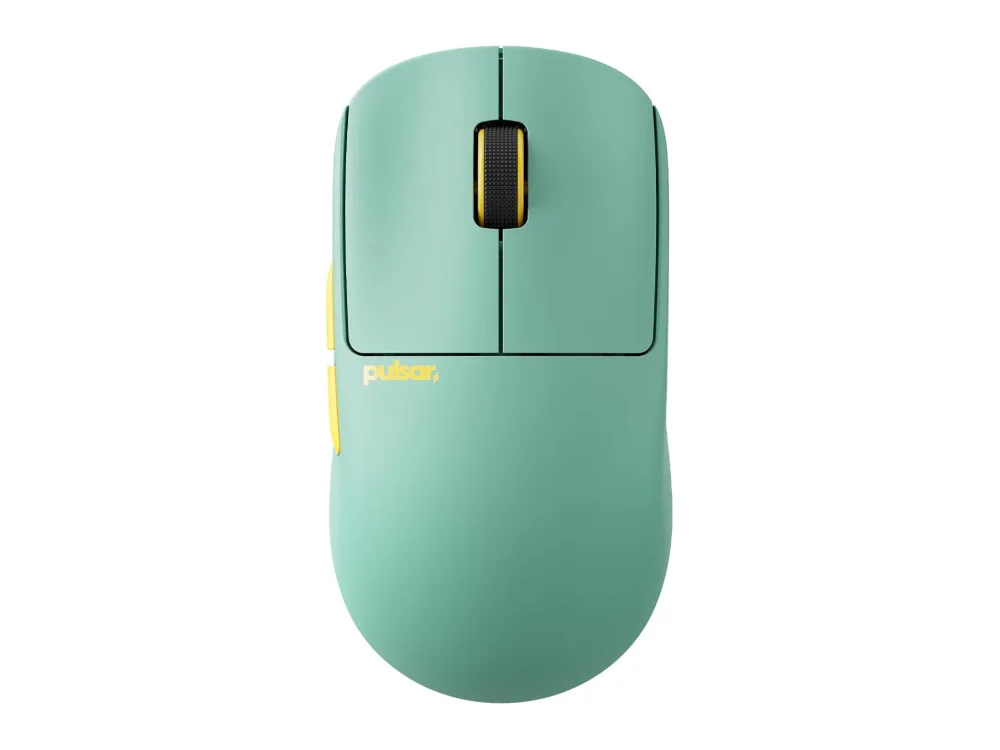
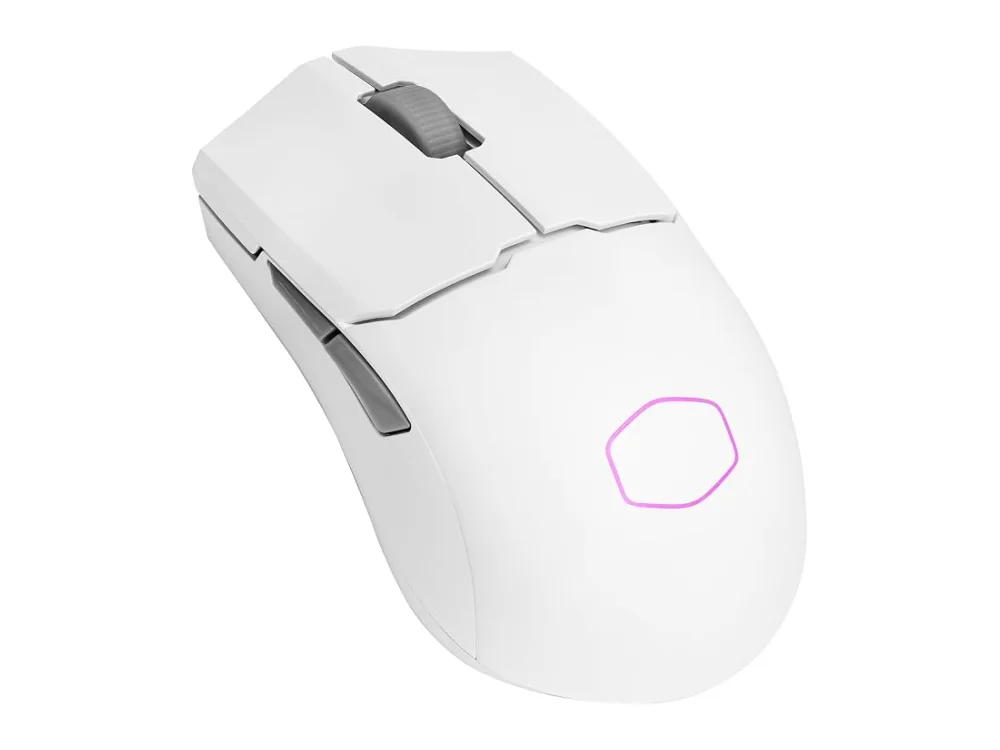
Pulsar X2F CrazyLight
Weighing only 29 g, this mouse is ideal for fingertip grip users who prioritize swift movements. The SX2 sensor offers high DPI and low latency, making it a solid choice for those who find standard gaming mice too heavy for rapid flicks.
Check price on Amazon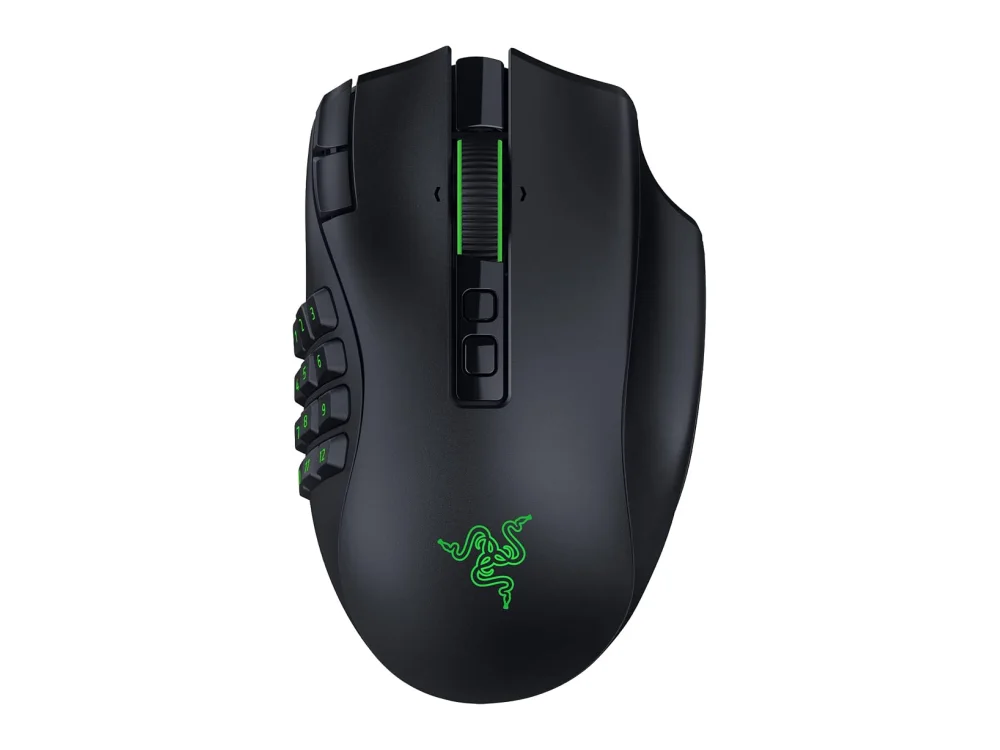
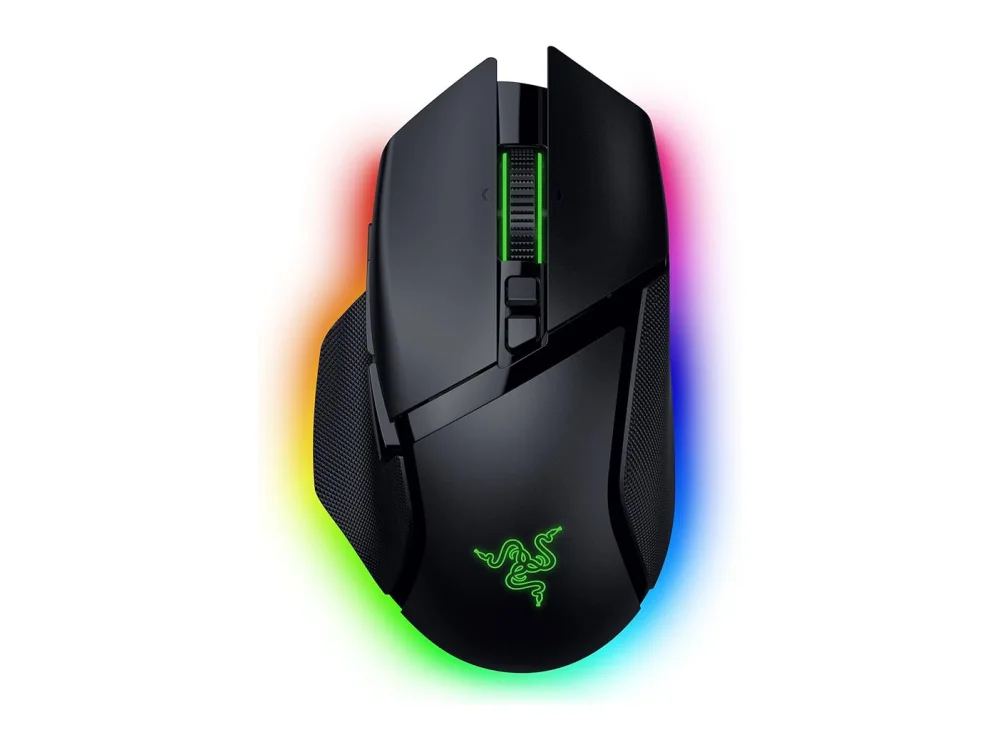
Razer Naga V3 Pro
The interchangeable side plates allow you to switch between 2, 6, or 12 extra buttons, which is essential for complex MMO or strategy game macros. It also features a 50,000 DPI sensor for high precision during long play sessions.
Check price on Amazon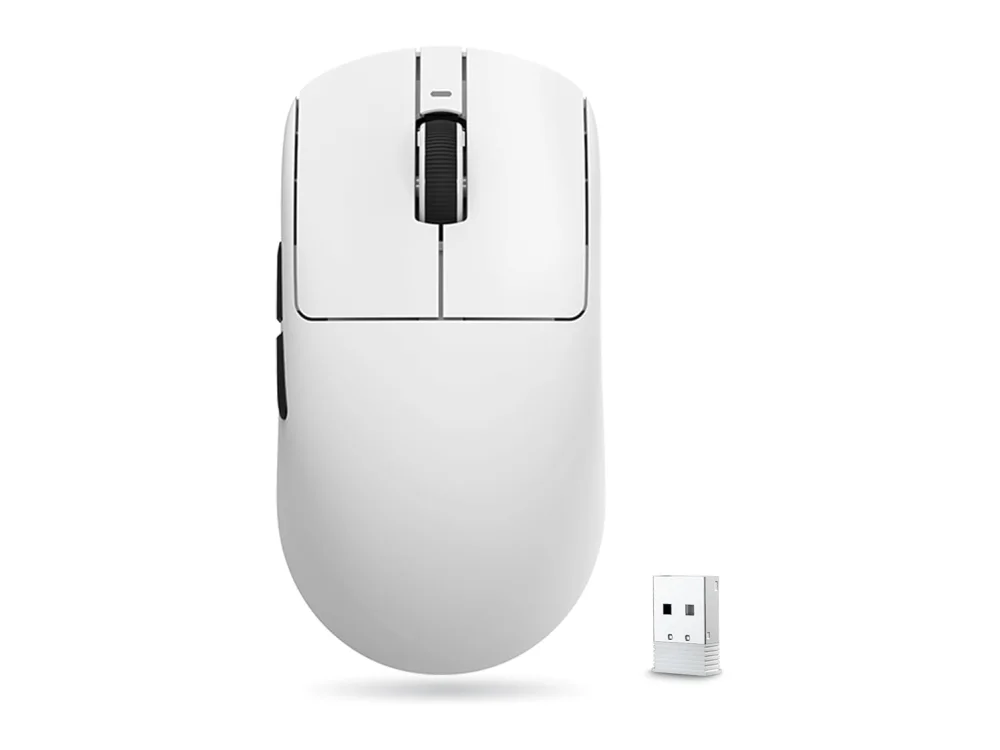
VXE R1 Pro
This lightweight wireless mouse uses a PAW3395 sensor, a standard in high-performance gaming, at a lower price point. It offers accurate tracking for competitive play without the premium cost, though it lacks the extensive customization of higher-end models.
Check price on AmazonPicked from each product's own specs and listing; we do not show fixed prices because they change every day.
All Gaming Mice
How to choose gaming mice
- Check the sensor model and maximum DPI to ensure it meets the precision requirements of your primary games.
- Consider the weight; ultra-light mice (under 50 g) suit fingertip grips, while slightly heavier options may be more comfortable for palm grips.
- Decide between wired and wireless; wired eliminates battery anxiety and potential latency, while wireless offers desk cleanliness and freedom of movement.
- Look at the button layout; MMO or strategy players need extra side buttons, whereas FPS players often prefer a minimalistic design for speed.
- Verify the polling rate; higher rates like 8,000 Hz can reduce input lag, but ensure your PC and monitor can handle the data throughput.
Gaming Mice: questions buyers ask
Is wireless gaming mouse latency noticeable?
For most players, modern wireless mice have negligible latency. However, if you are competing at a professional level, a wired mouse with a high polling rate like 8,000 Hz may offer the absolute lowest input lag.
What DPI setting is best for FPS games?
There is no single best DPI; it depends on your mousepad size and aiming style. Many competitive players use lower DPI settings (400-800) for finer control, while others prefer higher DPI for faster flicks. Check the sensor's maximum range to ensure it supports your preferred setting.
Do I need a high polling rate like 8,000 Hz?
An 8,000 Hz polling rate updates your cursor position more frequently than the standard 1,000 Hz, which can reduce perceived input lag. However, it requires a compatible USB receiver and may drain battery life faster on wireless models.