 BEST WIRELESS MECHANICALClick to zoom
ASUS ROG Azoth
by ASUS ROG
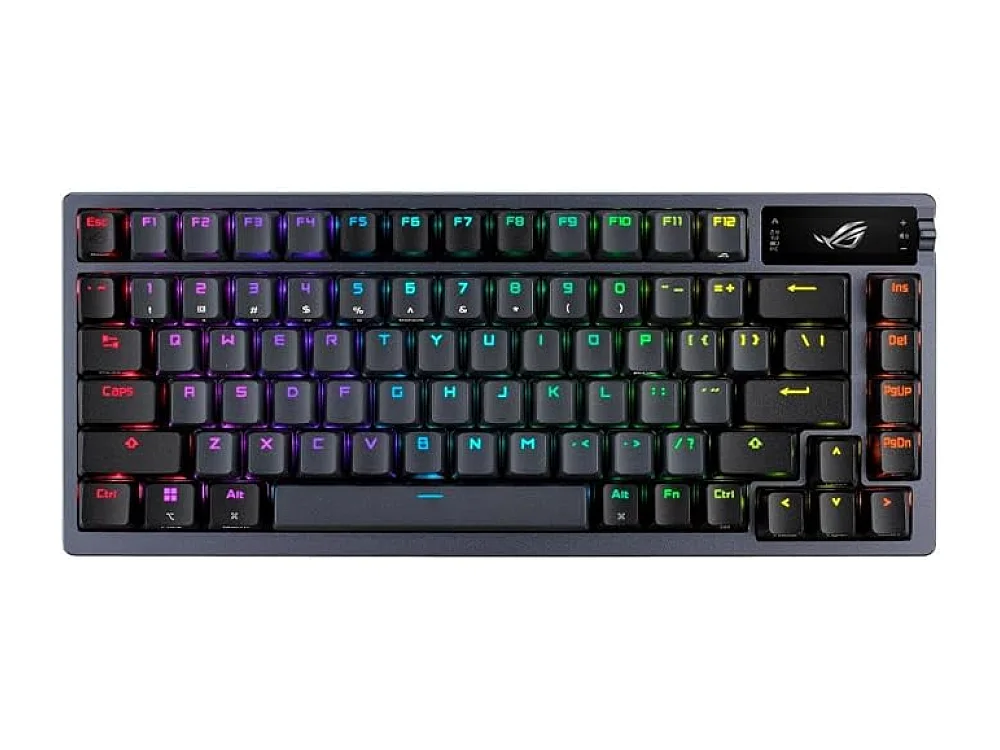
The ASUS ROG Azoth is a gaming keyboard from ASUS ROG: 75%, mechanical, tri-mode wireless, hot-swappable. Our pick: Best Wireless Mechanical.
- 75%
- mechanical
- tri-mode wireless
- hot-swappable
Prices and stock change often; Amazon shows the current price. We may earn a commission from qualifying purchases.
ASUS ROG Azoth key specifications
About the ASUS ROG Azoth
The ASUS ROG Azoth is a 75% mechanical Gaming Keyboard that packs a full set of alphanumeric keys plus a function row in a compact layout. It supports tri-mode wireless—Bluetooth, 2.4 GHz RF, and a wired USB-C connection—so you can choose the link that best fits your setup. The key benefit is its hot-swappable switch sockets, letting you try different mechanical switches without soldering. Combined with a sturdy chassis and per-key RGB lighting, the Azoth delivers responsive typing and gaming performance while staying portable enough for desk-to-couch moves.
Design
The Azoth features a low-profile, matte-finished case with a detachable USB-C cable. Its 75% layout reduces desk footprint while keeping arrow keys and a full function row. The keycaps are double-shot PBT, and the chassis is reinforced with an aluminum top plate.
Where it fits
- Compact desk setups where space is limited
- Wireless gaming sessions on couch or near TV
- Players who like to experiment with different mechanical switches
- Games that benefit from fast, tactile feedback such as FPS or RTS
Before you buy
Confirm the listed switch type is hot-swappable and verify the keyboard’s size is the 75% layout you expect; some bundles may include different keycap sets.
If you need a full-size keyboard with a numeric keypad or prefer a fixed switch type, the Azoth may feel cramped.
Who it is for
This keyboard suits gamers who want a compact 75% layout without sacrificing a function row or arrow keys. It is ideal for those who value wireless flexibility via Bluetooth or 2.4 GHz, allowing them to switch between PC and couch setups easily. If you enjoy customizing your typing feel, the hot-swappable switches make it a strong choice for experimenting with different mechanical profiles.
Setup tips
- Pair the keyboard via 2.4 GHz RF for the lowest latency during competitive gaming, reserving Bluetooth for casual or non-critical use.
- Use the detachable USB-C cable to connect directly when battery life is low or for stable wired performance.
- Check the switch pins on the listing (3-pin vs 5-pin) before buying new switches to ensure compatibility with the hot-swap sockets.
- Wipe the PBT keycaps with a dry microfiber cloth to maintain their matte finish and prevent oil buildup.
ASUS ROG Azoth pros and cons
What we like
- Compact 75% layout saves desk space
- Tri-mode wireless gives flexibility
- Hot-swappable sockets for switch customization
- Solid build with aluminum top plate
- Per-key RGB lighting
Keep in mind
- No dedicated numeric keypad
- Battery life depends on wireless mode
- Limited to the switches provided unless you purchase extras
ASUS ROG Azoth price
Prices and deals change every day, so we do not show a fixed price. Amazon shows today's price, stock and delivery.
Related on Run On Console
ASUS ROG Azoth: questions buyers ask
What are the main specs of the ASUS ROG Azoth?
The ASUS ROG Azoth comes with Brand: ASUS ROG; Best For: Best Wireless Mechanical; Key Specs: 75% · mechanical · tri-mode wireless · hot-swappable. The full list is in the specifications above.
Is the 75% layout too small for FPS or RTS games?
The 75% layout retains arrow keys and a function row, which covers most gaming needs. However, if you rely heavily on a numeric keypad for data entry or specific game macros, you may find it limiting. Check if your specific game requires numpad input before switching from a full-size board.
Can I use this keyboard with consoles like PS5 or Xbox?
The tri-mode wireless connection includes Bluetooth and 2.4 GHz RF, which are generally compatible with major consoles. However, specific key remapping and media key support vary by console firmware. Verify the exact console compatibility on the product listing to ensure your preferred key bindings work.
How does the hot-swap feature work for beginners?
You can pull out existing switches with a puller tool and insert new ones without soldering. This allows you to try tactile, linear, or clicky switches to find your preference. Ensure the replacement switches match the pin configuration listed for this model to avoid damage.
Is the build quality sturdy enough for daily use?
The chassis features a reinforced aluminum top plate and double-shot PBT keycaps, which resist shine and wear over time. The low-profile design also helps with portability. For heavy-handed typists, the solid construction should withstand regular daily use without flexing.
Who is the ASUS ROG Azoth best for?
It is a good pick for best Wireless Mechanical. The ASUS ROG Azoth is a gaming keyboard from ASUS ROG: 75%, mechanical, tri-mode wireless, hot-swappable.
What are alternatives to the ASUS ROG Azoth?
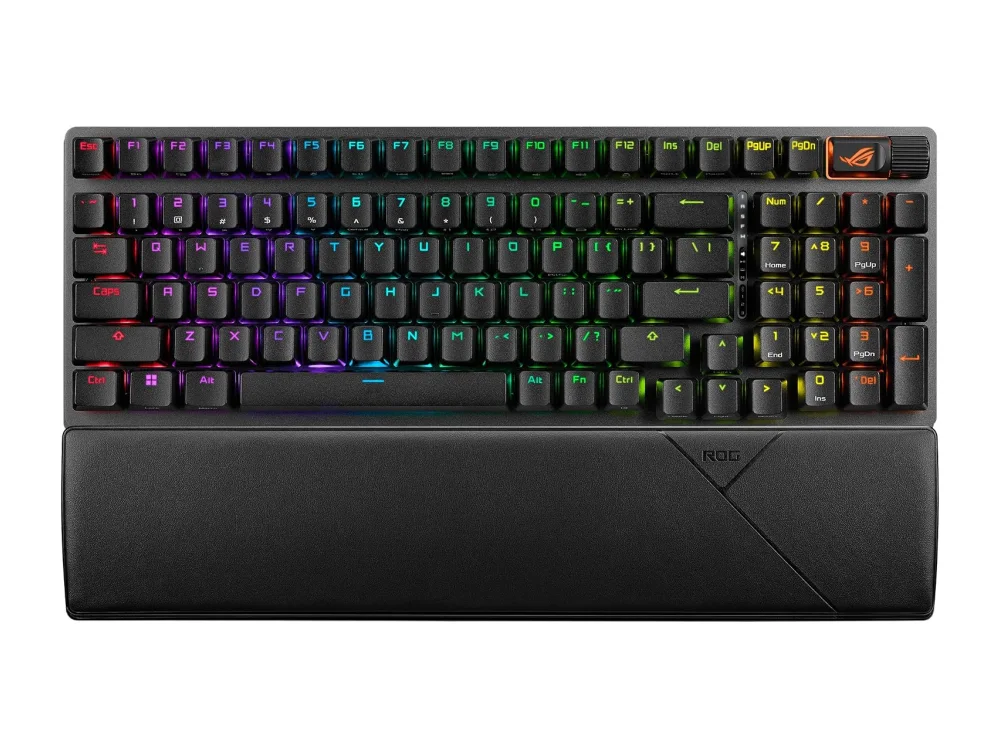
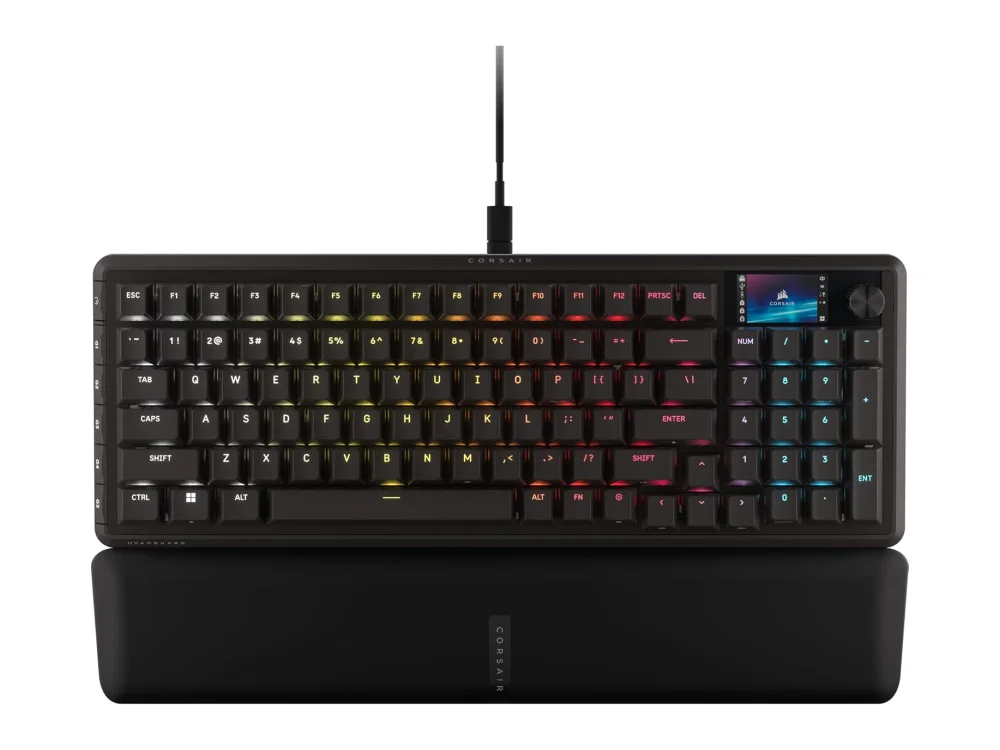
Other Gaming Keyboards worth comparing: the NuPhy WH80, the ASUS ROG Strix Scope II 96 Wireless, the Corsair Vanguard Pro 96. All 19 picks are on our Gaming Keyboards page, with their specs side by side.
Where can I buy the ASUS ROG Azoth?
The button on this page opens the ASUS ROG Azoth on Amazon, where you can see the current price, stock and seller. Prices change often, so we do not list them here.
More Gaming Keyboards
See all 19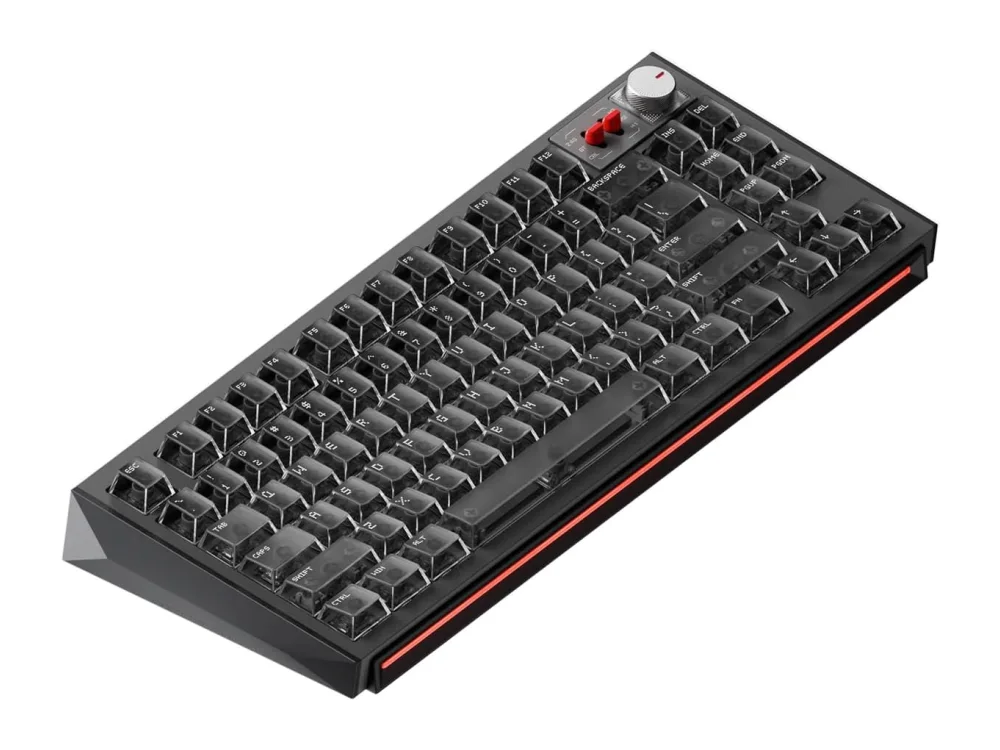 GAMING KEYBOARDSNuPhy
NuPhy WH80
The NuPhy WH80 is a NuPhy-branded gaming keyboard aimed at players who want a solid, straightforward typing experience and reliable key feel.