ASUS ROG Azoth Extreme vs ASUS ROG Azoth 96 HE – Which to Buy?

Article Overview & Key Takeaways
The ASUS ROG Azoth Extreme and the ASUS ROG Azoth 96 HE are both premium ROG keyboards, but they target different gamers. This guide breaks down their specs, pros, and cons so you can choose the right one for your setup.
Gaming gear to check
 Razer Huntsman V3 Pro TKL
 Razer BlackWidow V4 Pro 75%
 GPD WIN 5
Both the ASUS ROG Azoth Extreme and the ASUS ROG Azoth 96 HE sit at the top of ASUS' mechanical keyboard lineup, offering premium builds, RGB flair, and ROG‑specific features. If you’re weighing which of these two high‑end keyboards belongs on your desk, you’ve come to the right place. In the next few minutes we’ll compare their key specs, talk about who each model suits best, and give you a clear recommendation.
For a broader look at the world of gaming keyboards, check out our Gaming Keyboards hub. It covers everything from budget options to flagship models, and it’s a great place to see how the Azoth family stacks up against the competition.
ASUS ROG Azoth Extreme Overview
The ASUS ROG Azoth Extreme is marketed as the ultimate ROG keyboard for competitive play. It features a full‑size 104‑key layout, hot‑swappable Kailh Box switches, and a detachable magnetic wrist rest. The chassis is machined aluminum with a brushed‑metal finish, and the keycaps are double‑shot PBT for durability.
Key features include:
- Hot‑swappable switch sockets (Kailh Box White, Brown, or Red)
- Per‑key RGB lighting powered by Aura Sync
- Integrated USB‑type‑C pass‑through and 2.5 Gbps Ethernet port for low‑latency networking
- On‑board macro recorder with up to 20 profiles
- Detachable magnetic wrist rest with memory‑foam padding
Pros
- Premium build quality and sleek aesthetics
- Hot‑swap flexibility lets you change switches without soldering
- Ethernet port is a rare but useful feature for competitive gamers
- Strong macro engine for MMO and RTS commands
Cons
- Full‑size layout may be too large for compact desks
- Higher learning curve for users new to hot‑swap keyboards
- Price is at the top end of the market (check the current price on the product page)
Want to buy a gaming keyboard? Here are 3 similar picks:
- ASUS ROG Strix Scope II 96 Wireless: Best Wireless Overall
- be quiet! Light Mount TKL: Best Quiet Mechanical
- Corsair Vanguard Pro 96: Best Hall Effect / 96%
Open a product to see its full details, then use the Amazon button there.
ASUS ROG Azoth 96 HE Overview
The ASUS ROG Azoth 96 HE trims the footprint down to a 96‑key tenkeyless design while keeping many of the flagship features. It uses the same hot‑swappable switch system, but the chassis is slightly lighter, and the wrist rest is integrated rather than magnetic. The 96 HE is aimed at gamers who value desk space and want a more aggressive, minimalist look.
Key features include:
- Hot‑swappable Kailh Box switches (same options as the Extreme)
- Per‑key RGB with Aura Sync
- Integrated USB‑type‑C pass‑through (no Ethernet port)
- On‑board macro recorder (up to 15 profiles)
- Fixed aluminum wrist rest with a low‑profile shape
Pros
- More compact – fits easily on smaller desks
- Lower overall weight, easier to transport
- Still offers hot‑swap capability and robust RGB
- Slightly lower price point (check the current price on the product page)
Cons
- No dedicated Ethernet port
- Fixed wrist rest may not suit every ergonomic preference
- Fewer macro profiles compared to the Extreme
Want to buy a gaming keyboard? Here are 3 similar picks:
- Epomaker Glyph: Best New Mechanical / Typing
- Keychron K2 HE: Best Value Magnetic
- Keychron Q1 HE: Best Premium Typing + Gaming
Open a product to see its full details, then use the Amazon button there.
asus rog azoth extreme vs asus rog azoth 96 he: Feature Comparison
| Feature | Azoth Extreme | Azoth 96 HE |
|---|---|---|
| Layout | Full‑size (104 keys) | Tenkeyless (96 keys) |
| Switch type | Hot‑swappable Kailh Box (White/Brown/Red) | Hot‑swappable Kailh Box (same options) |
| RGB | Per‑key Aura Sync | Per‑key Aura Sync |
| Wrist rest | Detachable magnetic, memory foam | Fixed aluminum, low‑profile |
| Ethernet port | 2.5 Gbps Ethernet | None |
| Macro profiles | Up to 20 | Up to 15 |
| Weight | ~1.3 kg | ~1.0 kg |
Both keyboards share the same ROG‑centric software ecosystem, so you’ll get identical lighting customization and key‑binding interfaces. The main differentiators are size, Ethernet connectivity, and the type of wrist rest.
Which Keyboard Should You Pick?
Competitive eSports players who rely on ultra‑low latency networking and need a large number of macro slots will feel most at home with the Azoth Extreme. Its Ethernet port removes a potential source of lag, and the detachable wrist rest can be positioned for maximum comfort during marathon sessions.
Streamers and content creators who travel frequently or have limited desk space will likely gravitate toward the Azoth 96 HE. The tenkeyless layout frees up room for a mouse and a second monitor, and the lighter chassis makes it easier to carry between rigs.
If you’re a MMO or RTS enthusiast who uses many macros, the Extreme’s 20 macro profiles give you a little extra breathing room. For FPS‑focused gamers who prefer a minimalist setup, the 96 HE’s compact form and lower weight are advantageous.
In short, choose the Azoth Extreme if you value every premium feature and have the desk space to accommodate it. Opt for the Azoth 96 HE if you need a smaller footprint, lighter weight, and are okay without the Ethernet port.
Related Reading
Need help narrowing down the perfect keyboard for your play style? Our guide How to Choose Gaming Keyboard: A Simple Guide for Gamers walks you through the most important specs. For a deeper dive into what actually matters in a keyboard, see Gaming Keyboard Specs Explained: What Actually Matters.
If you’re also looking to upgrade other parts of your rig, the Gaming Mice hub can help you match a mouse to your new keyboard. Pairing a high‑refresh‑rate monitor from our Gaming Monitors section will give you the visual edge you need.
Finally, don’t forget to run a quick compatibility check on any new game you plan to play. Our Can I run it? tool tells you whether your system meets the requirements before you buy.
FAQ
What is the difference between the ASUS ROG Azoth Extreme and the 96 HE?
The main differences are layout (full‑size vs tenkeyless), presence of a 2.5 Gbps Ethernet port on the Extreme, and the type of wrist rest (detachable magnetic vs fixed). Both share hot‑swappable Kailh Box switches and per‑key RGB.
Can I use the same keycaps on both keyboards?
Yes. Both models use a standard MX‑compatible stem, so any aftermarket keycap set designed for MX switches will fit.
Is the hot‑swap feature reliable for daily use?
ASUS uses high‑quality Kailh sockets that are rated for thousands of switch changes. As long as you handle the switches gently, the hot‑swap system is robust enough for everyday gaming.
Do I need the Ethernet port on the Extreme?
The Ethernet port is optional but valuable for competitive players who want a wired, low‑latency connection that bypasses Wi‑Fi interference. Casual gamers can safely ignore it.
Conclusion
Both the ASUS ROG Azoth Extreme and the ASUS ROG Azoth 96 HE are excellent keyboards that deliver the premium feel ROG fans expect. Your decision should hinge on desk space, need for Ethernet connectivity, and how many macro profiles you require. Whichever you pick, you’ll be getting a keyboard built for performance, durability, and the signature ROG aesthetic.
Keep reading: more on Gaming Keyboards
Keep reading
Gaming gear on Run On Console
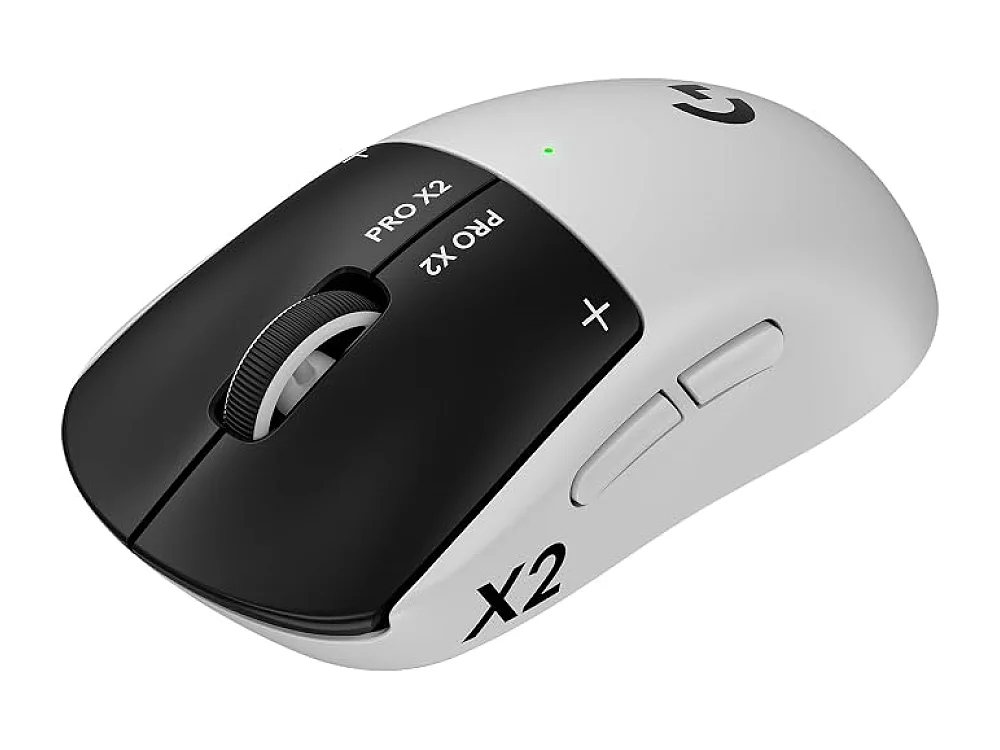 Logitech G PRO X2 SUPERSTRIKE
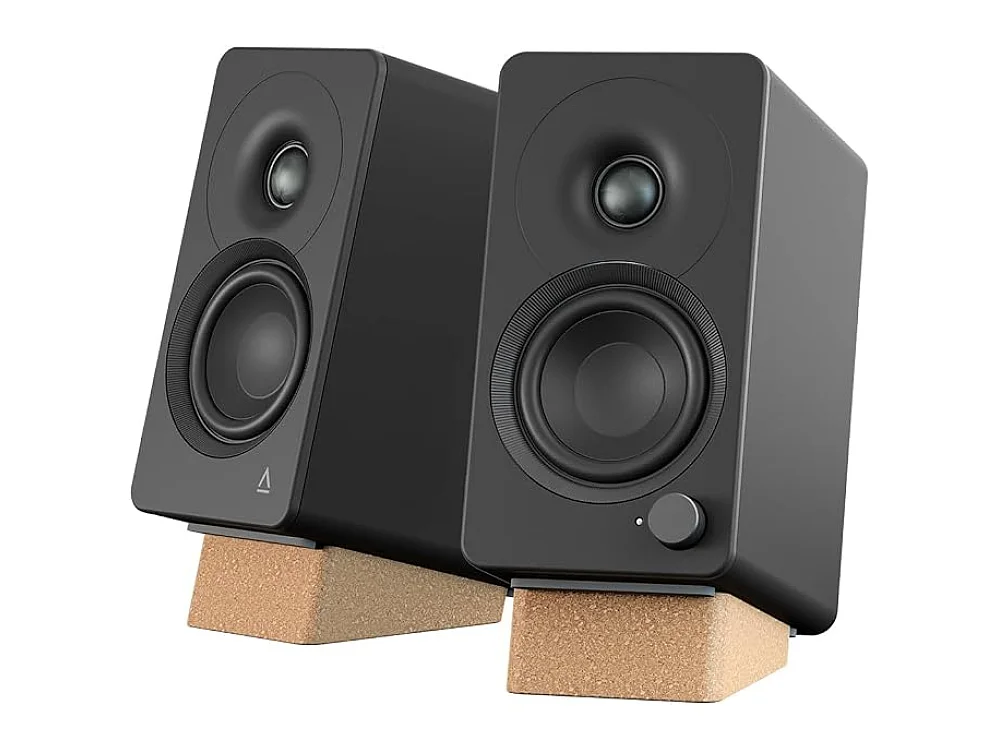 Creative XF1
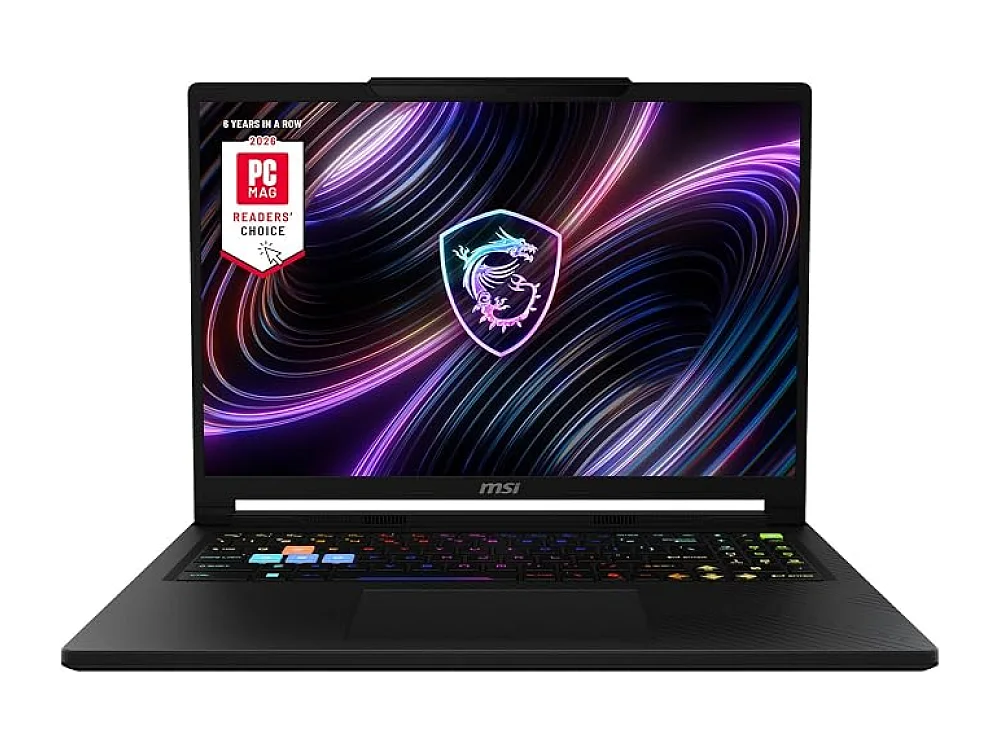 MSI Raider A18 HX
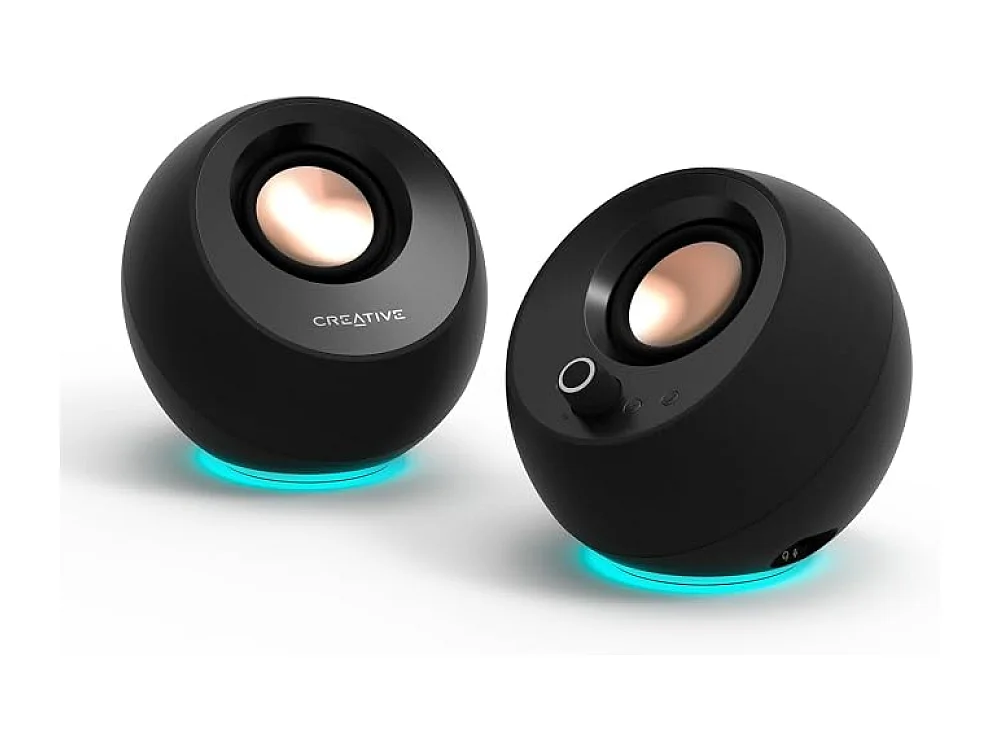 Creative Pebble Pro
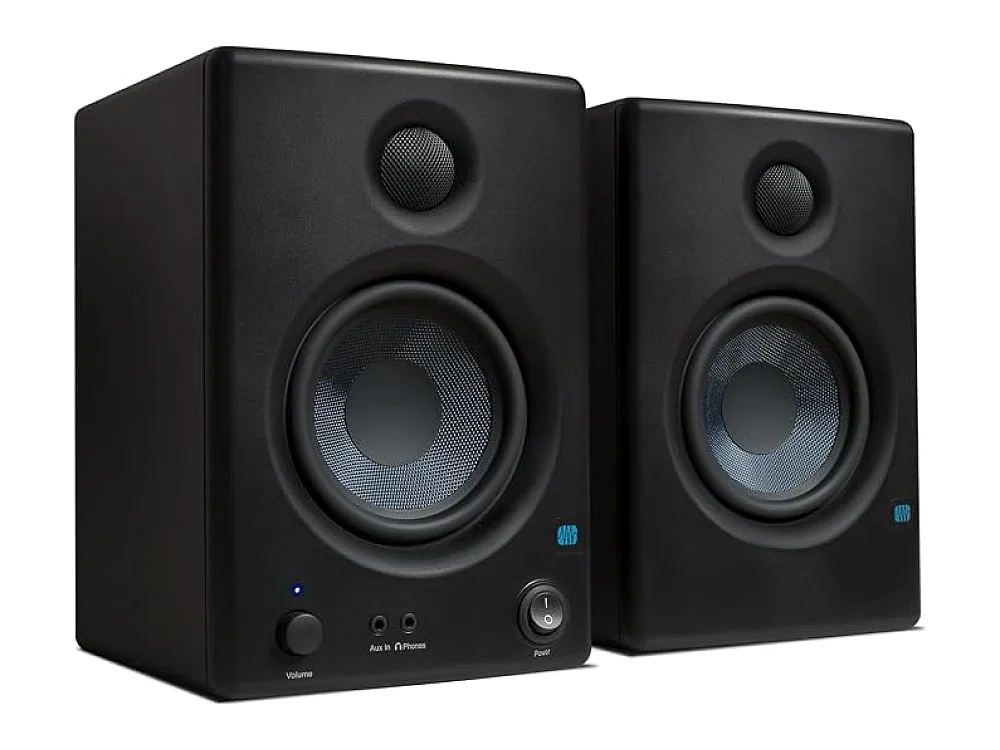 PreSonus Eris E4.5
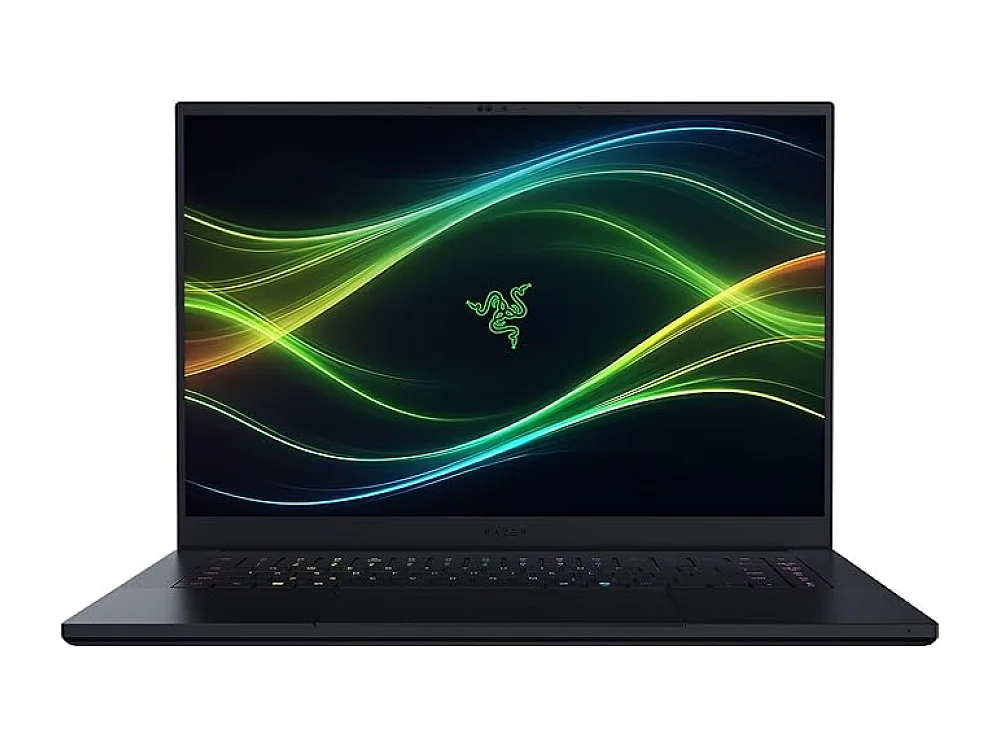 Razer Blade 16 (2026)
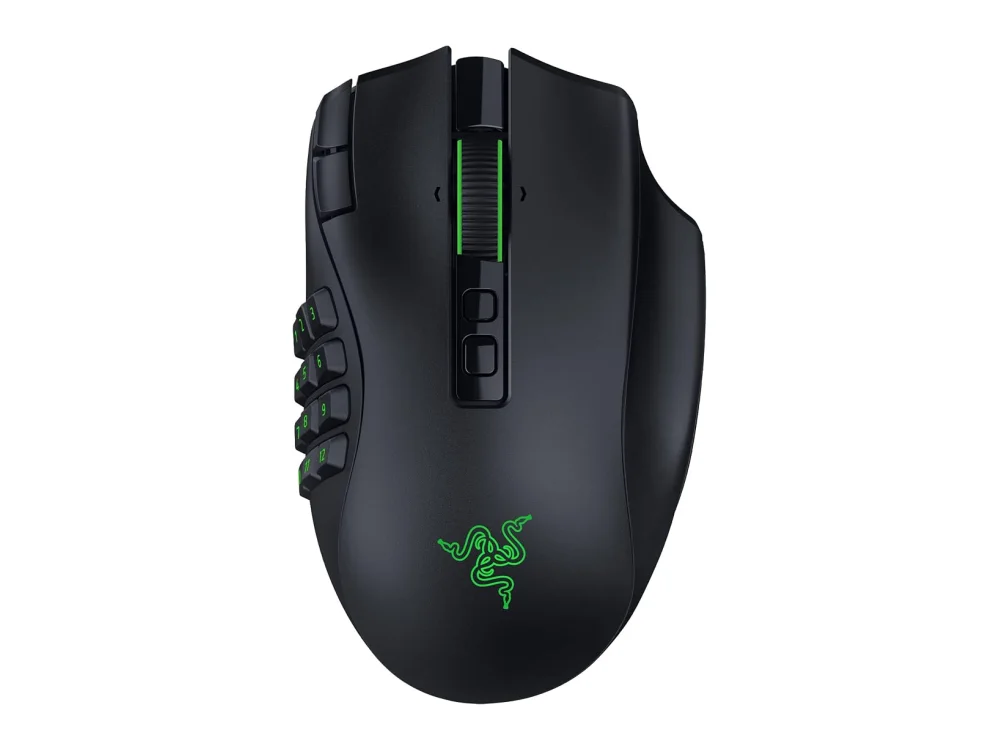 Razer Naga V3 Pro
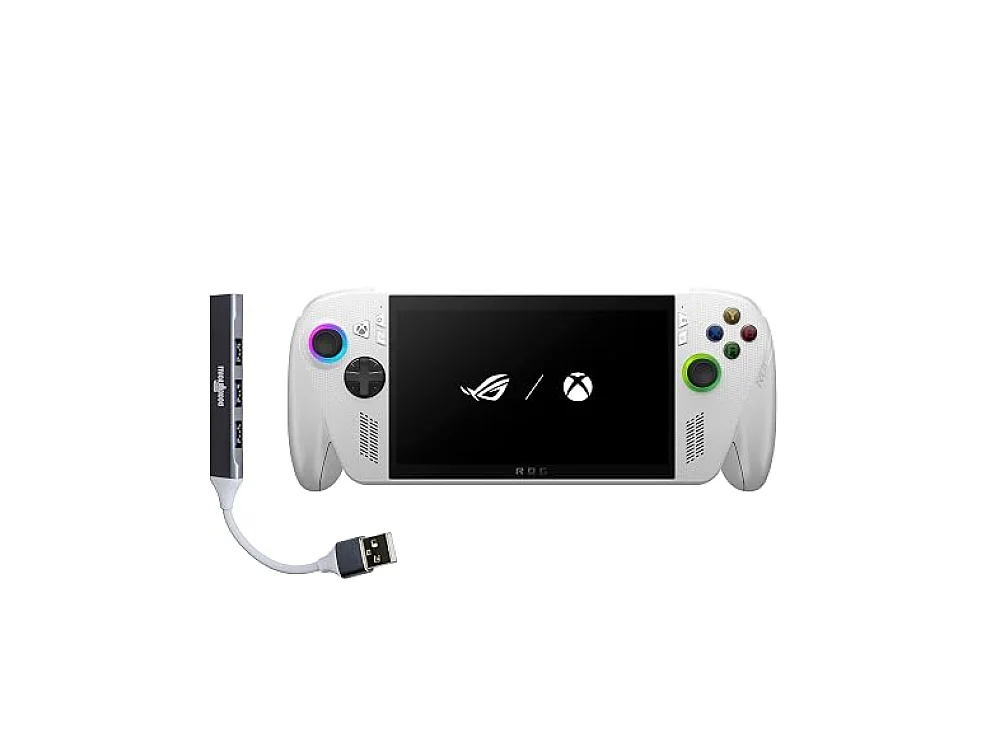 ROG Xbox Ally
Leave a comment
Questions, corrections or your own experience: it goes to our team at comments@runonconsole.com and you get a copy.