Gaming Keyboard Specs Explained: What Actually Matters

Article Overview & Key Takeaways
Learn what gaming keyboard specs really affect your performance, from actuation force to key rollover, and see practical tips for picking the right board.
Gaming gear to check
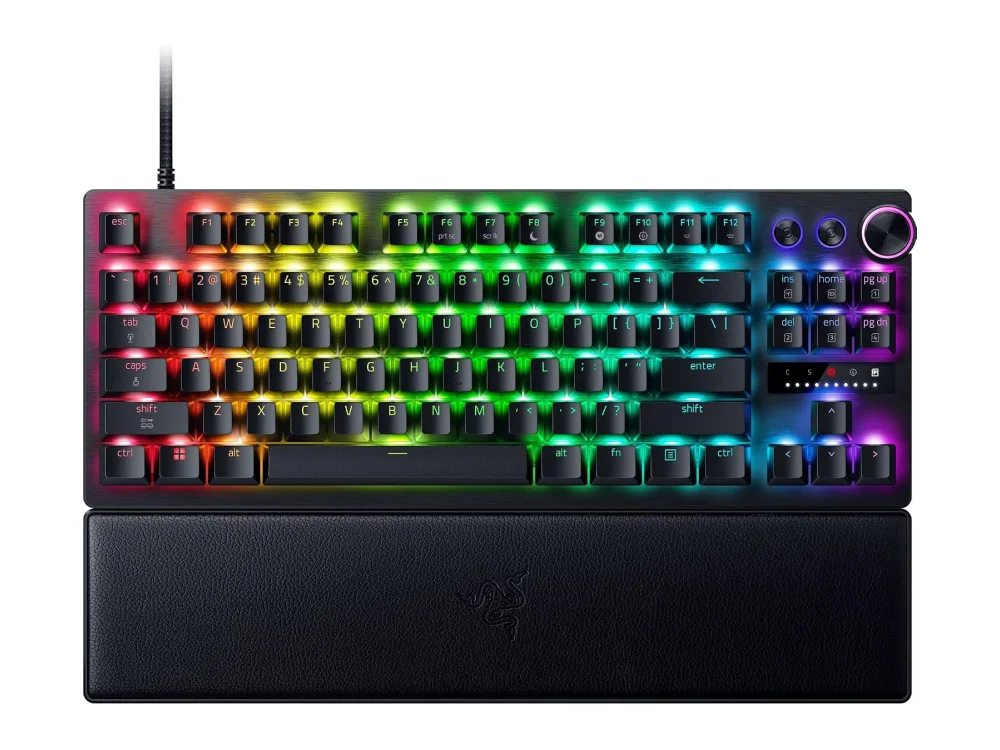 Razer Huntsman V3 Pro TKL
 Intel Core i5-14600K
 Creative Pebble Pro
When you start looking for a new keyboard, the flood of terms—"actuation force," "NKRO," "key travel"—can feel overwhelming. This guide cuts through the jargon and explains the gaming keyboard specs that actually impact your gameplay. Whether you’re a competitive shooter or a casual RPG fan, understanding these specs helps you pick a board that feels right and performs reliably.
For a full overview of the latest models, check out our Gaming Keyboards hub page. Below we dive into each spec, give practical buying tips, and showcase a few standout keyboards as examples.
Core Specs Every Gamer Should Know
These are the specifications that most directly affect how a keyboard feels and performs in a gaming session.
Switch Type and Mechanical Keyboard Specs
Switches are the heart of a mechanical keyboard. The three main categories are linear, tactile, and clicky. Linear switches (e.g., Cherry MX Red) have a smooth keystroke with no tactile bump, ideal for fast, repeated key presses in shooters. Tactile switches (e.g., Cherry MX Brown) provide a noticeable bump at the actuation point, giving feedback without the loud click, which many gamers prefer for mixed typing‑gaming use. Clicky switches (e.g., Cherry MX Blue) add an audible click, great for typists but often too noisy for shared spaces.
Actuation Force and Key Travel
Actuation force is measured in grams (g) and indicates how much pressure is needed to register a key press. Lower forces (45‑55 g) enable quicker taps, while higher forces (60‑80 g) can reduce accidental presses. Key travel is the distance a key moves before actuation, usually 3.5–4 mm for most mechanical switches. Shorter travel can feel snappier, but some gamers prefer the traditional 4 mm for a more pronounced feel.
Key Rollover and NKRO (N‑Key Rollover)
NKRO defines how many simultaneous key presses a keyboard can register. Full NKRO means any number of keys can be pressed at once without ghosting—a must‑have for MMO players who spam multiple abilities. Some cheaper boards offer 6‑key rollover, which is sufficient for most FPS titles but can limit complex macro inputs.
Polling Rate and Response Time
Polling rate, measured in Hz, indicates how often the keyboard reports its state to the PC. A 1000 Hz (1 ms) polling rate is standard for high‑end gaming keyboards, ensuring minimal input lag. While the difference is subtle, competitive players often prefer the fastest possible rate.
Gaming Keyboard Weight and Size
Weight influences desk stability; heavier keyboards stay put during aggressive key mashing. However, a very heavy board can be cumbersome for LAN parties. Sizes range from full‑size (104‑keys) to tenkeyless (TKL, 87‑keys) and compact 60% layouts (around 61‑keys). Choose a size that fits your desk space and whether you need a number pad for games that use many hotkeys.
Backlighting and RGB Customisation
While not a performance spec, per‑key RGB lighting helps locate keys in low‑light environments and adds a personal touch. Look for software that allows profile switching and macro integration without sacrificing latency.
How to Match Specs to Your Playstyle
Once you understand the specs, map them to the games you play most often.
- Fast‑paced shooters (e.g., Valorant, CS2): Linear switches, low actuation force, full NKRO, 1000 Hz polling.
- MMOs and RPGs (e.g., World of Warcraft, Final Fantasy XIV): Tactile switches for feedback, full NKRO, optional macro keys, larger layout for extra hotkeys.
- Strategy or simulation games (e.g., Civilization, Flight Sim): Any switch type works; prioritize comfort and possibly a wrist‑rest, and consider a full‑size board for the number pad.
Don’t forget to test the feel in person if possible—what feels fast to one person might feel mushy to another.
ASUS ROG Azoth Gaming Keyboard
The ASUS ROG Azoth gaming keyboard targets high‑end PC gamers who want premium build quality and customisation.
Who It’s For
Players who value a sturdy chassis, per‑key RGB, and a mix of performance and aesthetics.
Key Features
- Mechanical switches (options for linear or tactile)
- Full NKRO and 1000 Hz polling rate
- Aluminium top plate, ~1.2 kg weight
- Customizable Aura Sync RGB
Pros and Cons
- Pros: Premium build, extensive lighting, solid performance.
- Cons: Heavier than many TKL options, higher price point.
Want to buy a gaming keyboard? Here are 3 similar picks:
- Epomaker Glyph: Best New Mechanical / Typing
- Keychron K2 HE: Best Value Magnetic
- Keychron Q1 HE: Best Premium Typing + Gaming
Open a product to see its full details, then use the Amazon button there.
ASUS ROG Azoth 96 HE Gaming Keyboard
The ASUS ROG Azoth 96 HE gaming keyboard offers a compact 96‑key layout without sacrificing a number pad.
Who It’s For
Gamers who want a smaller footprint but still need dedicated macro keys and a numpad.
Key Features
- Hybrid mechanical‑membrane switches for quieter operation
- Full NKRO, 1000 Hz polling
- 96‑key layout, ~1 kg weight
- RGB lighting with on‑board profile storage
Pros and Cons
- Pros: Space‑saving design, good performance, quieter switches.
- Cons: Hybrid switches feel different from pure mechanical boards.
Want to buy a gaming keyboard? Here are 3 similar picks:
- Logitech G PRO X 60 LIGHTSPEED: Best Compact Mainstream
- Logitech G915 X LIGHTSPEED: Best Low-Profile Wireless
- MonsGeek FUN60 Ultra: Best Budget Hall Effect
Open a product to see its full details, then use the Amazon button there.
ASUS ROG Strix Scope II 96 Wireless Gaming Keyboard
The ASUS ROG Strix Scope II 96 Wireless gaming keyboard brings wireless freedom to a compact layout.
Who It’s For
Players who want a tidy desk and low‑latency wireless connectivity.
Key Features
- Wireless 2.4 GHz + Bluetooth dual‑mode
- Linear switches, 45 g actuation
- Full NKRO, 1000 Hz polling (wired mode)
- 96‑key layout, ~900 g weight
Pros and Cons
- Pros: Wireless convenience, lightweight, solid specs.
- Cons: Slightly higher latency in Bluetooth mode.
Want to buy a gaming keyboard? Here are 3 similar picks:
- NuPhy Halo75 V2: Best Customizable 75%
- NuPhy WH80: Straightforward gaming keyboard
- Razer BlackWidow V4 Pro 75%: Best Premium Mechanical
Open a product to see its full details, then use the Amazon button there.
be quiet! Light Mount TKL Gaming Keyboard
The be quiet! Light Mount TKL gaming keyboard focuses on a minimalist tenkeyless design with quiet switches.
Who It’s For
Gamers who prioritize a low‑profile, quiet typing experience and need more desk space for a mouse.
Key Features
- Quiet linear switches (≈45 g)
- TKL 87‑key layout, ~800 g weight
- Full NKRO, 1000 Hz polling
- Single‑zone RGB
Pros and Cons
- Pros: Quiet operation, compact size, solid build.
- Cons: Limited RGB customization.
Corsair Vanguard Pro 96 Gaming Keyboard
The Corsair Vanguard Pro 96 gaming keyboard blends a 96‑key layout with Corsair’s proprietary optical switches.
Who It’s For
Players who want the fastest actuation and a durable optical switch design.
Key Features
- Optical linear switches, 45 g actuation
- Full NKRO, 2000 Hz polling (optical)
- 96‑key layout, ~950 g weight
- Per‑key RGB with Corsair iCUE software
Pros and Cons
- Pros: Ultra‑fast optical actuation, strong lighting control.
- Cons: Proprietary switches may be harder to replace.
Quick Spec Comparison
| Keyboard | Switch Type | Actuation Force | NKRO | Weight | Layout |
|---|---|---|---|---|---|
| ASUS ROG Azoth | Mechanical (linear/tactile) | 45‑60 g | Full | ≈1.2 kg | Full‑size (104) |
| ASUS ROG Azoth 96 HE | Hybrid mech‑membrane | ≈50 g | Full | ≈1 kg | 96‑key |
| ASUS ROG Strix Scope II 96 Wireless | Linear | 45 g | Full (wired) | ≈900 g | 96‑key |
| be quiet! Light Mount TKL | Quiet linear | 45 g | Full | ≈800 g | TKL (87) |
| Corsair Vanguard Pro 96 | Optical linear | 45 g | Full | ≈950 g | 96‑key |
Using the Compatibility Checker
If you’re unsure whether a specific keyboard’s specs will work well with a game’s input demands, try our Can I run it? game requirements checker. While it’s primarily for hardware performance, you can also see how input latency and polling rates compare to a game’s recommended specs.
FAQ
What is the difference between NKRO and 6‑key rollover?
NKRO (N‑Key Rollover) means the keyboard can register any number of simultaneous key presses, while 6‑key rollover limits you to six keys at once. NKRO is essential for games that require many hotkeys pressed together.
Do RGB lights affect keyboard performance?
Modern RGB implementations use separate controllers, so lighting has negligible impact on actuation speed or latency. However, very cheap boards may share resources, causing a slight delay.
Is a heavier keyboard better for gaming?
Heavier keyboards stay steadier during aggressive key presses, which some gamers prefer. The trade‑off is reduced portability. Choose weight based on your desk setup and whether you travel to LAN events.
Conclusion
Understanding gaming keyboard specs—switch type, actuation force, NKRO, polling rate, weight, and layout—lets you match a board to your playstyle without getting lost in marketing hype. Use the spec guide above, test a few switches if you can, and explore our Gaming Keyboards hub for the latest picks that meet the specs you care about.
Keep reading: more on Gaming Keyboards
Keep reading
Gaming gear on Run On Console
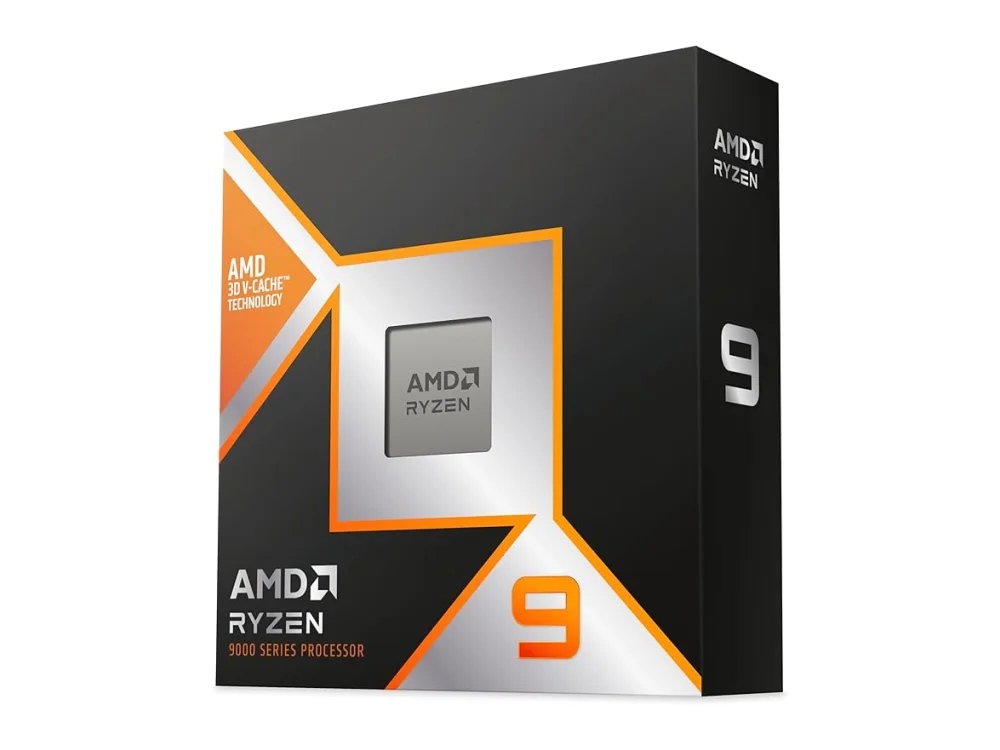 AMD Ryzen 9 9950X3D
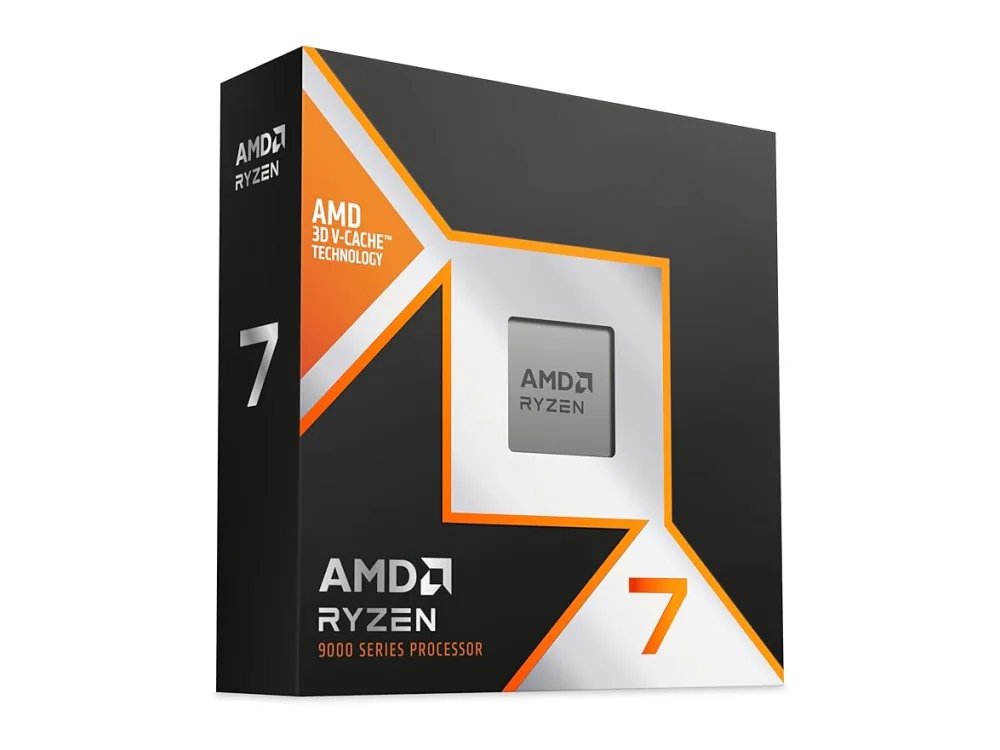 AMD Ryzen 7 9850X3D
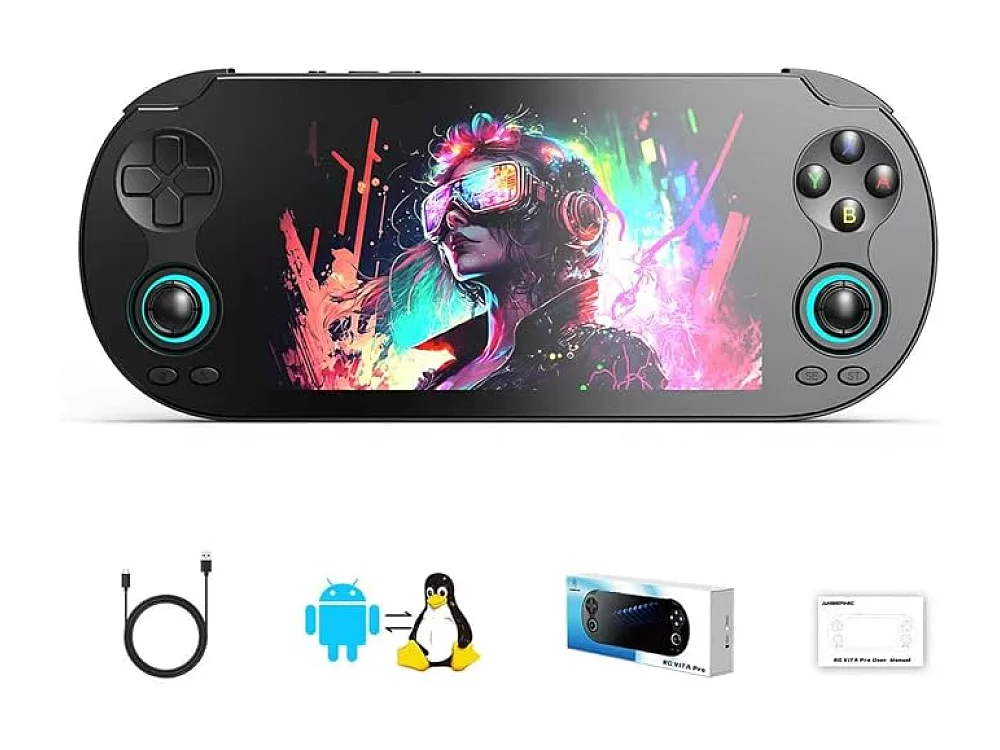 Vita Pro Handheld
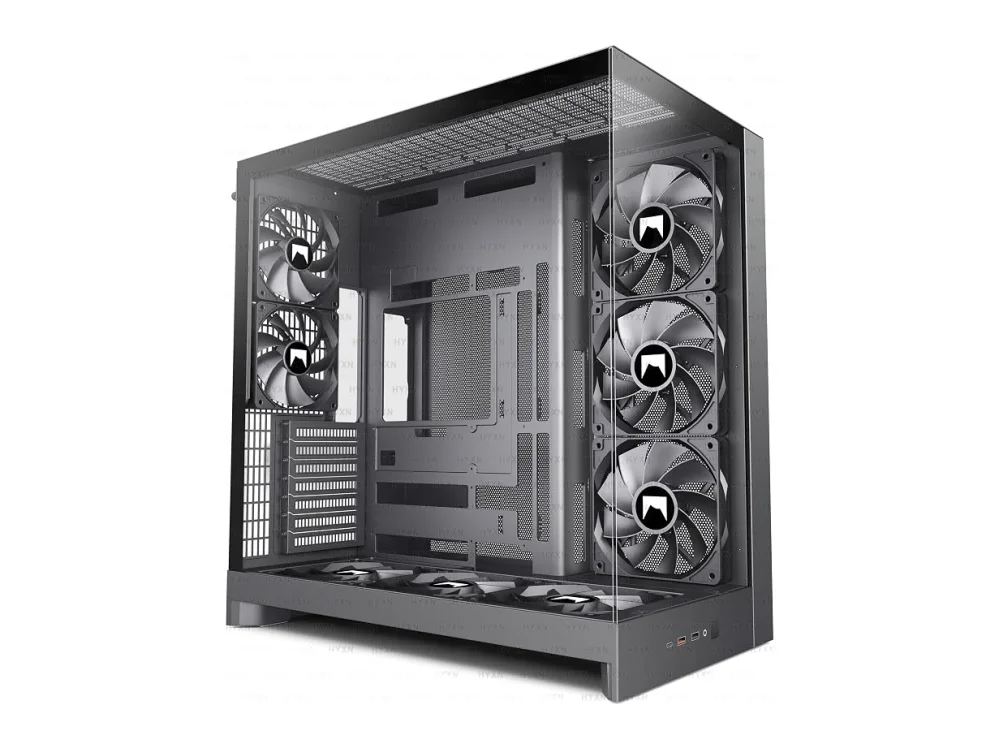 Montech TG3
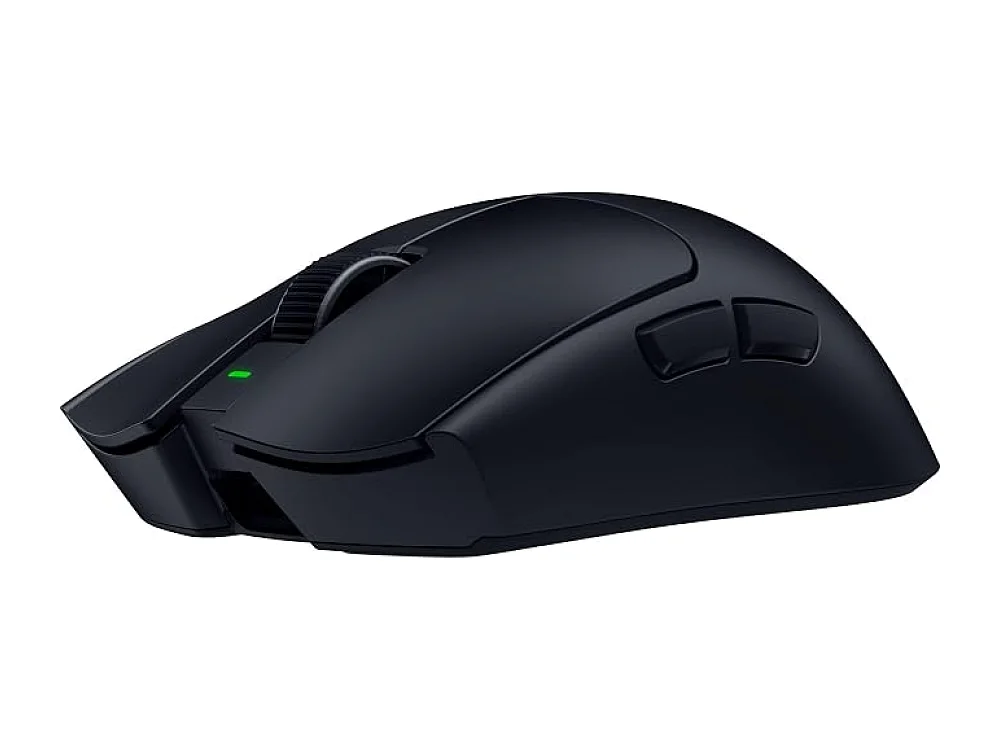 Razer Viper V4 Pro
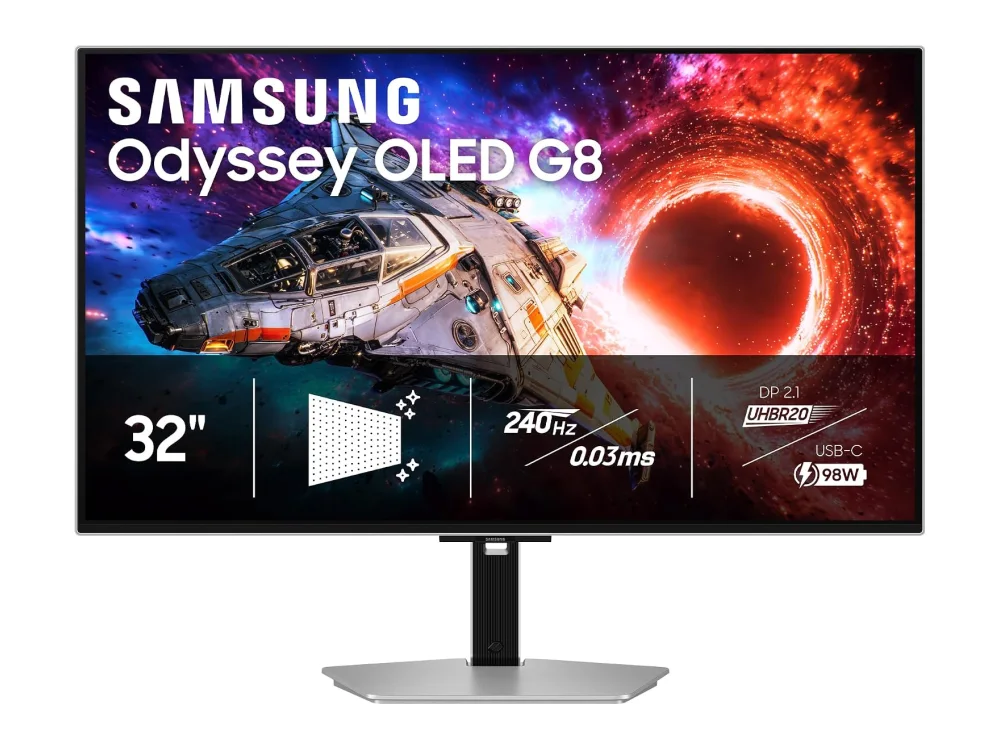 Samsung Odyssey OLED G80SH S32HG802S
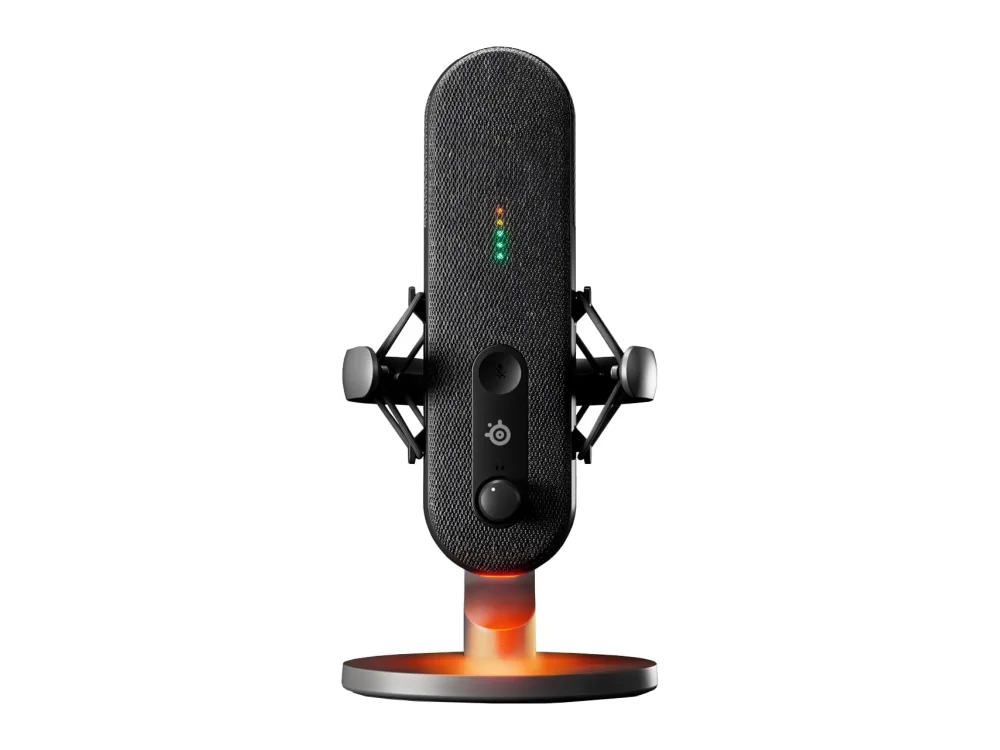 SteelSeries Alias
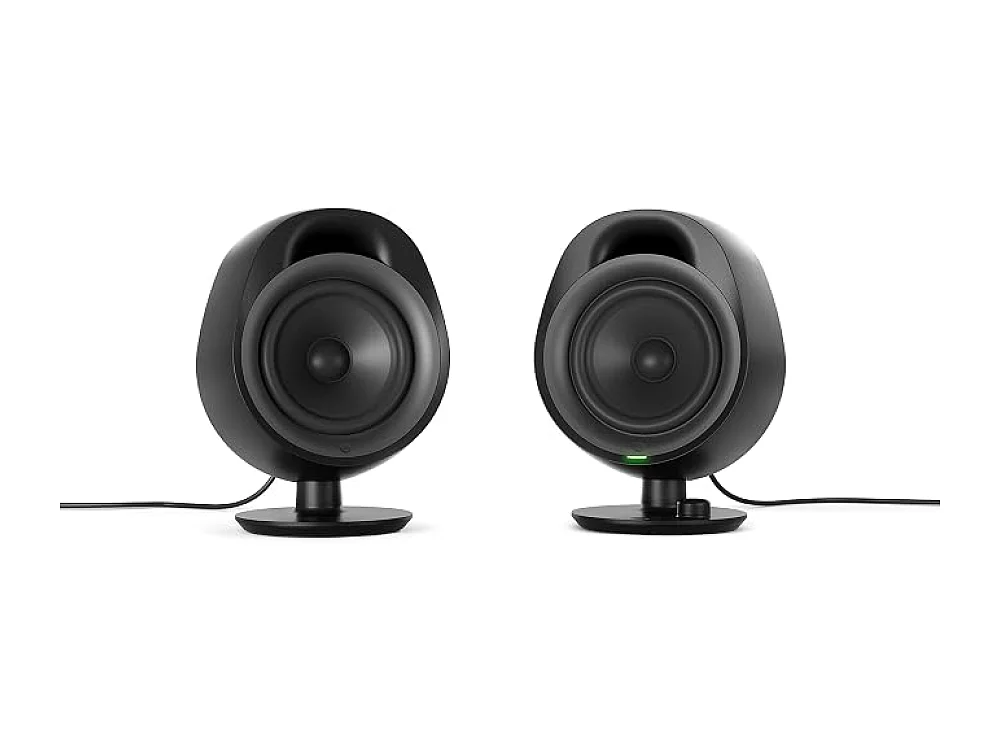 SteelSeries Arena 3
Leave a comment
Questions, corrections or your own experience: it goes to our team at comments@runonconsole.com and you get a copy.