How Choose Gaming Handheld: A Simple Guide for Gamers

Article Overview & Key Takeaways
A beginner-friendly guide that walks you through the key factors to consider when picking a gaming handheld, with product examples and practical advice.
Gaming gear to check
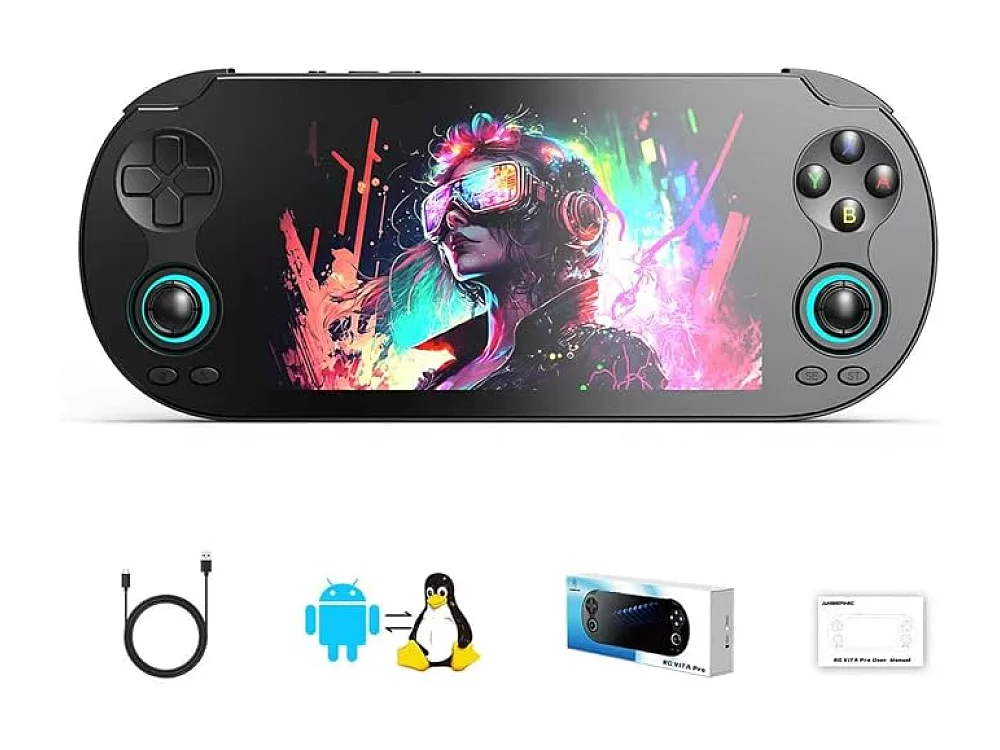 Vita Pro Handheld
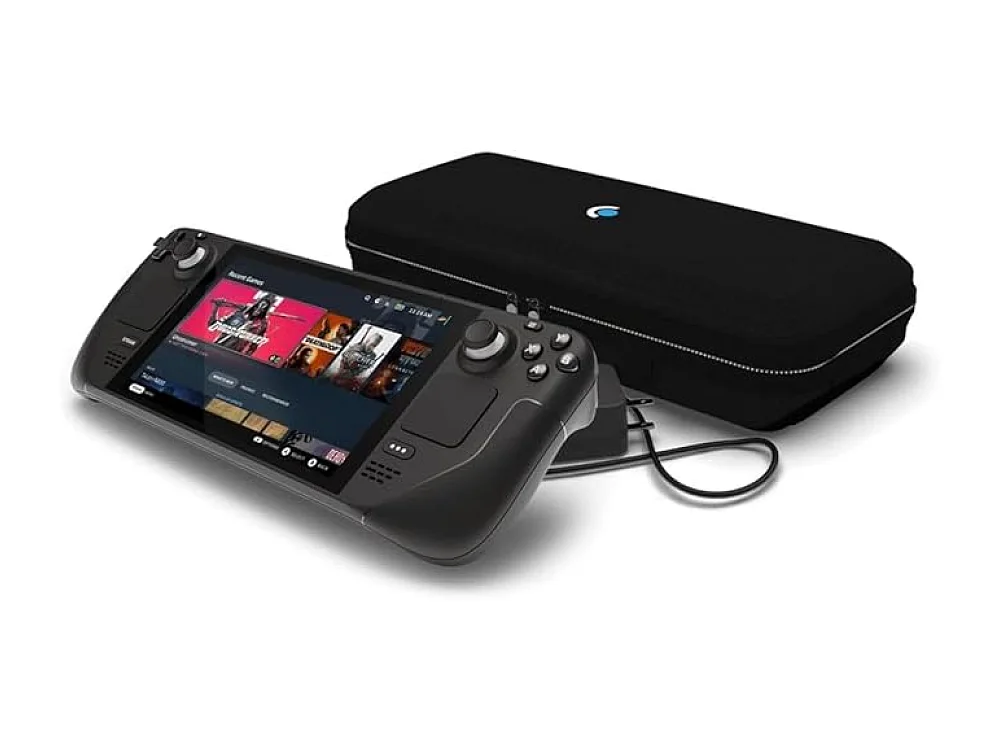 Steam Deck OLED 512GB
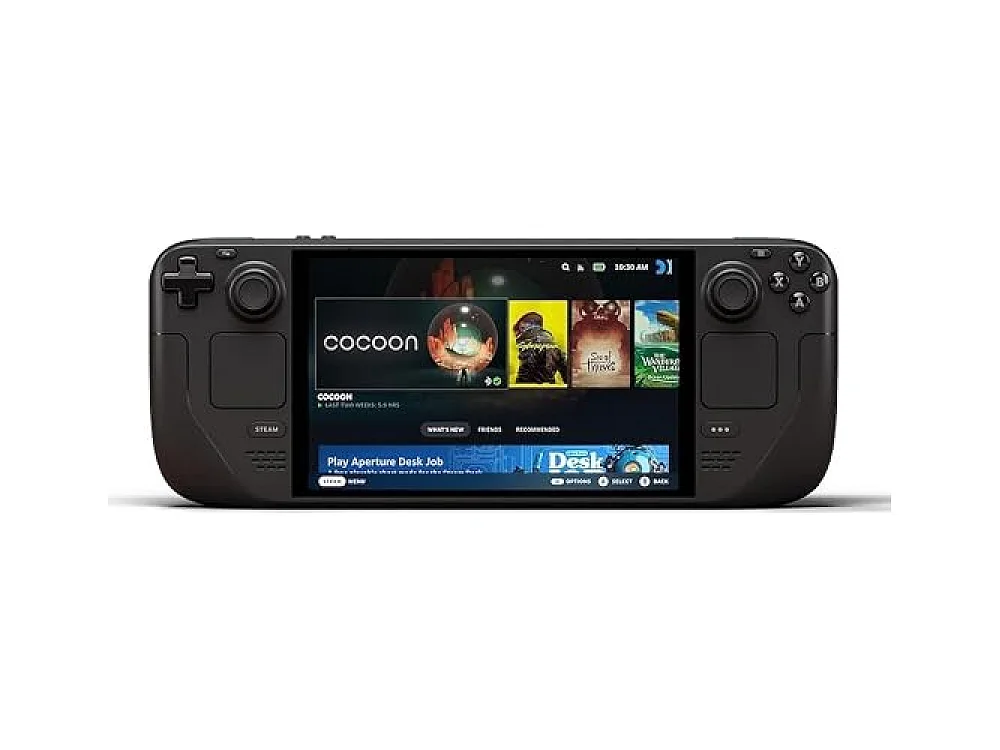 Steam Deck OLED 1TB
Choosing a handheld gaming device can feel overwhelming with so many options on the market. This guide breaks down the essential criteria so you can confidently answer the question of how choose gaming handheld that fits your play style.
We start with the basics of the Gaming Handhelds ecosystem, then dive into performance, ergonomics, and software ecosystems. Throughout the article you’ll find example devices linked to our detailed product pages.
How Choose Gaming Handheld: Core Factors to Consider
When you ask yourself how choose gaming handheld, think about three pillars: performance, portability, and ecosystem. Performance covers the CPU, GPU, RAM, and battery life – the raw power that determines which games run smoothly. Portability looks at size, weight, screen quality, and controller ergonomics, ensuring the device feels comfortable for long sessions on the couch or on the go. Finally, ecosystem refers to the operating system, store access, and compatibility with your existing game library, which you can quickly verify with our Can I run it? tool.
Performance and Power: CPU, GPU, and Battery
Modern handhelds use either AMD Ryzen Z‑series or Intel Core Ultra chips. Look for a device with at least a quad‑core CPU and integrated RDNA 2 graphics for smooth 1080p gaming. Battery capacity matters: a 40‑Wh cell typically yields 2‑3 hours of demanding titles, while 50‑Wh+ units push closer to 4‑5 hours. Keep an eye on power‑draw settings that let you trade performance for longer playtime.
Display Quality and Controls
A high refresh‑rate LCD (120 Hz or higher) makes fast‑paced shooters feel buttery, while a bright IPS panel improves visibility in bright environments. Touchscreen support is optional but handy for certain indie games. Ergonomic controls – thumbsticks with good travel, responsive buttons, and optional back paddles – reduce fatigue. Some handhelds let you attach external controllers via Bluetooth for a console‑like feel.
Software Ecosystem and Game Libraries
Handhelds run on Windows, Android, or custom Linux‑based OSes. Windows devices give you access to Steam, Epic, and Xbox Game Pass, while Android‑based units rely on the Google Play Store and third‑party launchers. Consider where your existing library lives and whether the device supports cloud streaming services like Xbox Cloud Gaming or NVIDIA GeForce NOW.
Building Your Own Handheld: DIY Options
For the adventurous, the phrase "how to build a gaming handheld" often leads to modular kits that combine a small motherboard, a custom case, and a portable battery. Projects such as building a handheld gaming PC or a portable gaming case require soldering skills, component sourcing, and a clear understanding of thermal management. While DIY can yield a unique device, most gamers find the ready‑made options listed below offer a better balance of performance and reliability.
ASUS ROG Ally X
The ASUS ROG Ally X handheld targets players who want a premium Windows experience in a compact form factor. It features an AMD Ryzen Z1 Extreme CPU, up to 16 GB RAM, and a 7‑inch 1080p 120 Hz display. The device includes a detachable controller, Wi‑Fi 6E, and a 48 Wh battery.
Who it’s for: Gamers seeking high‑end PC performance on the go.
Key features:
- AMD Ryzen Z1 Extreme processor
- Up to 16 GB LPDDR5 RAM
- 7‑inch 1080p 120 Hz LCD
- 48 Wh battery with fast‑charge support
Pros:
- Excellent performance for AAA titles
- High‑refresh display
- Robust controller ergonomics
Cons:
- Higher price point
- Battery life can drop under heavy load
Want to buy a gaming handheld? Here are 3 similar picks:
- GPD WIN Mini 2025: Portable PC gaming on the move
- Lenovo Legion Go: Portable PC gaming
- Lenovo Legion Go 2: PC gamers on the move
Open a product to see its full details, then use the Amazon button there.
ASUS ROG Ally Z1 Extreme
The ASUS ROG Ally Z1 Extreme handheld pushes the envelope with a higher‑clocked CPU and optional external GPU support via USB‑C. It keeps the same 7‑inch 1080p panel but adds a larger 53 Wh battery for extended sessions.
Who it’s for: Power users who want the absolute best handheld performance.
Key features:
- AMD Ryzen Z1 Extreme with higher boost clocks
- Up to 32 GB RAM (user‑upgradeable)
- 53 Wh battery
- USB‑C eGPU compatibility
Pros:
- Top‑tier performance
- Expandable storage and RAM
- Longer battery life than the base Ally X
Cons:
- Heavier chassis
- Potential thermal throttling in sustained workloads
Want to buy a gaming handheld? Here are 3 similar picks:
- Lenovo Legion Go S: PC gamers who need portability
- MSI Claw 8 AI+: PC-game fans on the go
- MSI Claw 8 EX AI+: On-the-go PC gamers
Open a product to see its full details, then use the Amazon button there.
AYANEO 3
The AYANEO 3 handheld offers a sleek design with a Snapdragon 8 Gen 2 processor, positioning itself as an Android‑centric device with a Linux‑compatible layer for PC games. It sports a 6.8‑inch 1080p 144 Hz OLED screen and a 44 Wh battery.
Who it’s for: Players who prefer a lighter, Android‑based handheld with strong indie‑game support.
Key features:
- Snapdragon 8 Gen 2 chipset
- 6.8‑inch 1080p 144 Hz OLED display
- 44 Wh battery
- Dual‑mode (Android + Linux) support
Pros:
- Excellent screen quality
- Lightweight and portable
- Good for Android titles and emulation
Cons:
- Limited native Windows compatibility
- Lower raw PC performance compared to AMD Ryzen models
Want to buy a gaming handheld? Here are 3 similar picks:
- MSI Claw A8: PC game enthusiasts on the move
- ROG Xbox Ally: Portable PC gaming on the go
- ROG Xbox Ally X: Portable PC gamers
Open a product to see its full details, then use the Amazon button there.
GPD WIN 5
The GPD WIN 5 handheld continues the line’s tradition of a compact Windows 11 device with an Intel Core Ultra 7 280H processor. Its 6‑inch 1080p 120 Hz screen and 45 Wh battery make it one of the most portable options.
Who it’s for: Users who need a truly pocket‑sized Windows handheld for cloud gaming and indie titles.
Key features:
- Intel Core Ultra 7 280H
- 6‑inch 1080p 120 Hz display
- 45 Wh battery
- Full Windows 11 OS
Pros:
- Compact size
- Windows ecosystem access
- Good battery efficiency
Cons:
- Smaller screen may feel cramped
- Limited high‑end gaming performance
Quick Comparison of Popular Handhelds
| Device | CPU | RAM | Storage | Screen | Battery |
|---|---|---|---|---|---|
| ASUS ROG Ally X | AMD Ryzen Z1 Extreme | 16 GB LPDDR5 | 512 GB SSD | 7" 1080p 120 Hz | 48 Wh |
| ASUS ROG Ally Z1 Extreme | AMD Ryzen Z1 Extreme (higher boost) | Up to 32 GB (user‑upgrade) | 1 TB SSD | 7" 1080p 120 Hz | 53 Wh |
| AYANEO 3 | Snapdragon 8 Gen 2 | 12 GB LPDDR5 | 512 GB SSD | 6.8" 1080p 144 Hz OLED | 44 Wh |
| GPD WIN 5 | Intel Core Ultra 7 280H | 16 GB LPDDR5 | 512 GB SSD | 6" 1080p 120 Hz | 45 Wh |
FAQ
What is the best handheld gaming console?
The "best" handheld depends on your priorities. For raw Windows performance, the ASUS ROG Ally X or Z1 Extreme lead the pack. If you prefer a lightweight Android‑based experience, the AYANEO 3 shines. For pure portability with Windows, the GPD WIN 5 is a strong contender.
Best handheld gaming device?
Among current releases, the ASUS ROG Ally X offers the most balanced mix of performance, screen quality, and controller ergonomics, making it a frequent recommendation for most gamers.
Handheld gaming vs console – which is better?
Handhelds give you the freedom to play anywhere, but they often sacrifice battery life and may not match the raw power of a home console. If you value portability and a personal library, a handheld is ideal. For couch‑focused, long‑session gaming, a traditional console still holds an edge.
Most popular handheld gaming device?
The Steam Deck remains the most popular handheld due to its affordable price, large game library, and strong community support, though newer devices like the ASUS ROG Ally series are rapidly gaining market share.
Conclusion
Knowing how choose gaming handheld starts with defining your performance needs, portability preferences, and ecosystem loyalty. By weighing CPU power, screen quality, battery life, and software compatibility, you can pinpoint the device that best matches your gaming habits. Use the comparison table above as a quick reference, and feel free to explore each product’s dedicated page for deeper specs and the latest firmware updates.
Keep reading: more on Gaming Handhelds
Keep reading
Gaming gear on Run On Console
 NuPhy WH80 vs ASUS ROG Strix Scope II 96 Wireless
 HON Ignition 2.0
 Gigabyte AORUS Master 16
 Phanteks G500A
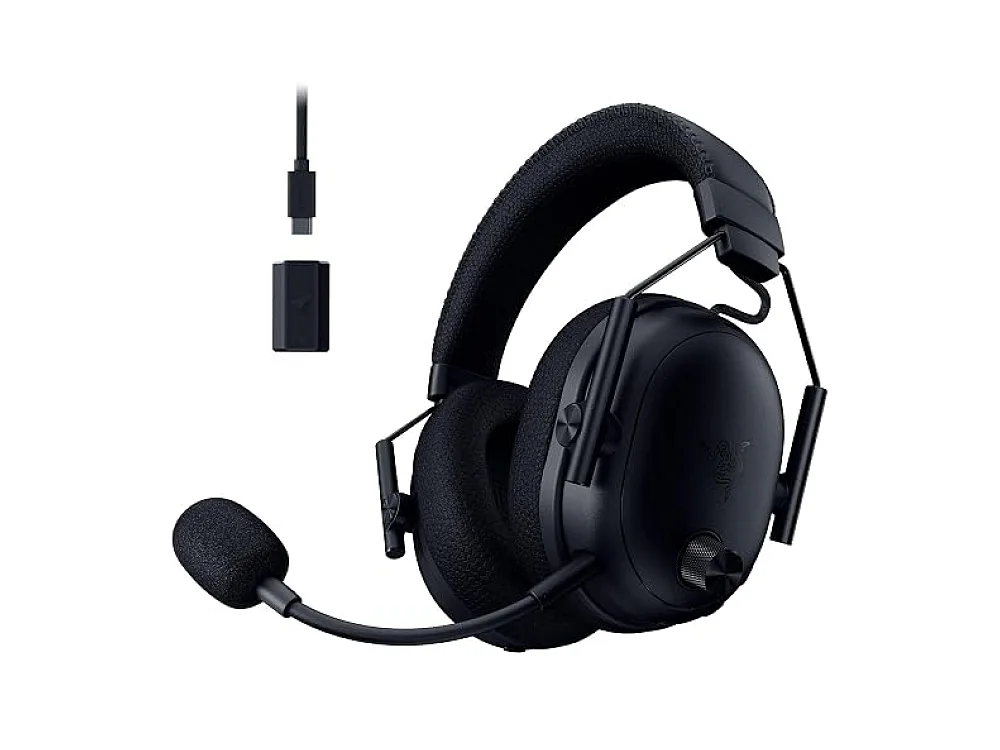 Razer BlackShark V3 Pro
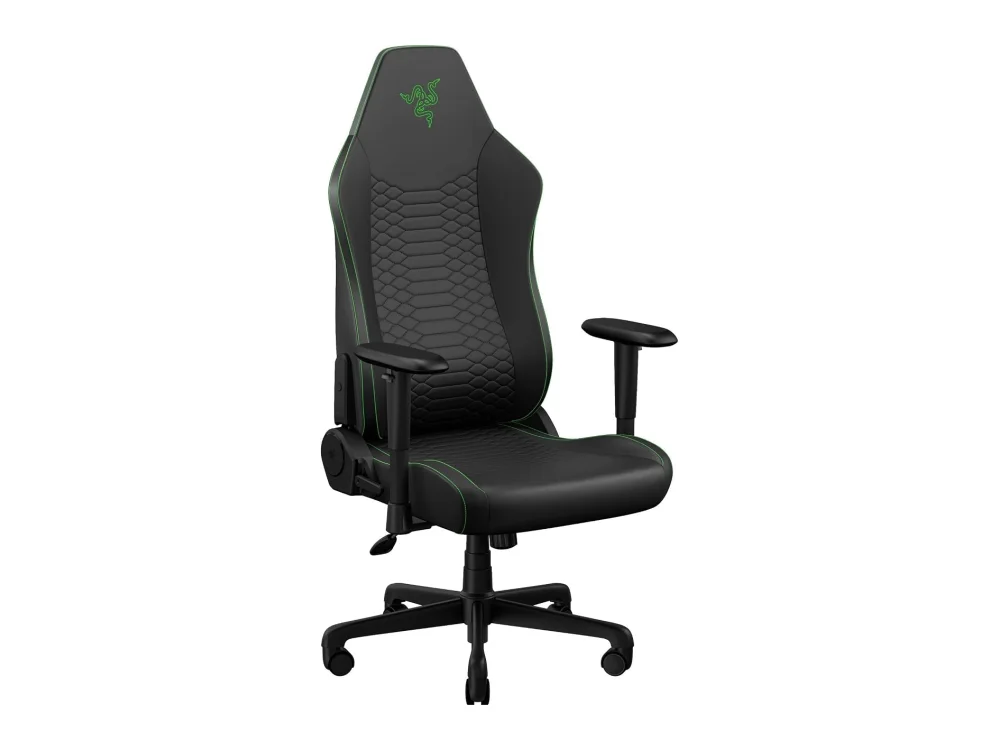 Razer Iskur V2 X
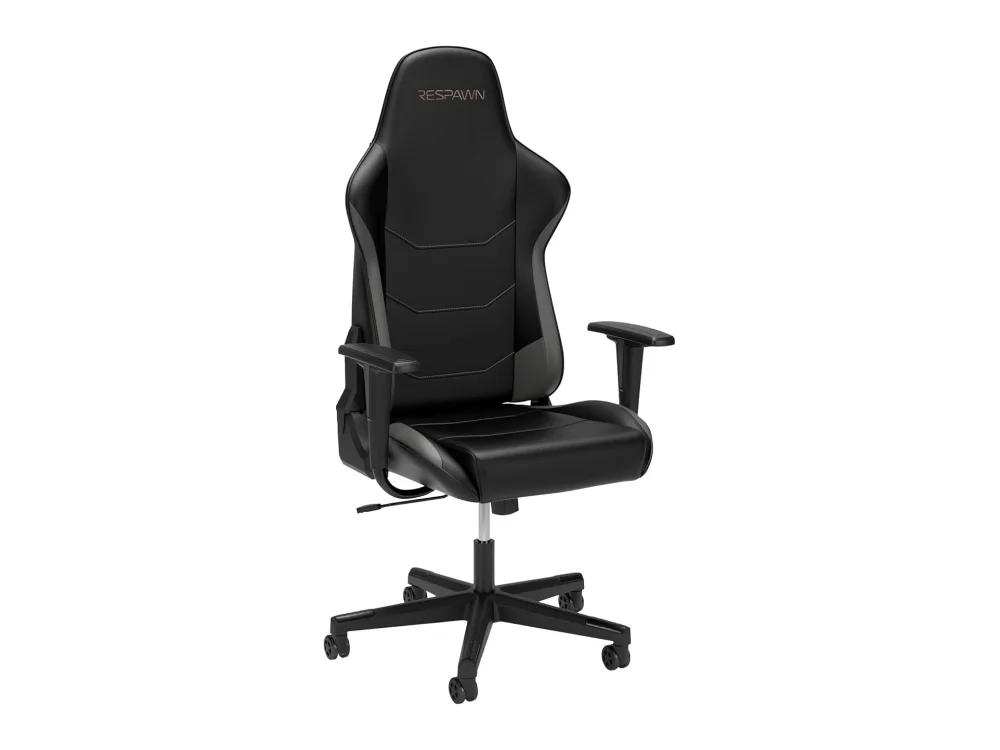 Respawn 110
Leave a comment
Questions, corrections or your own experience: it goes to our team at comments@runonconsole.com and you get a copy.