Gaming Keyboard Mistakes to Avoid When Buying

Article Overview & Key Takeaways
Learn the most common gaming keyboard mistakes and how to sidestep them, with practical tips and real‑world product examples.
Gaming gear to check
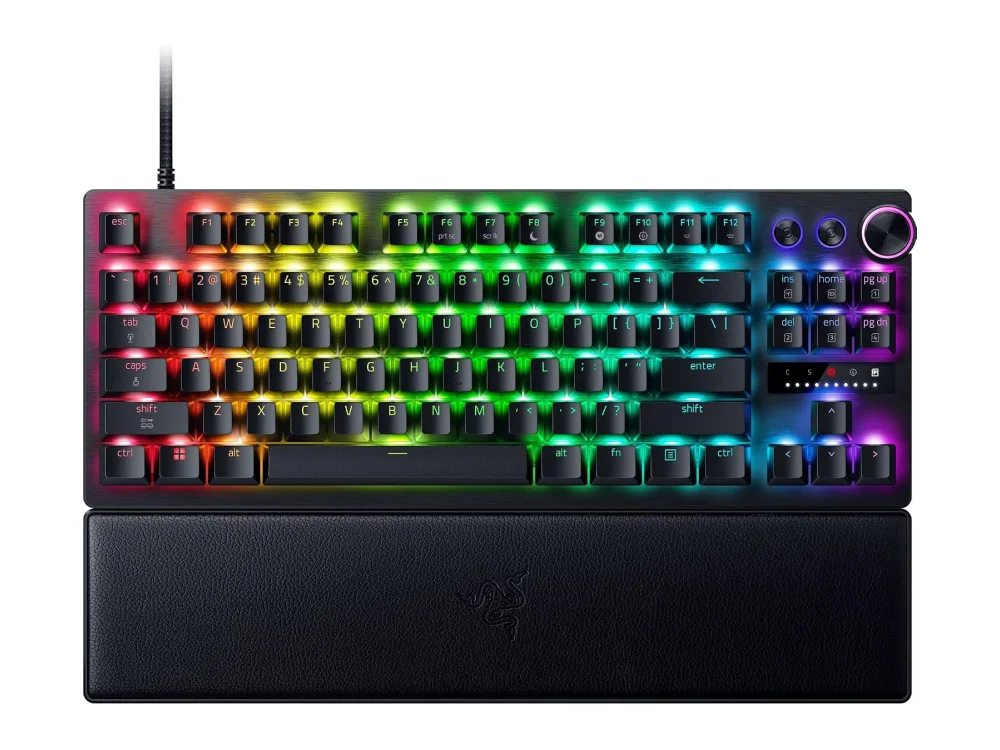 Razer Huntsman V3 Pro TKL
Choosing a gaming keyboard can feel overwhelming, especially when you’re bombarded with flashy RGB, endless switch options, and marketing hype. This guide walks you through the most frequent gaming keyboard mistakes and shows how to avoid them, so you end up with a board that truly matches your playstyle. For a full overview of the market, check out our Gaming Keyboards hub.
We’ll break down each mistake, explain why it matters, and give concrete steps to prevent it. Along the way we’ll highlight a few well‑regarded keyboards as examples, linking to their product pages for deeper specs.
Common gaming keyboard mistakes
Even seasoned gamers can fall into the same traps when buying a keyboard. Below are the five most common pitfalls, each tied to a specific technical or ergonomic factor.
Mistake 1: Ignoring switch type
Mechanical switches are the heart of a gaming keyboard, and each switch family feels distinct. Many buyers assume all mechanical keyboards are the same, but the difference between a linear, tactile, or clicky switch can change reaction time, finger fatigue, and even your in‑game performance. Linear switches (like Cherry MX Red) provide a smooth keystroke with minimal resistance, ideal for rapid key presses in fast‑paced shooters. Tactile switches (Cherry MX Brown) give a subtle bump that confirms actuation without a loud click, useful for mixed‑genre gaming and typing. Clicky switches (Cherry MX Blue) are loud and provide audible feedback, which many streamers love but can be distracting in shared spaces. Take the time to test a few switch types at a local store or watch reputable video demos before committing.
Mistake 2: Overlooking key rollover and anti‑ghosting
Key rollover (NKRO) describes how many keys can be registered simultaneously. In competitive titles like MOBAs or MMOs, you might press several keys at once (movement, abilities, macro). A keyboard that only supports 6‑key rollover could miss crucial inputs, leading to “ghosting” where extra keystrokes are ignored. Look for keyboards that advertise "Full NKRO" or at least "6‑key rollover with anti‑ghosting" on the spec sheet. This ensures every press registers, even during frantic moments.
Mistake 3: Choosing the wrong form factor
Keyboards come in full‑size, tenkeyless (TKL), and 60‑% layouts. Full‑size boards include a numeric keypad, which is handy for spreadsheet work but adds width that can crowd a small desk. TKL removes the numpad, offering a more compact footprint while retaining function keys. 60‑% eliminates the function row and navigation cluster, relying on Fn‑layer combos. Gamers who need quick access to macros or volume controls often prefer TKL or 60‑% for the extra mouse room, but those who type a lot may miss the numpad. Match the layout to your desk space and usage patterns.
Mistake 4: Forgetting about build quality and durability
Gaming sessions can be intense, and a flimsy keyboard will wear out quickly. Look for a solid chassis—usually aluminum or high‑grade plastic—and a robust keycap set (PBT is more durable than ABS). Double‑shot or dye‑sublimated legends won’t fade with heavy use. Additionally, consider a detachable USB‑C cable; it reduces strain on the port and makes replacement easier. A keyboard with a good warranty (often two years) is a sign the manufacturer trusts its own build.
Mistake 5: Ignoring lighting and customization needs
RGB lighting is mostly aesthetic, but many modern keyboards pair lighting zones with software macros. If you rely on per‑key lighting to identify hotkeys, make sure the keyboard’s software supports custom profiles and can sync with other RGB gear. Conversely, buying a keyboard with a massive lighting suite you’ll never use wastes power and can be distracting. Decide whether you need advanced lighting or just a clean, single‑color backlight.
ASUS ROG Azoth gaming keyboard
The ASUS ROG Azoth gaming keyboard targets high‑end gamers who want premium aesthetics and solid performance. It features hot‑swap optical switches, allowing you to change switches without soldering. The board offers full NKRO, a detachable USB‑C cable, and an aluminum top plate for durability. RGB lighting is fully programmable via Armoury Crate, and the keycaps are double‑shot PBT.
- Pros: Hot‑swap switches, robust build, extensive lighting customization.
- Cons: Premium price, software can be heavy on resources.
Want to buy a gaming keyboard? Here are 3 similar picks:
- Epomaker Glyph: Best New Mechanical / Typing
- Keychron K2 HE: Best Value Magnetic
- Keychron Q1 HE: Best Premium Typing + Gaming
Open a product to see its full details, then use the Amazon button there.
ASUS ROG Azoth 96 HE gaming keyboard
The ASUS ROG Azoth 96 HE gaming keyboard is a 96‑key hybrid layout that removes the navigation cluster while keeping dedicated macro keys. It uses the same hot‑swap optical switches as the full‑size Azoth, but the compact footprint is ideal for smaller desks. The board includes a magnetic wrist rest and a magnetic cable management system.
- Pros: Compact yet functional, magnetic wrist rest, hot‑swap capability.
- Cons: Learning curve for Fn‑layer navigation.
Want to buy a gaming keyboard? Here are 3 similar picks:
- Logitech G PRO X 60 LIGHTSPEED: Best Compact Mainstream
- Logitech G915 X LIGHTSPEED: Best Low-Profile Wireless
- MonsGeek FUN60 Ultra: Best Budget Hall Effect
Open a product to see its full details, then use the Amazon button there.
ASUS ROG Strix Scope II 96 Wireless gaming keyboard
The ASUS ROG Strix Scope II 96 Wireless gaming keyboard brings wireless freedom without sacrificing performance. It uses low‑latency 2.4 GHz wireless with a 1 ms response time, comparable to wired connections. The board features Cherry MX Low‑Profile Red switches for a short travel distance, ideal for fast reflexes. A built‑in rechargeable battery lasts up to 100 hours with RGB off.
- Pros: Near‑wired latency, long battery life, low‑profile switches.
- Cons: Wireless dongle required, slightly higher price than wired equivalents.
Want to buy a gaming keyboard? Here are 3 similar picks:
- NuPhy Halo75 V2: Best Customizable 75%
- NuPhy WH80: Straightforward gaming keyboard
- Razer BlackWidow V4 Pro 75%: Best Premium Mechanical
Open a product to see its full details, then use the Amazon button there.
be quiet! Light Mount TKL gaming keyboard
The be quiet! Light Mount TKL gaming keyboard focuses on silent operation without compromising speed. It uses Kailh Box Silent Brown switches, which combine tactile feedback with dampened noise. The TKL layout saves desk space, and the chassis is made from a matte‑finished aluminum alloy. RGB lighting is limited to a subtle white backlight, appealing to users who prefer a minimalist look.
- Pros: Quiet tactile switches, solid aluminum build, compact size.
- Cons: Limited lighting options, no dedicated macro keys.
Corsair Vanguard Pro 96 gaming keyboard
The Corsair Vanguard Pro 96 gaming keyboard offers a 96‑key layout with dedicated macro clusters and a detachable magnetic wrist rest. It ships with Cherry MX Speed Silver switches, known for a 0.2 mm actuation point, making it one of the fastest mechanical options. The keyboard supports full RGB per‑key lighting and integrates with iCUE for deep macro programming.
- Pros: Ultra‑fast switches, extensive macro support, iCUE integration.
- Cons: Software can be complex for beginners.
Quick comparison of switch types and form factors
| Aspect | Linear (e.g., Red) | Tactile (e.g., Brown) | Clicky (e.g., Blue) |
|---|---|---|---|
| Feel | Smooth, no bump | Soft bump at actuation | Loud click + bump |
| Noise level | Low | Medium | High |
| Best for | Fast shooters, low‑latency | General gaming + typing | Enthusiasts who love feedback |
FAQ
What is the most important feature in a gaming keyboard?
The most critical feature is the switch type combined with full NKRO. The right switch gives you the feel you need, while NKRO guarantees every key press registers, even during intense combos.
Why does my mechanical keyboard feel laggy?
Lag can stem from outdated firmware, a USB‑2.0 port, or software that adds latency. Make sure you’re using a USB‑3.0 or USB‑C connection, update the keyboard’s firmware, and disable any unnecessary lighting effects.
Can a cheap membrane keyboard be good for competitive gaming?
While membrane boards are affordable, they typically lack NKRO, have higher actuation distances, and provide less tactile feedback. For competitive play, a mechanical board is generally recommended, but a high‑quality membrane board can suffice for casual gaming.
What is the worst keyboard for gaming?
A keyboard that combines a cheap membrane design, no NKRO, a flimsy plastic chassis, and no customization options would be the worst choice. It will feel unresponsive, wear out quickly, and may miss key presses during fast gameplay.
Conclusion
Avoiding the classic gaming keyboard mistakes starts with understanding what matters: switch type, key rollover, layout, build quality, and lighting needs. By matching these factors to your playstyle and budget, you’ll end up with a keyboard that feels like an extension of your hands, not a hindrance. Use the product examples above as a reference point, and explore the full range on our Gaming Keyboards hub before making a final decision.
Keep reading: more on Gaming Keyboards
Keep reading
Gaming gear on Run On Console
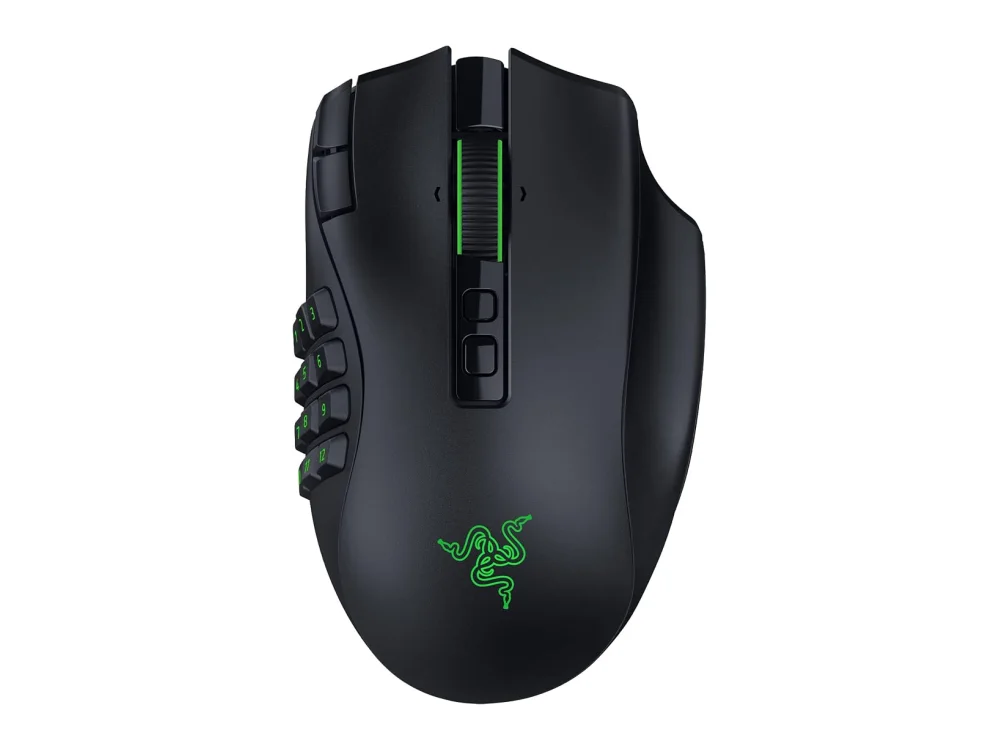 Razer Naga V3 Pro
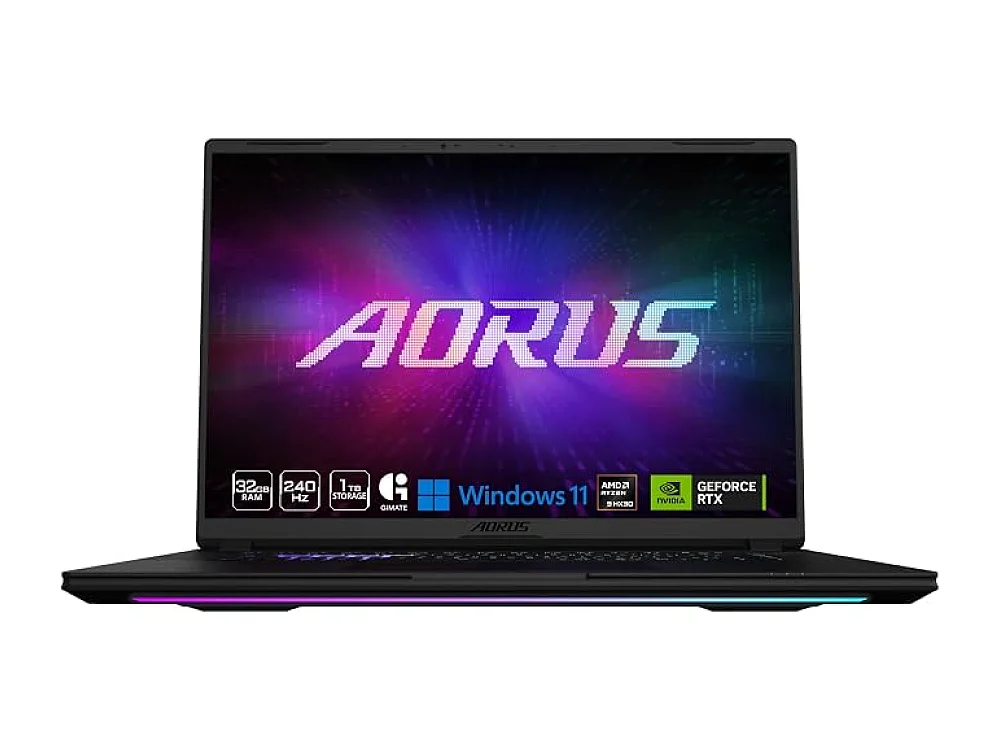 Gigabyte AORUS Master 16
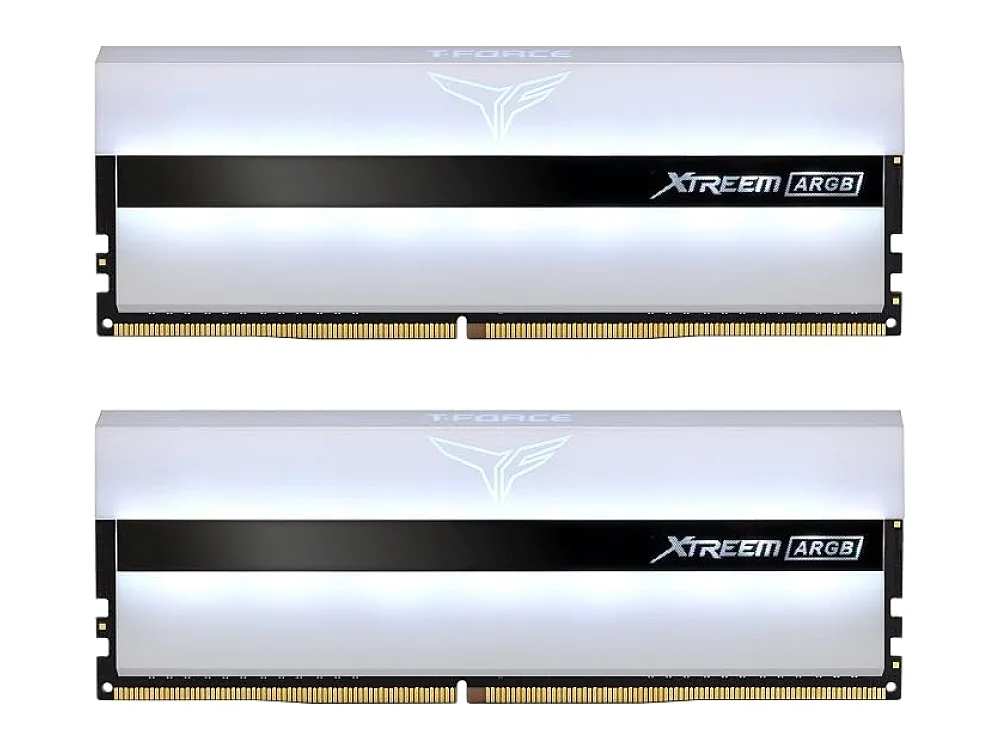 TeamGroup T-Force Xtreem ARGB DDR4-3600
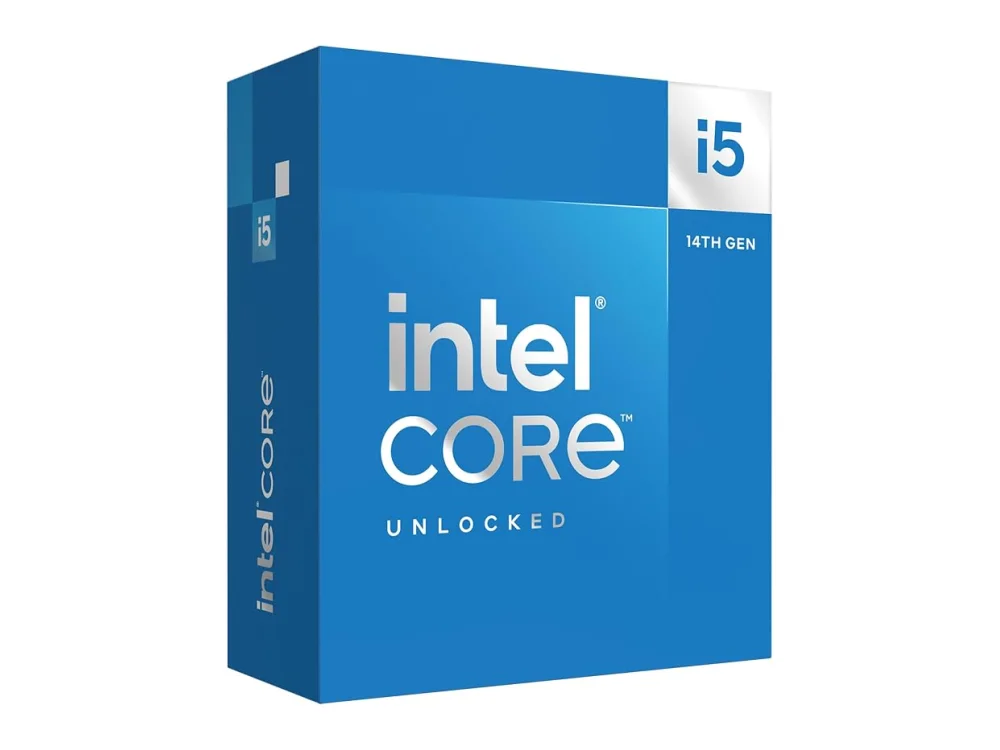 Intel Core i5-14600K
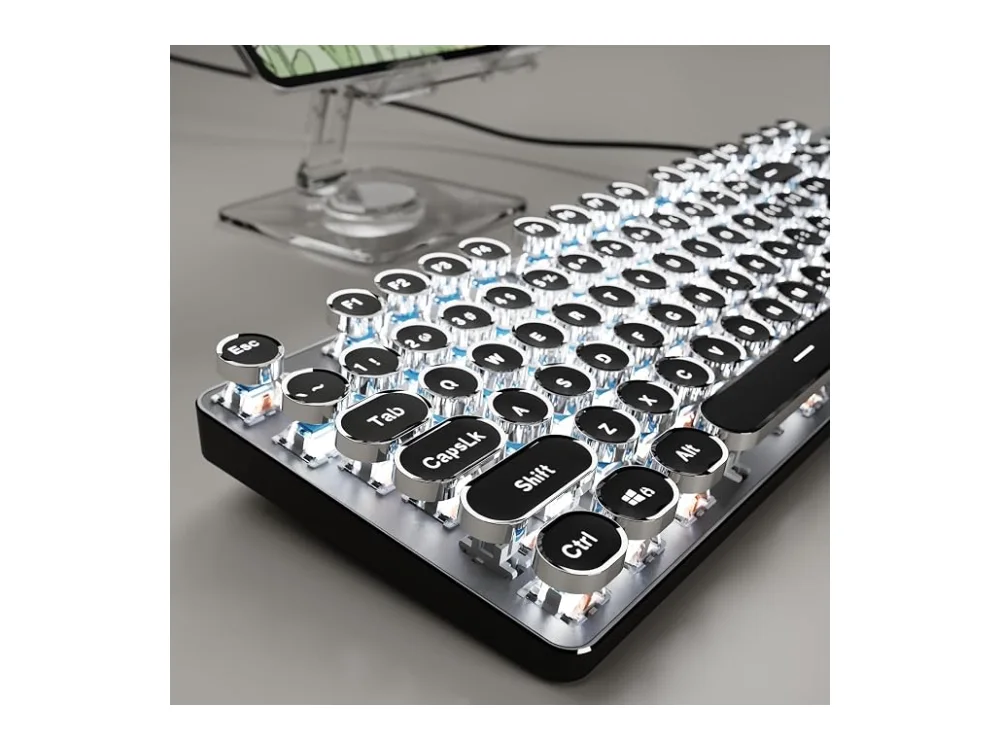 Epomaker Glyph
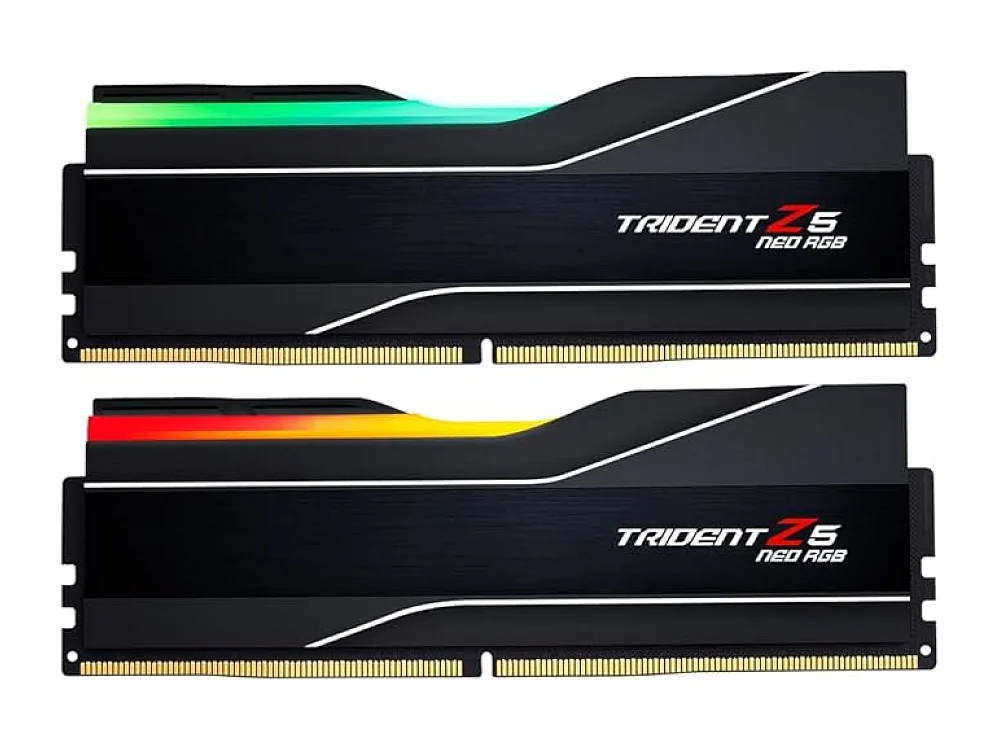 G.Skill Trident Z5 Neo DDR5-6000 CL30
 Havn BF 360
 HYTE Y70
Leave a comment
Questions, corrections or your own experience: it goes to our team at comments@runonconsole.com and you get a copy.