How to Choose a Gaming CPU: A Simple Guide for Gamers

Article Overview & Key Takeaways
Choosing the right processor can make or break your gaming experience. This guide walks you through the key factors, budget options, and real examples so you can pick a CPU that matches your play style.
Gaming gear to check
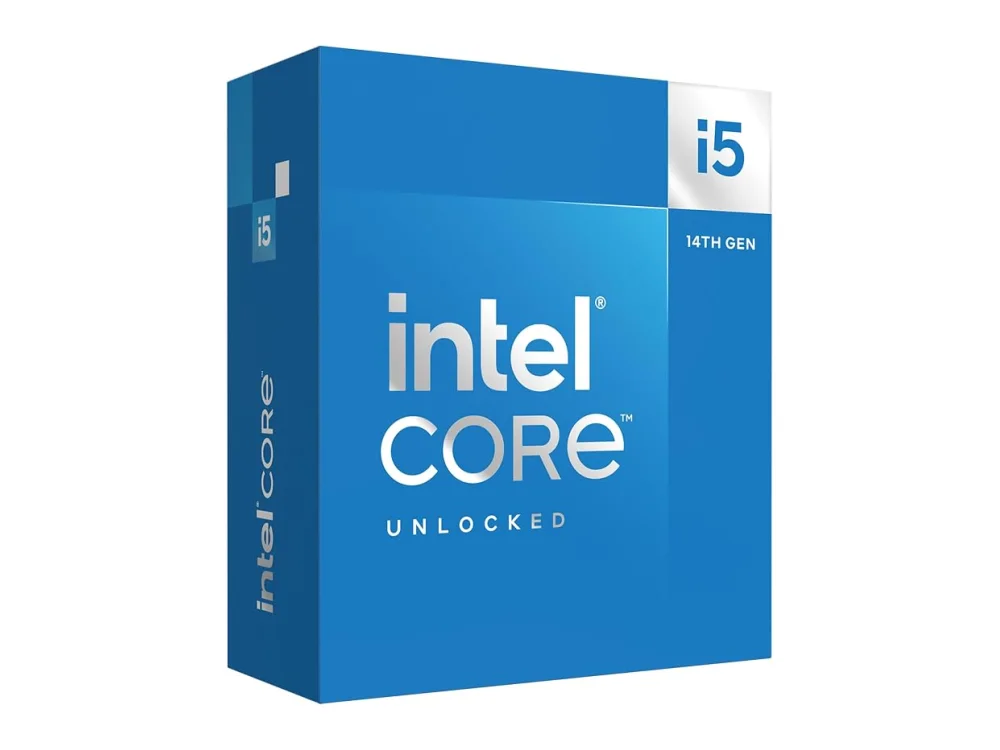 Intel Core i5-14600K
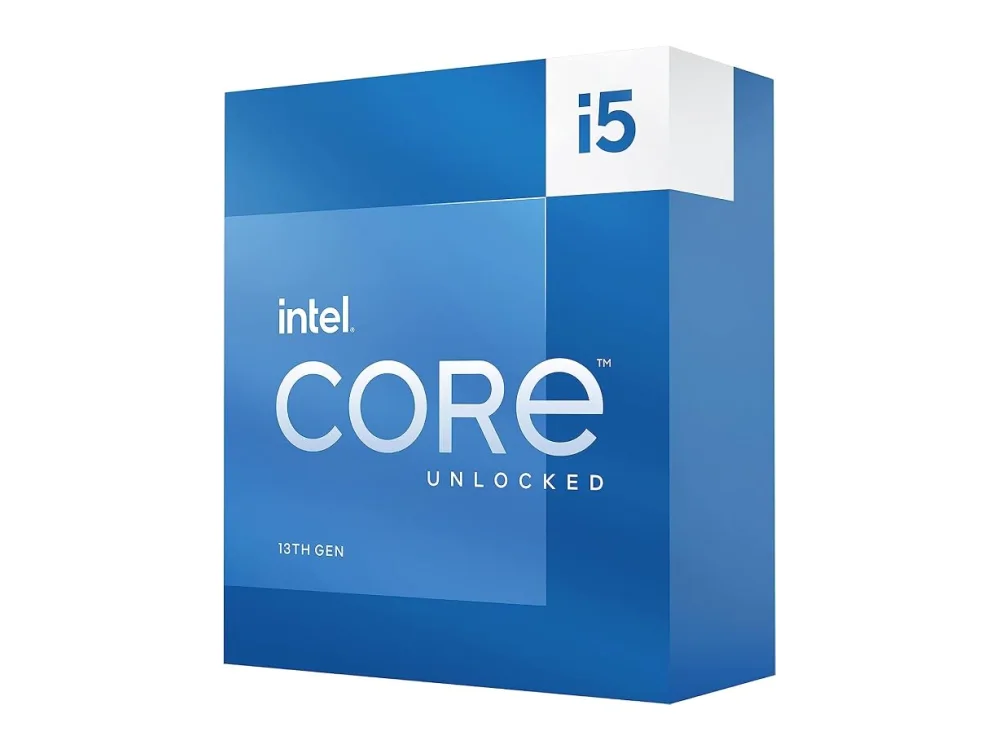 Intel Core i5-13600K
Picking the right processor is the first big decision when building a gaming PC. In this guide we answer how to choose a gaming cpu step‑by‑step, from core counts to platform features, and we point you to a few solid examples. For a broader look at all the CPUs we cover, see our Processors (CPU) hub.
Understanding the Basics: What Makes a CPU Good for Gaming?
A gaming‑focused CPU needs to deliver high single‑core performance, because most titles still rely heavily on one or two threads. However, modern games are becoming more multi‑threaded, so a balance of core count and clock speed matters. Key terms you’ll encounter:
- Base Clock – The speed the CPU runs at under normal conditions, measured in GHz.
- Boost Clock – The maximum speed the processor can reach for short bursts when demand spikes.
- Core / Thread Count – More cores help with multitasking and newer games that spread work across many threads.
- Cache (L3) – Larger caches reduce latency for frequently accessed data, improving frame rates.
- IPC (Instructions Per Cycle) – A measure of how efficiently a CPU processes instructions; higher IPC often means better performance at the same clock speed.
When you know these fundamentals, you can compare processors more intelligently.
How to Choose a Gaming CPU: The Decision Framework
Here’s a practical checklist that answers the question how to choose a gaming cpu for any budget:
- Set Your Performance Goal: Are you targeting 1080p 60 FPS, 1440p 144 FPS, or 4K ultra‑high settings? Higher resolutions shift the workload to the GPU, letting you opt for a slightly less powerful CPU.
- Determine Your Budget: CPUs range from sub‑$100 entry‑level chips to $500+ enthusiast models. Knowing your ceiling helps narrow the field quickly.
- Pick a Platform: Decide between AMD’s AM4/AM5 sockets or Intel’s LGA 1700/1200. The platform determines which motherboards, RAM speeds, and future‑upgrade paths are available.
- Match the CPU to Your GPU: Pair a mid‑range CPU with a mid‑range GPU to avoid bottlenecks. For example, a 5600‑series AMD chip pairs nicely with an RTX 3060, while a 7900X‑series is better suited for an RTX 4090.
- Check Compatibility with Other Parts: Use our Can I run it? game requirements checker to verify that your chosen CPU will meet the demands of the games you love.
- Consider Future‑Proofing: If you plan to upgrade the GPU later, a CPU with extra cores (6‑8+) will keep you from needing a replacement soon.
Budget Tiers and Real‑World CPU Picks
Below are three tiers—entry, mid, and high—each with a CPU that exemplifies the tier’s sweet spot. Click the product name to see detailed specs and pricing.
AMD Ryzen 5 5500F processor
Who it’s for: Gamers on a tight budget who play at 1080p and don’t need integrated graphics.
- 6 cores / 12 threads
- Base 3.6 GHz, Boost up to 4.2 GHz
- 65 W TDP, no integrated GPU (requires a discrete GPU)
Pros: Excellent price‑to‑performance, low power draw, fits most AM4 motherboards. Cons: No onboard graphics, limited headroom for heavy multitasking.
AMD Ryzen 5 7600X3D processor
Who it’s for: Mid‑range builders targeting 1440p high refresh rates with a strong focus on gaming.
- 6 cores / 12 threads
- Base 4.7 GHz, Boost up to 5.3 GHz
- 3D V‑Cache technology for higher gaming IPC
Pros: Outstanding single‑core performance, great for titles that favour speed over core count. Cons: Slightly higher price than the 5500F, requires AM5 motherboard and DDR5 RAM.
AMD Ryzen 7 5700X3D processor
Who it’s for: Enthusiasts who want 4K gaming or high‑frame‑rate 1440p while keeping future upgrades in mind.
- 8 cores / 16 threads
- Base 3.4 GHz, Boost up to 4.6 GHz
- 3D V‑Cache for a noticeable lift in demanding titles
Pros: Strong multi‑core performance, excellent for streaming and content creation alongside gaming. Cons: Requires a compatible AM4 motherboard with a BIOS update; higher cost than the 7600X3D.
Want to buy a gaming CPU? Here are 3 similar picks:
- AMD Ryzen 5 8600G: Budget gaming PCs with integrated graphics
- AMD Ryzen 5 9600X: Mid-range gaming PCs
- AMD Ryzen 7 7800X3D: High-refresh-rate gaming rigs
Open a product to see its full details, then use the Amazon button there.
Quick Comparison of the Three Picks
| CPU | Cores / Threads | Boost Clock | Key Feature | Best For |
|---|---|---|---|---|
| AMD Ryzen 5 5500F | 6 / 12 | 4.2 GHz | Budget‑friendly, low TDP | 1080p mainstream gaming |
| AMD Ryzen 5 7600X3D | 6 / 12 | 5.3 GHz | 3D V‑Cache, high IPC | 1440p high refresh |
| AMD Ryzen 7 5700X3D | 8 / 16 | 4.6 GHz | 3D V‑Cache, extra cores | 4K or streaming‑heavy rigs |
Beyond the CPU: Other Parts That Influence Your Choice
Even the best processor can be throttled by a weak motherboard, insufficient cooling, or mismatched RAM. When you how to choose a gaming pc, keep these companions in mind:
- Motherboard: Look for a chipset that supports the CPU’s features (PCIe 4.0/5.0, USB 3.2, robust VRM). For AMD, B650 or X670 are common choices for the 7600X3D.
- RAM: Faster memory (DDR5 5600 MHz or DDR4 3600 MHz) can improve frame rates, especially on AMD platforms where Infinity Fabric speed matters.
- Cooling: High‑end CPUs benefit from a good air cooler or AIO liquid cooler to sustain boost clocks.
- Case: Adequate airflow and space for the cooler are essential. See our guide on Graphics Cards (GPU) for related airflow tips.
FAQ
What is more important for gaming: core count or clock speed?
For most current titles, clock speed (and the underlying IPC) has a larger impact on frame rates. However, games that use many threads—such as simulation or strategy titles—benefit from higher core counts. A balanced CPU with 6‑8 cores and high boost clocks is usually the sweet spot.
Can I use an older motherboard with a new CPU?
Only if the socket matches and the BIOS supports the new chip. For example, many AM4 boards can run a Ryzen 5 5600G after a BIOS update, but an AM5 CPU requires an AM5 motherboard. Always check the manufacturer’s CPU support list.
Do I need a CPU with integrated graphics?
If you plan to buy a discrete GPU right away, you can save money with a “F” series AMD part (like the Ryzen 5 5500F) that lacks integrated graphics. Integrated graphics are useful for troubleshooting or very low‑power builds.
How do I know if my CPU will bottleneck my GPU?
Use our Can I run it? game requirements checker to compare your CPU’s performance rating against the GPU you intend to use. Generally, pairing a CPU that’s within one generation of the GPU’s launch year avoids major bottlenecks.
Conclusion
Choosing a gaming CPU boils down to understanding your performance goals, budget, and platform preferences. By following the checklist above and looking at the example CPUs, you can confidently answer how to choose a gaming cpu and build a system that delivers smooth frames for years to come.
Keep reading: more on Processors (CPU)
Keep reading
Gaming gear on Run On Console
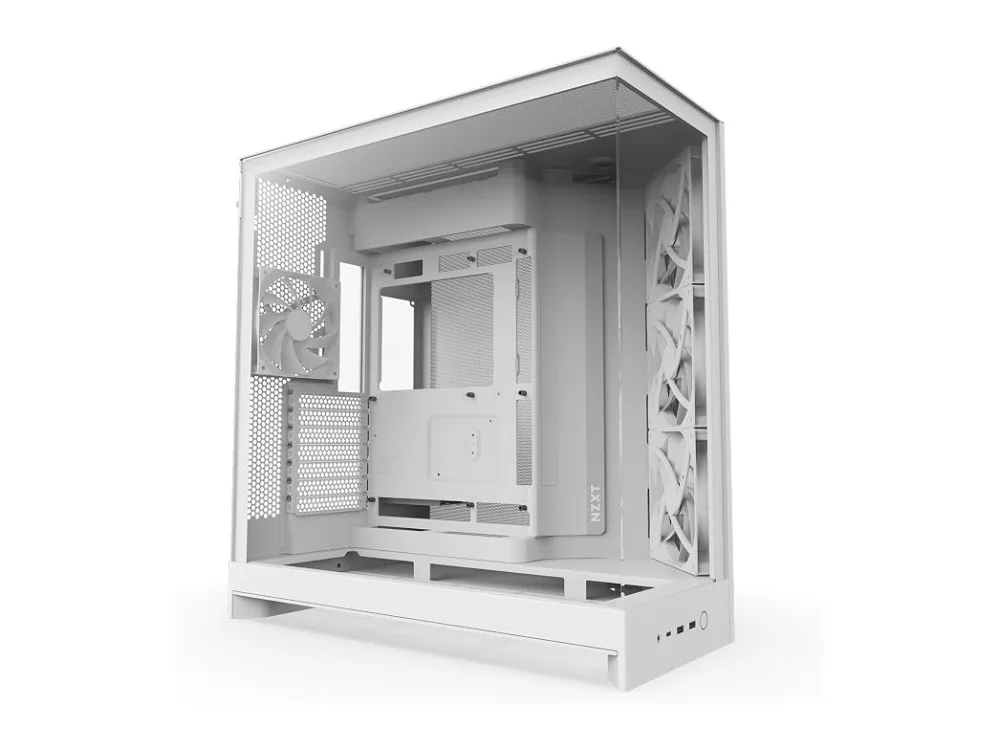 NZXT H9 Flow (2025)
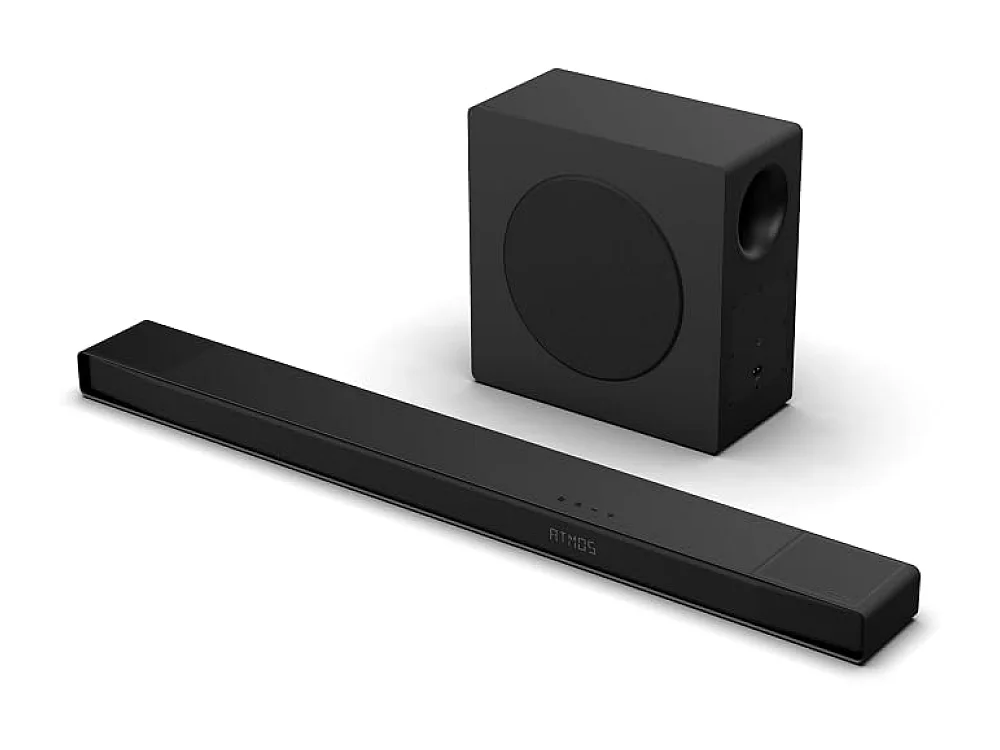 Hisense AX5125H
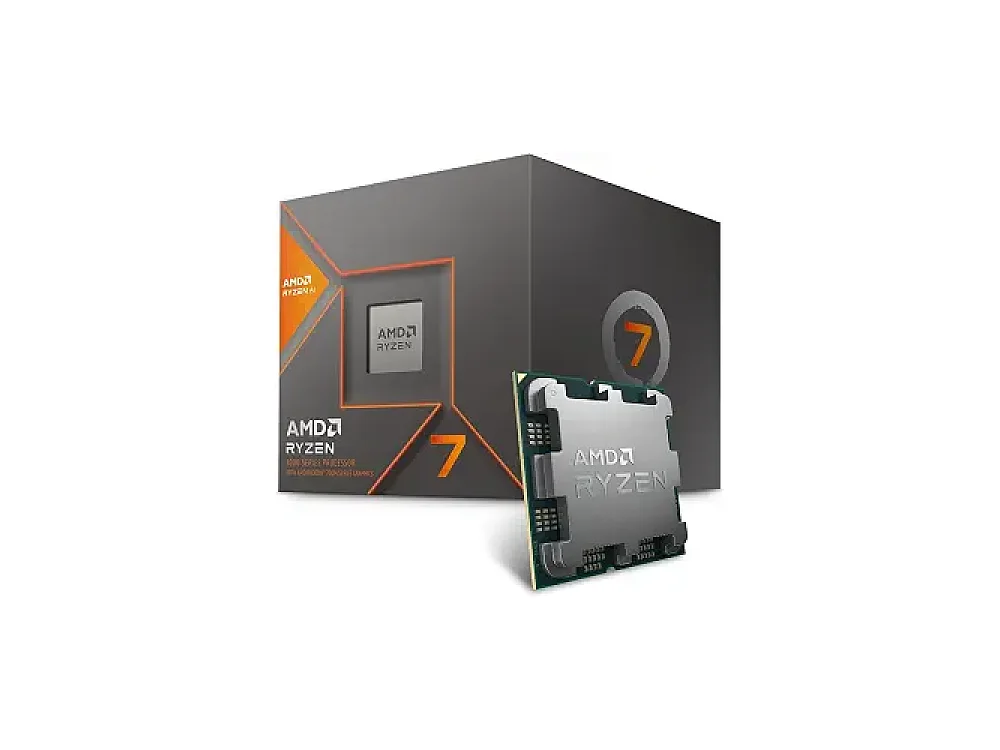 AMD Ryzen 7 8700G
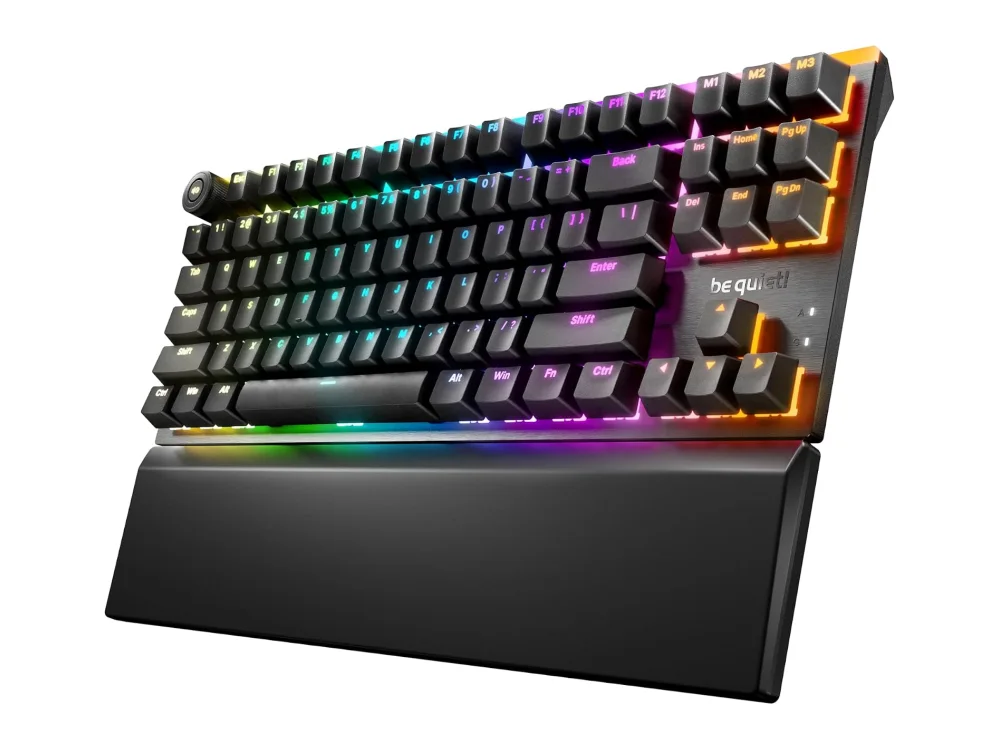 be quiet! Light Mount TKL
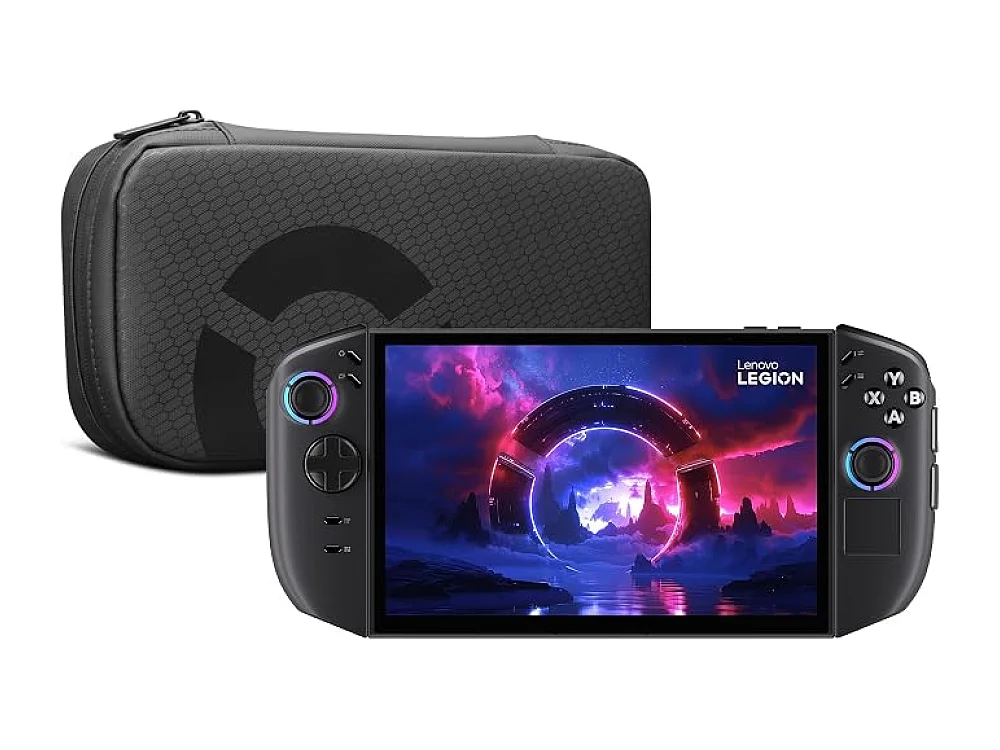 Lenovo Legion Go
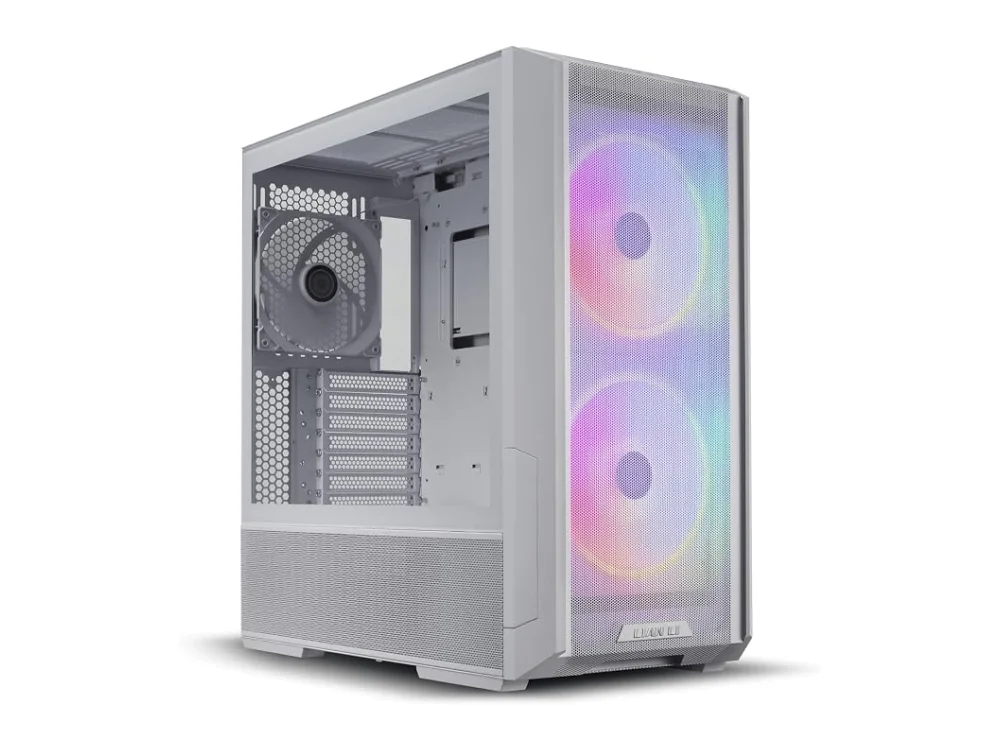 Lian Li Lancool 216
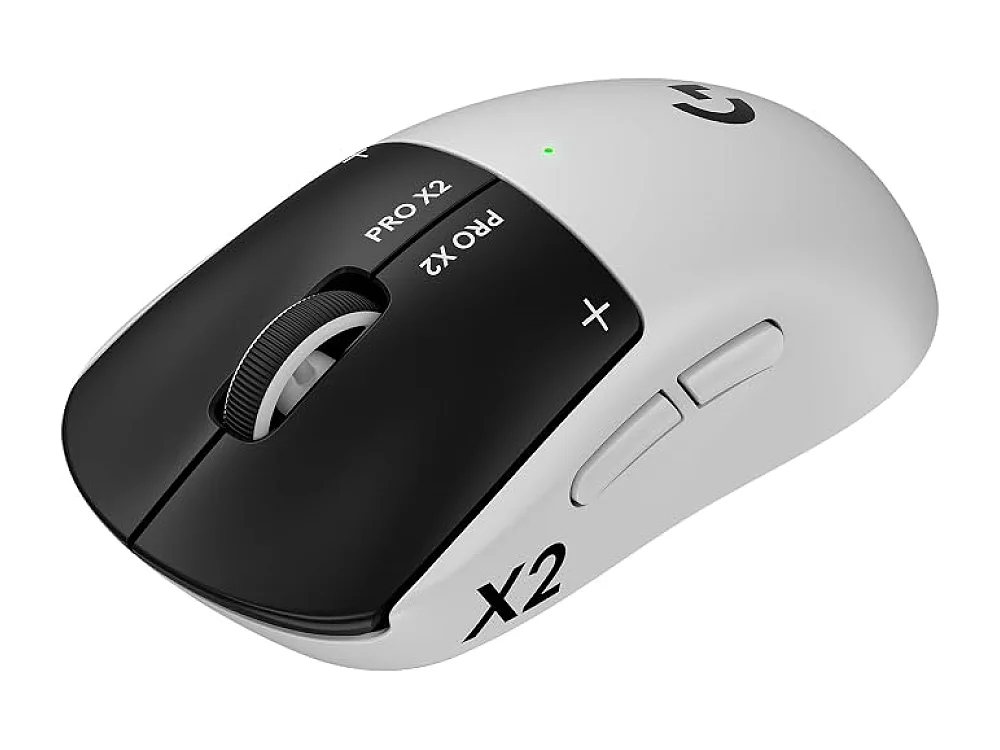 Logitech G PRO X2 SUPERSTRIKE
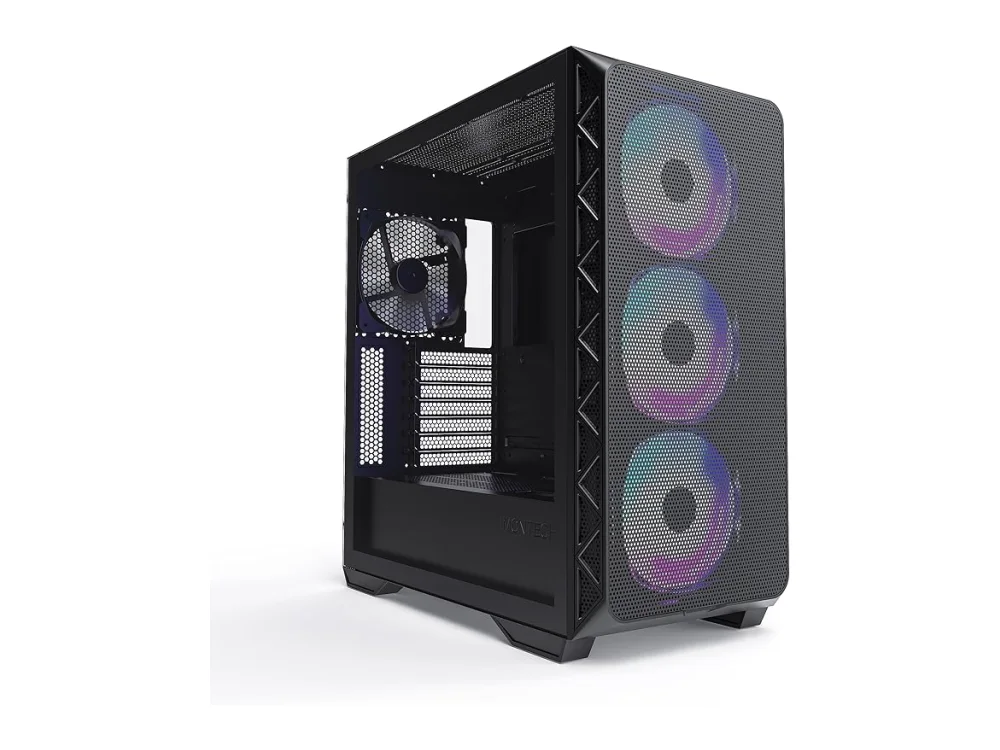 Montech Air 903 Max
Leave a comment
Questions, corrections or your own experience: it goes to our team at comments@runonconsole.com and you get a copy.