Speaker specs explained: what actually matters for gaming PCs

Article Overview & Key Takeaways
Understanding speaker specs is essential for building a gaming PC that delivers immersive sound. This guide breaks down the key measurements and shows how they affect your experience.
Gaming gear to check
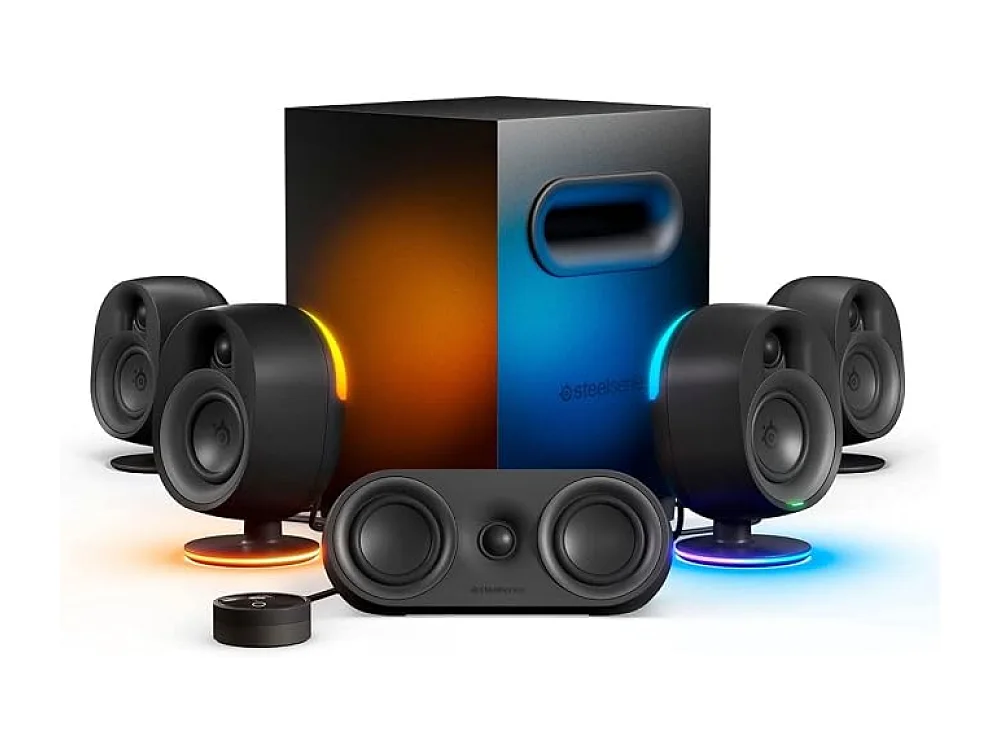 SteelSeries Arena 9
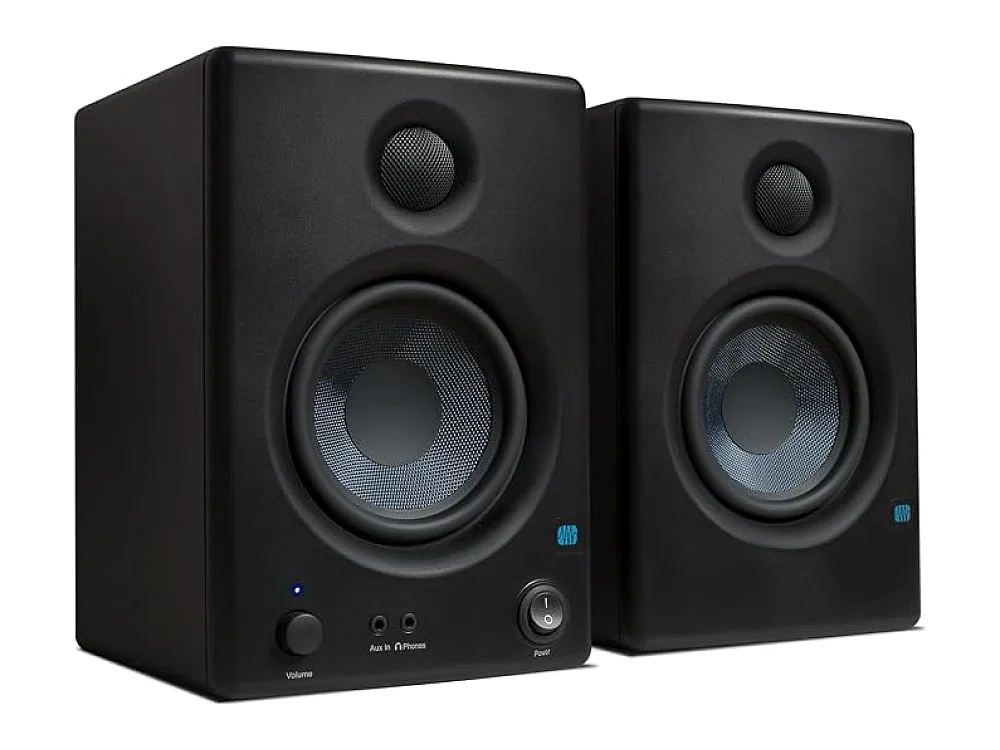 PreSonus Eris E4.5
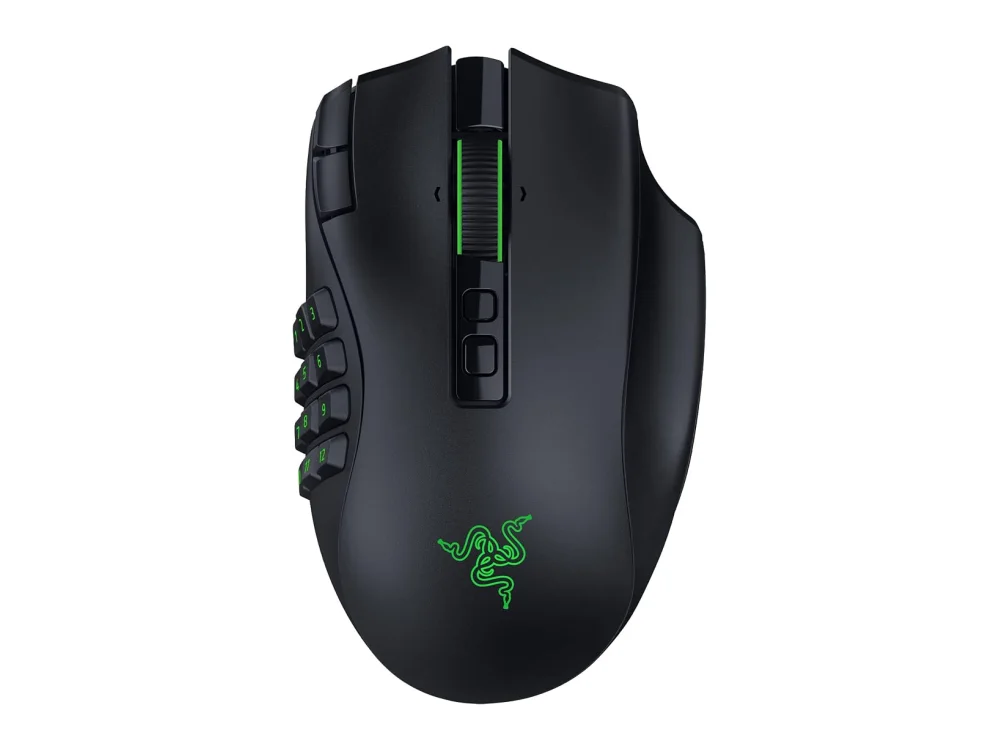 Razer Naga V3 Pro
When you shop for PC speakers, the flood of numbers can be overwhelming. This article answers the core question: speaker specs explained – what actually matters for a gaming rig.
We’ll walk through each spec, explain why it matters, and point you to our Speakers & Soundbars hub for a broader selection.
Speaker specs explained: the key measurements you need to know
Every speaker has a set of specifications that describe how it converts electrical signals into sound. The most important ones for gamers are frequency response, sensitivity, impedance, power handling, driver size, and enclosure type.
Frequency response
Measured in hertz (Hz), this range tells you the lowest and highest pitches a speaker can reproduce. A typical gaming speaker might cover 40 Hz – 20 kHz, but wider ranges (e.g., 30 Hz – 22 kHz) give deeper bass and clearer highs, enhancing explosions and ambient details.
Sensitivity
Sensitivity indicates how loudly a speaker will play with a given amount of power, expressed in decibels (dB) at 1 W/1 m. Higher sensitivity (90 dB + ) means you can drive the speakers with a modest amp or even directly from a sound card, while lower‑sensitivity models need more power to reach the same volume.
Impedance
Impedance, measured in ohms (Ω), is the electrical resistance the speaker presents to the source. Most PC speakers sit at 4 Ω or 8 Ω. A lower impedance draws more current, which can stress a weak headphone jack; an 8 Ω speaker is safer for most built‑in audio outputs.
Power handling
Power handling tells you how much wattage a speaker can accept continuously (RMS) without distortion. For a typical desk setup, 20 W – 50 W RMS per satellite is plenty. If you plan to add a subwoofer, look for higher ratings.
Driver size and type
The driver is the actual speaker cone. Larger drivers (e.g., 4‑inches) move more air, delivering stronger bass, while smaller drivers (2‑inches) are more compact but may lack depth. Tweeters handle the high frequencies; a well‑designed crossover ensures smooth transitions.
Enclosure design
Closed‑box (sealed) enclosures provide tighter bass and less coloration, while ported (bass‑reflex) designs boost low‑end response. For gaming, a sealed design often yields cleaner, more accurate positional cues.
Audioengine A2+ speakers – compact high‑fidelity
The Audioengine A2+ speakers are a popular choice for gamers who want premium sound without taking up desk space.
Who it’s for
Ideal for small‑form‑factor rigs, streamers, and anyone who values clarity over sheer volume.
Key features
- 2‑inch Kevlar‑cone drivers
- Frequency response: 65 Hz – 22 kHz
- Sensitivity: 88 dB
- Impedance: 4 Ω
- Power handling: 30 W RMS
Pros
- Crystal‑clear mids and highs
- USB power eliminates extra adapters
- Compact footprint
Cons
- Limited bass depth
- Requires external amp for louder volumes
Want to buy a PC speakers? Here are 3 similar picks:
- Creative Pebble V3: Best Ultra-Budget
- Creative Sound Blaster GS3: Best Budget Soundbar
- Creative Stage Pro: Best Gaming Soundbar
Open a product to see its full details, then use the Amazon button there.
Audioengine A5+ Wireless – room‑filling performance
The Audioengine A5+ Wireless delivers larger drivers and wireless connectivity for a clutter‑free setup.
Who it’s for
Great for gamers with a larger desk or a dedicated gaming room who want powerful, balanced sound.
Key features
- 3.5‑inch aluminum drivers
- Frequency response: 50 Hz – 22 kHz
- Sensitivity: 92 dB
- Impedance: 4 Ω
- Power handling: 70 W RMS
Pros
- Strong bass without a subwoofer
- Bluetooth and RCA inputs
- Elegant wood finish
Cons
- Higher price point
- Requires a stable Wi‑Fi connection for wireless mode
Want to buy a PC speakers? Here are 3 similar picks:
- Creative XF1: Best Mid-Range Compact
- Edifier M60: Best Compact Premium
- Edifier R1280DB: Best General-Purpose PC Speakers
Open a product to see its full details, then use the Amazon button there.
Creative Pebble Plus – budget‑friendly 2.1 system
The Creative Pebble Plus offers a subwoofer plus two satellite speakers at an entry‑level price.
Who it’s for
Perfect for gamers on a budget who still want that extra low‑frequency punch.
Key features
- 2‑inch drivers + 4‑inch subwoofer
- Frequency response: 50 Hz – 20 kHz
- Sensitivity: 85 dB
- Impedance: 8 Ω
- Power handling: 25 W RMS (satellites), 30 W RMS (sub)
Pros
- Easy plug‑and‑play via 3.5 mm jack
- Compact design fits any desk
- Subwoofer adds depth to explosions
Cons
- Subwoofer can be a bit boomy
- Limited volume ceiling
Want to buy a PC speakers? Here are 3 similar picks:
- Edifier S3000 Pro: Best Premium Desktop Speakers
- Edifier S350DB: Best 2.1 PC Speakers
- Hisense AX5125H: Best Budget TV/Console Soundbar System
Open a product to see its full details, then use the Amazon button there.
Creative Pebble Pro – refined desktop audio
The Creative Pebble Pro refines the original Pebble line with upgraded drivers and higher sensitivity.
Who it’s for
Designed for gamers who want a sleek look and a little more power than the basic Pebble.
Key features
- 2‑inch full‑range drivers
- Frequency response: 55 Hz – 20 kHz
- Sensitivity: 90 dB
- Impedance: 4 Ω
- Power handling: 30 W RMS
Pros
- Improved bass response over standard Pebble
- USB‑C power for modern PCs
- Minimalist design
Cons
- No dedicated subwoofer
- Mid‑range can sound slightly recessed at high volumes
Quick spec comparison
| Model | Driver size | Frequency response | Sensitivity | Impedance | Power handling (RMS) |
|---|---|---|---|---|---|
| Audioengine A2+ | 2 in | 65 Hz – 22 kHz | 88 dB | 4 Ω | 30 W |
| Audioengine A5+ Wireless | 3.5 in | 50 Hz – 22 kHz | 92 dB | 4 Ω | 70 W |
| Creative Pebble Plus | 2 in + 4 in sub | 50 Hz – 20 kHz | 85 dB | 8 Ω | 25 W + 30 W |
| Creative Pebble Pro | 2 in | 55 Hz – 20 kHz | 90 dB | 4 Ω | 30 W |
What specs make a good speaker for gaming?
A good gaming speaker balances a wide frequency response with high sensitivity and a reasonable impedance that matches your PC’s audio output. Power handling should exceed the typical output of your sound card or amp, ensuring clean sound at high volumes. Driver size matters for bass, but a well‑designed enclosure can compensate for smaller drivers.
Car speaker specs explained – are they relevant?
Car speakers often list power handling in peak watts, which can be misleading for desktop use. The impedance is usually 4 Ω, similar to PC speakers, but the environment (enclosed cabin vs. open desk) changes how bass behaves. If you’re repurposing car speakers, focus on sensitivity and frequency response rather than peak power.
FAQ
What specs make a good speaker?
The most important specs are frequency response, sensitivity, impedance, and power handling. Together they tell you how accurate, loud, and compatible the speaker will be with your PC.
How does impedance affect my PC setup?
Impedance determines how much current the speaker draws. Most onboard audio jacks are optimized for 8 Ω loads; using a 4 Ω speaker may cause distortion or overload the output unless you use an external amp.
Do I need a dedicated amplifier for desktop speakers?
If your speakers have high sensitivity (90 dB + ) and modest power handling, the built‑in sound card is usually enough. For lower‑sensitivity models or larger drivers, an external amp provides cleaner volume and better dynamics.
Are car speaker specs explained useful for PC speakers?
Only partially. Car specs emphasize peak power and durability for harsh environments, which aren’t as critical on a desk. Focus on the same core specs—frequency response, sensitivity, impedance—and you’ll make a good decision.
Conclusion
Understanding speaker specs explained empowers you to pick speakers that match your gaming style, desk space, and budget. Look for a balanced frequency range, high sensitivity, compatible impedance, and enough power handling for your setup. Use the comparison table above to narrow down choices, and explore the full range on our Speakers & Soundbars hub for more options.
Keep reading: more on Speakers & Soundbars
Keep reading
Gaming gear on Run On Console
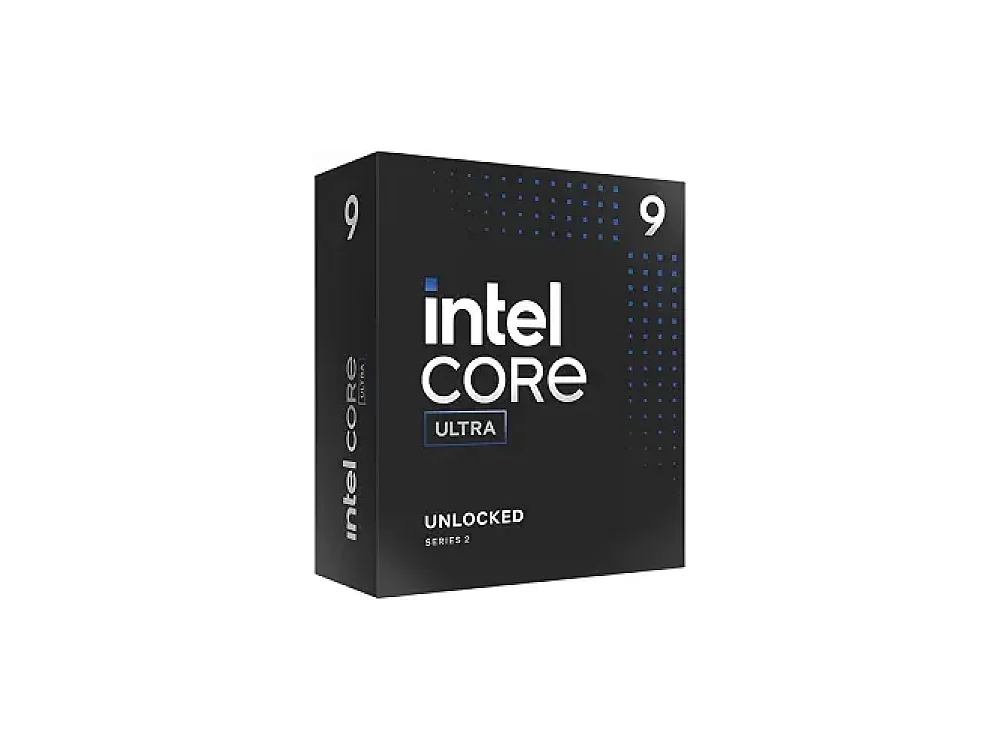 Intel Core Ultra 9 285K
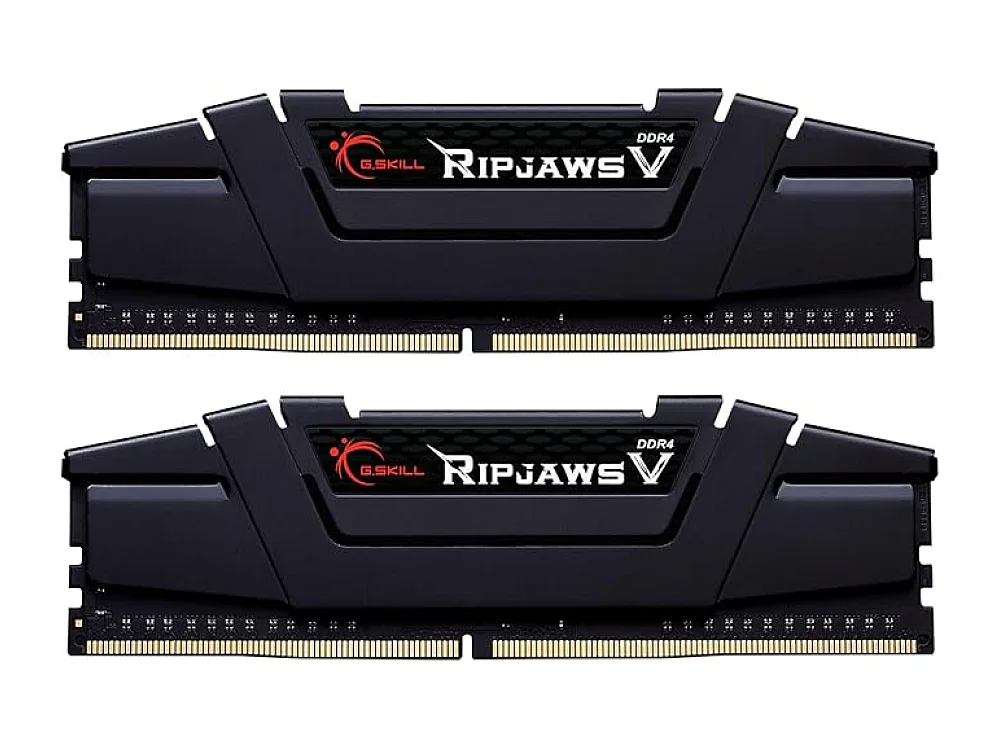 G.Skill Ripjaws V DDR4-3200
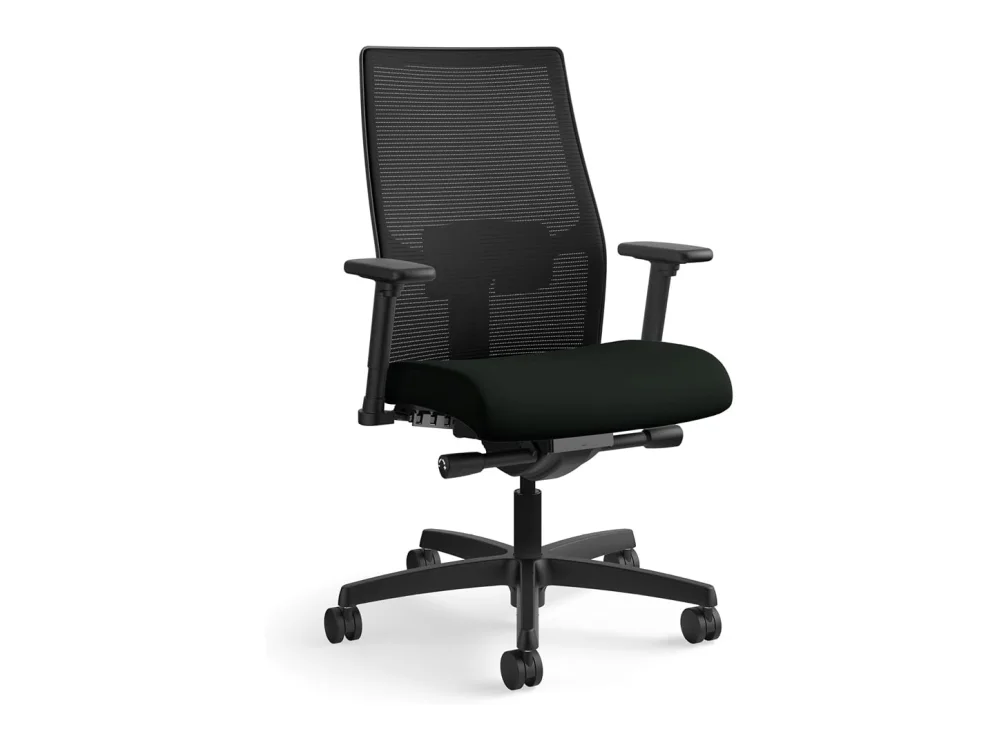 HON Ignition 2.0
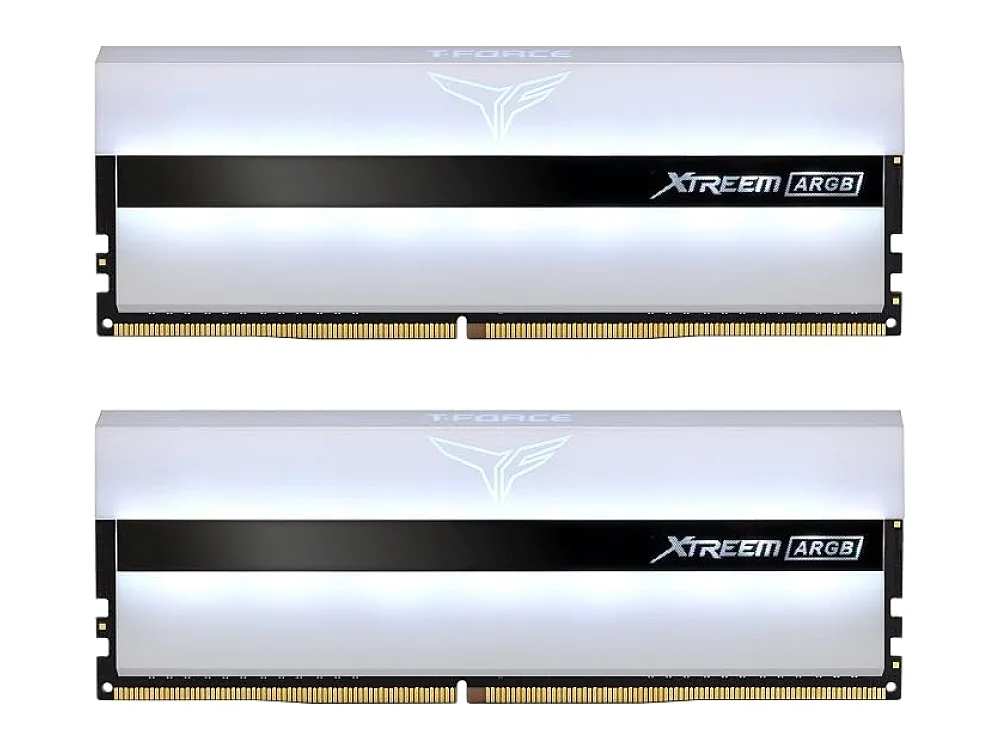 TeamGroup T-Force Xtreem ARGB DDR4-3600
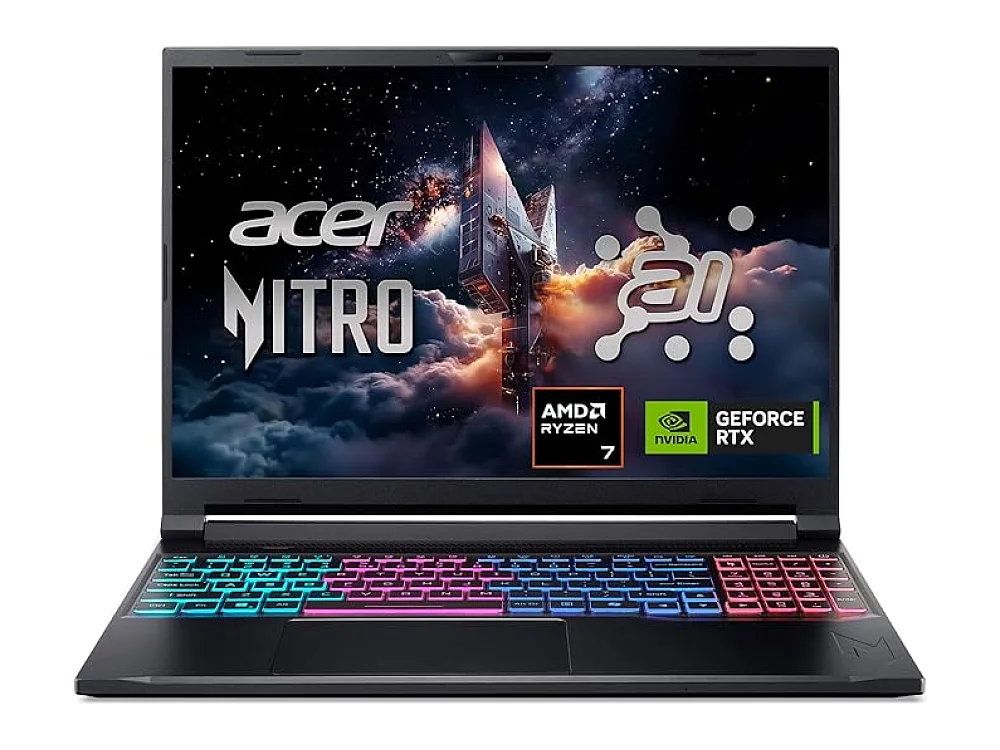 Acer Nitro V 16S AI
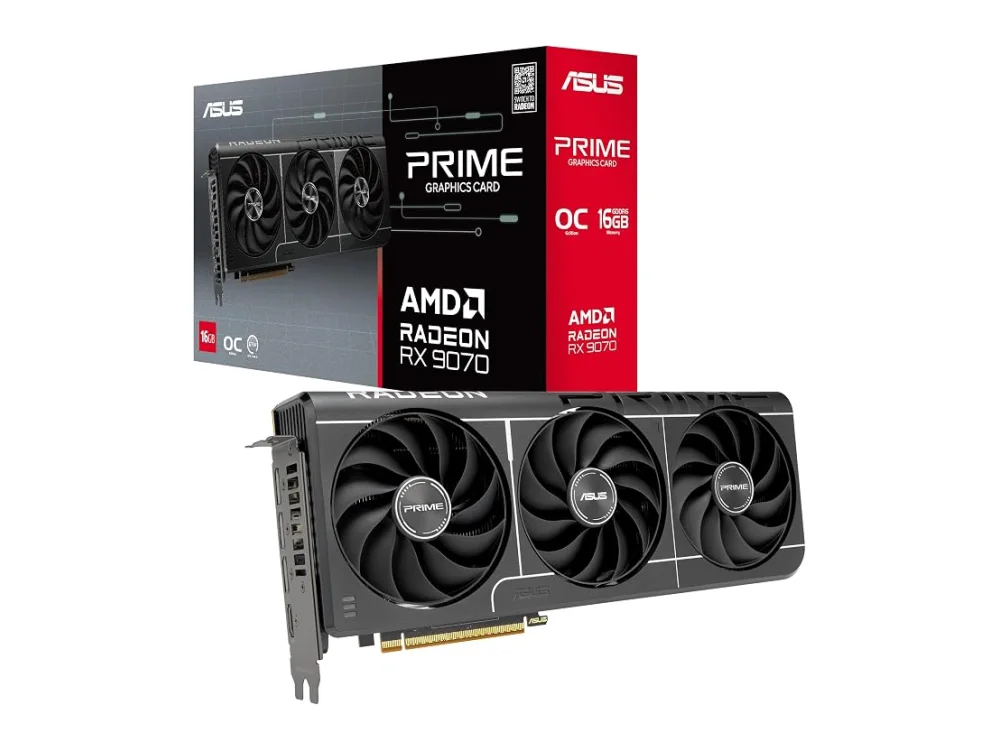 AMD Radeon RX 9070
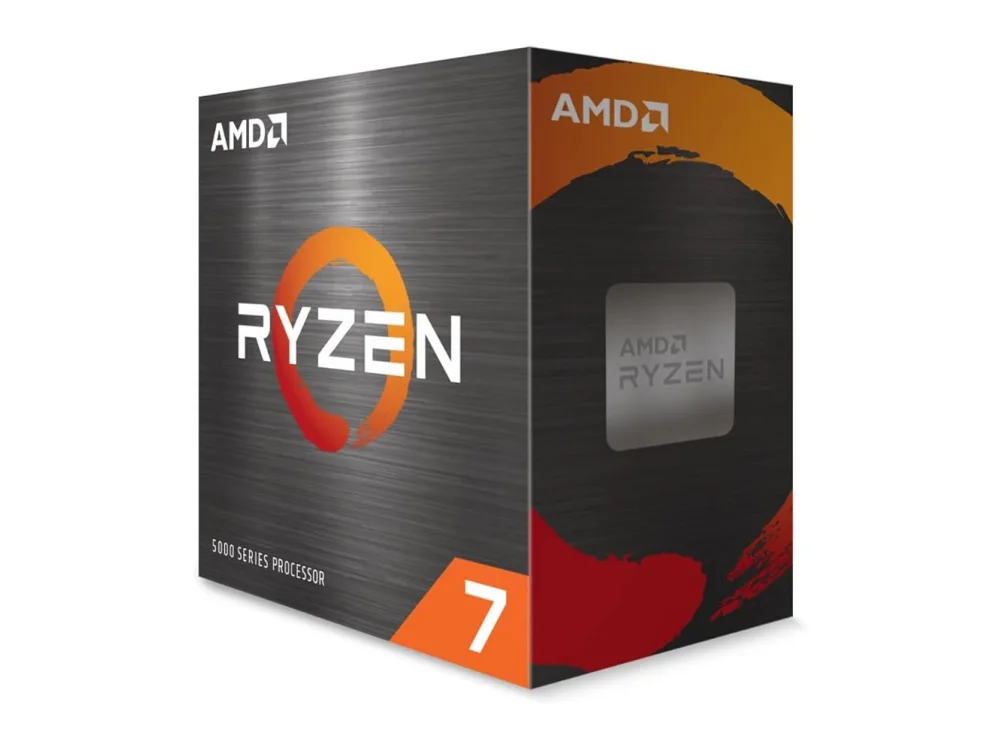 AMD Ryzen 7 5700X3D
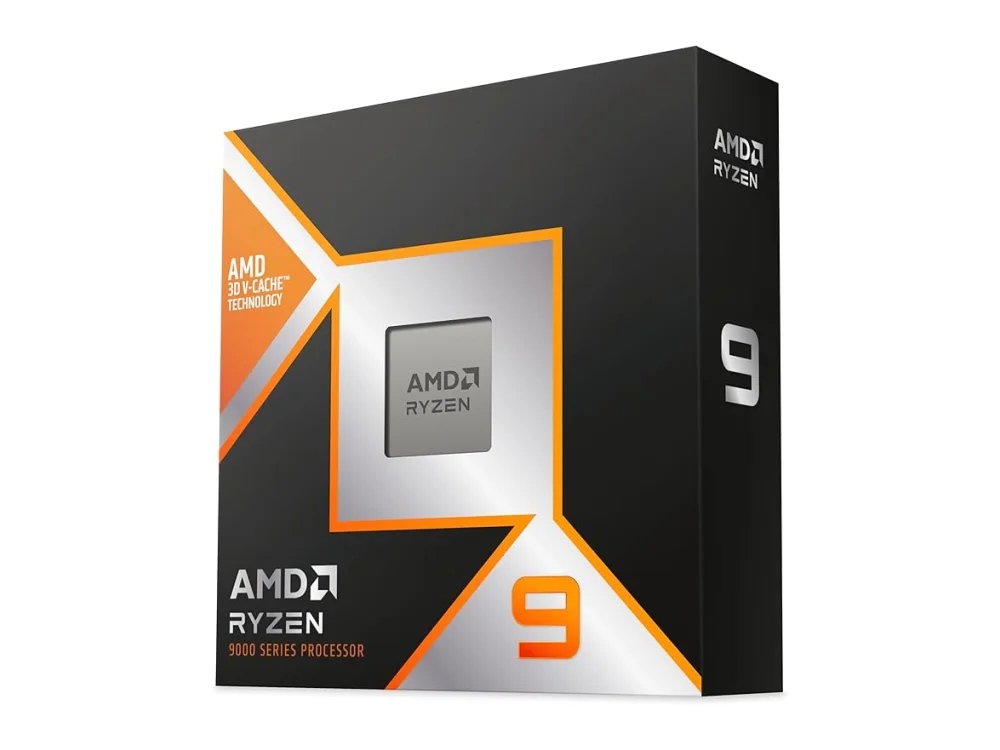 AMD Ryzen 9 9950X3D
Leave a comment
Questions, corrections or your own experience: it goes to our team at comments@runonconsole.com and you get a copy.