Gaming Handheld Specs Explained: What Really Matters

Article Overview & Key Takeaways
Learn which gaming handheld specs truly impact performance, portability, and battery life, and see a quick side‑by‑side comparison of the most popular models.
Gaming gear to check
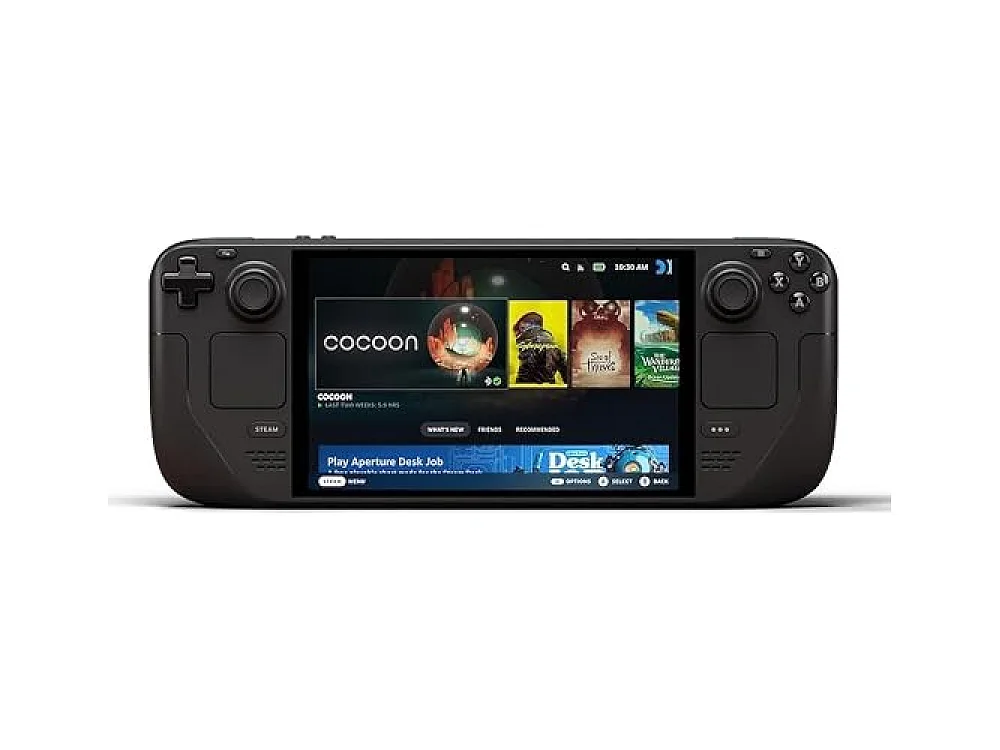 Steam Deck OLED 1TB
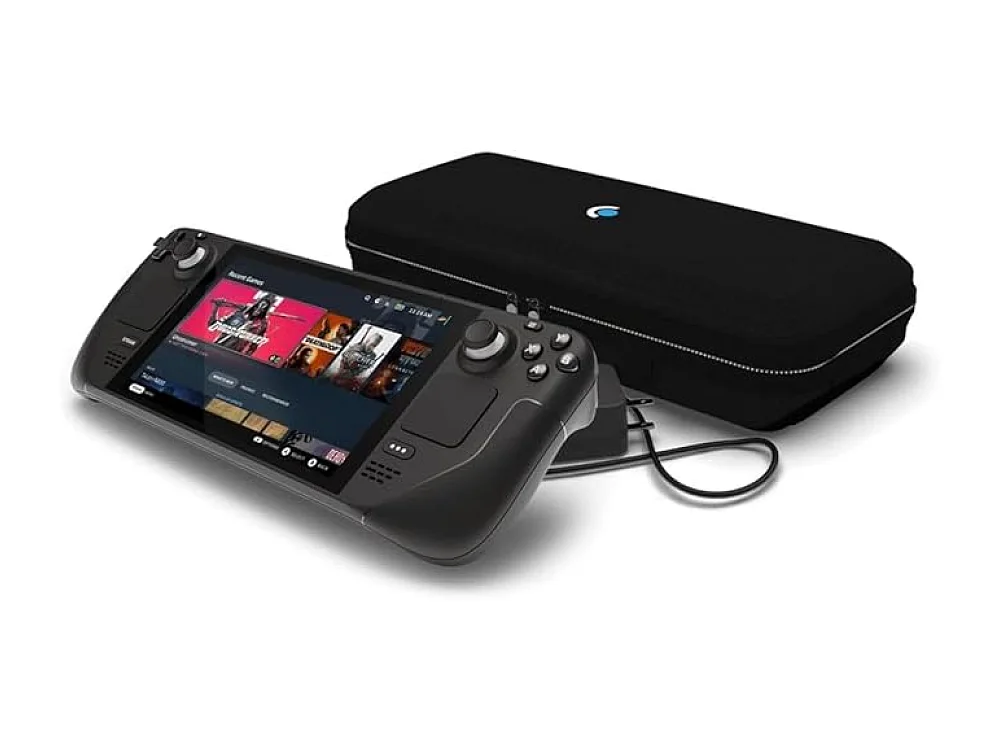 Steam Deck OLED 512GB
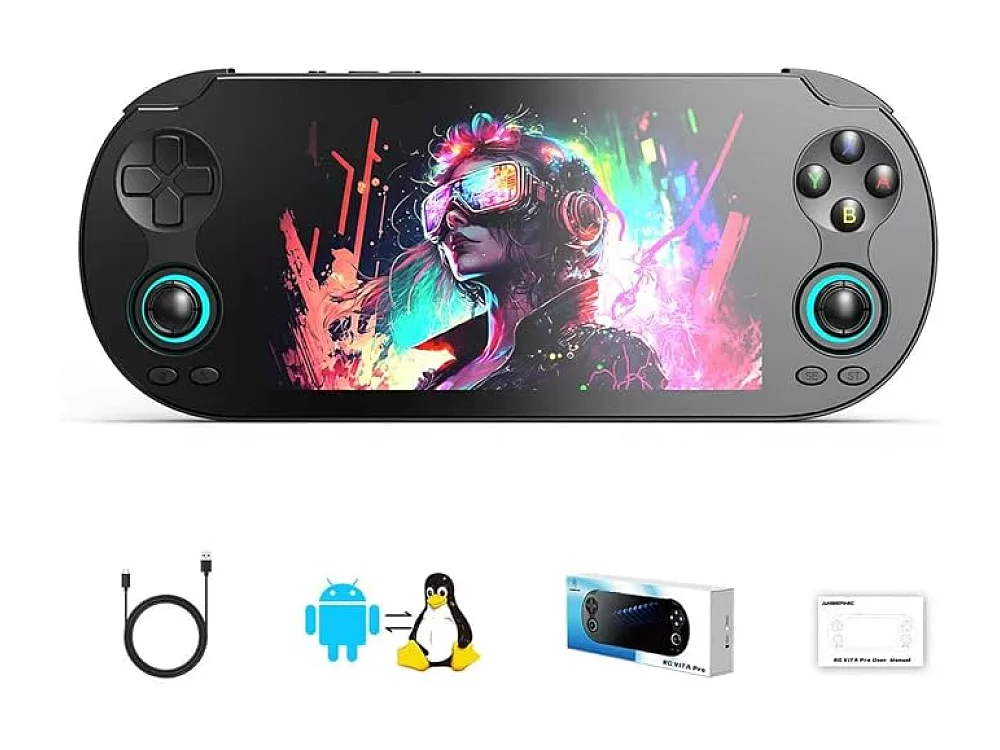 Vita Pro Handheld
When you start looking at a gaming handheld, the flood of numbers—CPU GHz, GPU cores, screen refresh rates—can feel overwhelming. The good news is that only a handful of specs really dictate how the device will feel in your hands and how well it will run your favorite titles. This guide breaks down the most important gaming handheld specs and shows you how to read them with confidence. For a broader view of the handheld market, check out our Gaming Handhelds hub page.
If you’re still unsure which model fits your play style, our sister post How Choose Gaming Handheld: A Simple Guide for Gamers walks you through the decision‑making process step by step.
Understanding Gaming Handheld Specs
All handhelds share a core set of components: a processor (CPU), a graphics unit (GPU), a display, a battery, and input hardware. While each part matters, the balance between them determines the overall experience. Below we explain each spec, why it matters, and what numbers to look for.
CPU and GPU: The Heartbeat of Performance
The CPU (central processing unit) handles game logic, AI, and background tasks. In modern handhelds the CPU is usually part of an AMD Ryzen Z‑series or an Intel Core Ultra series. Look for a higher core count and newer architecture; a Zen 4‑based chip will generally outperform a Zen 3 + integrated GPU at the same clock speed.
The GPU (graphics processing unit) draws the frames you see on screen. Handheld GPUs are integrated into the same chip as the CPU, but they still have their own specifications: compute units (CUs), clock speed, and supported APIs (DirectX 12, Vulkan). For most 1080p‑plus gaming, aim for at least 8 CUs running above 1.8 GHz.
When comparing devices, the raw GHz number can be misleading because power limits differ. Instead, check benchmark averages on the Can I run it? checker for the games you care about.
Display: Resolution, Refresh Rate, and Size
The screen is where all the hardware power becomes visible. Handhelds typically offer 720p or 1080p panels, with refresh rates ranging from 60 Hz to 120 Hz. A higher refresh rate makes motion smoother, but it also drains the battery faster.
Resolution matters most for visual fidelity; a 1080p display on a 7‑inch screen will look sharper than a 720p panel of the same size. However, if you prioritize fluid gameplay over pixel‑perfect detail, a 120 Hz 720p screen can feel more responsive.
Battery Life and Power Management
Battery capacity (measured in watt‑hours, Wh) and power efficiency of the CPU/GPU together decide how long you can play before plugging in. Most modern handhelds sit between 40 Wh and 55 Wh. Devices with a larger battery often weigh more, so consider the trade‑off.
Look for features like variable refresh rate (VRR) and low‑power modes that let the system throttle down when you’re playing less demanding games. These can add an extra hour or two of playtime.
Weight and Ergonomics: Gaming Handheld Weight Comparison
Comfort is a personal thing, but the numbers give you a baseline. A handheld under 600 g feels like a large phone; between 600 g and 800 g is comparable to the Nintendo Switch; above 800 g starts to feel like a mini‑laptop.
Our quick gaming handheld weight comparison shows where the most popular models sit:
| Model | Weight (g) | CPU | GPU | Battery (Wh) | Screen |
|---|---|---|---|---|---|
| ASUS ROG Ally X | 680 | AMD Ryzen Z1 | 8 CUs | 46 | 1080p 120 Hz |
| ASUS ROG Ally Z1 Extreme | 720 | AMD Ryzen Z1 Extreme | 12 CUs | 53 | 1080p 120 Hz |
| AYANEO 3 | 750 | AMD Ryzen Z1 | 8 CUs | 50 | 1080p 90 Hz |
| GPD WIN 5 | 820 | Intel Core Ultra 7 | Integrated Xe | 55 | 1080p 120 Hz |
When you read a spec sheet, remember that a heavier device often means a bigger battery and a more powerful GPU, which can be a win‑win if you value longer sessions over ultra‑light portability.
Want to buy a gaming handheld? Here are 3 similar picks:
- GPD WIN Mini 2025: Portable PC gaming on the move
- Lenovo Legion Go: Portable PC gaming
- Lenovo Legion Go 2: PC gamers on the move
Open a product to see its full details, then use the Amazon button there.
Storage and Expandability
Most handhelds ship with 512 GB or 1 TB of NVMe SSD storage. Faster SSDs reduce load times, but the capacity you need depends on how many large games you install simultaneously. Some models support a microSD slot for cheap expansion; others, like the ROG Ally line, rely solely on internal storage.
Connectivity and Controls
Wi‑Fi 6E and Bluetooth 5.2 are now standard, ensuring low‑latency cloud streaming and reliable controller pairing. Look for USB‑C with Power Delivery (PD) support for fast charging, and a 3.5 mm headphone jack if you prefer wired audio.
Handhelds often include hall‑effect thumbsticks for smoother analog input and programmable shoulder buttons. If you plan to use external accessories, check the Gaming Headsets & Audio hub for compatible gear.
Example Handhelds – Specs at a Glance
ASUS ROG Ally X
The Ally X targets gamers who want a Steam Deck‑sized device with a full‑Windows 11 experience. Its Zen 4‑based Ryzen Z1 processor delivers 8 CUs and a 46 Wh battery, balanced for 8‑hour play at 1080p 120 Hz. It’s a solid all‑rounder for indie titles and many AAA games at medium settings.
- Pros: High refresh rate screen, good thermals, Windows ecosystem.
- Cons: Slightly heavier than the Switch, no microSD slot.
ASUS ROG Ally Z1 Extreme
The Z1 Extreme pushes the performance envelope with a 12‑CU GPU and a larger 53 Wh battery. It can sustain 1080p 120 Hz in demanding titles like Cyberpunk 2077, but the extra power means a 720 g weight and louder fans under load.
- Pros: Best handheld GPU currently available, longer battery.
- Cons: Heavier, louder under heavy load.
AYANEO 3
The AYANEO 3 offers a sleek design with a 750 g chassis and a 50 Wh battery. Its performance matches the Ally X, but it adds a microSD slot for storage flexibility. The 90 Hz panel is a compromise between smoothness and power draw.
- Pros: Expandable storage, good ergonomics.
- Cons: Lower refresh rate than rivals.
GPD WIN 5
GPD’s flagship uses an Intel Core Ultra 7 chip with integrated Xe graphics. It’s the only handheld in this list with an Intel CPU, which can be advantageous for certain Windows games that favor Intel’s architecture. The 55 Wh battery gives it the longest unplugged sessions, but at 820 g it’s the heaviest.
- Pros: Strong CPU performance, longest battery life.
- Cons: Heaviest, integrated GPU lags behind AMD’s top CUs.
Want to buy a gaming handheld? Here are 3 similar picks:
- Lenovo Legion Go S: PC gamers who need portability
- MSI Claw 8 AI+: PC-game fans on the go
- MSI Claw 8 EX AI+: On-the-go PC gamers
Open a product to see its full details, then use the Amazon button there.
How to Use the Specs When Choosing a Handheld
Start with your primary use case:
- Portability first? Aim for under 600 g and a 720p 60 Hz screen to keep weight and battery drain low.
- Performance first? Look for 12 CUs or an Intel Core Ultra 7, a 120 Hz 1080p display, and a battery above 50 Wh.
- Hybrid use (cloud + local)? Prioritize Wi‑Fi 6E, a strong battery, and a display with good HDR support.
Cross‑check any game you want to play on the Can I run it? tool. Input the game’s recommended specs, and the checker will tell you whether each handheld meets or exceeds those requirements.
FAQ
What is the best gaming handheld?
The “best” handheld depends on your priorities. If raw performance is key, the ASUS ROG Ally Z1 Extreme leads with the most GPU cores. For a balance of weight, battery, and expandability, the AYANEO 3 is a strong contender. Use the specs comparison above to match your needs.
How do gaming handheld specs differ from a gaming PC?
Handhelds integrate CPU and GPU into a single chip, have lower power envelopes, and use mobile‑class SSDs. A desktop PC can host a high‑end desktop GPU, larger cooling solutions, and unlimited power, so its specs (e.g., RTX 4090, 32 GB RAM) are on a different scale. However, the same architectural generations (Zen 4, Intel 13th Gen) appear in both, so you can compare core counts and clock speeds to gauge relative performance.
What CPU specs matter most in a handheld?
Core count, architecture generation, and boost clock are the three most important figures. Modern Zen 4 or Intel Core Ultra CPUs with 6‑8 cores and boost clocks above 2.5 GHz provide the headroom needed for modern AAA titles at 1080p.
Do headset specs affect handheld gaming?
While headset quality doesn’t change game performance, good audio can improve immersion and reaction time. Look for a headset with low latency and clear mids for directional cues. Our Gaming Headsets & Audio hub lists options that pair well with handhelds.
Conclusion
Understanding gaming handheld specs lets you cut through marketing jargon and pick a device that feels right in your hands while delivering the performance you need. Focus on CPU/GPU balance, screen refresh rate, battery capacity, and weight. Use the comparison table and the Can I run it? checker to validate your choices, and you’ll walk away with a handheld that matches your gaming style.
Keep reading: more on Gaming Handhelds
Keep reading
Gaming gear on Run On Console
 Creative Pebble Pro vs Creative Pebble V3
 AMD Ryzen 7 8700G
 MCHOSE A7
 Fractal Design North
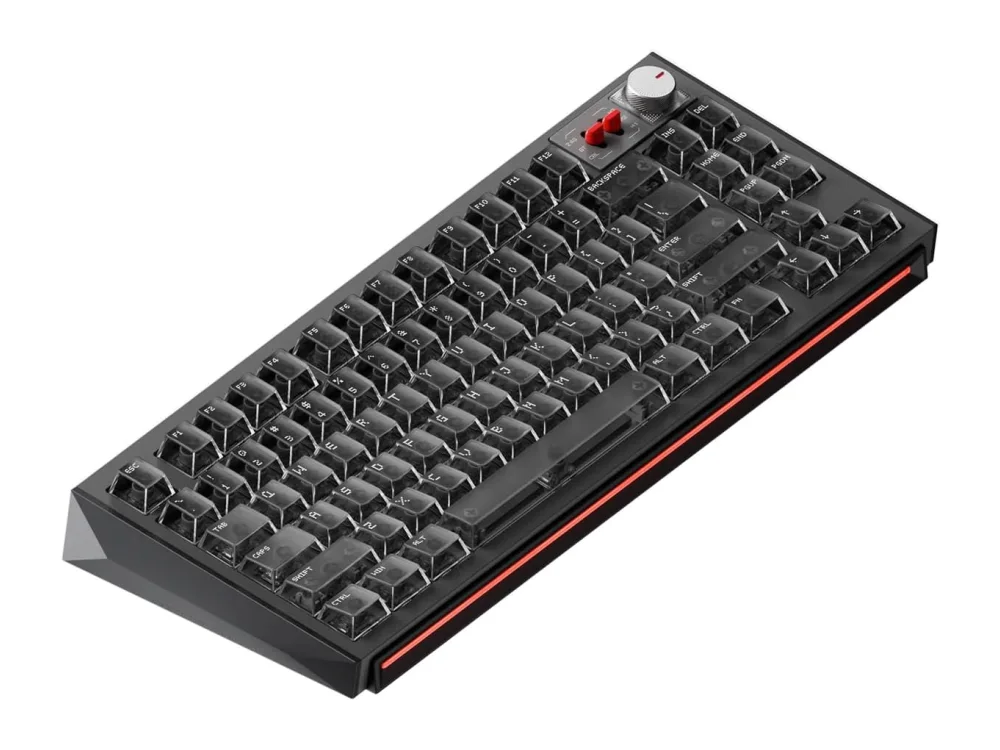 NuPhy WH80
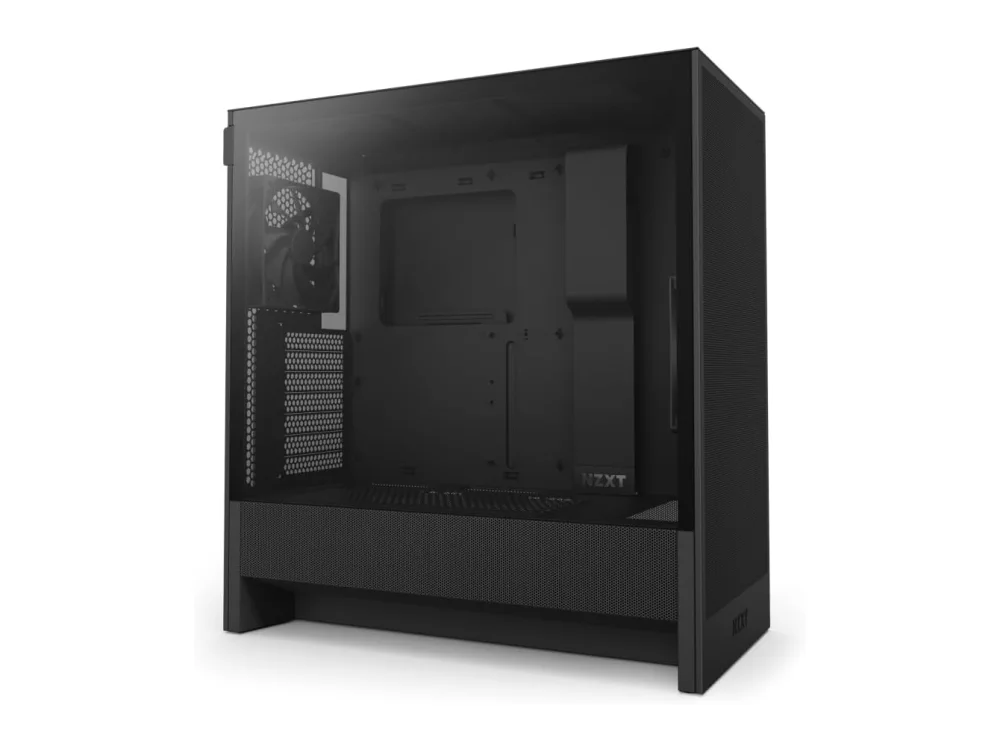 NZXT H7 Flow
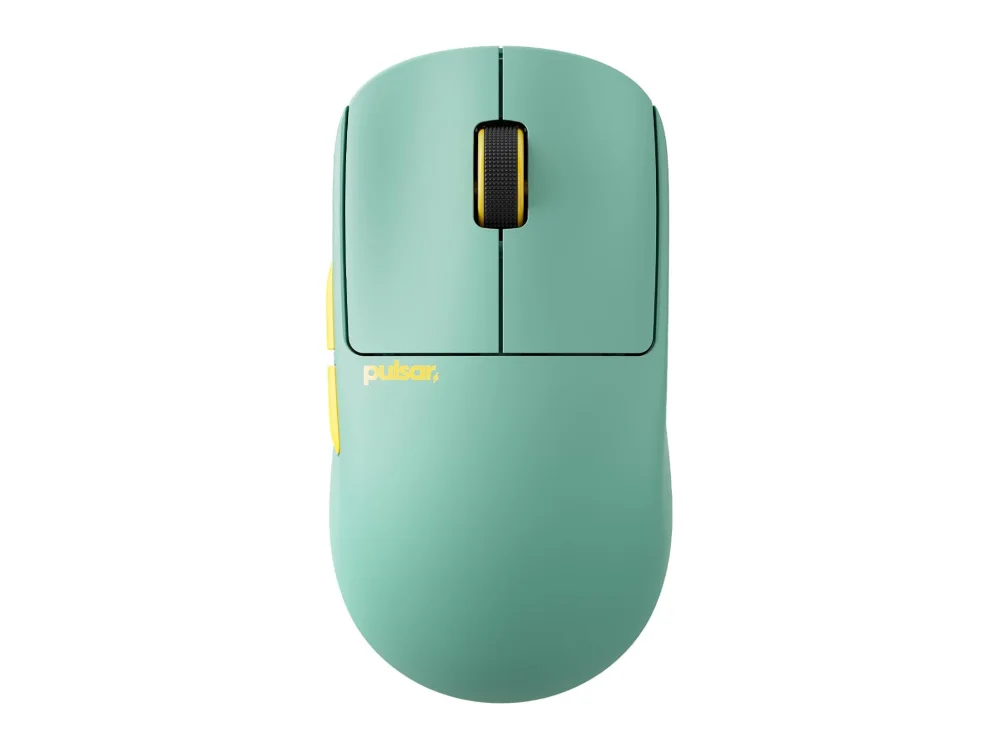 Pulsar X2 CrazyLight Mini
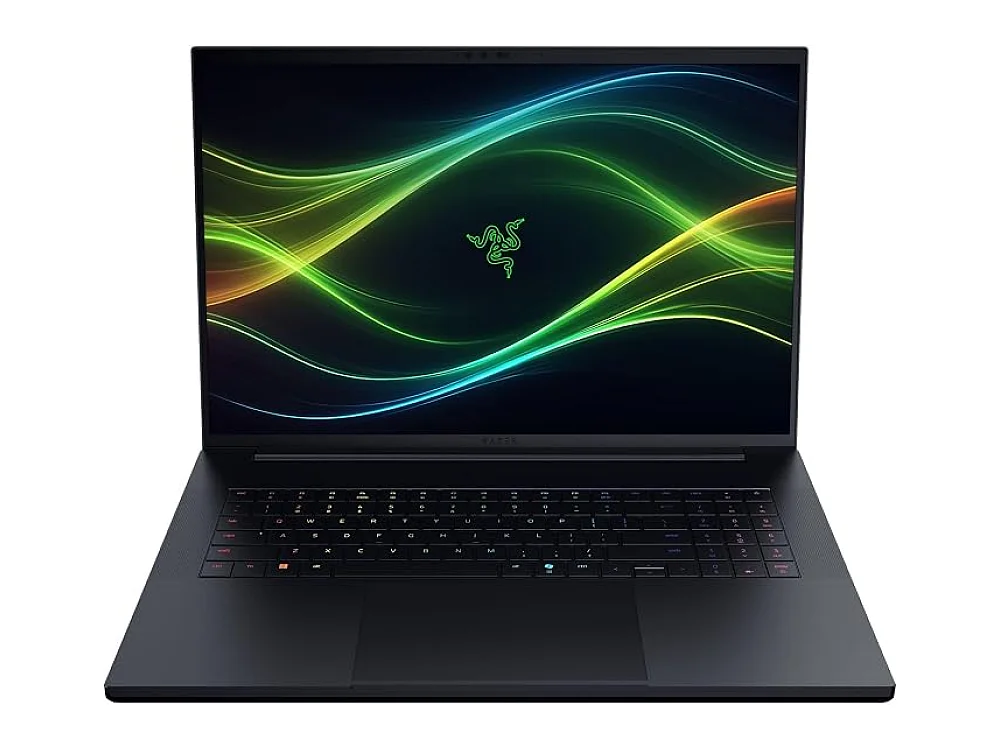 Razer Blade 18 (2026)
Leave a comment
Questions, corrections or your own experience: it goes to our team at comments@runonconsole.com and you get a copy.