Gaming CPU Mistakes to Avoid: A Buyer's Guide

Article Overview & Key Takeaways
Stop wasting money on the wrong processor. Here are the most common gaming CPU mistakes to avoid and how to choose the right chip for your setup.
Gaming gear to check
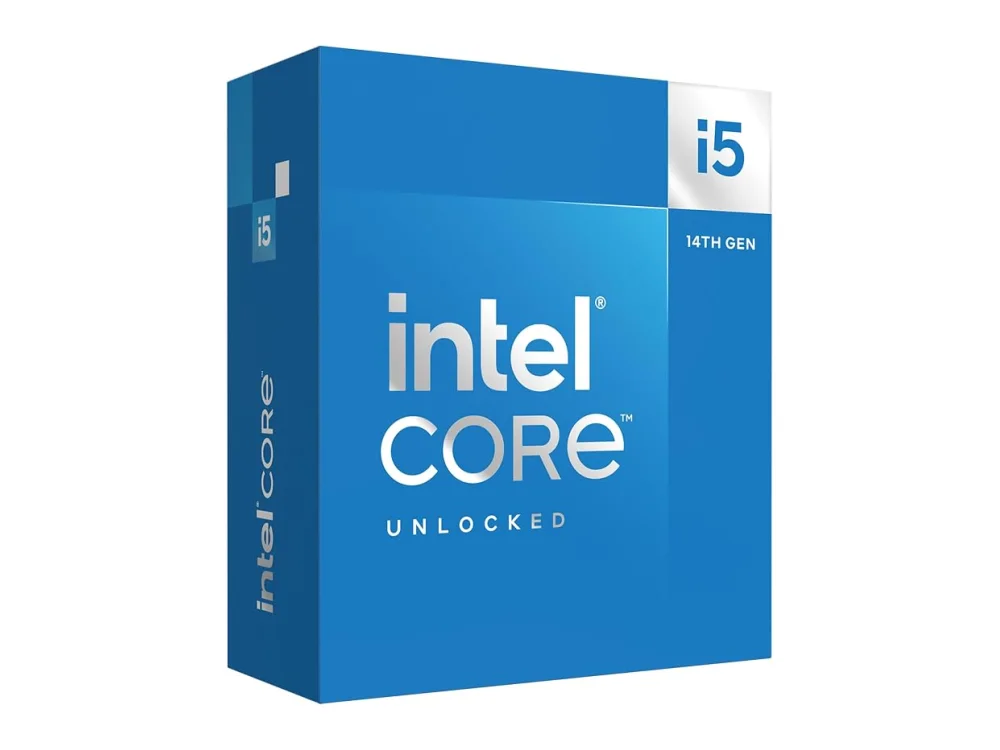 Intel Core i5-14600K
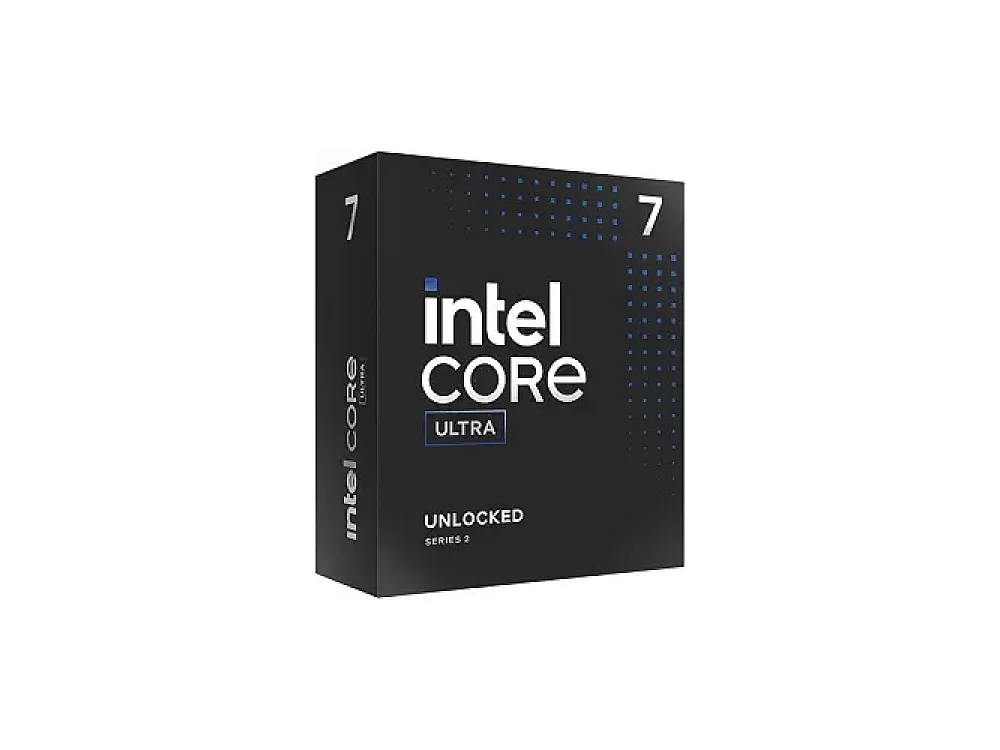 Intel Core Ultra 7 265K
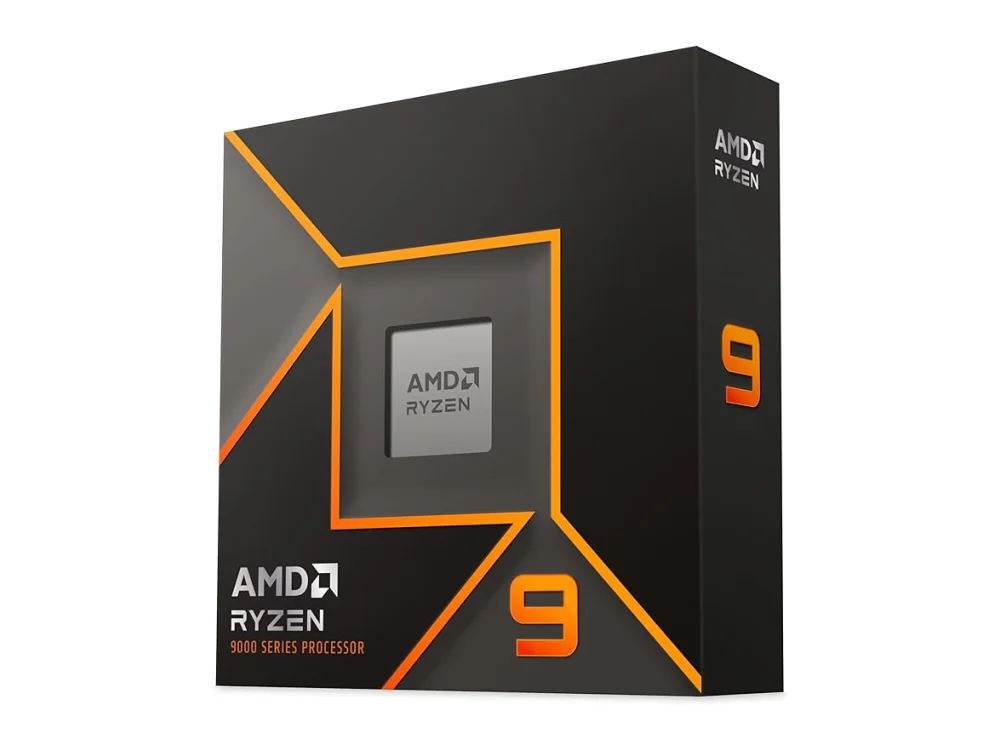 AMD Ryzen 9 9900X
Buying the wrong processor is one of the most expensive errors a new PC builder can make. Many gamers focus solely on the graphics card, only to find that their central processing unit (CPU) limits performance in modern titles. This guide lists the most common gaming CPU mistakes to help you spend less and play better.
Browsing the Processors (CPU) hub is a great starting point, but knowing which specs actually matter is key. Below, we break down the pitfalls that cause bottlenecks, wasted budget, and compatibility headaches.
Buying More Cores Than You Need
It is tempting to think that more cores always mean better gaming performance. However, most current games rely heavily on single-core speed rather than raw multi-core count. If you buy a high-end, 16-core processor for a mid-range graphics card, you are likely paying a premium for features you will not use in games. While multi-core performance matters for streaming or video editing, for pure gaming, a balanced 6-core or 8-core chip is often the sweet spot. Always match your CPU to your GPU tier; an ultra-high-end CPU paired with an entry-level GPU creates a severe bottleneck where the GPU cannot keep up with the CPU's output.
Ignoring the Motherboard Socket
One of the biggest gaming CPU mistakes is selecting a processor without checking motherboard compatibility. CPUs use specific sockets (like AM5 or LGA 1700) that are not interchangeable. If you buy a CPU for a new platform, you must also buy a matching motherboard. Trying to install an incompatible chip is impossible without hardware changes, and mixing old sockets with new boards is not an option. Before purchasing, verify that the CPU socket matches your motherboard or plan to buy both as a matched set. If you are upgrading an existing system, check the manufacturer's CPU support list to ensure your board supports the new chip, often requiring a BIOS update first.
Overlooking Cache Size for 1% Lows
CPU cache is a small, fast memory on the processor chip that helps reduce latency. In competitive gaming, high cache sizes can significantly improve 1% lows, which are the frame rate dips that cause stuttering. Ignore this spec, and you might end up with a processor that has high average FPS but inconsistent performance. Chips with 3D V-Cache technology, such as the AMD Ryzen 7 5700X3D, are designed specifically to boost gaming performance by keeping frequently used data close to the cores. For competitive players, prioritize cache size over raw clock speed when comparing chips in the same price range.
Want to buy a gaming CPU? Here are 3 similar picks:
- AMD Ryzen 5 5500F: 1080p budget gaming rigs
- AMD Ryzen 5 8600G: Budget gaming PCs with integrated graphics
- AMD Ryzen 5 9600X: Mid-range gaming PCs
Open a product to see its full details, then use the Amazon button there.
Neglecting the Cooler
Many processors come with a stock cooler, but these are often designed for basic operation, not sustained high loads. If you plan to play games at high settings or stream, the stock cooler may be insufficient, leading to thermal throttling where the CPU slows down to prevent overheating. A gaming CPU mistake many beginners make is assuming the included cooler is enough for high-end performance. For high-performance chips, investing in a proper air or liquid cooler ensures the CPU runs at its full potential without hitting temperature limits. Always check the thermal design power (TDP) of your chosen CPU to determine the appropriate cooling solution.
Buying a CPU Without Verifying RAM Compatibility
Your CPU dictates which type of RAM you can use. Newer platforms like AM5 require DDR5 RAM, while older platforms like AM4 use DDR4. You cannot mix these; your system will not boot if the RAM type does not match the motherboard and CPU platform. A common error is buying a new CPU and trying to reuse old RAM from a previous system, only to find it is incompatible. Before finalizing your build, confirm whether the platform supports DDR4 or DDR5. Additionally, check the maximum supported memory speed for your specific CPU model to ensure your RAM runs at its advertised clock speed.
Choosing a CPU Based Solely on Price
It is easy to buy the cheapest CPU that fits the socket, but this can lead to a poor experience. A very low-cost processor may have low single-thread performance, causing frame drops in CPU-intensive games like strategy titles or open-world RPGs. Conversely, buying the most expensive CPU available is often a waste if your GPU is mid-range. The goal is balance. A mid-range CPU like the AMD Ryzen 5 7600X3D offers excellent gaming performance without the cost of flagship chips. Focus on value for money rather than the lowest or highest price point. Check our How to Choose a Gaming CPU guide for detailed advice on balancing your budget across components.
Want to buy a gaming CPU? Here are 3 similar picks:
- AMD Ryzen 7 7800X3D: High-refresh-rate gaming rigs
- AMD Ryzen 7 8700G: Budget-friendly gaming PCs
- AMD Ryzen 7 9700X: Mid-range gaming builds
Open a product to see its full details, then use the Amazon button there.
Ignoring Future-Proofing and Platform Longevity
Buying a CPU on a platform that has been discontinued can limit your upgrade path. While it is possible to upgrade within a platform, you are capped by the top-end chip of that generation. Newer platforms often offer better power efficiency and higher peak performance. If you plan to keep your PC for several years, consider a newer platform that is still receiving support and has room for future upgrades. This does not mean you must buy the newest chip, but choosing a dead-end platform can force a full motherboard and CPU replacement sooner than expected. Always check the roadmap for the platform you are considering to ensure it aligns with your long-term plans.
Common Questions About Gaming CPU Mistakes
Do I need a high-end CPU for 4K gaming?
Not necessarily. At 4K resolution, the graphics card does most of the work, so the CPU's role is less significant compared to 1080p or 1440p gaming. A mid-range CPU is usually sufficient for 4K gaming, allowing you to save money that can be better spent on a more powerful GPU. However, if you stream or record gameplay at 4K, you will benefit from a stronger CPU to handle the encoding tasks.
What is a bottleneck, and how do I avoid it?
A bottleneck occurs when one component limits the performance of another. In gaming, this usually means the GPU is waiting for the CPU, or vice versa. To avoid bottlenecks, match the tier of your CPU and GPU. For example, a high-end GPU paired with a low-end CPU will not perform as well as a balanced mid-range pair. Use our Can I run it? tool to check if your specific game requires a certain level of CPU performance to run smoothly.
Is it worth buying a used CPU to save money?
Buying a used CPU can be a great way to save money, especially for older platforms like AM4 or LGA 1700. These platforms are well-supported and offer good value. However, be cautious about buying used components from unknown sellers. Ensure the CPU is from a reputable source and check for any signs of damage. If you are new to PC building, buying new comes with a warranty, which can be a safer bet if you are unsure about the component's history.
How do I know if my CPU is good enough for my game?
Check the system requirements on the game's official store page or use a requirements checker. Look at the recommended CPU for the settings you want to play at. If your CPU is below the recommended spec, you may experience lower frame rates or stuttering. For the most accurate assessment, visit our Gaming Computer Specs Explained article to understand how CPU specs translate to real-world performance in games.
Conclusion
Avoiding gaming CPU mistakes comes down to balance, compatibility, and understanding your needs. Do not buy the most expensive chip; buy the right one for your GPU and use case. Check socket compatibility, ensure you have the correct RAM and cooling, and consider the longevity of the platform. By following these tips, you can build a gaming PC that performs well and lasts for years. For more detailed picks and comparisons, explore our Processors (CPU) hub to find the best chip for your budget.
Keep reading: more on Processors (CPU)
Keep reading
Gaming gear on Run On Console
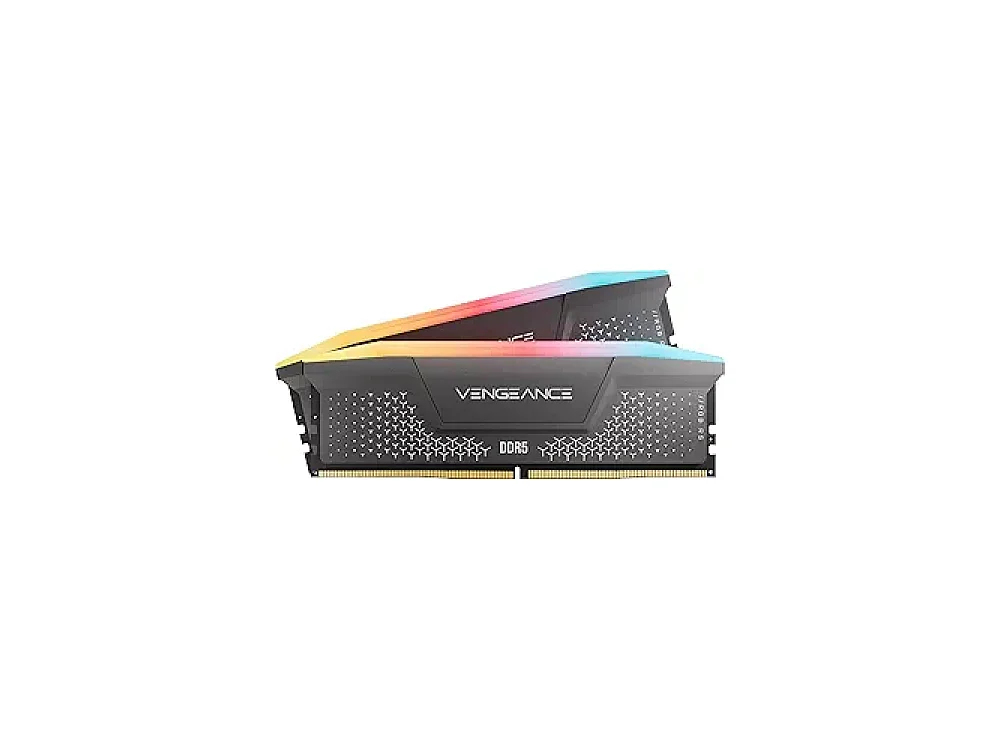 Corsair Vengeance DDR5-6000 vs Crucial Pro Overclocking DDR5-6000
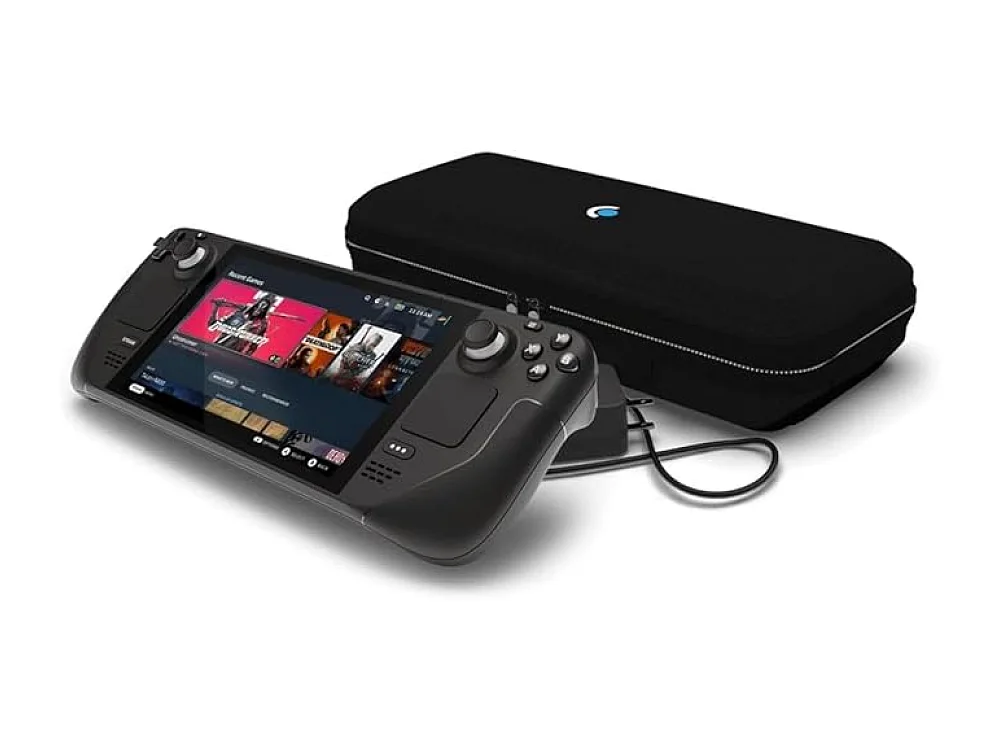 Steam Deck OLED 512GB
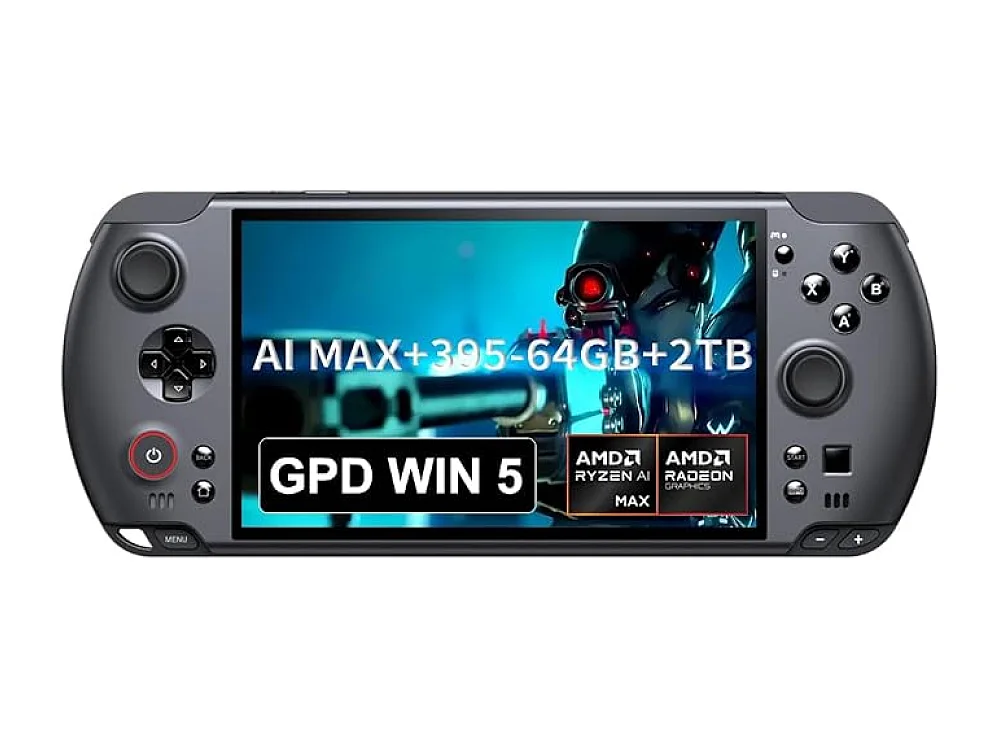 GPD WIN 5
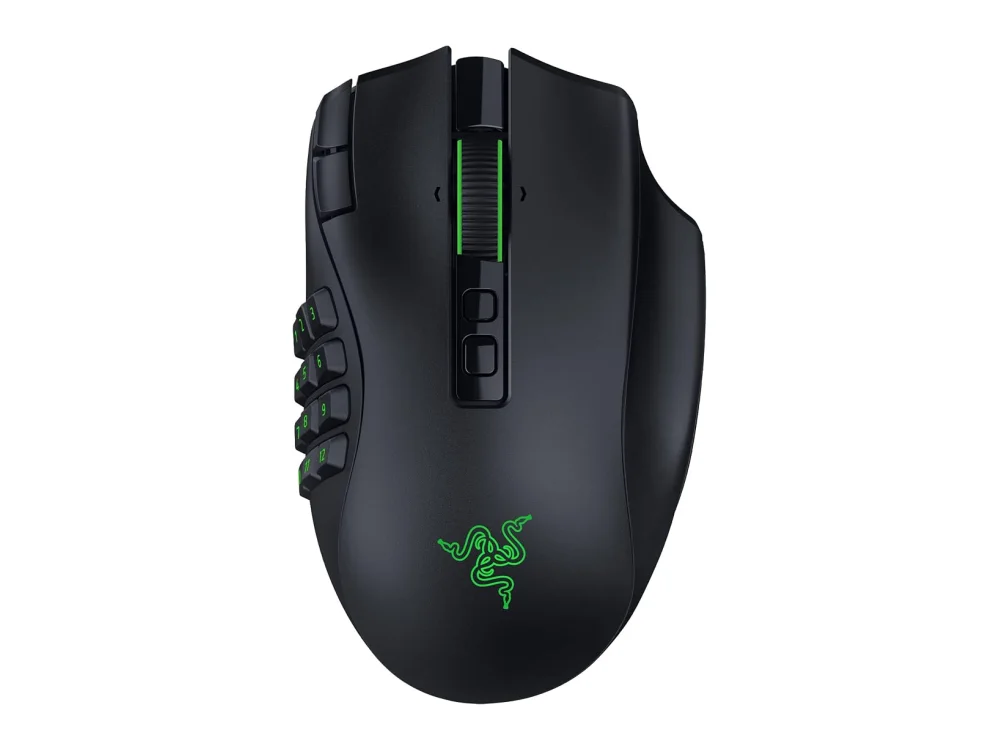 Razer Naga V3 Pro
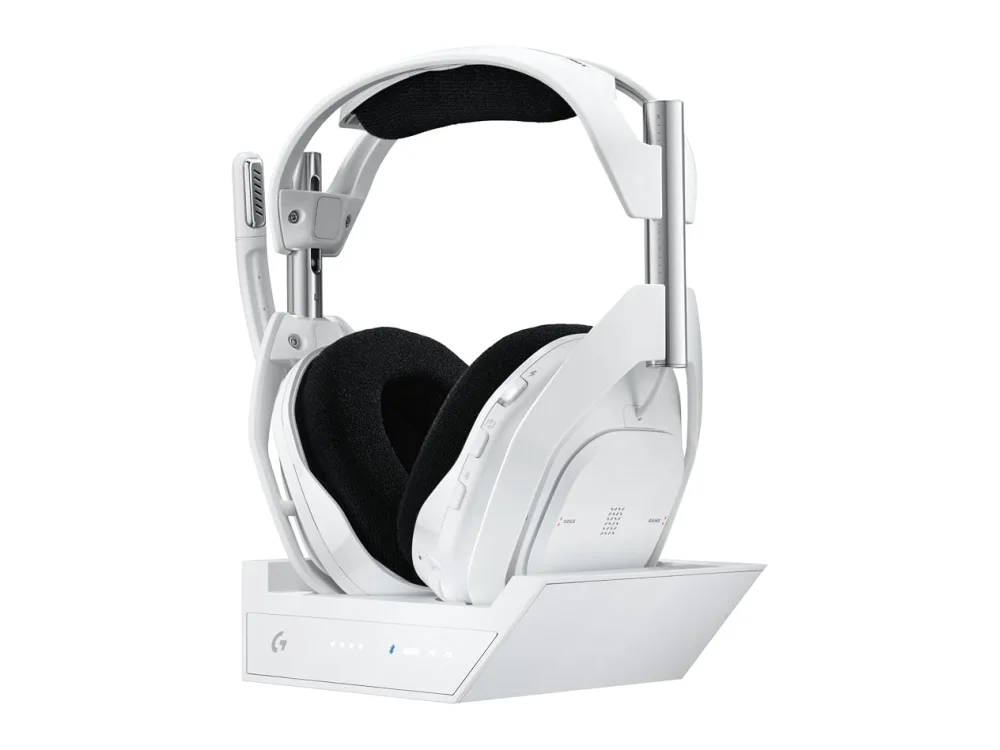 Logitech G Astro A50 X
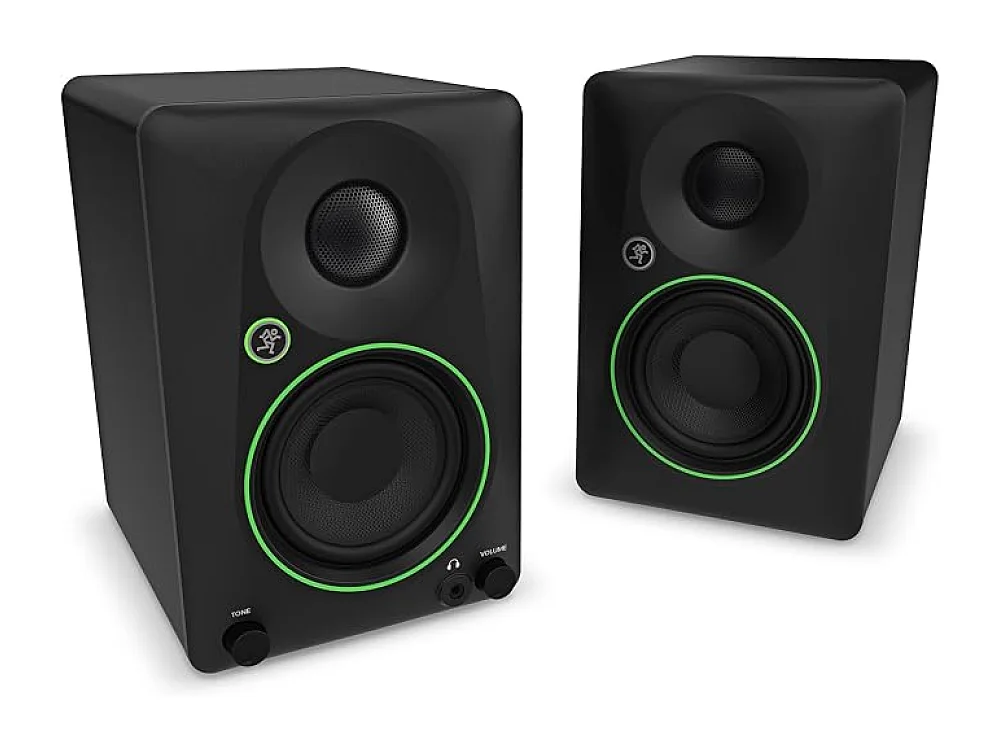 Mackie CR3.5BT + CR8SBT
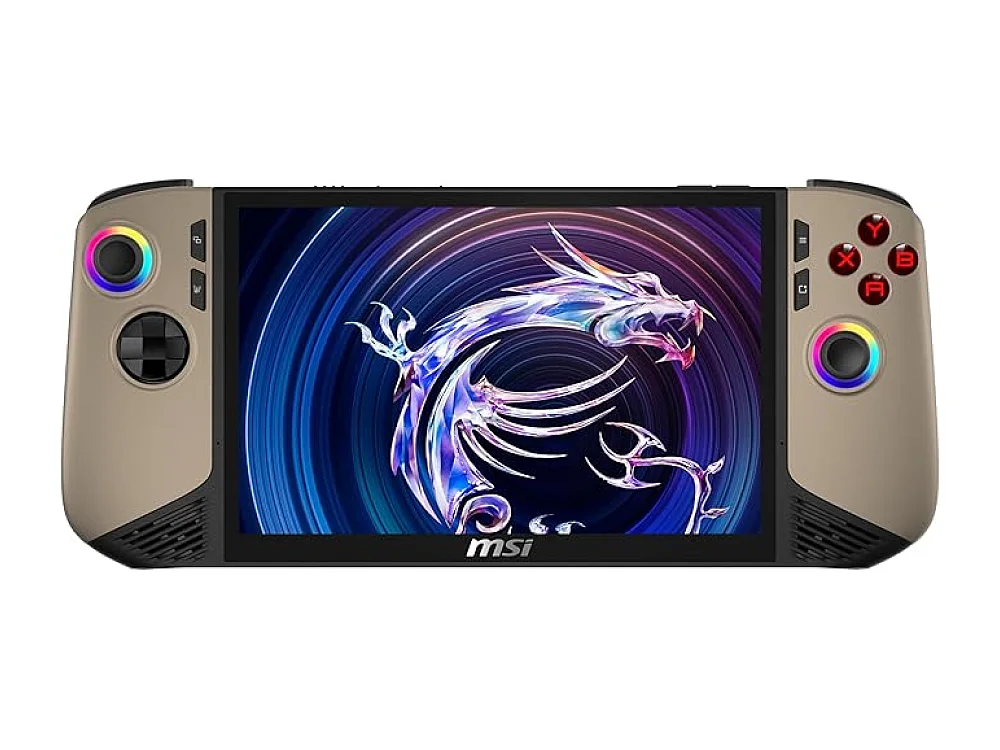 MSI Claw 8 AI+
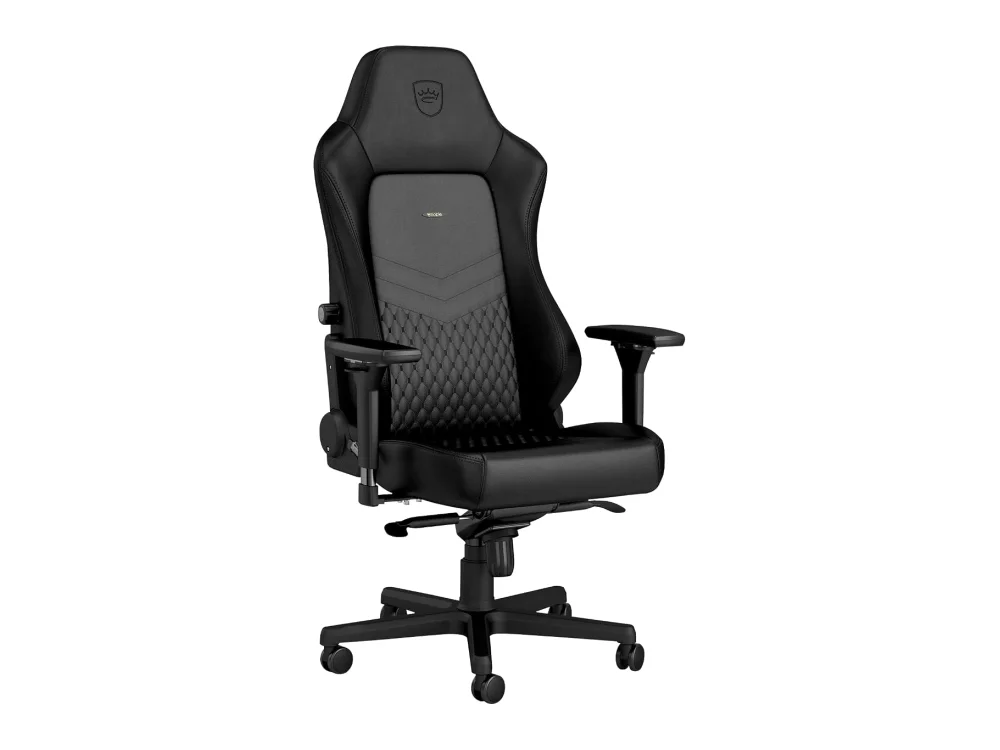 noblechairs HERO
Leave a comment
Questions, corrections or your own experience: it goes to our team at comments@runonconsole.com and you get a copy.