Gaming Handheld Mistakes: Common Buying Errors to Avoid

Article Overview & Key Takeaways
Buying a handheld gaming device? Avoid the most common gaming handheld mistakes with this guide, from overspending on specs you don’t need to ignoring battery life.
Gaming gear to check
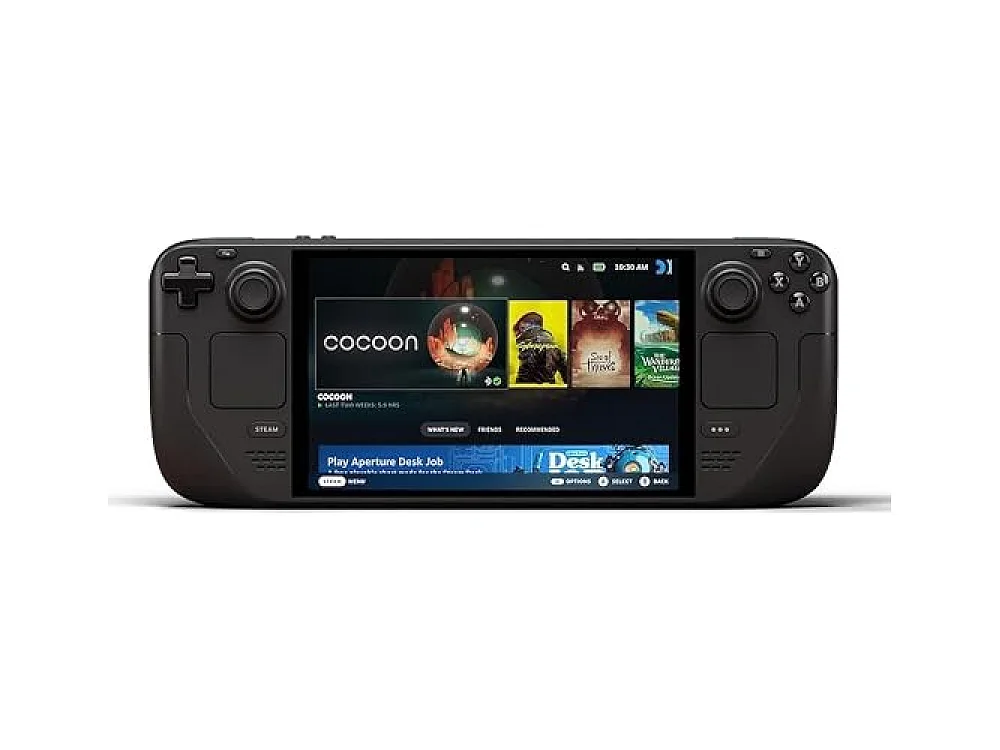 Steam Deck OLED 1TB
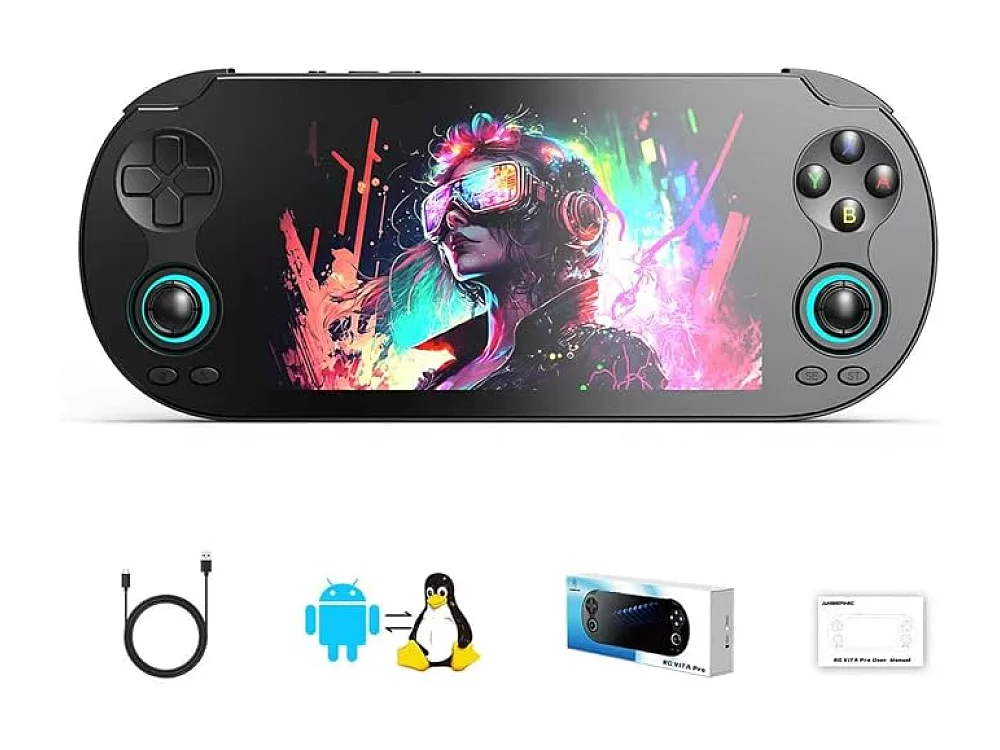 Vita Pro Handheld
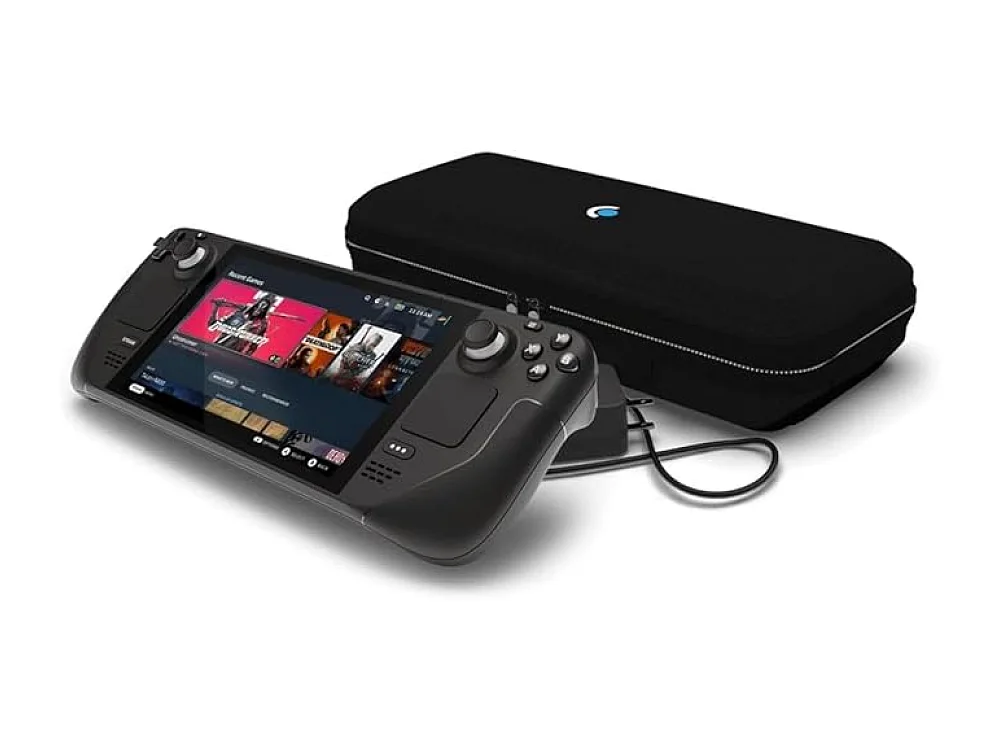 Steam Deck OLED 512GB
Choosing a portable gaming machine can feel overwhelming, especially with a flood of specs, marketing hype, and price tags. This guide pinpoints the most common gaming handheld mistakes and shows you how to sidestep them, so you end up with a device that fits your play style and budget.
First, explore our Gaming Handhelds hub for a quick overview of the current market. For deeper insight on picking the right model, see our sister post how choose gaming handheld, and learn which specifications truly matter in gaming handheld specs explained.
Mistake #1: Chasing the Highest CPU/GPU Numbers Without Context
It’s easy to assume that the most powerful processor automatically translates to a better handheld experience. In reality, the CPU and GPU must match the device’s thermal envelope and battery capacity. A handheld with a top‑tier chip but insufficient cooling will throttle quickly, turning high‑end specs into wasted silicon. Instead, focus on balanced performance: a chip that can sustain 30‑40 W of power draw while staying cool under long sessions.
Mistake #2: Ignoring Battery Life and Power Management
Battery life is the single most decisive factor for handhelds. Many reviewers spotlight peak FPS but forget that a 2‑hour run time can ruin a commute or road‑trip gaming session. Look for devices that offer at least 5‑6 hours of mixed‑use battery life, and check whether they support fast charging (e.g., 65 W USB‑PD). Devices like the ASUS ROG Ally X handheld include a 65 W charger, which can top up the battery to 80 % in under an hour.
Want to buy a gaming handheld? Here are 3 similar picks:
- GPD WIN 5: PC game enthusiasts on the move
- GPD WIN Mini 2025: Portable PC gaming on the move
- Lenovo Legion Go: Portable PC gaming
Open a product to see its full details, then use the Amazon button there.
Mistake #3: Overpaying for Unnecessary High‑Resolution Screens
While a 1080p or even 1440p display looks gorgeous, it also drains more power and taxes the GPU. If you primarily play indie titles or games that cap at 60 fps, a 720p 120 Hz screen can provide smoother gameplay with less battery drain. Consider the type of games you play and match the resolution to your performance needs.
Mistake #4: Forgetting About Ergonomics and Controls
Handhelds sit in your hands for hours; comfort matters. Many buyers focus on raw specs and overlook button feel, thumb‑stick depth, and weight distribution. A device that’s too heavy or has cramped controls will cause fatigue. Test the ergonomics in person if possible, or watch long‑form hands‑on videos that show the device in real‑world use.
Mistake #5: Not Planning for Game Compatibility
Even the most powerful handheld can’t run every PC title out of the box. Use ROC’s Can I run it? tool to verify that your favorite games are supported and run at acceptable settings. This avoids the disappointment of buying a device only to discover that a flagship title is unplayable.
Mistake #6: Neglecting Expandability and Accessories
Some handhelds lock you into a single storage size or lack USB‑C ports for external accessories. If you plan to expand storage, stream, or connect a dock, choose a model with a micro‑SD slot and full‑featured USB‑C (DP Alt Mode, power delivery). Accessories like a portable dock or a Bluetooth controller can turn a handheld into a desktop‑style rig.
Popular Handhelds – Who They’re Best For
ASUS ROG Ally X handheld
Who it’s for: Gamers who want a Windows‑based handheld with strong performance for AAA titles.
- CPU: AMD Ryzen Z1
- GPU: Integrated RDNA 3
- Display: 7‑inch 1080p, 120 Hz
- Battery: 40 Wh, up to 6 hours mixed use
Pros: High‑end CPU, fast charging, robust Windows ecosystem.
Cons: Slightly heavier than rivals, fan can be audible under load.
ASUS ROG Ally Z1 Extreme handheld
Who it’s for: Power users who need the absolute best performance and are okay with a premium price.
- CPU: AMD Ryzen Z1 Extreme
- GPU: Integrated RDNA 3, up to 30 W sustained
- Display: 7‑inch 1080p, 144 Hz
- Battery: 48 Wh, up to 5 hours heavy gaming
Pros: Top‑tier CPU, high refresh rate, excellent cooling.
Cons: Expensive, shorter battery life under max load.
AYANEO 3 handheld
Who it’s for: Users who prefer a Linux‑friendly, open‑source friendly device with a sleek design.
- CPU: AMD Ryzen 7 7840U
- GPU: Integrated RDNA 3
- Display: 7‑inch 1080p, 90 Hz
- Battery: 45 Wh, up to 7 hours mixed use
Pros: Good battery life, solid build, community‑driven firmware.
Cons: Lower refresh rate, fan can get warm.
Want to buy a gaming handheld? Here are 3 similar picks:
- Lenovo Legion Go 2: PC gamers on the move
- Lenovo Legion Go S: PC gamers who need portability
- MSI Claw 8 AI+: PC-game fans on the go
Open a product to see its full details, then use the Amazon button there.
Quick Comparison of Three Popular Handhelds
| Device | CPU | GPU Power (W) | Refresh Rate | Battery Life (mixed) |
|---|---|---|---|---|
| ASUS ROG Ally X | Ryzen Z1 | 20‑25 | 120 Hz | ≈6 h |
| ASUS ROG Ally Z1 Extreme | Ryzen Z1 Extreme | 30 | 144 Hz | ≈5 h |
| AYANEO 3 | Ryzen 7 7840U | 20 | 90 Hz | ≈7 h |
FAQ
What is the best gaming handheld?
The “best” handheld depends on your priorities. If raw performance is key, the ASUS ROG Ally Z1 Extreme handheld leads. For balanced battery life and a solid Windows experience, the ASUS ROG Ally X handheld is a strong choice. For open‑source enthusiasts, the AYANEO 3 offers a sleek Linux‑friendly platform.
Which handheld gaming device offers the longest battery life?
Among the models discussed, the AYANEO 3 typically reaches the longest mixed‑use battery life (around 7 hours) thanks to its efficient CPU and modest 90 Hz screen. However, real‑world endurance also hinges on game settings and Wi‑Fi usage.
Is a handheld gaming PC better than a console‑based handheld?
Handheld PCs give you access to the full Windows library, modding, and peripheral flexibility, but they often consume more power and may require more configuration. Console‑based handhelds (like the Nintendo Switch) provide a streamlined, always‑on‑ready experience with longer battery life but a smaller game catalog.
What handheld is best for portable 1080p gaming?
Both the ASUS ROG Ally X and the ASUS ROG Ally Z1 Extreme feature 1080p panels with high refresh rates, making them ideal for portable 1080p gaming. Choose the X model for a better battery balance, or the Z1 Extreme if you want the highest frame rates and don’t mind shorter sessions.
Conclusion
Avoiding common gaming handheld mistakes starts with understanding what matters to you: balanced performance, battery life, ergonomics, and game compatibility. Use the comparison table as a quick reference, check game support with our Can I run it? tool, and read our broader Gaming Handhelds hub before you decide. By focusing on real‑world usage rather than headline specs, you’ll pick a handheld that delivers fun sessions wherever you go.
Keep reading: more on Gaming Handhelds
Keep reading
Gaming gear on Run On Console
 G.Skill Ripjaws V DDR4-3200
 NVIDIA GeForce RTX 5060 Ti 16GB vs NVIDIA GeForce RTX 5060
 Razer Naga V3 Pro
 AMD Ryzen 7 8700G
 MSI Raider A18 HX
 NVIDIA GeForce RTX 5070 Ti
 Patriot Viper Venom RGB DDR5-6000
 Razer Basilisk V3 Pro
Leave a comment
Questions, corrections or your own experience: it goes to our team at comments@runonconsole.com and you get a copy.