How to Choose PC Speakers: A Simple Guide for Gamers

Article Overview & Key Takeaways
Choosing the right PC speakers can transform your gaming experience. This guide explains what to look for, how to set them up, and highlights a few solid options.
Gaming gear to check
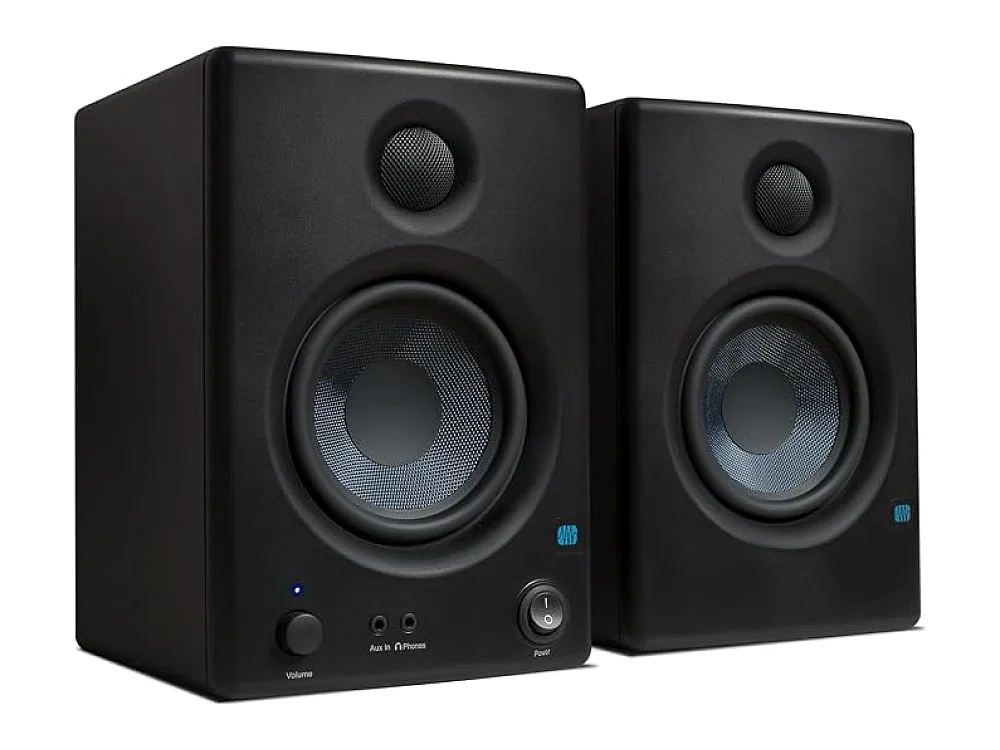 PreSonus Eris E4.5
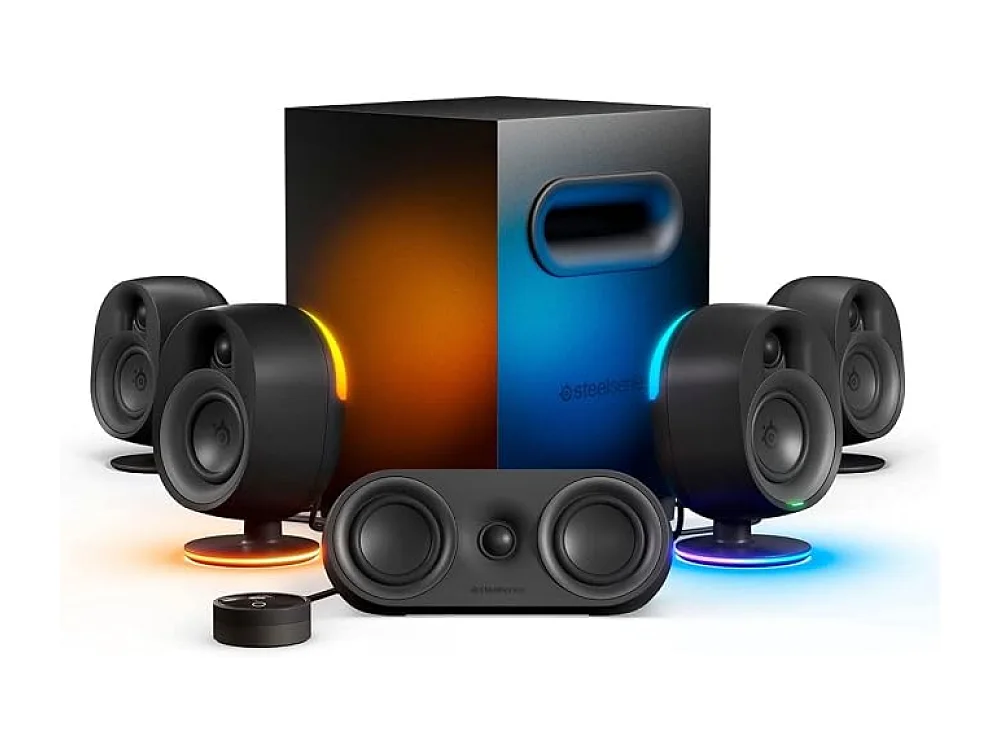 SteelSeries Arena 9
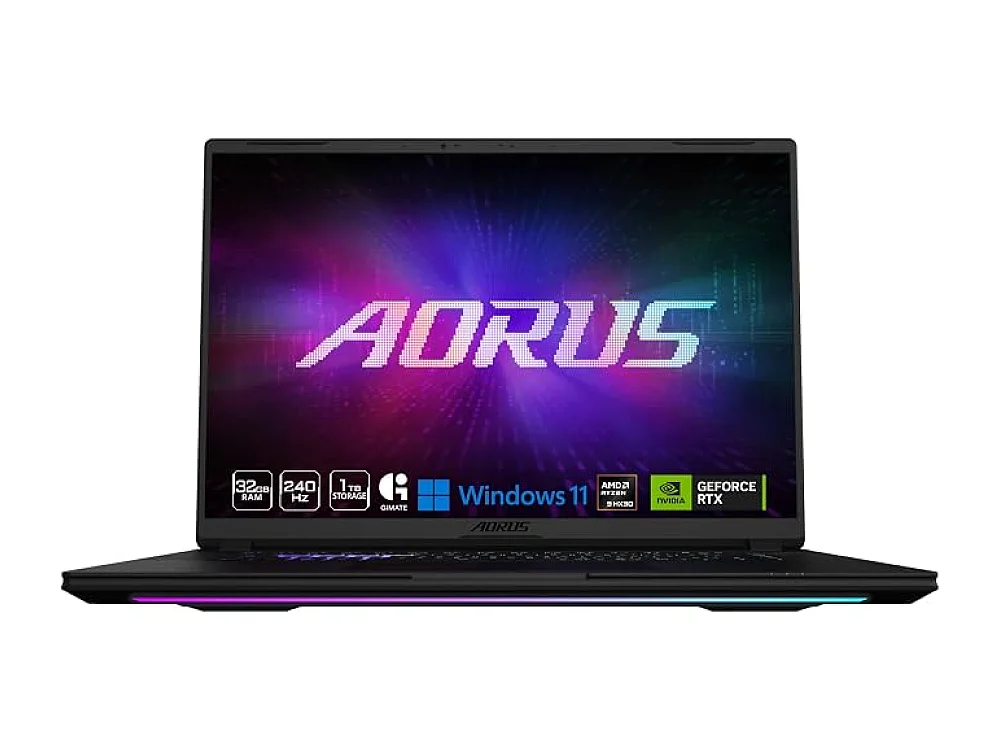 Gigabyte AORUS Master 16
Finding the right sound system for a gaming PC can be confusing, but it doesn’t have to be. In this guide we answer how to choose pc speakers by breaking down the most important specs, placement tips, and budget considerations. For a full list of recommended models see our Speakers & Soundbars hub.
Whether you’re a competitive shooter player who needs crisp directional cues or a story‑driven gamer who loves immersive soundscapes, the right desktop speakers can make a huge difference. Below we walk through the decision‑making process and then showcase a few standout examples.
Why PC Speakers Matter for Gaming
Most gamers assume a headset is the only way to get good audio, but quality speakers offer a richer, more natural soundstage. Good pc speakers best provide clear highs for footsteps, balanced mids for dialogue, and deep lows for explosions without the pressure of a headset on your ears. They also double as a great solution for co‑op sessions where multiple players share the same room.
Key Factors When You How to Choose PC Speakers
Understanding the technical terms will help you answer the question what are good pc speakers for your setup.
- Driver size and type: Larger drivers (e.g., 4‑inches) usually produce stronger bass, while smaller drivers (2‑inches) are better for compact desks. Look for a balanced mix if you want both punch and clarity.
- Power output (watts RMS): Higher wattage means louder volume without distortion. For typical gaming rooms 10‑30 W RMS per channel is sufficient.
- Connectivity: Most modern speakers use a 3.5 mm jack, but USB or Bluetooth options add flexibility. If you have a high‑end GPU or a sound card with optical out, consider speakers that support those inputs.
- Sound profile: Some speakers are “bass‑heavy,” which can be fun for action games, while others aim for a neutral response that’s better for competitive play. Look for reviews that mention a flat frequency response if precision matters.
- Size and placement: Desktop speakers should fit your desk without clutter. Keep them at ear level and slightly angled inward for the best imaging.
- Build quality and aesthetics: Metal grilles and sturdy stands last longer and match a gaming rig’s look. Matte black or RGB‑accented models blend well with typical setups.
Answering these points will guide you through how to choose desktop speakers that suit both your gaming style and your room.
How to Set Up PC Speakers
Once you’ve picked a pair, the next step is how to set pc speakers for optimal performance.
- Connect the cables: Plug the speaker’s 3.5 mm plug into your computer’s line‑out or headphone jack. If you’re using USB or Bluetooth, follow the manufacturer’s pairing instructions.
- Position the speakers: Place them on either side of your monitor, angled toward your listening position. Keep the tweeters (the small drivers) at ear height.
- Adjust volume and balance: Use your OS sound settings to set a comfortable master volume, then fine‑tune the left/right balance if one speaker sounds louder.
- Enable any software enhancements: Some models include EQ presets or surround‑sound emulation in companion apps. Start with the “Game” preset if available.
For a quick check of whether your PC can handle the audio demands of modern games, try the Can I run it? tool.
Audioengine A2+ Desktop Speakers
The Audioengine A2+ desktop speakers are a compact, high‑fidelity option that fits on tight desks. They’re ideal for gamers who want clear highs and a surprisingly punchy bass from a 2‑inch driver.
- Bi‑amplified design for clean sound
- USB‑powered, no external AC adapter needed
- Elegant aluminum chassis
Pros: Small footprint, excellent clarity, easy USB setup.
Cons: Limited bass depth compared to larger speakers.
Want to buy a PC speakers? Here are 3 similar picks:
- Creative Pebble V3: Best Ultra-Budget
- Creative Sound Blaster GS3: Best Budget Soundbar
- Creative Stage Pro: Best Gaming Soundbar
Open a product to see its full details, then use the Amazon button there.
Audioengine A5+ Wireless Speakers
The Audioengine A5+ Wireless brings larger 5‑inch drivers and wireless connectivity to the desktop. Perfect for gamers who want room‑filling sound without cluttered cables.
- Bluetooth 5.0 and RCA inputs
- Powerful 50 W RMS per channel
- Wooden enclosure for warm tone
Pros: Strong bass, wireless flexibility, premium build.
Cons: Requires a power outlet, larger footprint.
Want to buy a PC speakers? Here are 3 similar picks:
- Creative XF1: Best Mid-Range Compact
- Edifier M60: Best Compact Premium
- Edifier R1280DB: Best General-Purpose PC Speakers
Open a product to see its full details, then use the Amazon button there.
Creative Pebble Plus Desktop Speakers
The Creative Pebble Plus offers a budget‑friendly solution with a built‑in subwoofer for added depth. It’s a solid entry point for gamers on a tighter budget.
- 2.0 + subwoofer configuration
- USB‑powered sub, 3.5 mm input for satellite speakers
- Compact, matte black design
Pros: Affordable, decent bass boost, easy USB power.
Cons: Subwoofer can be noisy at high volumes.
Want to buy a PC speakers? Here are 3 similar picks:
- Edifier S3000 Pro: Best Premium Desktop Speakers
- Edifier S350DB: Best 2.1 PC Speakers
- Hisense AX5125H: Best Budget TV/Console Soundbar System
Open a product to see its full details, then use the Amazon button there.
Creative Pebble Pro Desktop Speakers
The Creative Pebble Pro upgrades the original Pebble with larger drivers and a more refined acoustic chamber, delivering clearer mids and tighter highs.
- 2‑inch drivers with passive radiators
- USB‑C power for modern PCs
- Adjustable tilt for better sound staging
Pros: Modern connectivity, improved soundstage, sleek look.
Cons: No dedicated subwoofer.
Quick Comparison of Featured Speakers
| Model | Driver Size | Power (W RMS) | Connectivity | Best For |
|---|---|---|---|---|
| Audioengine A2+ | 2 in | 15 per channel | USB, 3.5 mm | Small desks, clarity |
| Audioengine A5+ Wireless | 5 in | 50 per channel | Bluetooth, RCA | Room‑filling sound |
| Creative Pebble Plus | 2 in + sub | 20 satellite, 30 sub | USB, 3.5 mm | Budget with bass |
| Creative Pebble Pro | 2 in | 25 per channel | USB‑C, 3.5 mm | Modern PCs, sleek |
All of these options are listed on our Speakers & Soundbars hub, where you can filter by size, price, and connectivity.
Other Audio Gear to Consider
If you already own a good headset, you might still want a pair of speakers for multiplayer sessions or movie nights. Check out our Gaming Headsets & Audio section for complementary gear such as sound cards and DACs.
FAQ
What are good PC speakers for a small desk?
Compact models like the Audioengine A2+ or Creative Pebble Pro deliver clear sound without taking up much space.
Do I need a subwoofer for gaming?
A subwoofer adds impact to explosions and bass‑heavy games, but it’s optional. If you prefer a cleaner look, choose speakers without a sub and rely on good mids.
How do I connect Bluetooth speakers to my PC?
Enable Bluetooth on your PC, put the speakers in pairing mode, and select them from the Windows “Bluetooth & other devices” menu. Adjust latency settings if you notice audio lag.
Can I use PC speakers with a console?
Yes—most consoles have a 3.5 mm audio out or optical output. Use the appropriate cable or adapter to connect your desktop speakers.
Conclusion
Choosing the right PC speakers boils down to understanding driver size, power, connectivity, and how you’ll place them on your desk. By following the steps outlined above and checking out the examples we highlighted, you’ll be able to enjoy richer, more immersive game audio without breaking the bank.
Keep reading: more on Speakers & Soundbars
Keep reading
Gaming gear on Run On Console
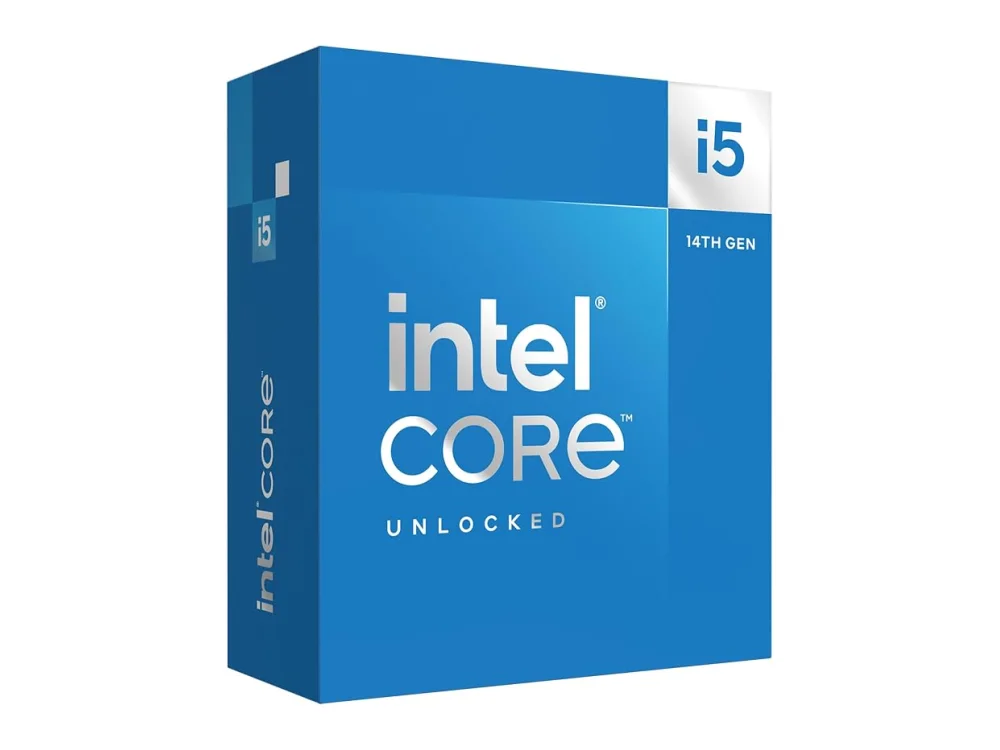 Intel Core i5-14600K
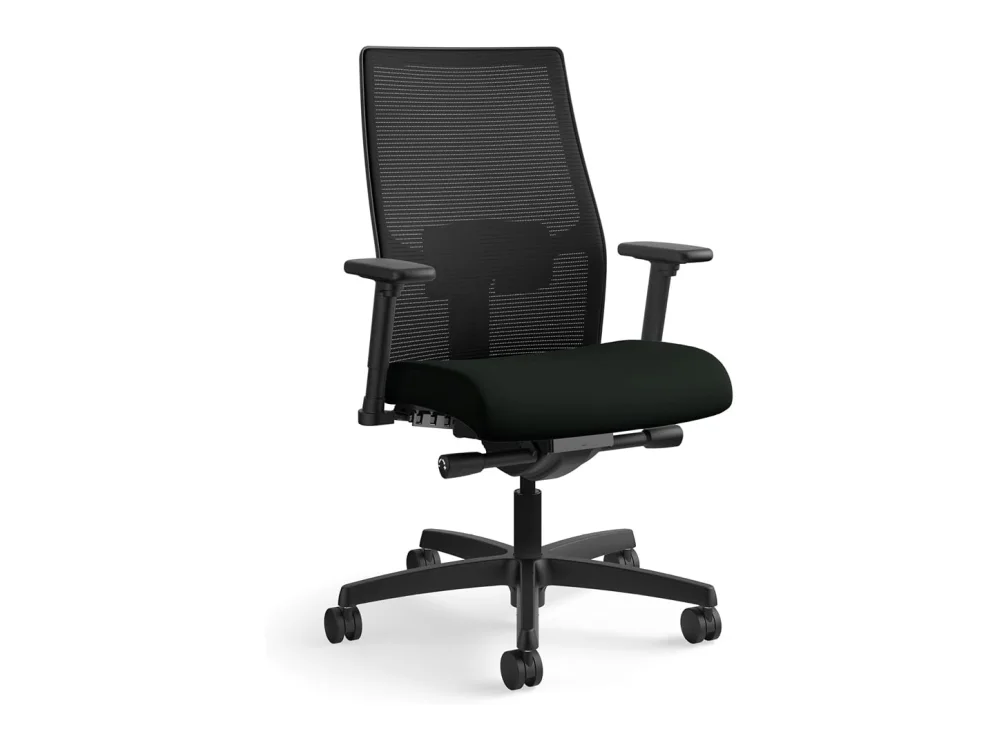 HON Ignition 2.0
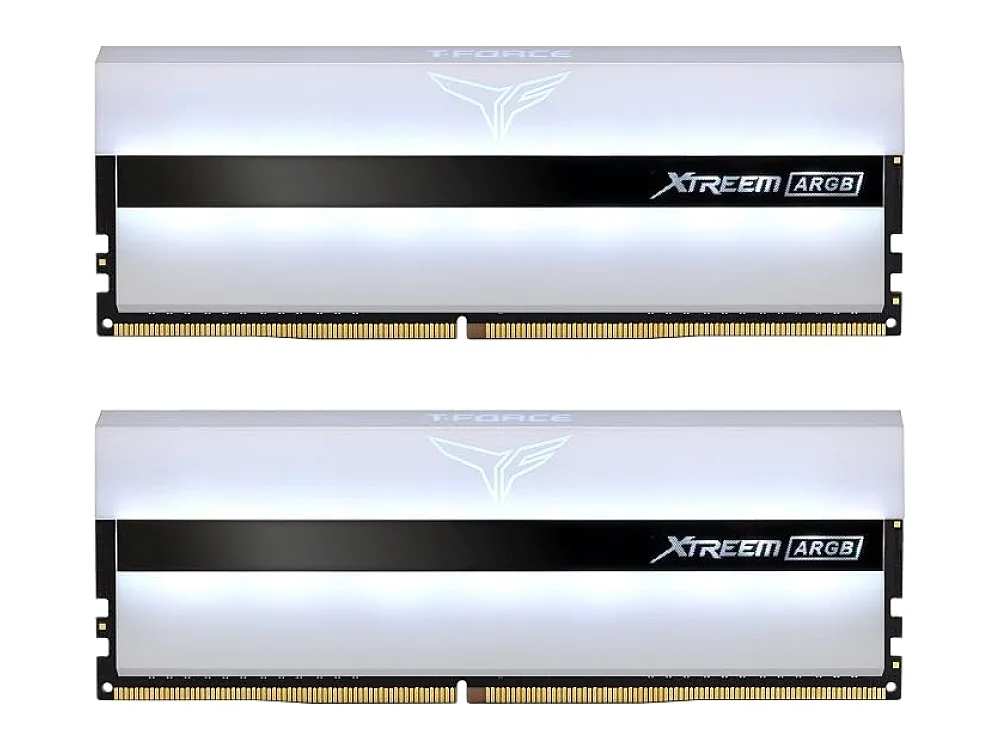 TeamGroup T-Force Xtreem ARGB DDR4-3600
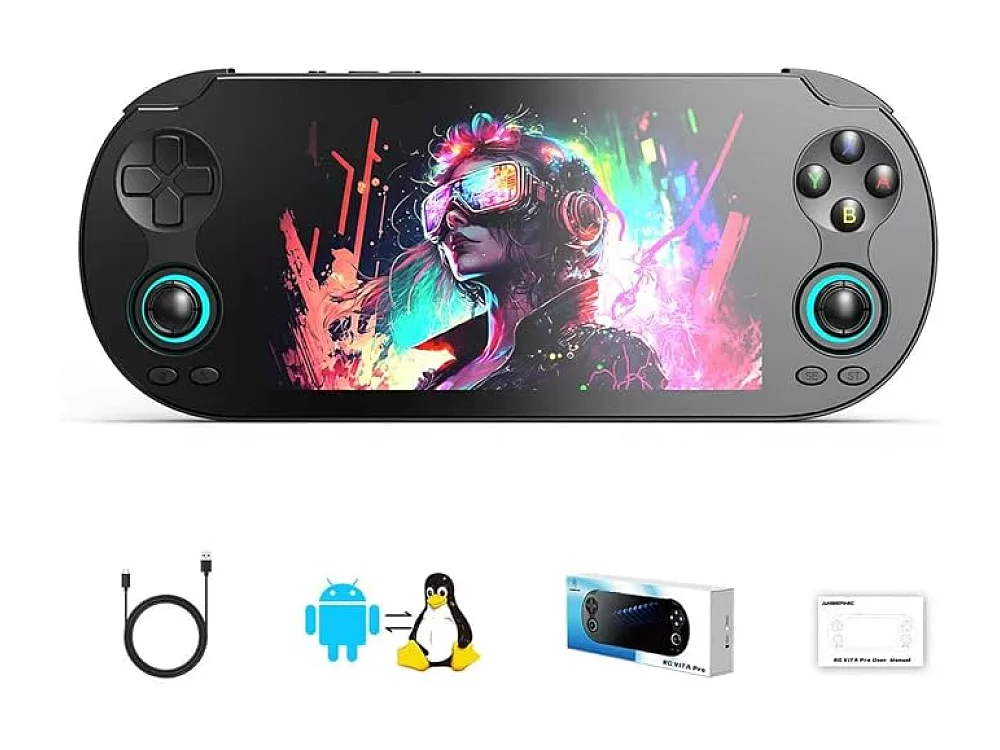 Vita Pro Handheld
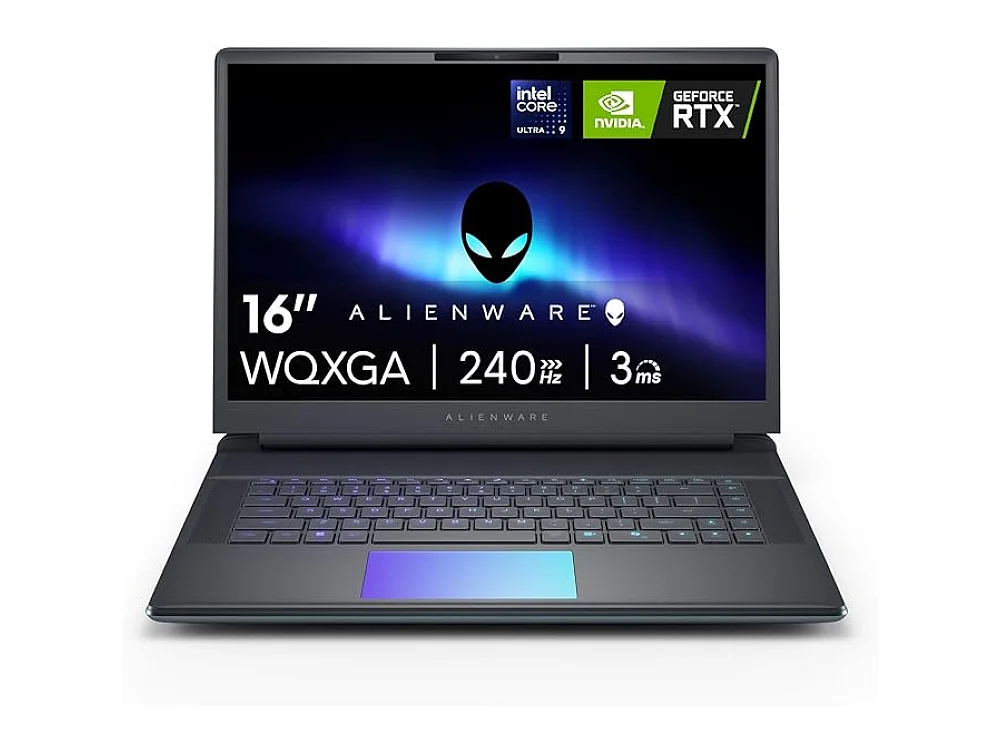 Alienware 16 Area-51 (2026)
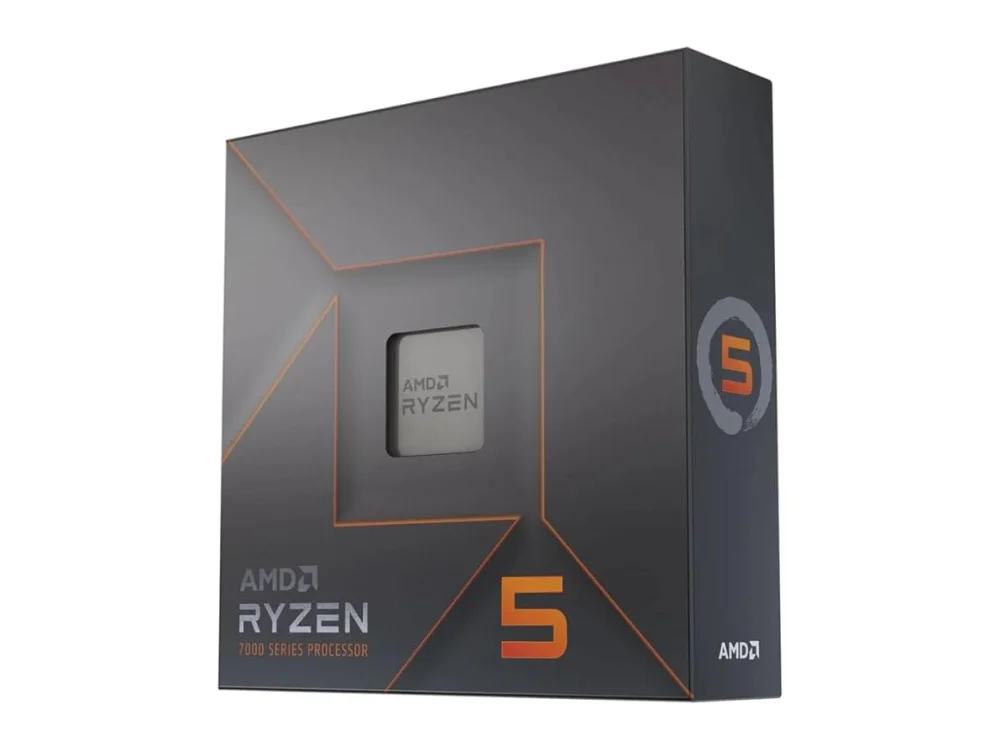 AMD Ryzen 5 7600X3D
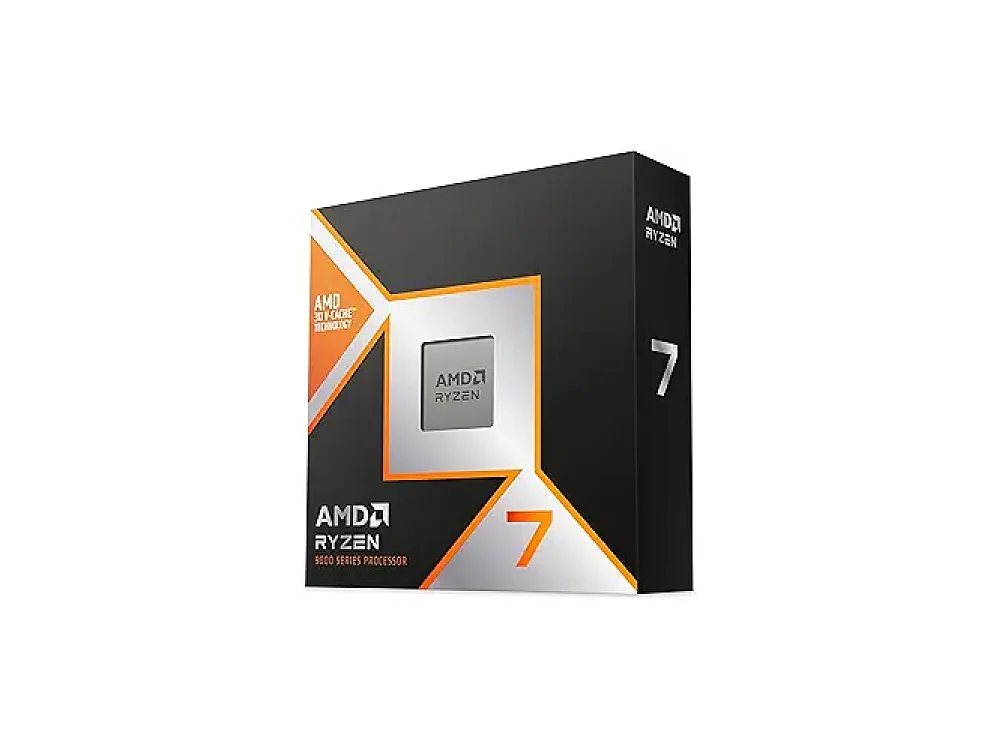 AMD Ryzen 7 9800X3D
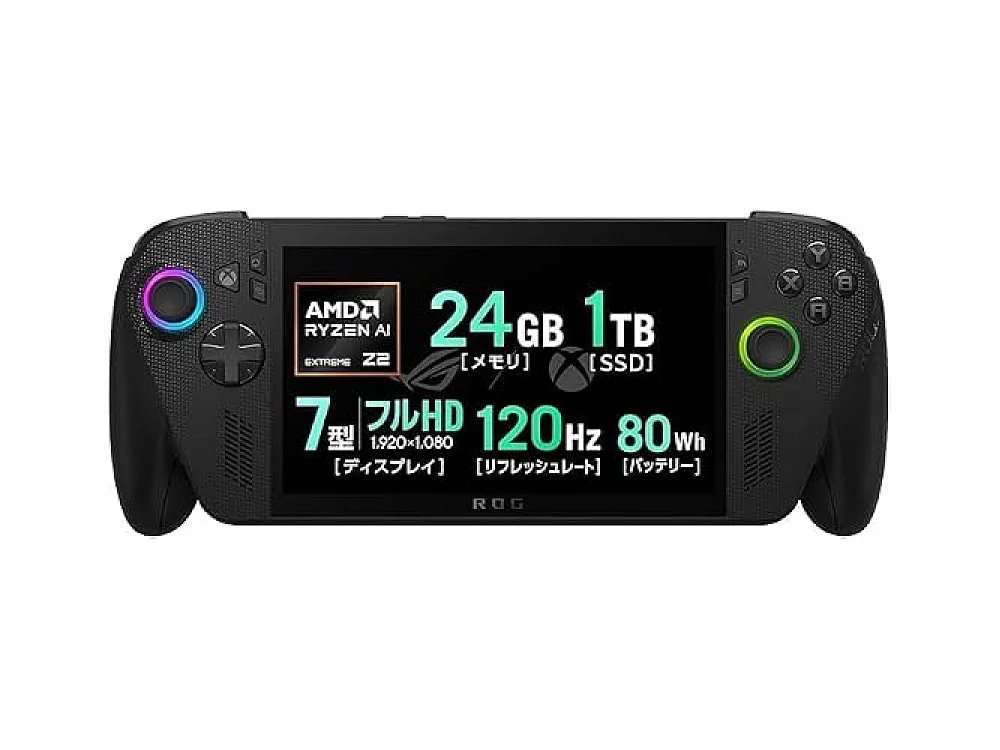 ASUS ROG Ally X
Leave a comment
Questions, corrections or your own experience: it goes to our team at comments@runonconsole.com and you get a copy.