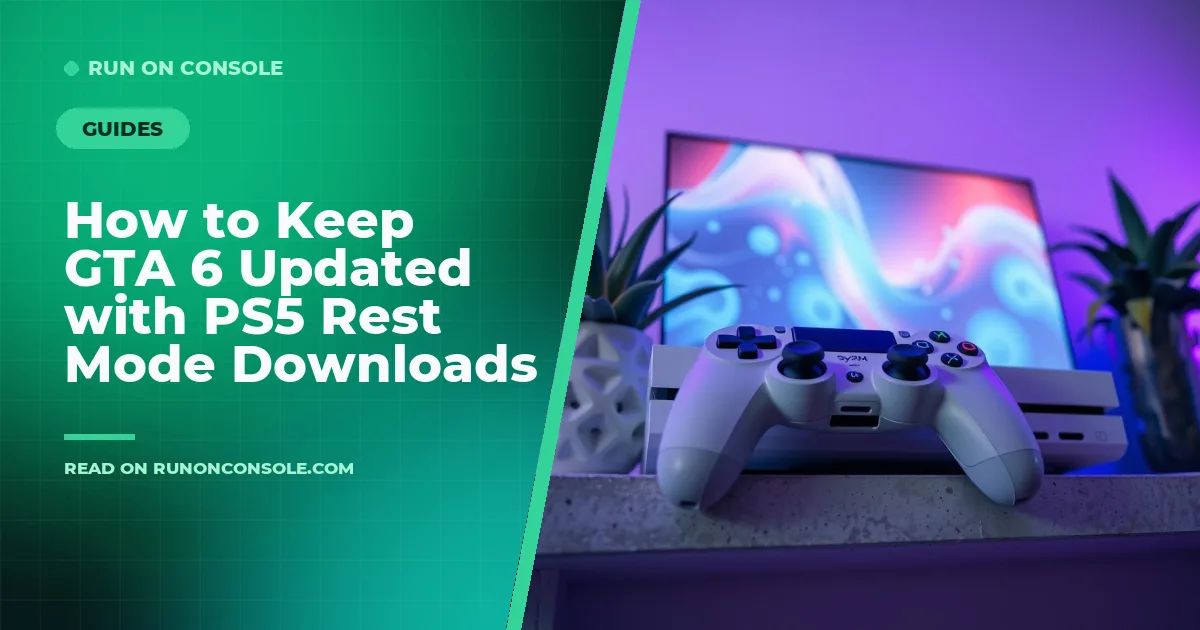
How to Keep GTA 6 Updated with PS5 Rest Mode Downloads

Article Overview & Key Takeaways
Learn how to enable PS5 Rest Mode so GTA 6 stays up‑to‑date without manual effort, with clear steps and common pitfalls explained.
Gaming gear to check
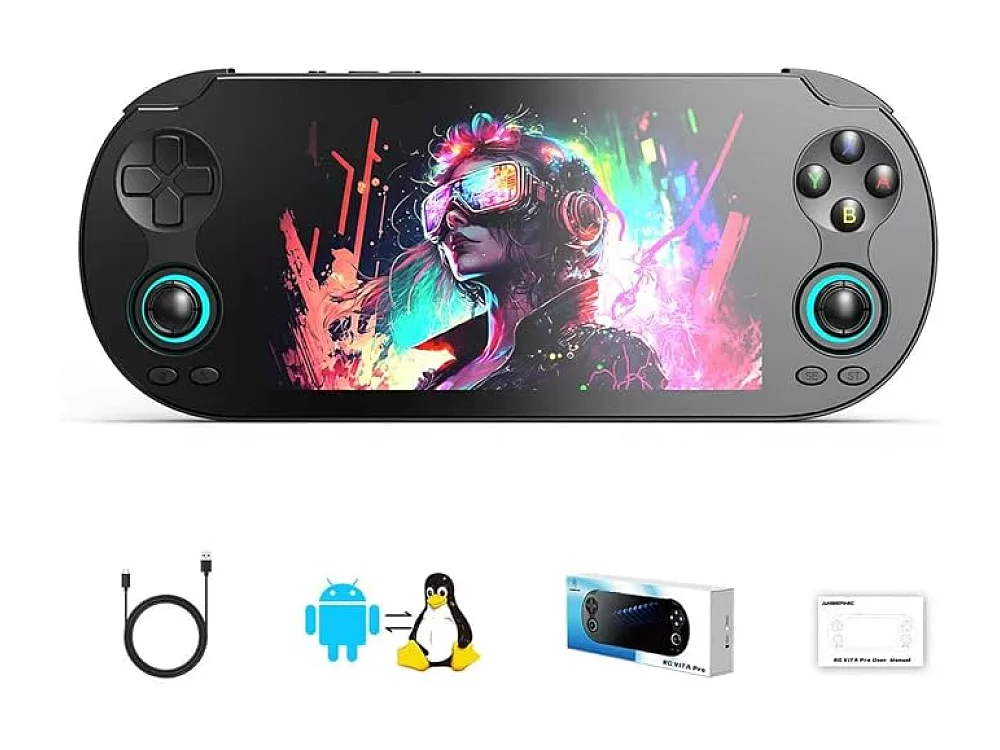 Vita Pro Handheld
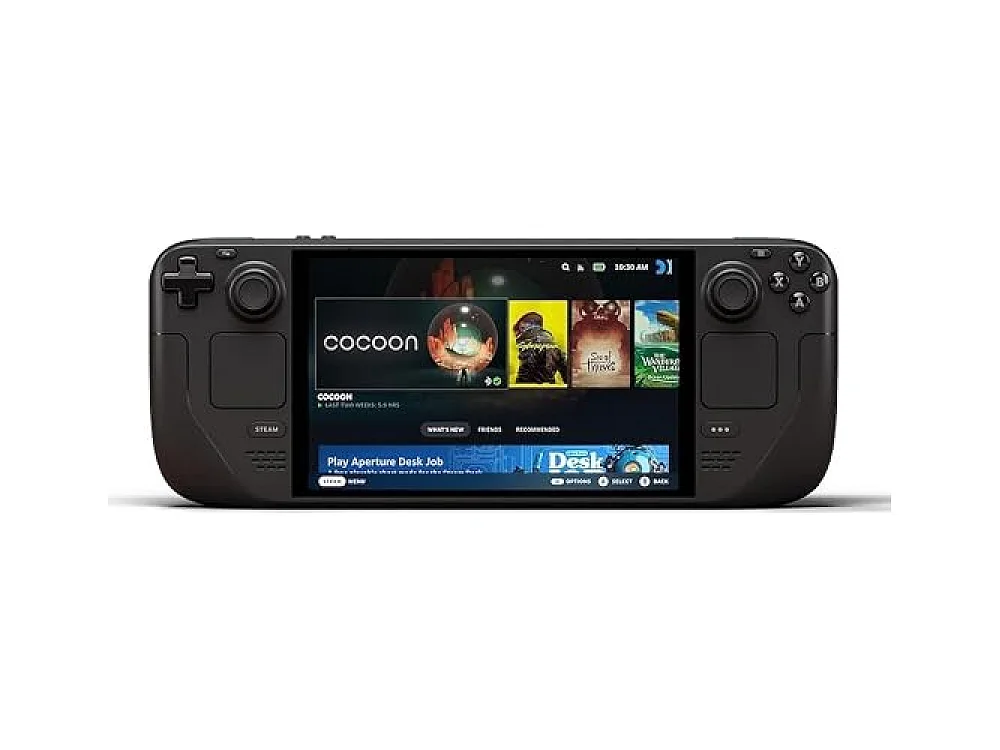 Steam Deck OLED 1TB
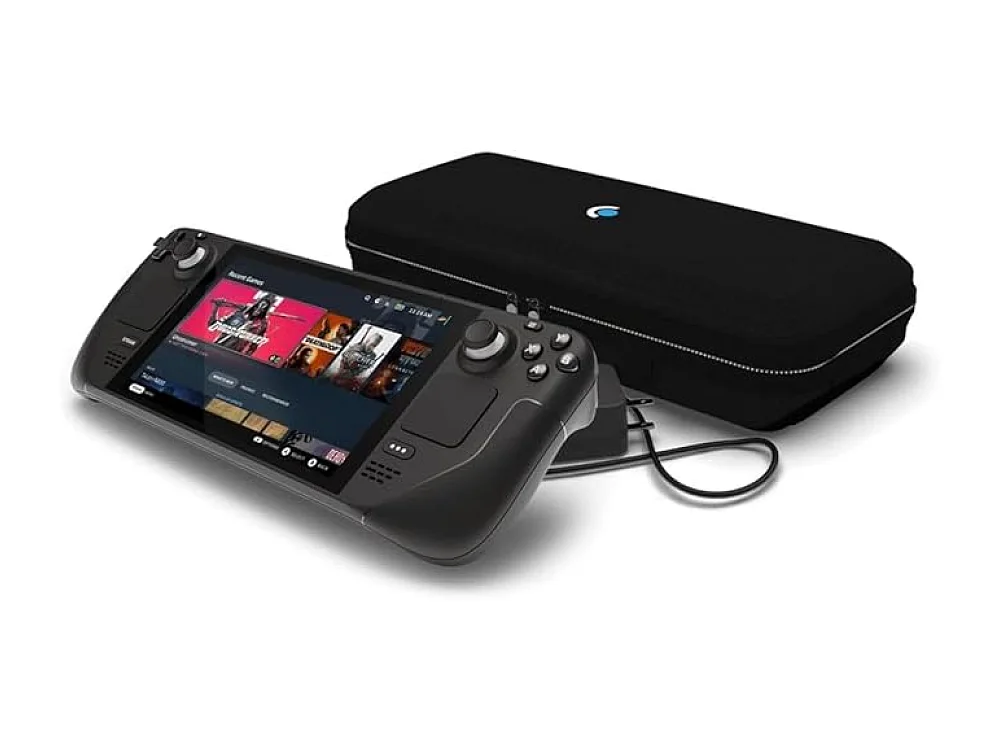 Steam Deck OLED 512GB
In this guide you’ll learn how to configure your PlayStation 5 so Grand Theft Auto VI stays updated automatically, even when the console is turned off. By the end you’ll have background downloads running in Rest Mode, ensuring you always launch the latest patch for GTA 6.
We’ll also touch on how handhelds can benefit from the same network settings, so you can keep your portable gaming rigs ready for remote play. For the official launch details, see the GTA 6 release date, price and PC status page and explore our Gaming Handhelds collection for compatible devices.
What you need
- A PlayStation 5 with system software updated to the latest version.
- An active internet connection (wired or Wi‑Fi).
- Enough free storage – Rockstar recommends at least 212 GB free for the GTA 6 pre‑load and updates.
- A PSN account signed in on the console.
- Optional: A handheld such as the ASUS ROG Ally X, ASUS ROG Ally Z1 Extreme, AYANEO 3, AYANEO KUN or GPD WIN 5 if you plan to stream the console to a portable screen.
Want to buy a gaming handheld? Here are 3 similar picks:
- GPD WIN Mini 2025: Portable PC gaming on the move
- Lenovo Legion Go: Portable PC gaming
- Lenovo Legion Go 2: PC gamers on the move
Open a product to see its full details, then use the Amazon button there.
Step 1: Enable Rest Mode on the PS5
From the home screen press the Power button, then select Enter Rest Mode. If you prefer the console to enter Rest Mode automatically, go to Settings > System > Power Saving > Set Time Until PS5 Enters Rest Mode and choose a time interval (e.g., 10 minutes of inactivity).
Tip: Rest Mode also powers the USB ports, so you can charge controllers while the console stays ready for downloads.
Common mistake: Selecting “Turn Off PS5” instead of “Enter Rest Mode” will stop background downloads entirely.
Step 2: Allow Internet Connectivity in Rest Mode
Navigate to Settings > System > Power Saving > Features Available in Rest Mode. Turn on both Stay Connected to the Internet and Enable Turning On PS5 from Network. This ensures the console can reach Rockstar’s servers even while the screen is off.
For users on a strict router firewall, you may need to open ports 80 (HTTP) and 443 (HTTPS) to allow Sony’s network services to communicate.
Step 3: Set Automatic Updates for Games and System Software
Go to Settings > Saved Data and Game/App Settings > Auto-Download. Turn on System Software Update Files and Application Update Files. This tells the PS5 to fetch any GTA 6 patches as soon as they become available.
If you have a limited data plan, you can restrict downloads to “When Connected to Wi‑Fi” under the same menu.
Step 4: Pre‑load GTA 6 and Verify Storage Space
When the game first launched on 19 November 2026, Rockstar allowed a pre‑load that could occupy up to 212 GB. If you missed the pre‑load window, you can still download the full game now, but make sure you have at least the same amount of free space. Use Settings > Storage to view available space and delete unused titles if needed.
Step 5: Prioritize GTA 6 in Background Downloads
While the PS5 does not let you manually reorder download queues, you can pause other titles to give GTA 6 top priority. From the home screen, highlight any other downloading game, press the Options button, and select Pause Download. GTA 6 will then download uninterrupted.
Step 6: Verify That Updates Are Installing
When the console is in Rest Mode, the status light will pulse orange. To check progress, press the PS button to wake the console (it won’t fully power on). Navigate to Notifications > Downloads to see the current percentage. Once the update reaches 100 %, the console will display “Installation Complete”.
Step 7: Use Remote Play on Handhelds (Optional)
If you own a handheld like the ASUS ROG Ally X or AYANEO 3, you can stream your PS5 via Sony’s Remote Play app. Ensure the handheld is on the same network, then open Remote Play, sign in with the same PSN account, and select your PS5. The handheld will automatically benefit from the same Rest Mode settings, downloading patches in the background while you’re on the go.
Before you start, you might want to check Can I run it? game checker to confirm the handheld’s hardware meets the minimum requirements for streaming high‑resolution GTA 6 footage. For a deeper dive into PC‑side streaming performance, see our PC requirements of 2,400+ games guide.
Want to buy a gaming handheld? Here are 3 similar picks:
- Lenovo Legion Go S: PC gamers who need portability
- MSI Claw 8 AI+: PC-game fans on the go
- MSI Claw 8 EX AI+: On-the-go PC gamers
Open a product to see its full details, then use the Amazon button there.
Step 8: Keep Your Network Stable
Background downloads can be affected by network congestion. If you notice stalls, try the following:
- Place the PS5 on a wired Ethernet connection.
- Enable QoS (Quality of Service) on your router for the PS5’s MAC address.
- Schedule large updates for off‑peak hours (late night or early morning).
Step 9: Test After an Update
Once an update finishes, launch GTA 6 and verify the version number in the lower‑left corner of the main menu. If the version matches Rockstar’s latest patch notes (available on the official website), you’re good to go. If not, repeat Steps 2‑6.
Step 10: Maintain Rest Mode Over Time
Periodically revisit Settings > System > Power Saving > Features Available in Rest Mode after major firmware updates, as Sony sometimes resets these options to defaults.
FAQ
Can I download GTA 6 updates while the PS5 is completely turned off?
No. The console must be in Rest Mode with “Stay Connected to the Internet” enabled. A fully powered‑off PS5 cannot receive background downloads.
Do I need a PlayStation Plus subscription for GTA 6 patches?
No. Game patches are free for all owners, regardless of PlayStation Plus status. However, online multiplayer (GTA Online) does require PlayStation Plus.
What if my PS5 runs out of storage during an update?
The download will pause automatically. Free up space, then resume the update from the Notifications menu. The console will not delete existing game data without your confirmation.
Conclusion
By enabling Rest Mode, allowing internet connectivity, and prioritizing GTA 6 in the download queue, you can keep the game up‑to‑date without ever lifting the controller. Whether you’re playing on a big TV or streaming to a handheld like the GPD WIN 5, these steps ensure you always have the latest features and bug fixes ready for the next heist.
More on GTA 6
- GTA 6 release date, price and PC status
- GTA 6 PS5 vs Xbox Series X: HDR Cost and Performance Gap (News)
- Xbox Controllers Hit Lowest 2026 Price for GTA 6 Launch (News)
- Black Friday 2026: XR Glasses, RTX 5090 PC and GTA 6 Ready Hardware (News)
- GTA 6 PC Price: GPU Guide for the Future Port (Blog)
- Best Monitor for GTA 6 PS5 Pro: TV or Monitor, What to Look For (Blog)
- Best headset for GTA 6 PS5 – Top picks for PS5 & Xbox (Blog)
- Xbox HDR Calibration Guide for GTA 6 on Series X|S (Guide)
Keep reading
Gaming gear on Run On Console
 Athena Pro Gaming Chair
 NZXT H9 Flow (2025)
 TeamGroup T-Force Xtreem ARGB DDR4-3600
 Intel Core i5-14600K
 ASUS ROG Strix SCAR 18 (2026)
 ASUS ROG Zephyrus G16 (2026)
 Audioengine A5+ Wireless
 CAPOT Gaming Chair
Leave a comment
Questions, corrections or your own experience: it goes to our team at comments@runonconsole.com and you get a copy.