Best Monitor for GTA 6 PS5 Pro: TV or Monitor, What to Look For

Article Overview & Key Takeaways
GTA 6 launched on PS5 and Xbox Series X|S in November 2026. This guide explains what to look for in a monitor or TV to get the most out of the game’s massive open world.
Gaming gear to check
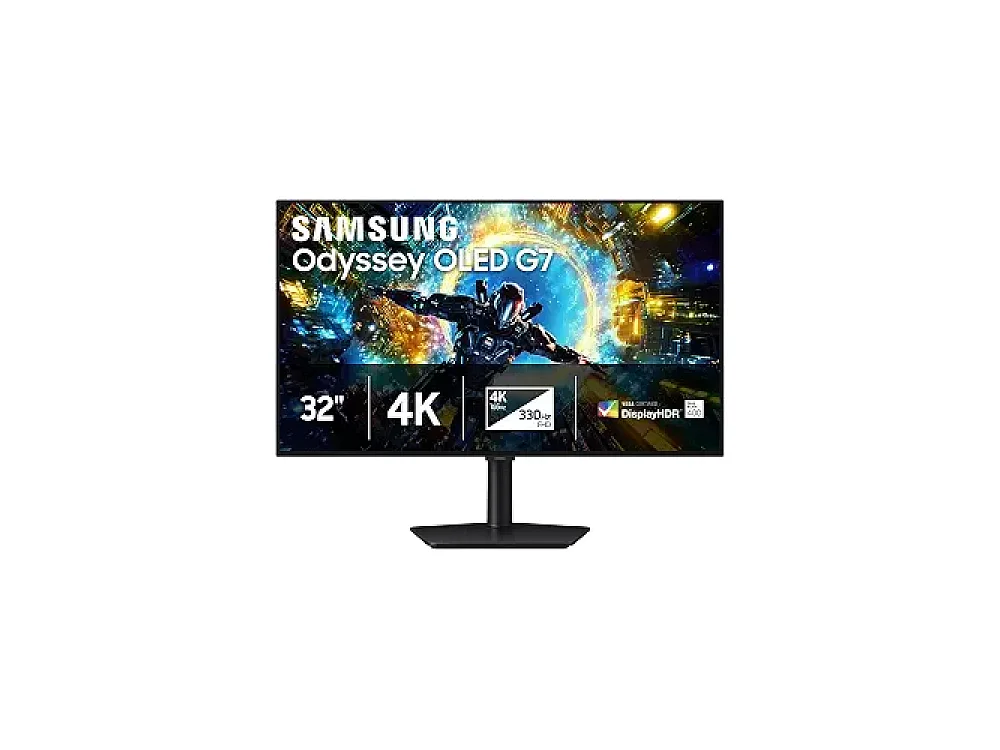 Samsung Odyssey OLED G73SH S32HG732S
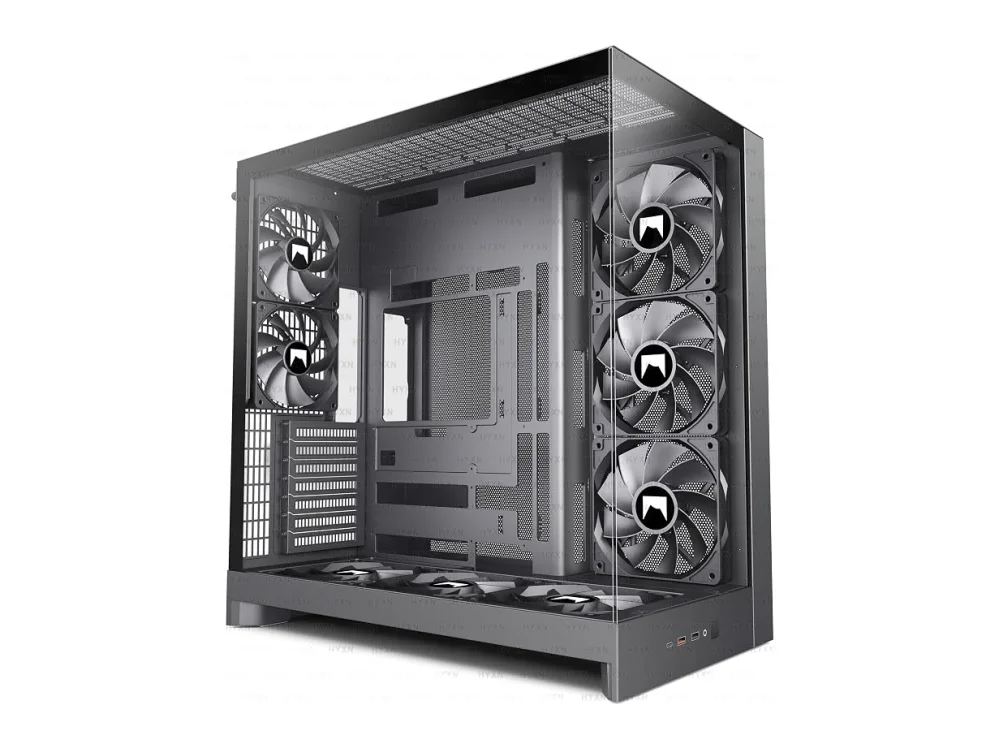 Montech TG3
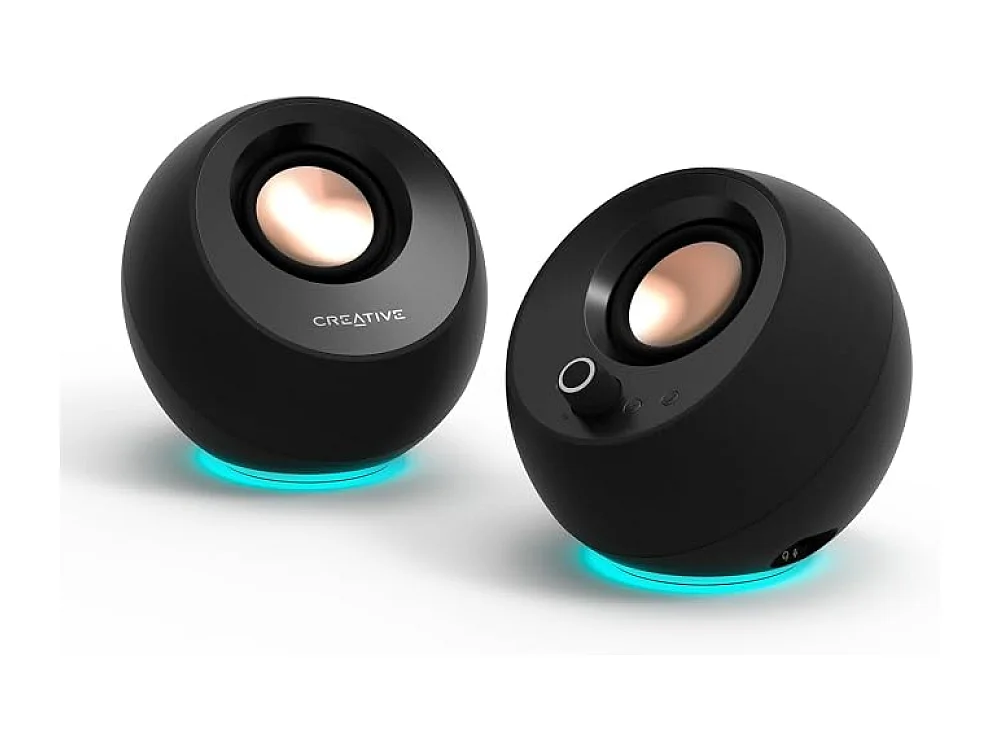 Creative Pebble Pro
Grand Theft Auto VI launched worldwide on 19 November 2026 for PlayStation 5 and Xbox Series X|S, delivering a massive new map in the state of Leonida. If you’re wondering whether a monitor or a TV will give you the best experience, you’ve come to the right place. Below we break down the key specs, compare top picks, and tell you which display suits each type of gamer.
For a quick overview of the game’s launch details, see the GTA 6 release date, price and PC status. To explore more monitor options, visit our Gaming Monitors hub.
What Makes a Display the Best Monitor for GTA 6 PS5 Pro?
GTA 6 runs at 4K resolution on both consoles, and the PS5 Pro (when it arrives) will push even higher frame rates. The ideal display should therefore excel in four areas:
- Resolution and Pixel Density: 4K (3840×2160) provides the sharpest city streets and distant horizons.
- Refresh Rate & Variable Refresh Rate (VRR): 120 Hz or higher lets you see fast chases without motion blur, while VRR smooths out frame‑rate spikes.
- HDR Performance: Bright, punchy colors and deep blacks bring neon‑lit Vice City to life.
- Panel Type: OLED offers true blacks and infinite contrast, while high‑quality IPS panels give wide viewing angles.
Other considerations include input lag (under 10 ms is ideal), HDMI 2.1 support for 4K 120 Hz, and built‑in speakers if you don’t use a headset.
Top Monitor Picks for GTA 6 on PS5 and Xbox
ASUS ROG Swift OLED PG27AQWP‑W
This 27‑inch OLED panel delivers 4K resolution, 144 Hz refresh rate, and HDR10+ support. The OLED matrix provides perfect blacks, making night‑time drives through Vice City look cinematic. HDMI 2.1 lets you run 4K 120 Hz on PS5 Pro, and the monitor includes a low‑input‑lag mode for competitive play.
- Who it’s for: Hardcore GTA fans who want the absolute best visual fidelity.
- Pros: Infinite contrast, HDR10+, 144 Hz, HDMI 2.1, excellent color accuracy.
- Cons: Premium price, risk of OLED burn‑in with static UI elements.
ASUS ROG Swift OLED PG27UCDM
The PG27UCDM is a 27‑inch 4K OLED with a native 144 Hz panel and DisplayPort 1.4. While it lacks HDMI 2.1, it works perfectly with a PS5 Pro via a high‑speed HDMI‑to‑DisplayPort adapter. The monitor also supports G‑Sync Compatible, eliminating tearing on Xbox Series X.
- Who it’s for: Gamers who already own a high‑end PC and want a versatile OLED for console play.
- Pros: OLED contrast, 144 Hz, G‑Sync, excellent response time.
- Cons: No native HDMI 2.1, requires adapter for console use.
AOC Gaming Q27GAZD
This 27‑inch IPS monitor offers 4K resolution, 144 Hz refresh, and HDR400. It includes two HDMI 2.1 ports, making it a straightforward plug‑and‑play option for PS5 Pro. The IPS panel gives wide viewing angles, useful for couch‑gaming with friends.
- Who it’s for: Players who want a solid 4K experience without the OLED price tag.
- Pros: HDMI 2.1, 144 Hz, good color coverage, affordable.
- Cons: Lower contrast than OLED, HDR performance limited to HDR400.
AOC 24G2
The 24‑inch AOC 24G2 is a budget‑friendly 1080p IPS monitor with 144 Hz refresh. While it cannot display native 4K, it can upscale PS5 output and still deliver smooth gameplay. This is a viable option if you’re limited by desk space or budget.
- Who it’s for: Casual gamers or those upgrading from a 1080p TV.
- Pros: Low cost, high refresh, excellent ergonomics.
- Cons: No 4K, lower HDR capability.
Want to buy a gaming monitor? Here are 3 similar picks:
- ASUS ROG Swift OLED PG32UCDM Gen3: Best Overall / Premium
- ASUS ROG Swift OLED PG32UCDP: Best Dual-Mode OLED
- KOORUI GN02: Best Budget High Refresh
Open a product to see its full details, then use the Amazon button there.
TV vs. Monitor: When to Choose a TV
If you prefer a larger screen for couch gaming, a TV can be a great alternative. Our sister post Best 4K TV for GTA 6 – Is It Worth It on PS5 & Xbox? dives into TV specifics, but here are the quick takeaways:
- Size: 55‑inch and larger TVs give a cinematic feel, especially with a 4K HDR TV.
- Refresh Rate: Look for 120 Hz panels with HDMI 2.1; many 4K TVs still cap at 60 Hz, which can feel less responsive.
- Input Lag: Gaming‑mode TVs can reach sub‑15 ms lag, acceptable for GTA 6’s open‑world pacing.
For a deeper dive on 120 Hz HDR VRR TVs, see our 120Hz HDR VRR TV Guide for GTA 6 Console Players.
Side‑by‑Side Comparison
| Model | Panel | Resolution | Refresh Rate | HDR | HDMI | Best For |
|---|---|---|---|---|---|---|
| ASUS ROG Swift OLED PG27AQWP‑W | OLED | 4K | 144 Hz (120 Hz native) | HDR10+ | 2× HDMI 2.1 | Ultimate visual fidelity |
| ASUS ROG Swift OLED PG27UCDM | OLED | 4K | 144 Hz | HDR10 | DisplayPort 1.4 (adapter needed) | PC‑centric gamers |
| AOC Gaming Q27GAZD | IPS | 4K | 144 Hz | HDR400 | 2× HDMI 2.1 | Balanced price‑performance |
| AOC 24G2 | IPS | 1080p (upscaled) | 144 Hz | None | HDMI 2.0 | Budget builds |
Which Display Should You Pick?
Below is a quick guide based on your gaming style:
- Photo‑realistic immersion: Choose the ASUS ROG Swift OLED PG27AQWP‑W. Its OLED panel and HDR10+ will make neon signs pop and night scenes feel truly dark.
- Versatile console‑and‑PC setup: The ASUS ROG Swift OLED PG27UCDM offers OLED quality with G‑Sync, perfect if you also game on a PC.
- High‑quality 4K without breaking the bank: The AOC Gaming Q27GAZD gives you HDMI 2.1, 144 Hz and decent HDR at a lower price point.
- Limited desk space or tight budget: The AOC 24G2 still delivers smooth 144 Hz gameplay, though you’ll miss native 4K.
- Big‑screen couch experience: A 55‑inch+ 4K TV with 120 Hz HDMI 2.1 (see our TV guide) is the way to go.
FAQ
Do I need HDMI 2.1 for GTA 6 on PS5 Pro?
Yes. HDMI 2.1 is required to run 4K at 120 Hz, which is the maximum output the PS5 Pro can deliver. Monitors without HDMI 2.1 will be limited to 60 Hz or need an adapter.
Can I use a TV with HDR for GTA 6?
Absolutely. A TV that supports HDR10 or HDR10+ and has a low gaming‑mode input lag will display GTA 6’s vibrant colors nicely. Just ensure the TV can handle 120 Hz if you want the smoothest motion.
Is VRR important for an open‑world game like GTA 6?
VRR (Variable Refresh Rate) helps eliminate tearing when the console’s frame rate fluctuates, which can happen during heavy traffic or complex missions. It’s a nice polish, especially on OLED where motion clarity matters.
What about audio – do I need built‑in speakers?
While most monitors have modest speakers, for the full Rockstar soundtrack you’ll want a dedicated headset or sound system. Check the Gaming Headsets & Audio hub for options.
Conclusion
Choosing the best monitor for GTA 6 PS5 Pro boils down to how you prioritize visual fidelity, budget, and form factor. OLED monitors like the ASUS ROG Swift PG27AQWP‑W deliver cinema‑grade contrast, while high‑quality IPS options such as the AOC Q27GAZD give a solid 4K experience at a friendlier price. If you prefer a larger, shared‑room setup, a 120 Hz HDR TV remains a viable alternative.
Whichever display you pick, make sure it supports HDMI 2.1, 4K 120 Hz, and low input lag to fully enjoy Rockstar’s sprawling new world.
Keep reading: more on Gaming Monitors
- Gaming Monitors
- 120Hz HDR VRR TV Guide for GTA 6 Console Players
- Best 4K TV for GTA 6 – Is It Worth It on PS5 & Xbox?
More on GTA 6
- GTA 6 release date, price and PC status
- GTA 6 PS5 vs Xbox Series X: HDR Cost and Performance Gap (News)
- Xbox Controllers Hit Lowest 2026 Price for GTA 6 Launch (News)
- Black Friday 2026: XR Glasses, RTX 5090 PC and GTA 6 Ready Hardware (News)
- GTA 6 PC Price: GPU Guide for the Future Port (Blog)
- Best headset for GTA 6 PS5 – Top picks for PS5 & Xbox (Blog)
- GTA 6 Release Time USA: Midnight Launch Explained (Blog)
- Xbox HDR Calibration Guide for GTA 6 on Series X|S (Guide)
Keep reading
Gaming gear on Run On Console
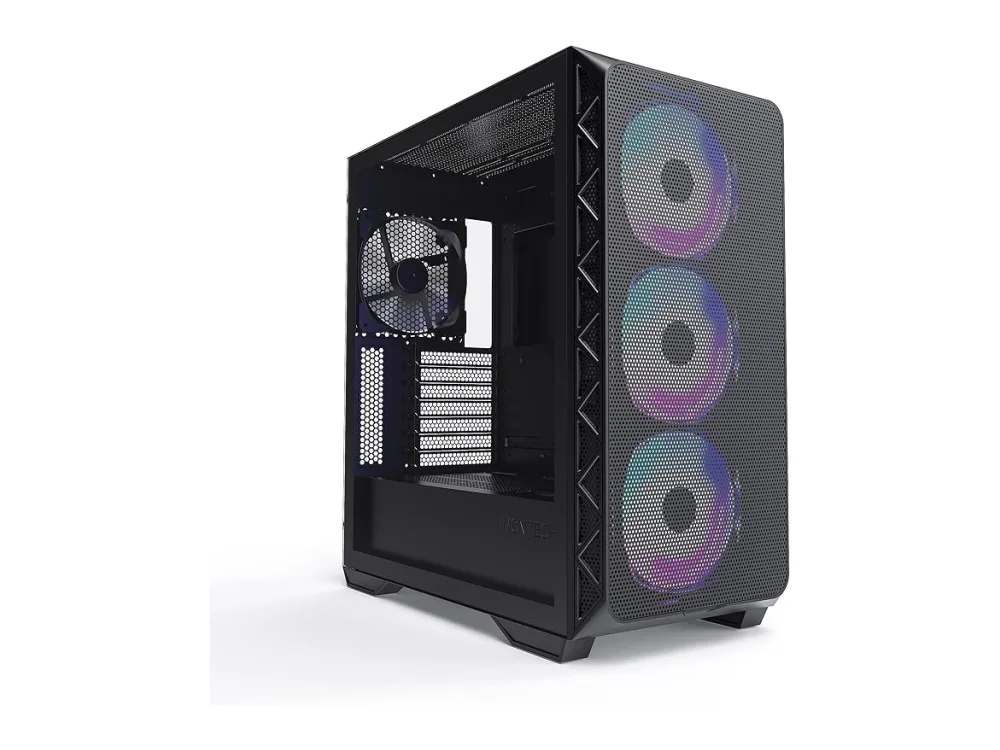 Phanteks XT Pro Ultra
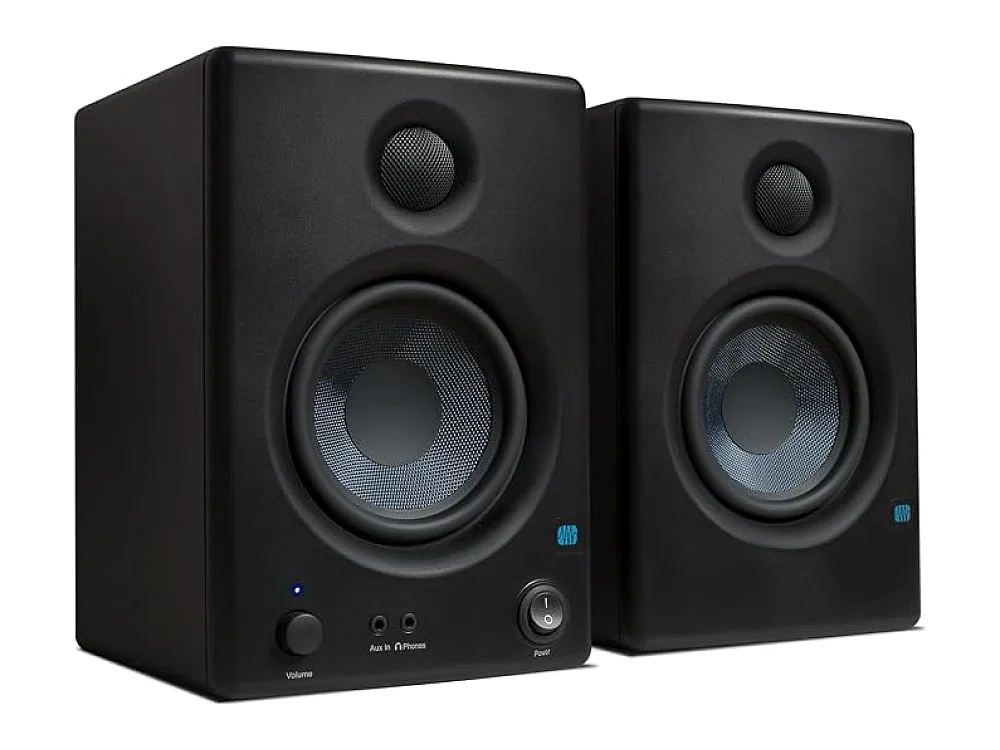 PreSonus Eris E4.5
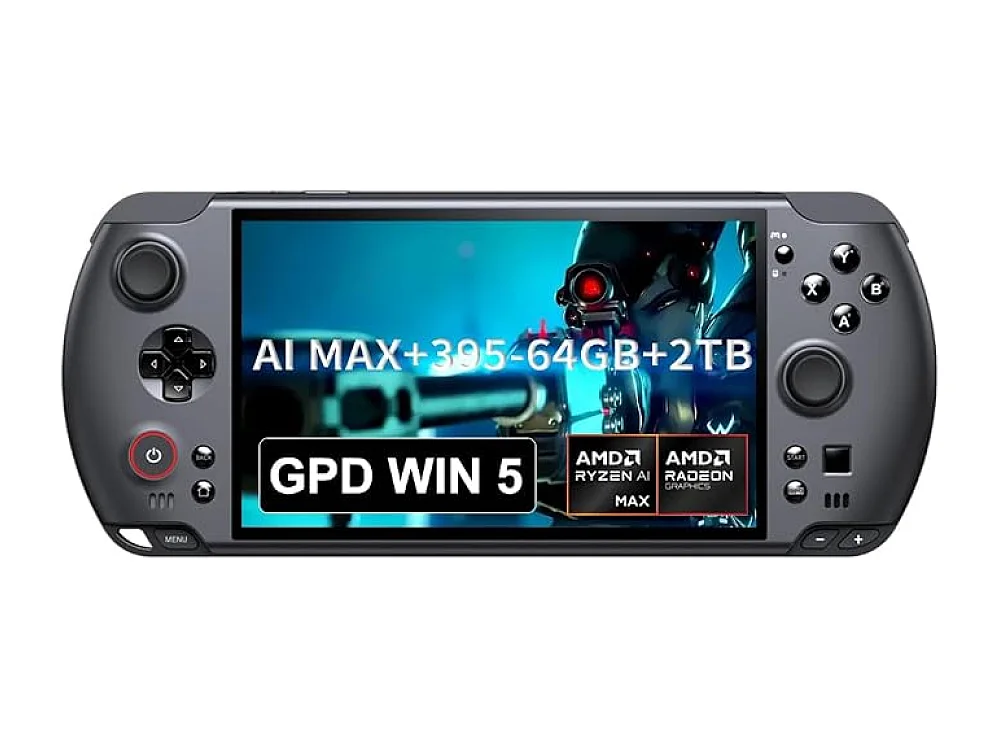 GPD WIN 5
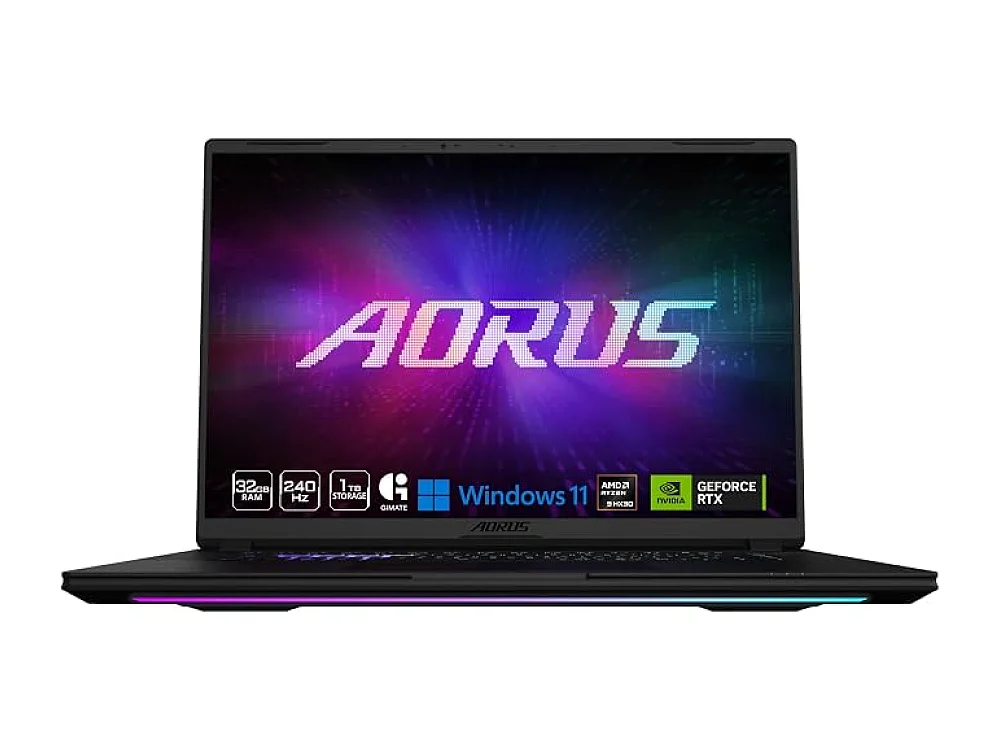 Gigabyte AORUS Master 16
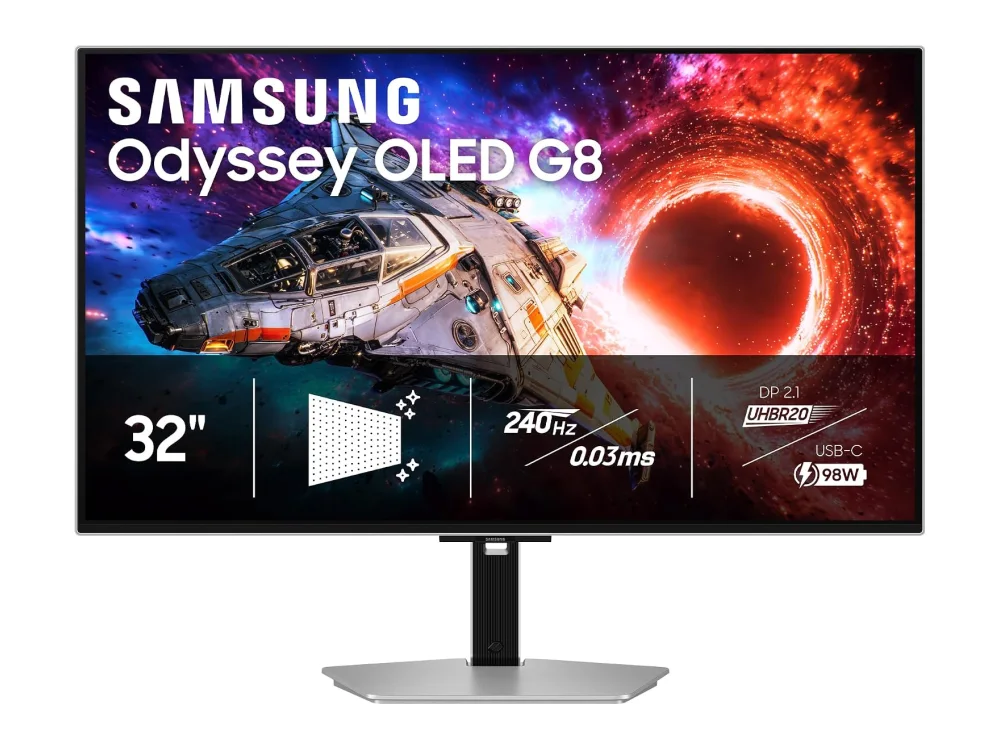 Samsung Odyssey OLED G80SH S32HG802S
 SteelSeries Alias
 SteelSeries Arena 3
 Turtle Beach Atlas Air
Leave a comment
Questions, corrections or your own experience: it goes to our team at comments@runonconsole.com and you get a copy.