Razer Viper V4 Pro vs Razer DeathAdder V4 Pro
The Razer Viper V4 Pro is a lightweight, ambidextrous mouse with a 50,000 DPI sensor, ideal for competitive FPS players who prefer claw or fingertip grips. The Razer DeathAdder V4 Pro offers an ergonomic, right-handed shape with a 45,000 DPI sensor, better suited for palm grips and long sessions. Both are wireless with 8,000 Hz polling, but your grip style dictates the choice.
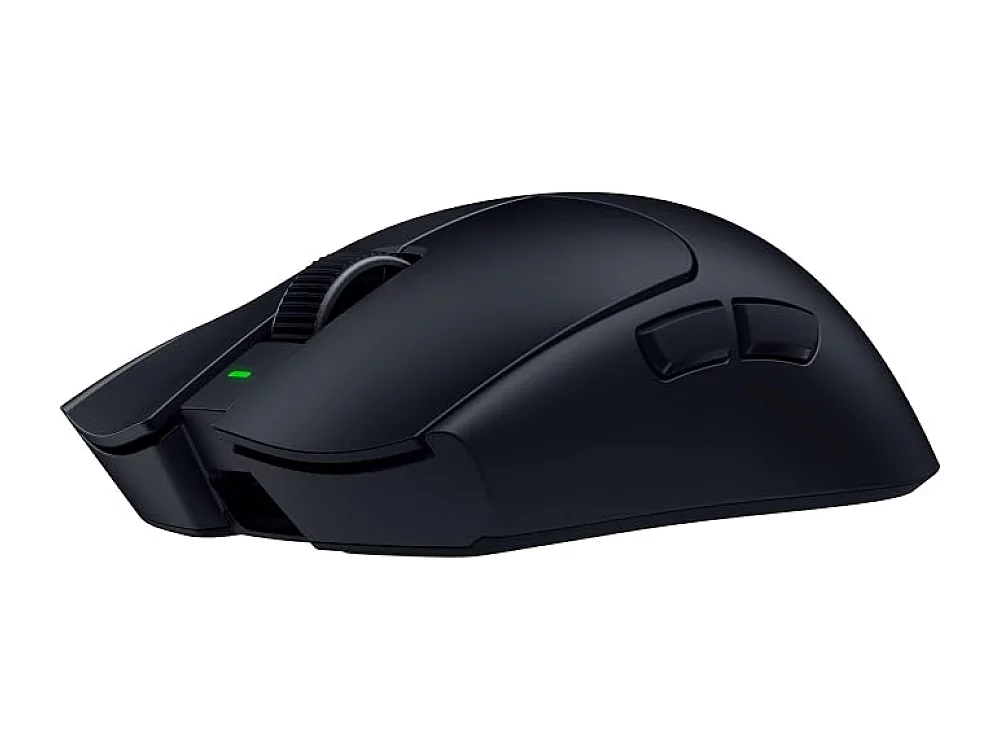 VS
VS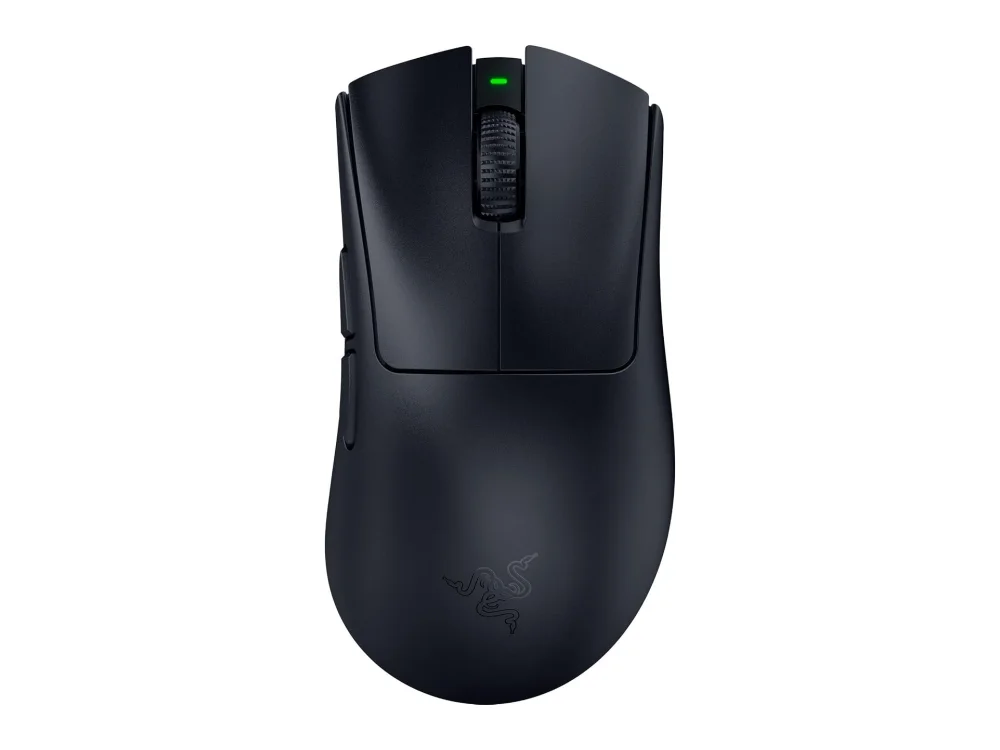
Razer Viper V4 Pro
Best Overall / Competitive FPSRazer Viper V4 Pro is the right choice if you play competitive FPS titles and prefer a lightweight, symmetrical mouse that works for both hands. It suits players who use claw or fingertip grips and need the highest DPI for fine control.
Razer DeathAdder V4 Pro
Best Ergonomic Gaming MouseRazer DeathAdder V4 Pro is the better option if you use a palm grip and play long sessions where wrist comfort is a priority. It is ideal for right-handed players who want an ergonomic shape and do not need the extra weight savings of the Viper.
The differences that matter
- The Viper V4 Pro is ambidextrous, while the DeathAdder V4 Pro is designed exclusively for right-handed users.
- The Viper V4 Pro features a 50,000 DPI sensor, whereas the DeathAdder V4 Pro uses a 45,000 DPI sensor.
- The DeathAdder V4 Pro has a higher weight than the Viper V4 Pro, which is built for ultra-light, fast movements.
- The Viper V4 Pro uses a low-profile, symmetrical shell, while the DeathAdder V4 Pro has an elongated, ergonomic contour.
- The Viper V4 Pro is better for fingertip or claw grips, while the DeathAdder V4 Pro is better for palm grips.
Specs side by side
| Razer Viper V4 Pro | Razer DeathAdder V4 Pro | |
|---|---|---|
| Brand | Razer | Razer |
| Best For | Best Overall / Competitive FPS | Best Ergonomic Gaming Mouse |
| Key Specs | 50,000 DPI · 8,000Hz · wireless | 45,000 DPI · 8,000Hz · wireless |
Pros and cons
Razer Viper V4 Pro
- 50,000 DPI sensor provides fine cursor control.
- 8,000 Hz polling rate reduces input lag.
- Wireless operation removes cable drag.
- Lightweight design suited for fast movements.
- Razer’s configurable buttons allow macro assignments.
- Battery will need regular recharging during long sessions.
- Requires a compatible USB-C receiver, adding another dongle.
- Limited ergonomic shaping; not ideal for palm grips.
Razer DeathAdder V4 Pro
- Ergonomic shape reduces wrist strain
- Wireless operation removes cable clutter
- 45,000 DPI sensor offers fine granularity
- 8,000 Hz polling provides low input lag
- Solid build quality
- Wireless adds potential latency compared to wired
- Higher weight than some ultra-light mice
- Limited to right-handed grip
Razer Viper V4 Pro vs Razer DeathAdder V4 Pro: questions
Which mouse has the higher DPI?
The Razer Viper V4 Pro has a 50,000 DPI sensor, while the Razer DeathAdder V4 Pro has a 45,000 DPI sensor. Check the listing to confirm the specific sensor model included, as DPI is often adjustable in software.
Can I use the Viper V4 Pro with a palm grip?
The Viper V4 Pro is not ideal for palm grips due to its limited ergonomic shaping. If you use a palm grip, the Razer DeathAdder V4 Pro is a better fit because of its ergonomic contour.
Is the wireless latency different between the two?
Both mice support an 8,000 Hz polling rate, which reduces input lag. The Viper V4 Pro is slightly lighter, which may feel faster for some, but both rely on the same wireless technology. Verify the included receiver type on the listing to ensure compatibility with your system.
More on Run On Console
We compare what each product's own specs and listing say; we do not show prices because they change every day. We may earn a commission from qualifying purchases.