Razer Viper V4 Pro vs Logitech G PRO X2 SUPERSTRIKE
The Razer Viper V4 Pro offers a high-DPI sensor and 8,000 Hz polling rate for low-latency wired-style performance, while the Logitech G PRO X2 SUPERSTRIKE focuses on the HERO 2 sensor and inductive haptic switches for consistent click feel. Razer suits players who need the highest DPI and a lightweight, ambidextrous shape for fast movements; Logitech appeals to those who prioritize sensor precision and smooth switch feedback.
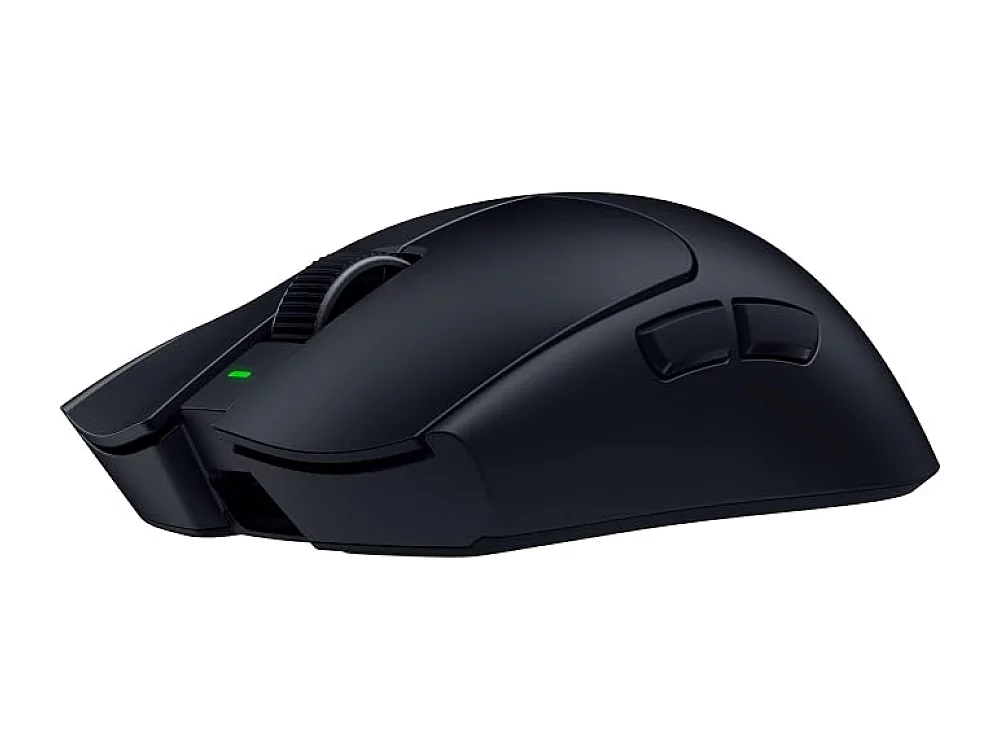 VS
VS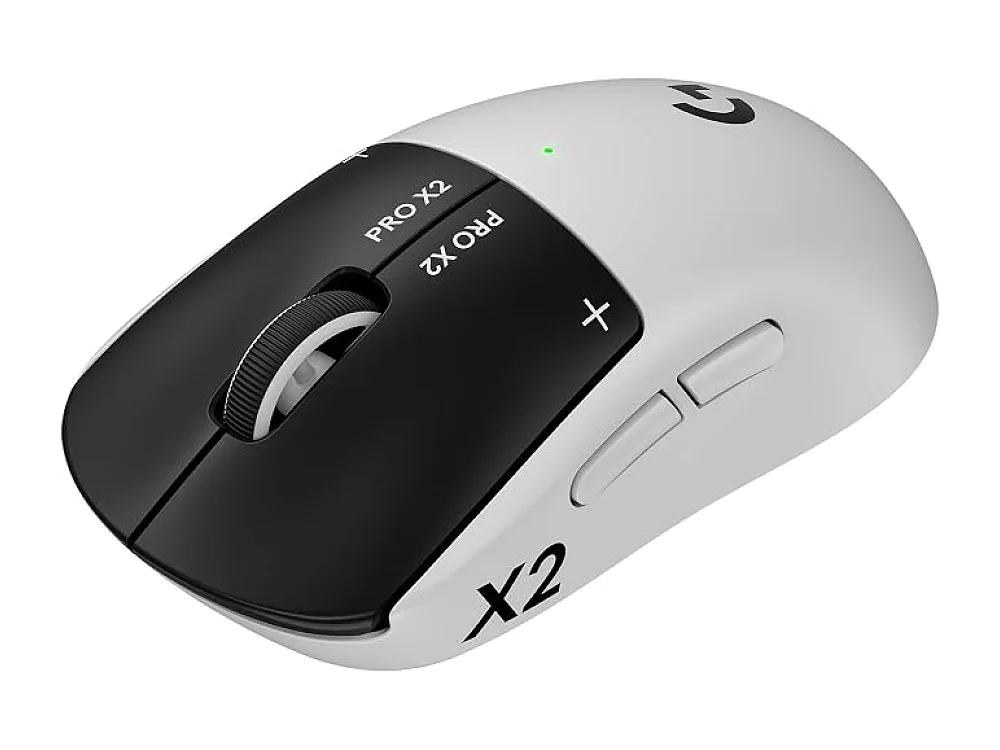
Razer Viper V4 Pro
Best Overall / Competitive FPSRazer Viper V4 Pro is best for players who need the highest DPI and a lightweight ambidextrous shape for fast movements.
Logitech G PRO X2 SUPERSTRIKE
Best Competitive FPS / PremiumLogitech G PRO X2 SUPERSTRIKE is best for players who value consistent click feel and precise sensor performance in a lightweight design.
The differences that matter
- Razer Viper V4 Pro has a 50,000 DPI sensor versus Logitech's HERO 2 sensor
- Razer offers 8,000 Hz polling rate, Logitech does not specify polling rate
- Razer uses standard switches, Logitech uses inductive haptic switches
- Razer is ambidextrous, Logitech is symmetrical
- Razer requires a USB-C receiver, Logitech’s wireless is integrated
- Razer's battery needs regular charging, Logitech battery life varies with use
Specs side by side
| Razer Viper V4 Pro | Logitech G PRO X2 SUPERSTRIKE | |
|---|---|---|
| Brand | Razer | Logitech G |
| Best For | Best Overall / Competitive FPS | Best Competitive FPS / Premium |
| Key Specs | 50,000 DPI · 8,000Hz · wireless | HERO 2 sensor · haptic inductive switches · wireless |
Pros and cons
Razer Viper V4 Pro
- 50,000 DPI sensor provides fine cursor control.
- 8,000 Hz polling rate reduces input lag.
- Wireless operation removes cable drag.
- Lightweight design suited for fast movements.
- Razer’s configurable buttons allow macro assignments.
- Battery will need regular recharging during long sessions.
- Requires a compatible USB-C receiver, adding another dongle.
- Limited ergonomic shaping; not ideal for palm grips.
Logitech G PRO X2 SUPERSTRIKE
- HERO 2 sensor provides precise tracking
- Inductive haptic switches reduce click fatigue
- Wireless operation eliminates cable drag
- Lightweight frame aids fast movements
- Limited button count compared to some esports mice
- No built-in RGB lighting for visual customization
- Battery life depends on usage patterns
Razer Viper V4 Pro vs Logitech G PRO X2 SUPERSTRIKE: questions
Which mouse is better for competitive FPS?
Both mice target competitive FPS. Razer offers a higher DPI and a very low polling rate, which can help in fast-moving games. Logitech’s HERO 2 sensor and haptic switches provide precise tracking and a smoother click feel, which may suit players who prefer consistent click feedback.
What is the main difference between the two?
The main difference is the sensor and switch type: Razer uses a 50,000 DPI optical sensor with standard switches, while Logitech uses a HERO 2 sensor with inductive haptic switches. Additionally, Razer’s design is ambidextrous and requires a USB-C receiver; Logitech’s design is symmetrical and has integrated wireless.
Is it worth upgrading to a wireless model from a wired mouse?
It depends on your preference for cable freedom versus battery life. Razer’s wireless version needs regular charging and an extra dongle; Logitech’s wireless is integrated but battery life varies with use. Check the listing for battery endurance and whether the receiver is included.
More on Run On Console
We compare what each product's own specs and listing say; we do not show prices because they change every day. We may earn a commission from qualifying purchases.