How to Choose a CPU for Gaming: Cores, Clock Speed, Cache & Platform

Article Overview & Key Takeaways
Learn how to choose a CPU for gaming by understanding cores, clock speed, cache, and platform, and avoid common buying mistakes.
Gaming gear to check
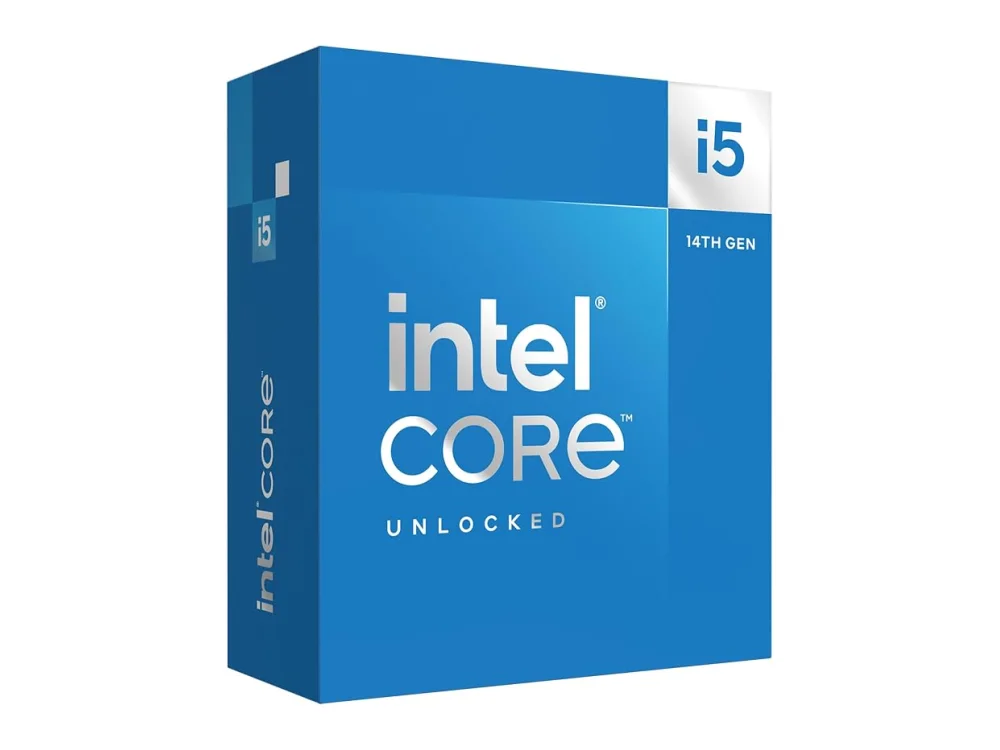 Intel Core i5-14600K
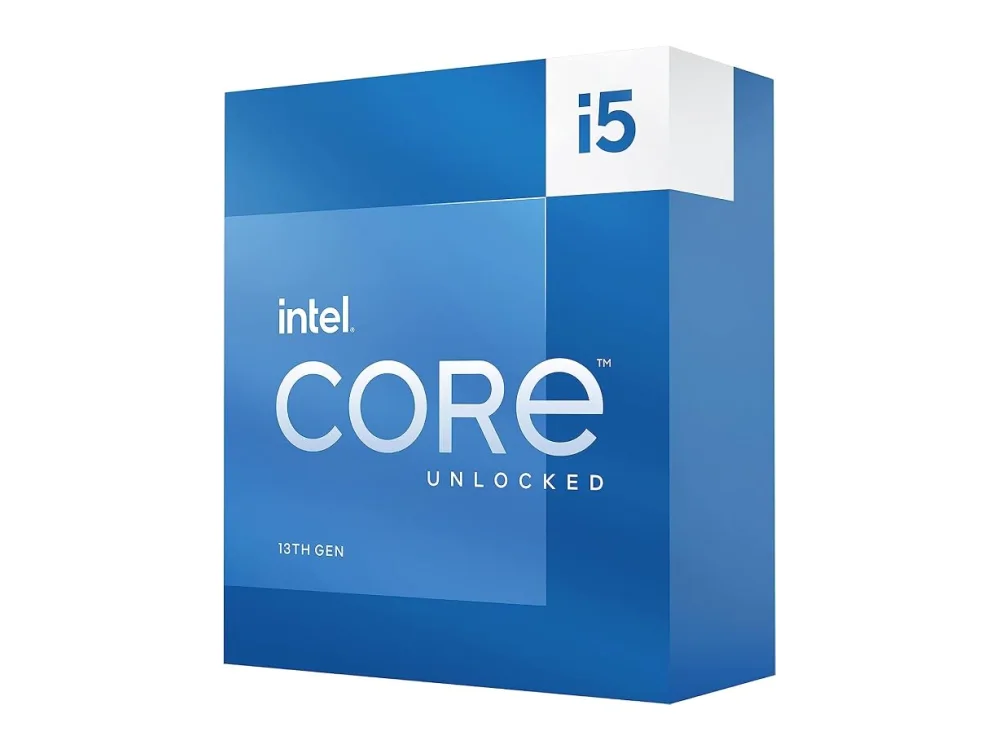 Intel Core i5-13600K
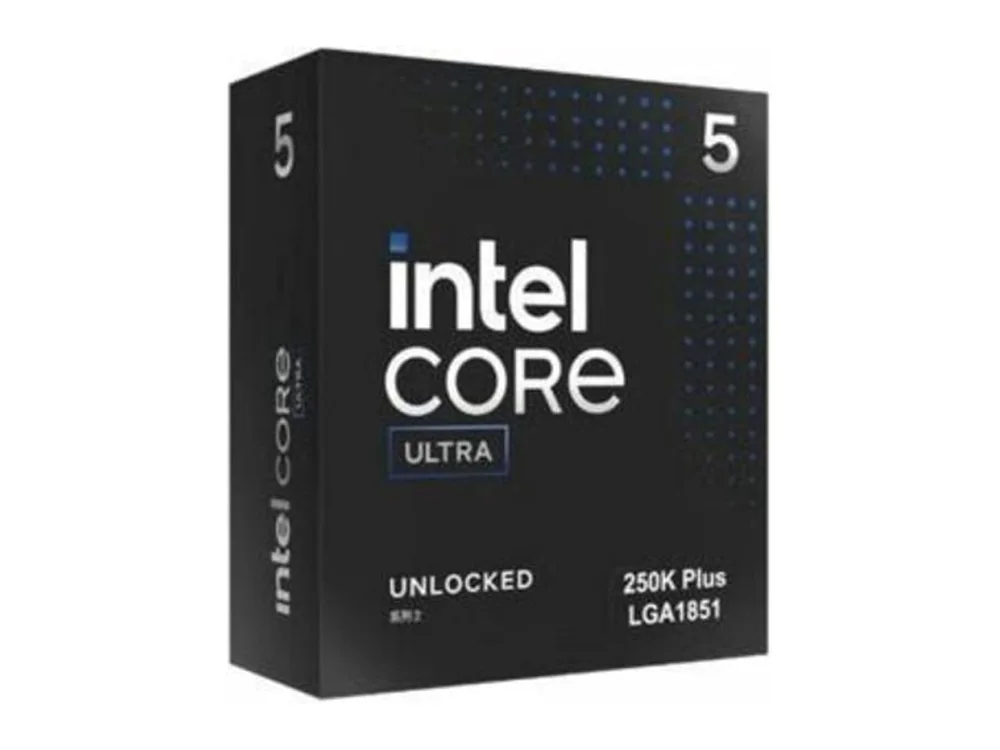 Intel Core Ultra 5 250K Plus
By the end of this guide you will know exactly which CPU fits your gaming rig, how many cores you really need, what clock speed matters, and which platform gives you the best future‑proofing. You’ll also walk away with a clear checklist to compare models without getting lost in marketing jargon.
Start by exploring the range of Processors (CPU) available for gamers, then use the step‑by‑step method below to narrow down the perfect match for your budget and performance goals.
What you need
- A rough idea of your budget and the games you play most often.
- Current or planned motherboard chipset (AMD or Intel).
- Understanding of core count, clock speed, cache size, and platform features.
- Access to the game compatibility checker to verify if a CPU can run your favorite titles.
Step 1: Define Your Gaming Profile
Not every gamer needs a 16‑core monster. If you mainly play fast‑paced shooters, battle royales, or esports titles, a CPU with strong single‑thread performance (high boost clock) will deliver the highest FPS. For open‑world RPGs and simulation games that spread work across many threads, look for higher core counts and larger caches.
Typical profiles:
- Esports / Competitive: 4‑6 cores, boost >4.5 GHz.
- Mainstream AAA: 6‑8 cores, boost 4.0‑4.7 GHz.
- Future‑proof / Content Creation: 8‑12+ cores, good multi‑thread scaling.
Step 2: Look at Core Count vs. Clock Speed
Core count and clock speed are not a simple trade‑off; they work together. A CPU with fewer cores can still beat a higher‑core part if its clock speed is significantly higher. For most modern games, the sweet spot today is 6‑8 cores with a boost clock above 4.2 GHz.
Example reference builds:
- AMD Ryzen 5 5500F – 6 cores, 12 threads, 4.2 GHz boost. Great entry‑level option for esports titles.
- AMD Ryzen 5 7600X3D – 6 cores, 12 threads, 4.7 GHz boost with 3D V‑Cache for superior gaming performance.
- AMD Ryzen 7 5700X3D – 8 cores, 16 threads, 4.6 GHz boost, extra cache for demanding AAA titles.
Tip: When two CPUs have similar core counts, choose the one with the higher boost clock for better FPS in most games.
Want to buy a gaming CPU? Here are 3 similar picks:
- AMD Ryzen 5 9600X: Mid-range gaming PCs
- AMD Ryzen 7 7800X3D: High-refresh-rate gaming rigs
- AMD Ryzen 7 8700G: Budget-friendly gaming PCs
Open a product to see its full details, then use the Amazon button there.
Step 3: Check Cache Size and Architecture
Cache is fast memory located on the CPU die. Larger L3 cache reduces latency when the CPU fetches data repeatedly, which many games benefit from. AMD’s 3D V‑Cache technology (found in the 7600X3D and 5700X3D) adds a substantial amount of L3 cache, translating into noticeable gains in titles like Cyberpunk 2077 and Microsoft Flight Simulator.
If you’re on a tighter budget, a standard cache size (e.g., 32 MB on the Ryzen 5 5500F) is still adequate for most games, but expect a modest performance gap compared to the 3D‑enabled parts.
Step 4: Choose the Right Platform (Socket & Chipset)
CPU choice is inseparable from the motherboard platform. AMD’s AM4 socket still supports many budget CPUs, while the newer AM5 socket unlocks DDR5 memory and PCIe 5.0 lanes. If you plan to upgrade later, an AM5 motherboard paired with a 7600X3D gives you a clear path to next‑gen CPUs.
Intel users face a similar decision between LGA 1700 (12th/13th gen) and the upcoming LGA 1800 for future releases. The key is to match the CPU’s socket to a chipset that offers the features you need (PCIe version, USB ports, overclocking support).
Step 5: Verify Game Compatibility
Before finalising any purchase, run the titles you play most often through the large game database. This tool checks the minimum and recommended CPU specs for over 2,400 games, letting you see if your chosen model meets or exceeds the requirements.
Common mistake: Assuming a high‑core CPU will automatically improve FPS in every game. Some older or poorly optimised titles still cap at 4‑6 cores, making clock speed and cache more important.
Step 6: Balance with Other Components
A powerful CPU can be throttled by a weak cooling solution or an under‑powered power supply. Make sure you have a capable cooler (air or AIO) that can keep boost temperatures below 85 °C. Pair the CPU with at least 16 GB of fast RAM (DDR4‑3200 or DDR5‑5600) to avoid bottlenecks.
Also, ensure your GPU isn’t the limiting factor. If you already own a high‑end graphics card, investing in a mid‑range 6‑core CPU (like the 7600X3D) often yields the best price‑to‑performance ratio.
Step 7: Future‑Proofing and Upgrade Path
Consider where the platform will be in two years. CPUs on newer sockets typically receive BIOS updates and support for next‑gen processors. If you expect to upgrade to a higher‑core part later, buying a motherboard with the latest socket now can save you a future motherboard purchase.
Example: Starting with a Ryzen 5 8600G (AMD Ryzen 5 8600G) gives you integrated graphics for a cheap build, and the same AM4 board can later host a Ryzen 7 5800X if you decide to add a discrete GPU.
Want to buy a gaming CPU? Here are 3 similar picks:
- AMD Ryzen 7 9700X: Mid-range gaming builds
- AMD Ryzen 7 9800X3D: Cache-heavy gaming
- AMD Ryzen 7 9850X3D: Cache-hungry gaming rigs
Open a product to see its full details, then use the Amazon button there.
FAQ
Do I need more than 8 cores for gaming?
Most current games run best with 6‑8 cores. More cores become useful when you also stream, edit video, or run background applications while gaming.
Is a higher boost clock always better than more cores?
For pure FPS performance, a higher boost clock often outweighs extra cores. However, for titles that scale well with threads (e.g., simulation or strategy games), additional cores provide a tangible benefit.
Can I use an older motherboard with a new CPU?
Only if the socket matches and the motherboard BIOS is updated to support the new CPU. Check the manufacturer’s CPU support list before buying.
Conclusion
Choosing a gaming CPU boils down to matching core count, clock speed, cache, and platform to your specific gaming habits and future plans. Use the steps above, run your favorite titles through the game database, and you’ll land a CPU that delivers smooth frame rates without overspending.
Keep reading
Gaming gear on Run On Console
 Creative Pebble V3 vs Creative Pebble Plus
 SteelSeries Arctis Nova Pro Wireless vs Razer BlackShark V3 Pro
 HON Ignition 2.0
 Gigabyte AORUS Master 16
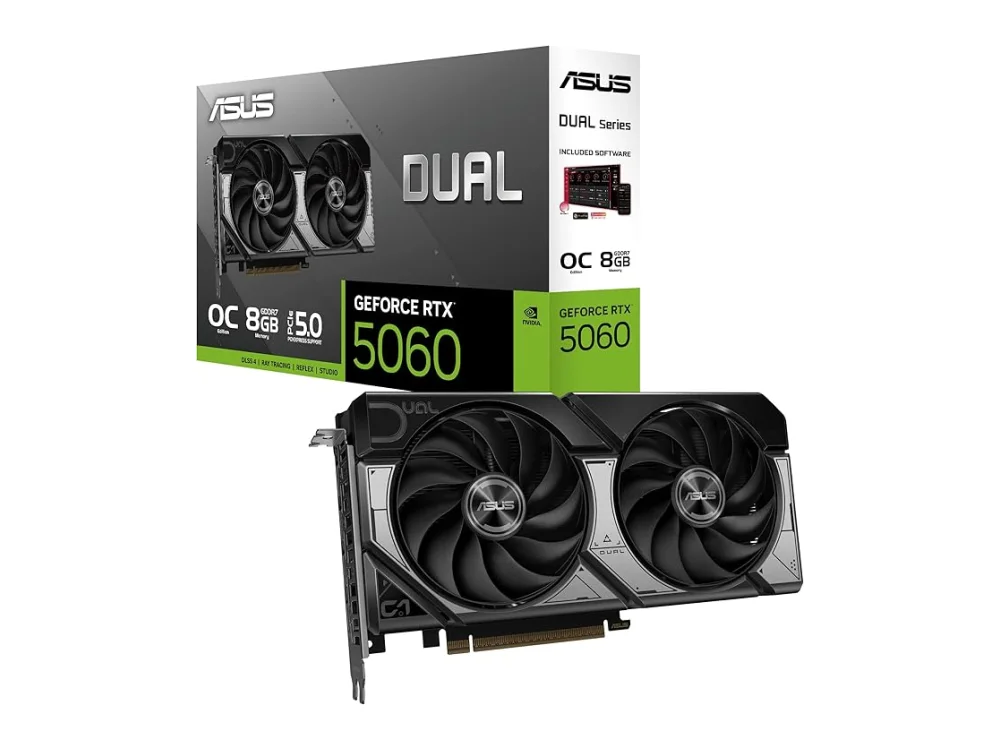 NVIDIA GeForce RTX 5060
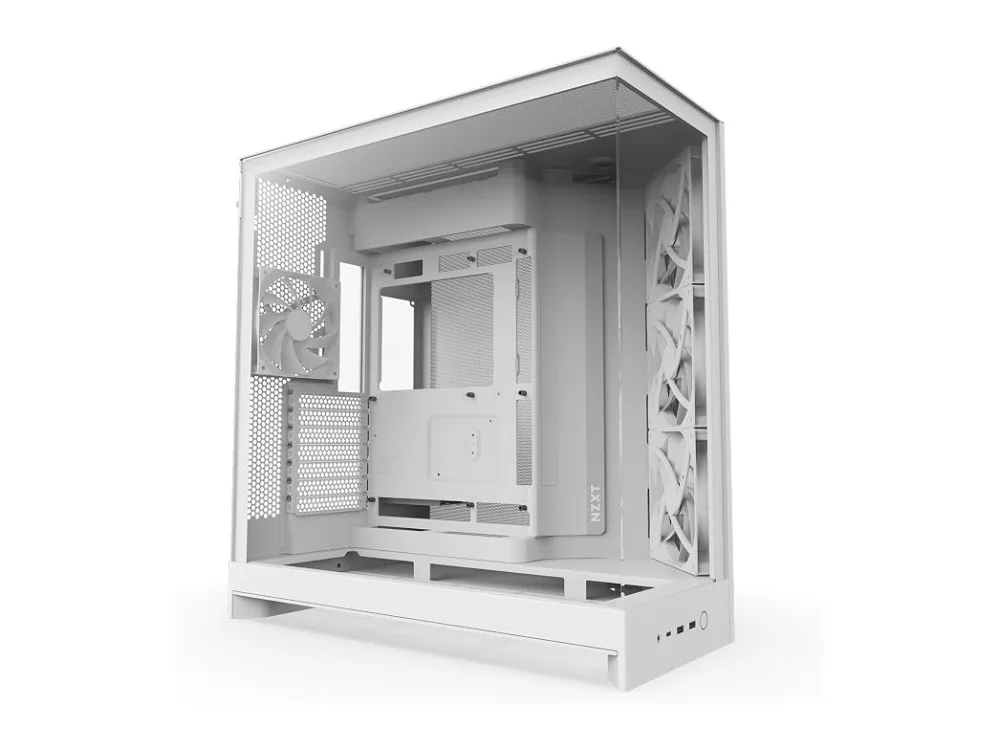 NZXT H9 Flow (2025)
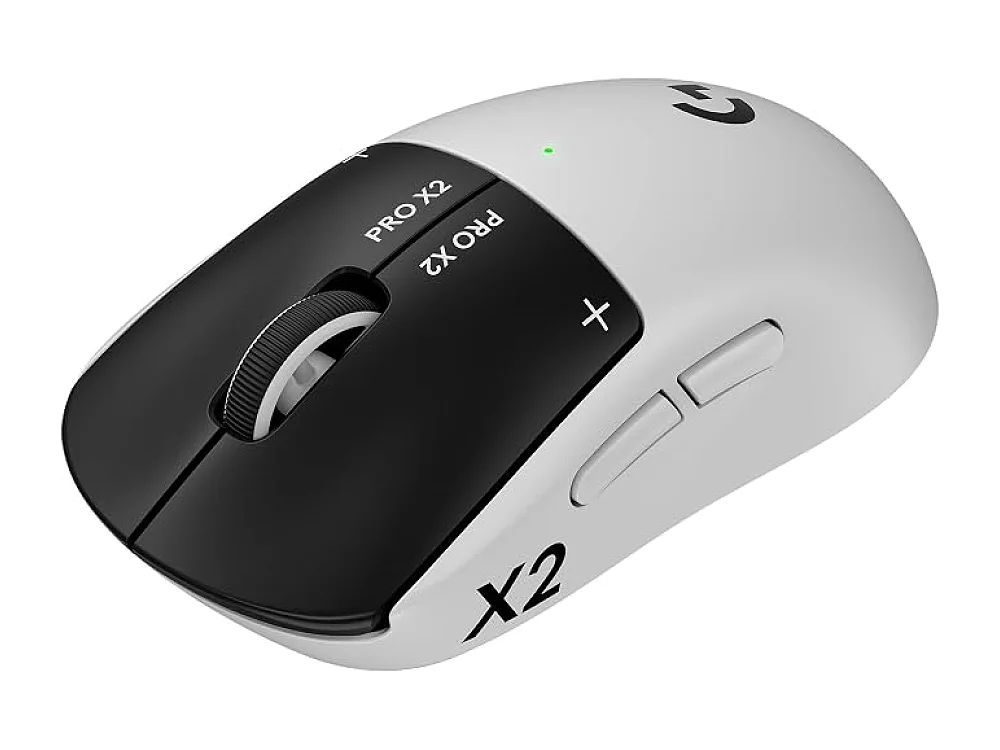 Pulsar X2F CrazyLight
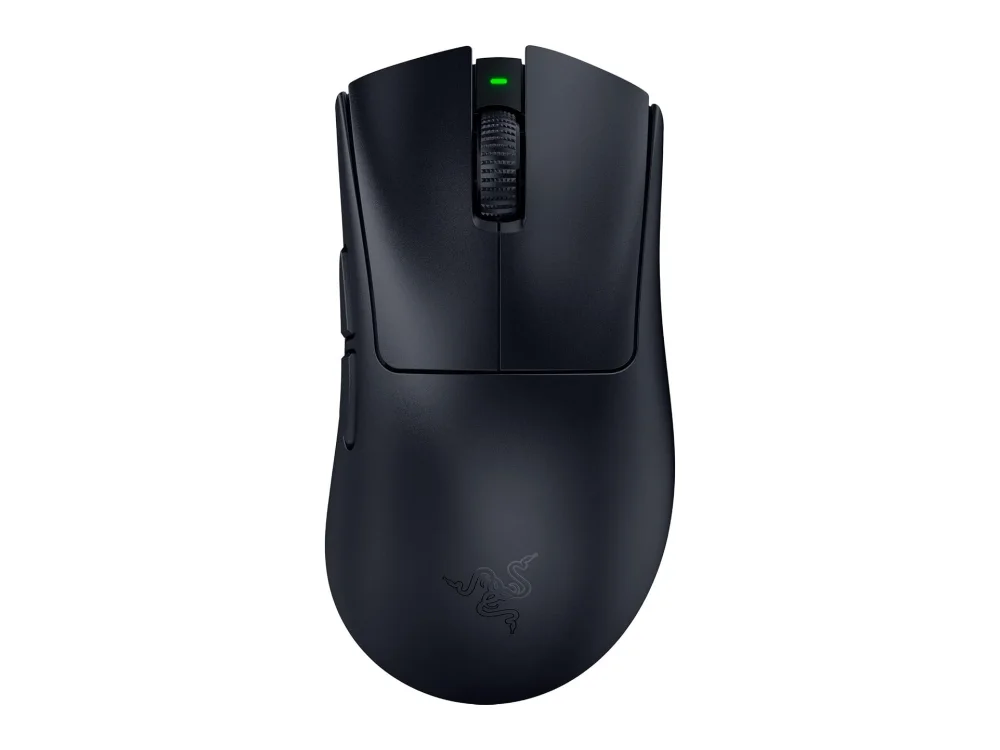 Razer DeathAdder V4 Pro
Leave a comment
Questions, corrections or your own experience: it goes to our team at comments@runonconsole.com and you get a copy.