Gaming Computer Specs Explained: What CPU Specs Really Matter

Article Overview & Key Takeaways
Understanding gaming computer specs explained starts with the CPU. This guide breaks down cores, clock speed, cache and other factors so you can choose the right processor for smooth gameplay.
Gaming gear to check
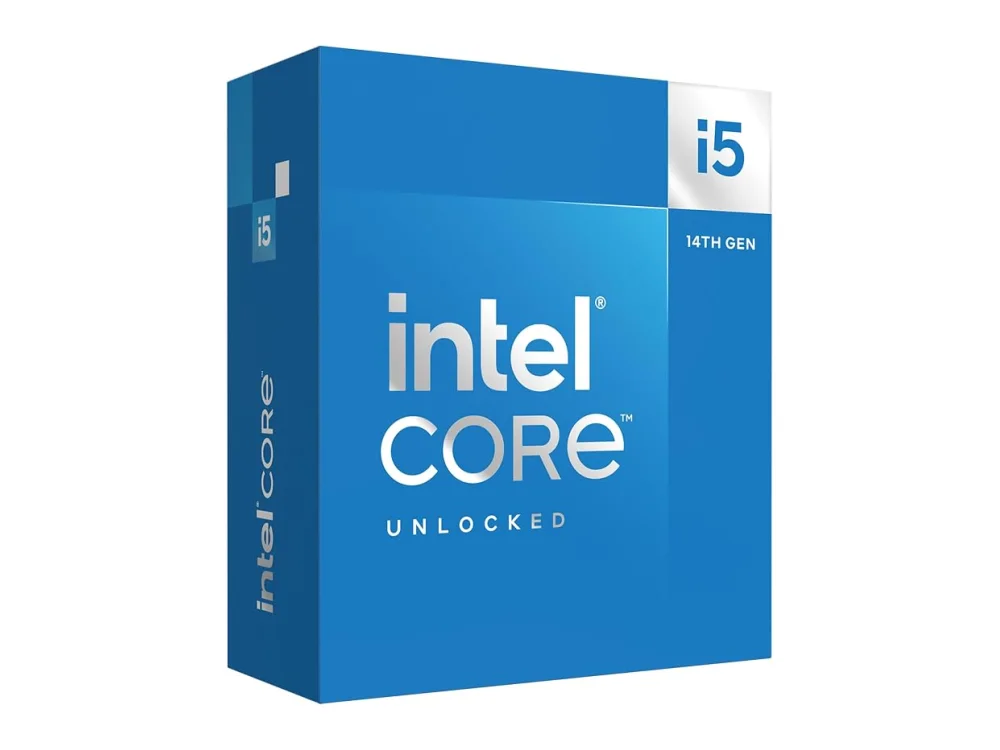 Intel Core i5-14600K
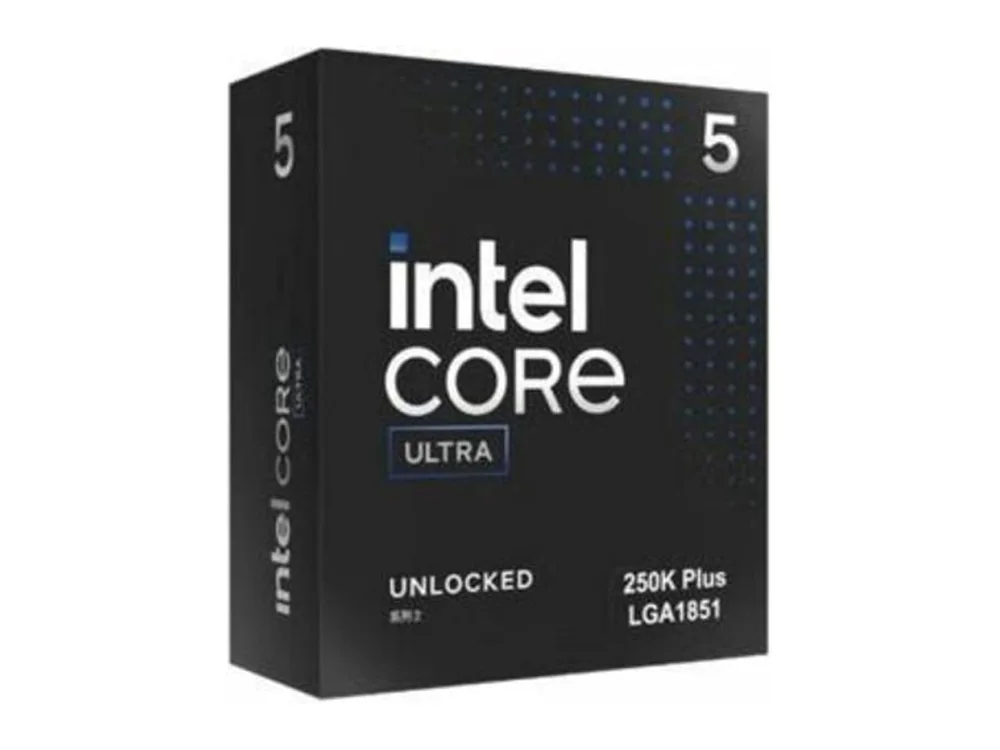 Intel Core Ultra 5 250K Plus
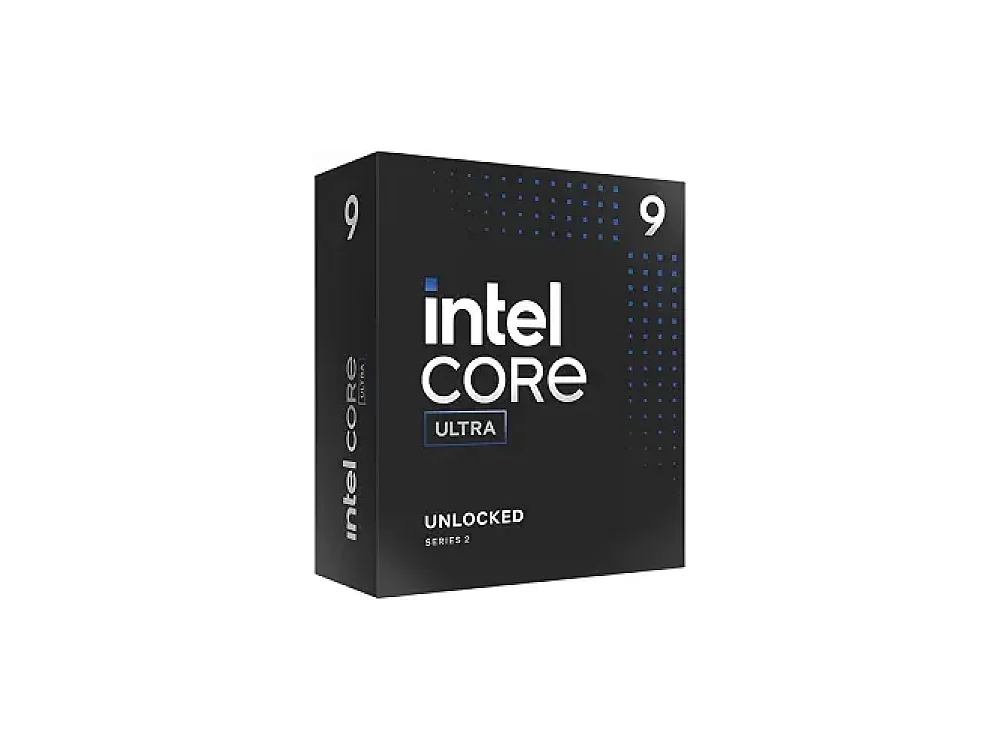 Intel Core Ultra 9 285K
When you search for gaming computer specs explained, the first thing you need to understand is the role of the processor. A CPU determines how fast game logic, physics, AI and many other tasks run, directly influencing frame rates and overall smoothness. For a deeper dive into all CPU options, visit our Processors (CPU) hub.
In this article we’ll demystify the jargon you see on spec sheets, explain which numbers actually matter for gaming, and give practical tips for matching a CPU to your budget and play style. If you’re still unsure which processor fits your build, our sister guide How to Choose a Gaming CPU: A Simple Guide for Gamers walks you through the decision step‑by‑step.
What gaming computer specs explained actually means
At its core, a gaming PC’s performance is a partnership between the CPU and the GPU, but the CPU is the traffic cop that feeds the graphics card with data. When spec sheets list numbers, they’re telling you how quickly the CPU can process that data. The most common metrics are:
- Cores and threads – Physical cores handle separate tasks, while threads (via hyper‑threading or SMT) let each core juggle two tasks at once.
- Base and boost clock speeds – Measured in gigahertz (GHz), these indicate how many cycles per second the CPU can perform under normal and peak conditions.
- Cache – Small, ultra‑fast memory on the CPU die (L1, L2, L3) that stores frequently accessed data, reducing latency.
- Instruction per cycle (IPC) – A measure of how much work a CPU can do each clock tick; higher IPC means better performance at the same clock speed.
- TDP (Thermal Design Power) – The amount of heat the CPU is expected to generate, guiding cooling requirements.
Understanding these terms lets you compare processors beyond marketing hype and focus on the specs that truly affect gaming.
Core count vs. clock speed: which matters more?
Modern games are increasingly multithreaded, meaning they can spread work across multiple cores. However, most titles still rely heavily on a few core threads for the main game loop. In practice, a balance works best: a CPU with 6‑8 high‑performance cores and a strong boost clock (4.0 GHz +). Going beyond 12 cores usually offers diminishing returns unless you also run background streaming, recording, or heavy multitasking.
Cache: the hidden performance booster
Cache size is often overlooked, but it can have a noticeable impact on frame rates, especially in open‑world titles that constantly load new assets. Larger L3 cache (e.g., 32 MB on AMD’s 3D‑V‑Cache models) reduces the need to fetch data from slower RAM, resulting in smoother frame pacing. When two CPUs have similar core counts and clocks, the one with more cache often wins in gaming benchmarks.
Platform considerations: socket, chipset, and RAM support
Choosing a CPU also means picking a compatible motherboard. The socket (e.g., AM4, AM5, LGA1700) determines which boards you can use, while the chipset dictates features like PCIe lane count, USB ports, and overclocking support. Additionally, newer platforms support faster DDR5 memory, which can shave a few frames off high‑refresh‑rate titles. Always verify that the motherboard’s BIOS supports the exact CPU model you plan to buy.
Choosing the right CPU for your budget
Below are a few popular options that illustrate how different specs translate to real‑world gaming performance. Each product link points to our detailed page where you can see the full spec sheet and check the current price.
AMD Ryzen 5 5500F
Ideal for entry‑level builds that pair with a mid‑range GPU. It offers 6 cores / 12 threads, a 3.6 GHz base clock and 4.2 GHz boost, and 16 MB of L3 cache. The lack of integrated graphics keeps the price low, making it a solid choice for budget gamers who already own a dedicated GPU.
- Pros: Affordable, good single‑core performance, low power draw.
- Cons: No integrated graphics, limited overclock headroom.
AMD Ryzen 5 7600X3D
Targeted at enthusiasts who want high frame rates without breaking the bank. It features 6 cores / 12 threads, a 4.7 GHz boost clock, and a massive 32 MB of 3D‑V‑Cache, which gives it a noticeable edge in titles like Cyberpunk 2077 and Assassin’s Creed Valhalla. Pair it with a B650 or X670 motherboard for DDR5 support.
- Pros: Exceptional gaming cache, strong boost clocks, future‑proof DDR5 platform.
- Cons: Higher price than non‑V‑Cache counterparts, limited multitasking advantage.
AMD Ryzen 7 5700X3D
For gamers who also stream or create content, the 8‑core / 16‑thread layout offers extra headroom while the 96 MB of 3D‑V‑Cache delivers top‑tier gaming performance. It runs on the AM4 socket, so you can reuse an older motherboard if it has a compatible BIOS update.
- Pros: Massive cache, excellent single‑core speeds, good value for streaming.
- Cons: Requires a decent cooling solution, limited overclock potential compared to non‑X3D models.
AMD Ryzen 5 9600X
A solid mid‑range option on the newer AM5 platform. With 6 cores / 12 threads, a 3.7 GHz base and 5.3 GHz boost, and 32 MB of L3 cache, it balances high clock speeds with modern platform features like PCIe 5.0.
- Pros: High boost clock, PCIe 5.0 support, future‑ready AM5 socket.
- Cons: Slightly higher TDP, may need a more robust cooler.
Want to buy a gaming CPU? Here are 3 similar picks:
- AMD Ryzen 5 8600G: Budget gaming PCs with integrated graphics
- AMD Ryzen 7 7800X3D: High-refresh-rate gaming rigs
- AMD Ryzen 7 8700G: Budget-friendly gaming PCs
Open a product to see its full details, then use the Amazon button there.
Quick CPU spec comparison
| Model | Cores / Threads | Base / Boost (GHz) | L3 Cache | Socket |
|---|---|---|---|---|
| Ryzen 5 5500F | 6 / 12 | 3.6 / 4.2 | 16 MB | AM4 |
| Ryzen 5 7600X3D | 6 / 12 | 4.7 (boost) | 32 MB (3D‑V‑Cache) | AM5 |
| Ryzen 7 5700X3D | 8 / 16 | 3.4 / 4.6 | 96 MB (3D‑V‑Cache) | AM4 |
| Ryzen 5 9600X | 6 / 12 | 3.7 / 5.3 | 32 MB | AM5 |
Use our Can I run it? tool to see how each of these CPUs stacks up against the requirements of your favorite games.
How CPU specs interact with other components
A powerful CPU can be bottlenecked by an older GPU, slow RAM, or limited storage. When building a balanced system, consider pairing a high‑clock CPU with a GPU that can keep up at your target resolution (1080p, 1440p, or 4K). Also, choose DDR5 memory with low latency if you’re on an AM5 or LGA1700 platform, as memory speed can affect frame times in CPU‑bound titles.
For more guidance on complementary parts, explore our hub pages for best graphics cards, best RAM kits, and best gaming mice.
FAQ
What CPU specs are important for gaming?
The most critical specs are core count, boost clock speed, and cache size. A balanced 6‑8 core processor with a boost clock above 4 GHz and at least 16 MB of L3 cache will handle the majority of modern games at high settings.
Do more cores always mean better performance?
Not necessarily. Games that are poorly optimized may only use 4‑6 cores, so extra cores won’t boost frame rates. However, additional cores become valuable when you stream, record, or run background applications while gaming.
How does cache affect game FPS?
Cache stores frequently accessed data close to the CPU cores. Larger caches reduce memory latency, leading to smoother frame pacing and higher average FPS, especially in open‑world and simulation games that constantly load new assets.
Can I upgrade my CPU later without replacing the whole system?
Upgrading is possible if you stay within the same socket generation. For example, moving from a Ryzen 5 5600X to a Ryzen 7 5700X3D on an AM4 board is straightforward, provided the motherboard BIOS supports the newer CPU.
Conclusion
Understanding gaming computer specs explained starts with the CPU’s core count, clock speeds, cache, and platform features. By focusing on these metrics and matching them to your budget, you can build a system that delivers smooth, high‑frame‑rate gameplay without overspending. Use our product pages and the Can I run it? checker to fine‑tune your build, and enjoy the best possible gaming experience.
Keep reading: more on Processors (CPU)
Keep reading
Gaming gear on Run On Console
 NuPhy Halo75 V2
 ASUS ROG Ally Z1 Extreme vs AYANEO KUN
 Gigabyte AORUS Master 16
 GPD WIN 5
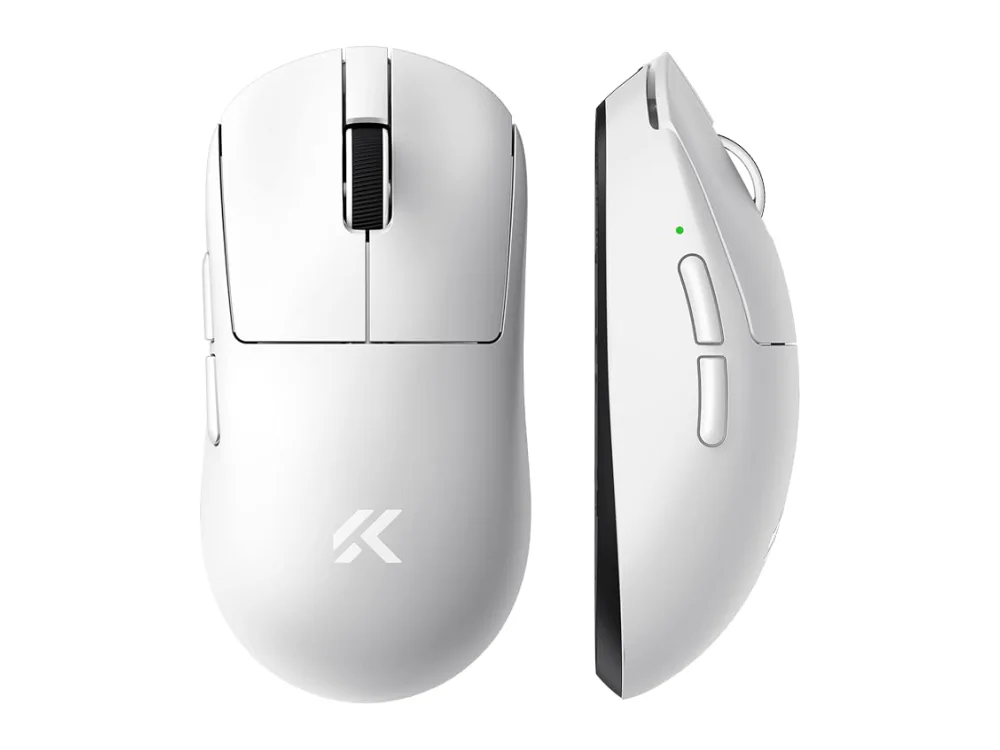 MCHOSE A7
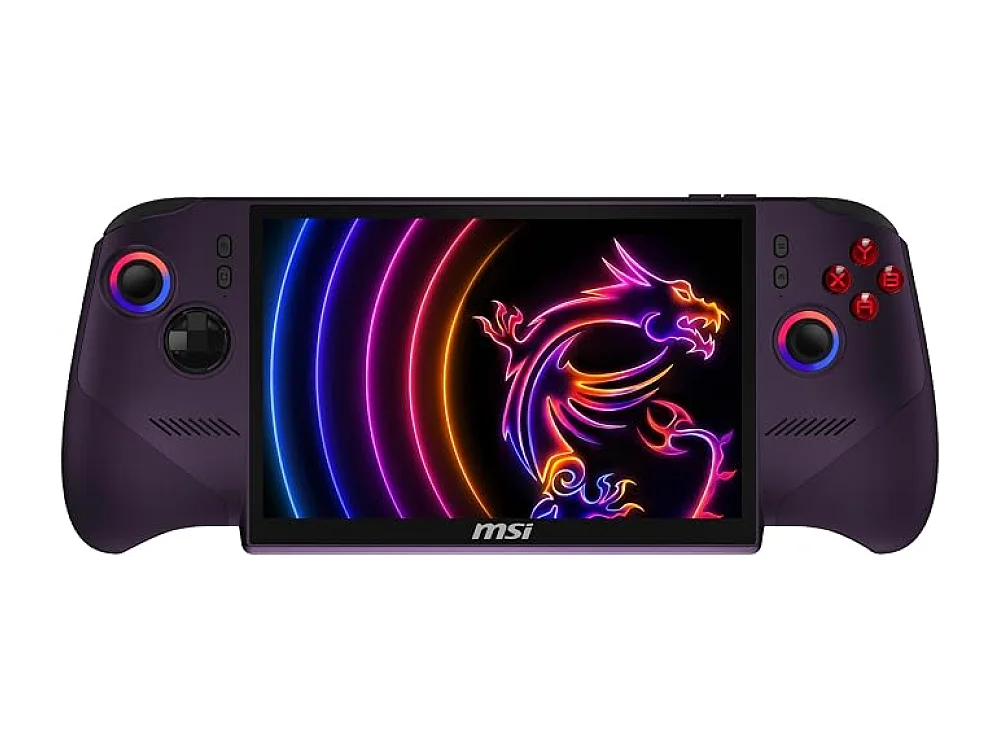 MSI Claw 8 EX AI+
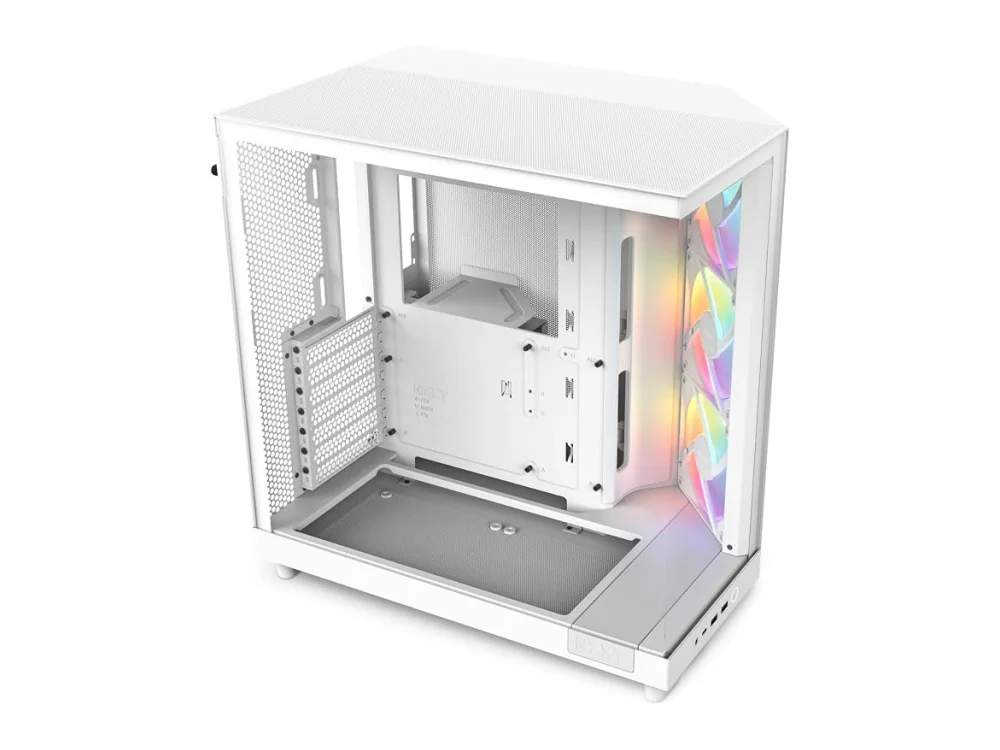 NZXT H6 Flow
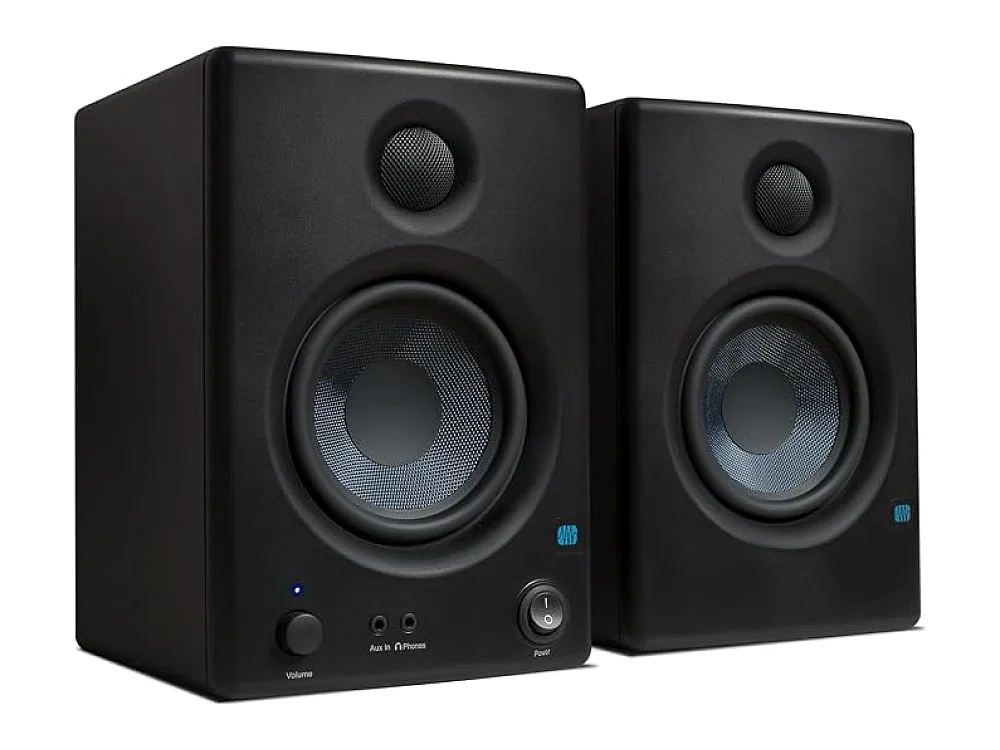 PreSonus Eris E4.5
Leave a comment
Questions, corrections or your own experience: it goes to our team at comments@runonconsole.com and you get a copy.