Steam Deck Framerate Stats Arrive on Store Pages


The story in short
Steam now displays the average framerate players achieve in specific titles on the Steam Deck. This new data helps users verify performance before purchasing or downloading games.
Gaming gear to check
 GPD WIN 5
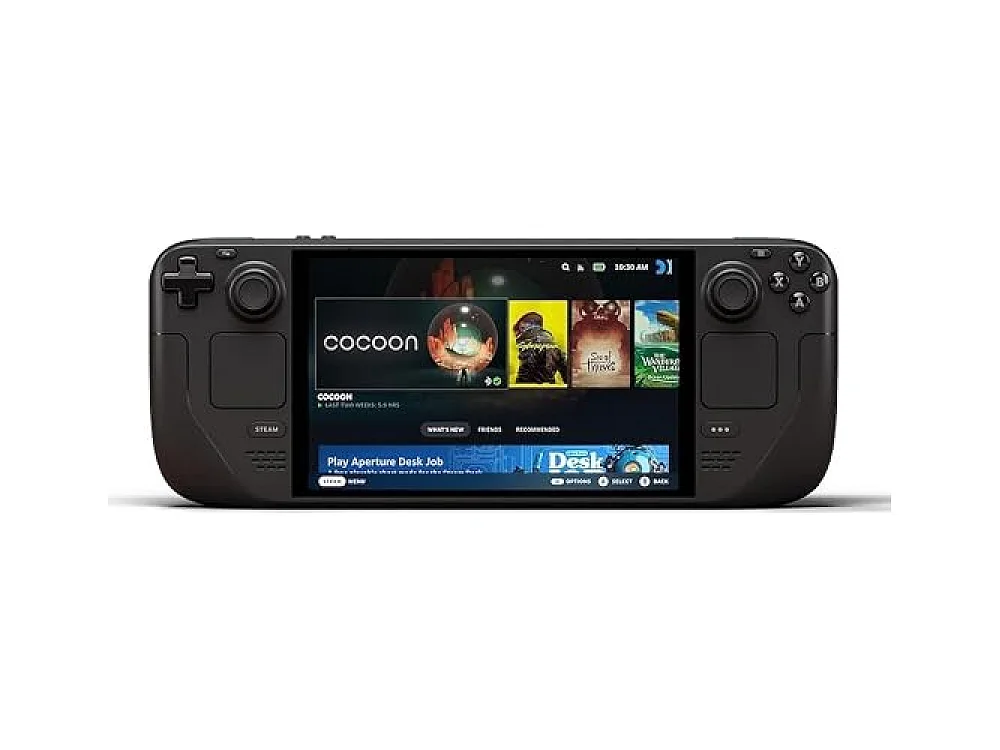 Steam Deck OLED 1TB
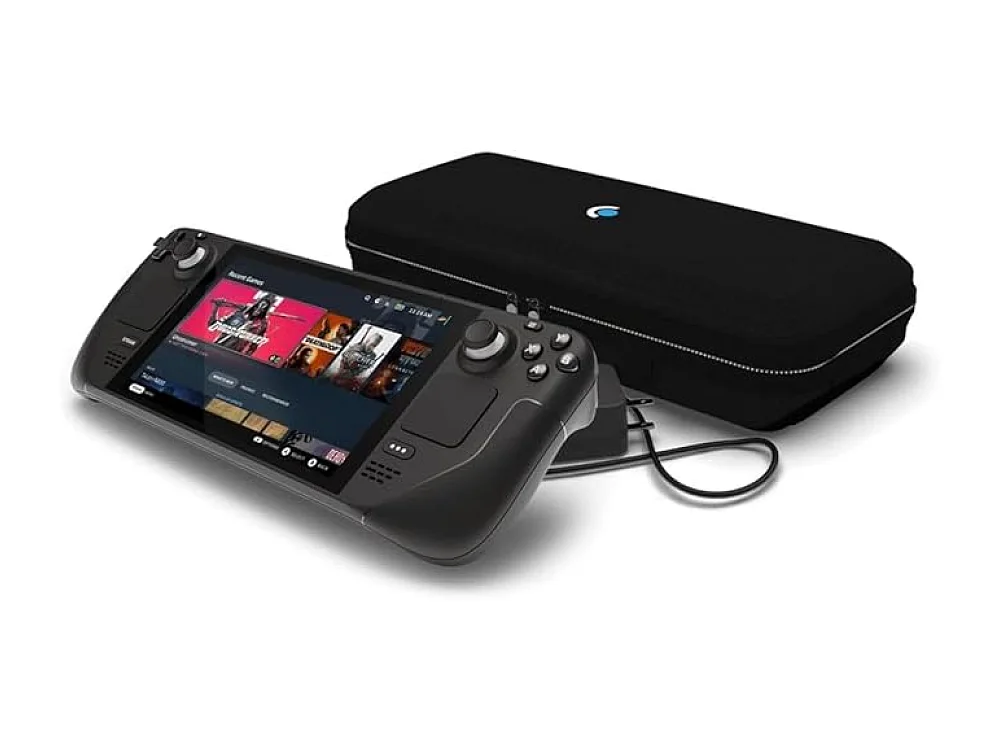 Steam Deck OLED 512GB
Valve has updated the Steam Store to display average framerate statistics for games running on the Steam Deck. According to the official Steam News, this feature launched on November 10, 2026, providing a new layer of transparency for handheld PC gaming.
What we know
The new metrics are visible on each game's detail page, specifically under the Steam Deck Compatibility section. To access the data, users click the "Learn more" link within that category. The figures represent the average performance achieved by customers who opted in to share their framerate data. This information is currently available for titles that have undergone Valve's compatibility testing, covering Verified, Playable, and Unsupported categories. As of the announcement, thousands of games already have this data populated, and the library of tracked titles will expand as more users contribute their performance logs.
Why it matters for gamers
For owners of the Steam Deck, this feature removes much of the guesswork involved in selecting games. Previously, users often had to rely on community forums or third-party sites to find performance reports. Now, the platform itself provides a direct indicator of how well a title runs on the device. This is particularly useful for assessing whether a game maintains a playable framerate at the Deck's native resolution or if it requires performance mode adjustments. It also helps potential buyers of handhelds understand the practical performance of the hardware with current releases.
ROC's take
This update is a significant quality-of-life improvement for the handheld ecosystem, but it is not a substitute for personal testing. Gamers who prioritize high-fidelity visuals on PC towers may find this less relevant, but anyone considering a move to portable gaming should use this data as a primary filter. It is still unknown how accurate these averages are for niche titles with low user counts, so treat them as a guideline rather than a guarantee. Compared to the static compatibility badges, dynamic framerate data offers a much clearer picture of the actual experience, making it a crucial tool for managing expectations on devices like the ones we review in our best Gaming Handhelds guide.
What to do now
Check your library to see if your favorite titles have framerate data available. If you are still deciding which hardware to purchase, visit our PC / Handheld PC platform guide to compare current options. You can also use our Can I run it tool to verify system requirements for your desktop setup before buying new games. For more detailed hardware comparisons, browse the full range of devices in our gaming hardware section. Finally, explore our how-to guides to optimize your Steam Deck settings for better performance.
See it on Run On Console
- Best gaming handhelds: our picks
- PC / Handheld PC guide: the consoles, games and gear
- Can I run it?: check a PC game against your hardware
Sources
Verified by 1 trusted source, including the official announcement. This story was written from the reports below and checked against them before it was published.
- Steam Deck Framerate (Steam News, official)
Keep reading
Gaming gear on Run On Console
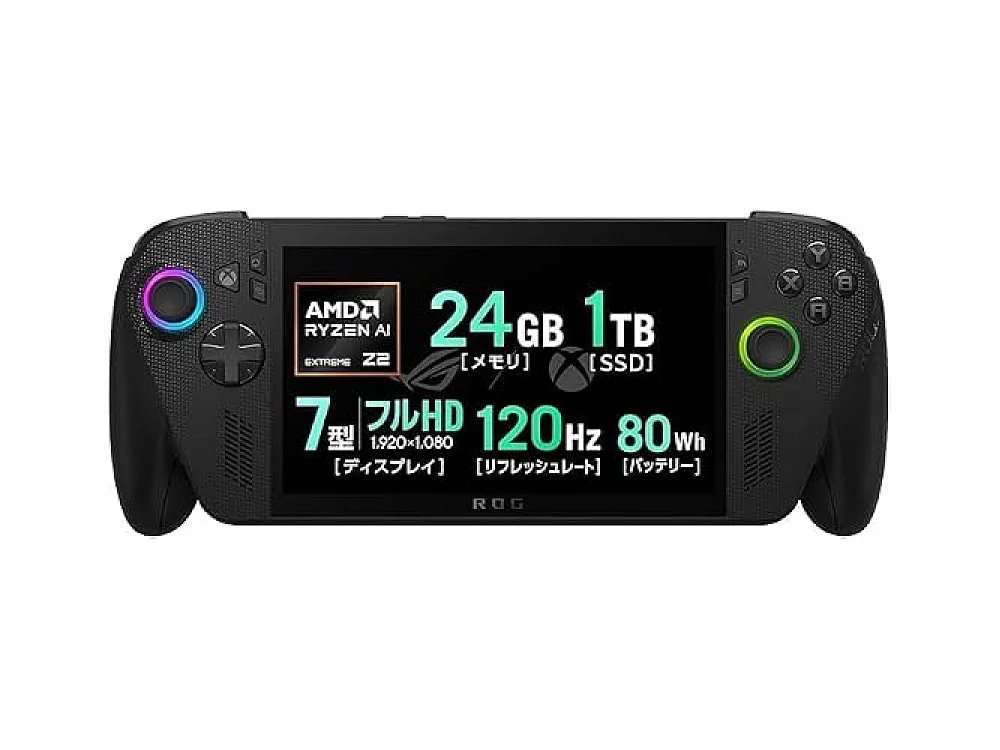 ASUS ROG Ally X vs AYANEO 3
 NVIDIA GeForce RTX 5060
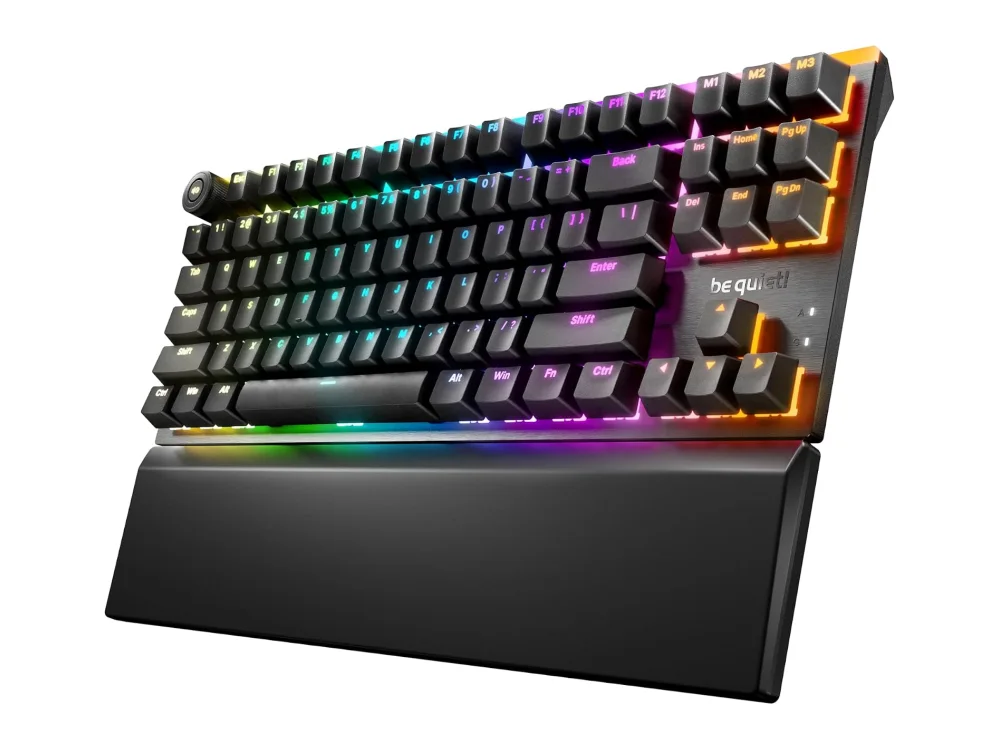 be quiet! Light Mount TKL
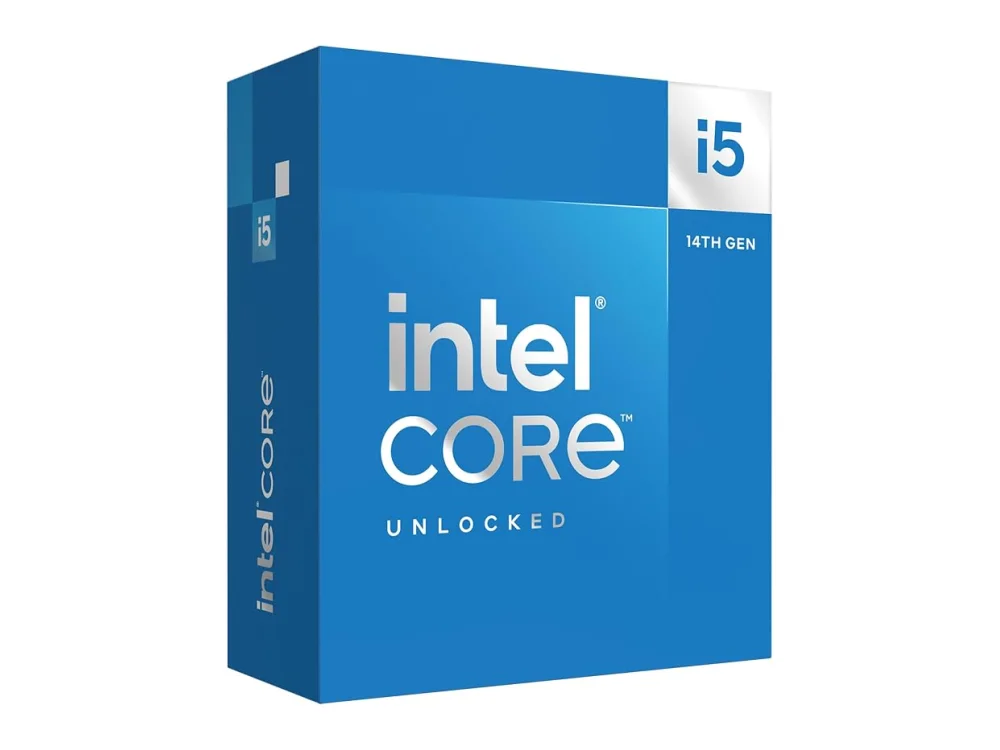 Intel Core i5-14600K
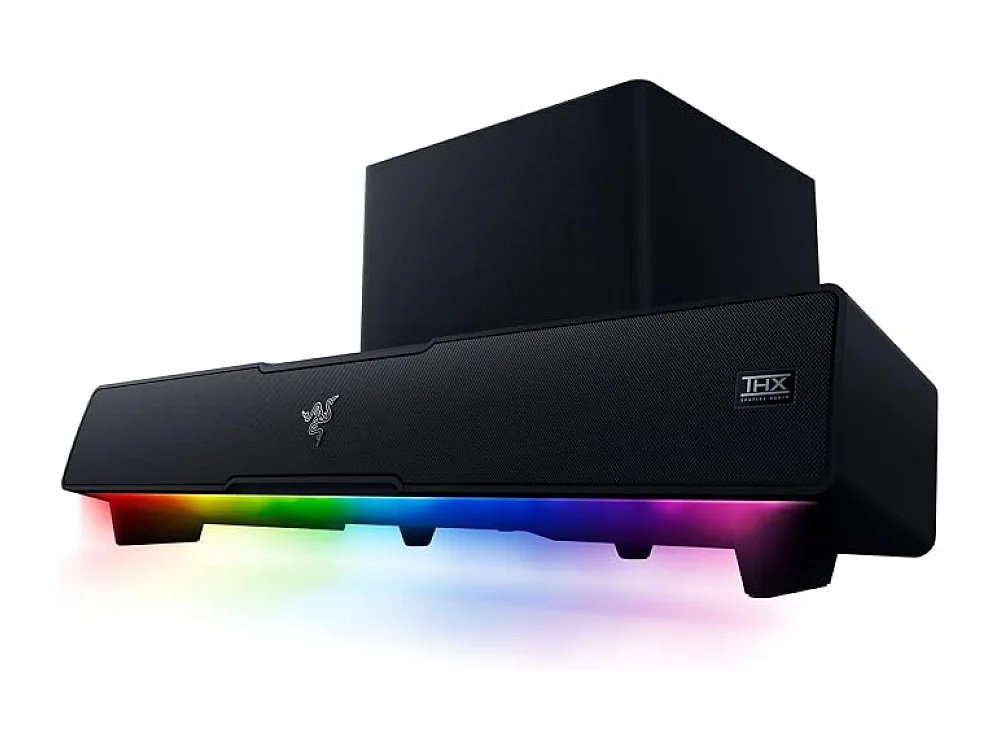 Razer Leviathan V2
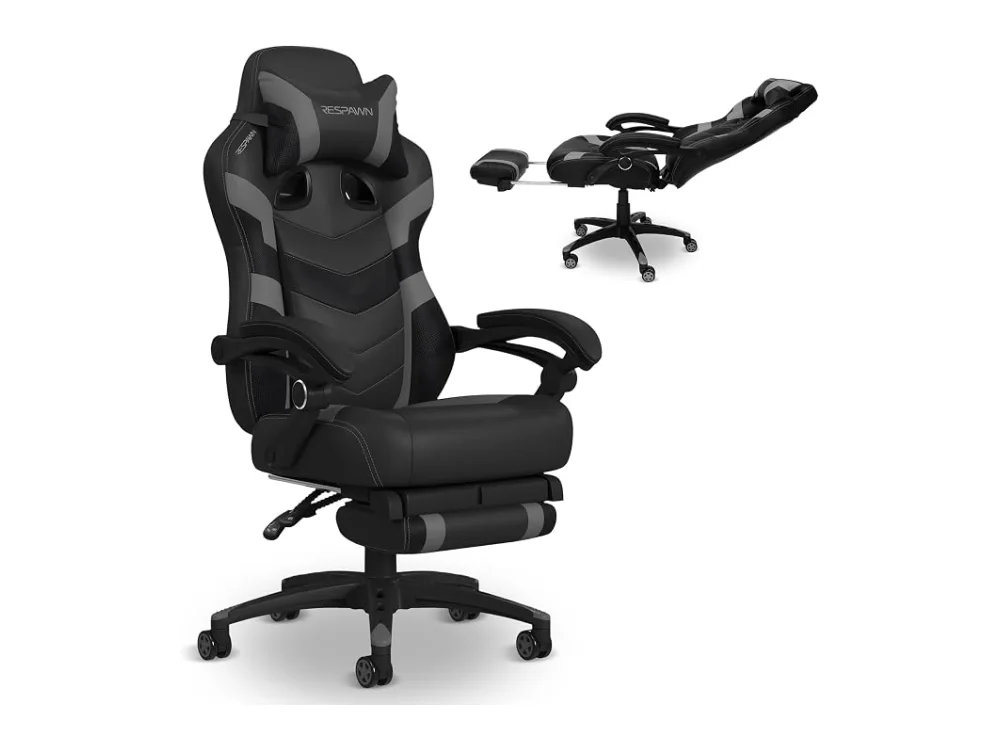 Respawn 110 Pro
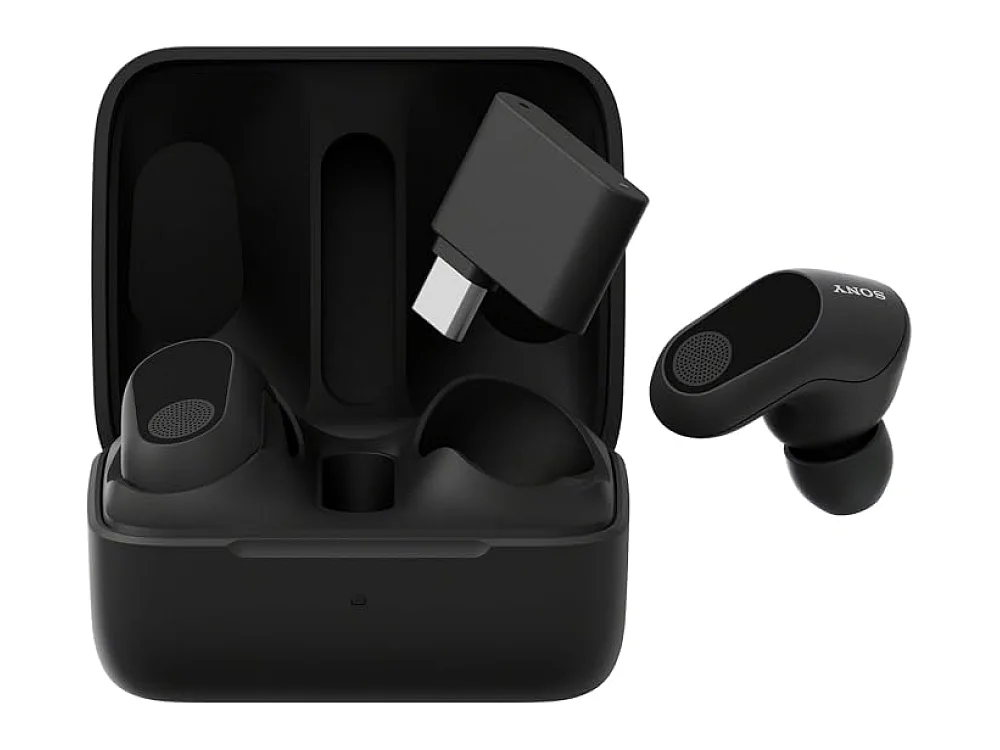 Sony INZONE Buds
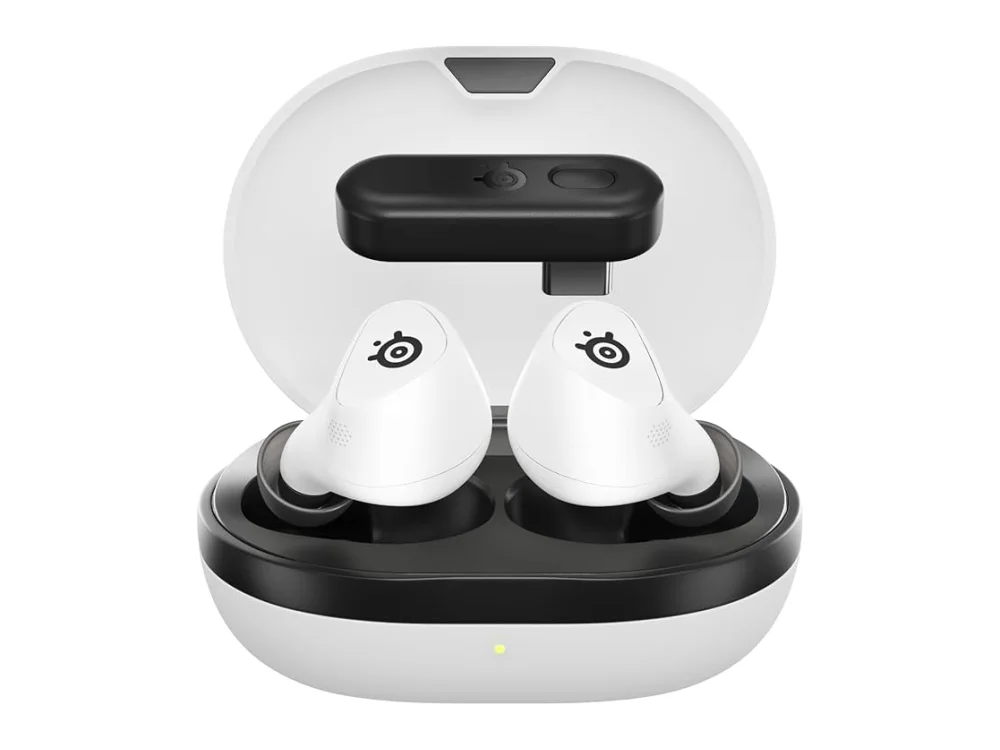 SteelSeries Arctis GameBuds
Leave a comment
Questions, corrections or your own experience: it goes to our team at comments@runonconsole.com and you get a copy.