Valve Adds Steam Deck FPS Data to Store Pages

The story in short
Valve has updated Steam to display average framerate data for Steam Deck games directly on store pages, allowing buyers to gauge performance before purchase.
Gaming gear to check
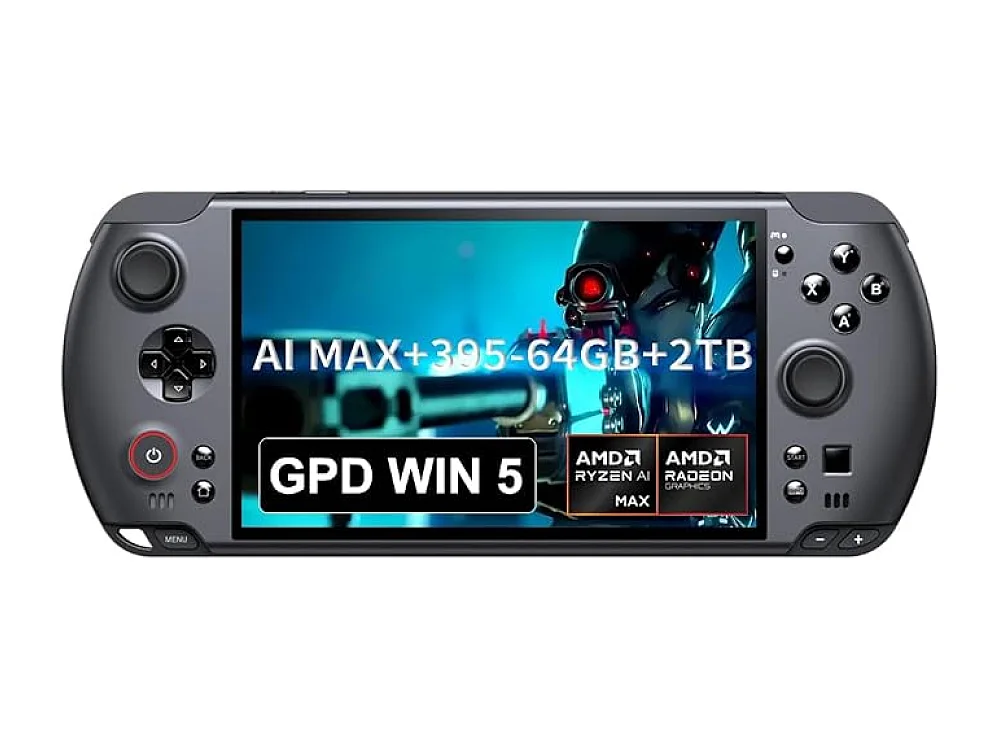 GPD WIN 5
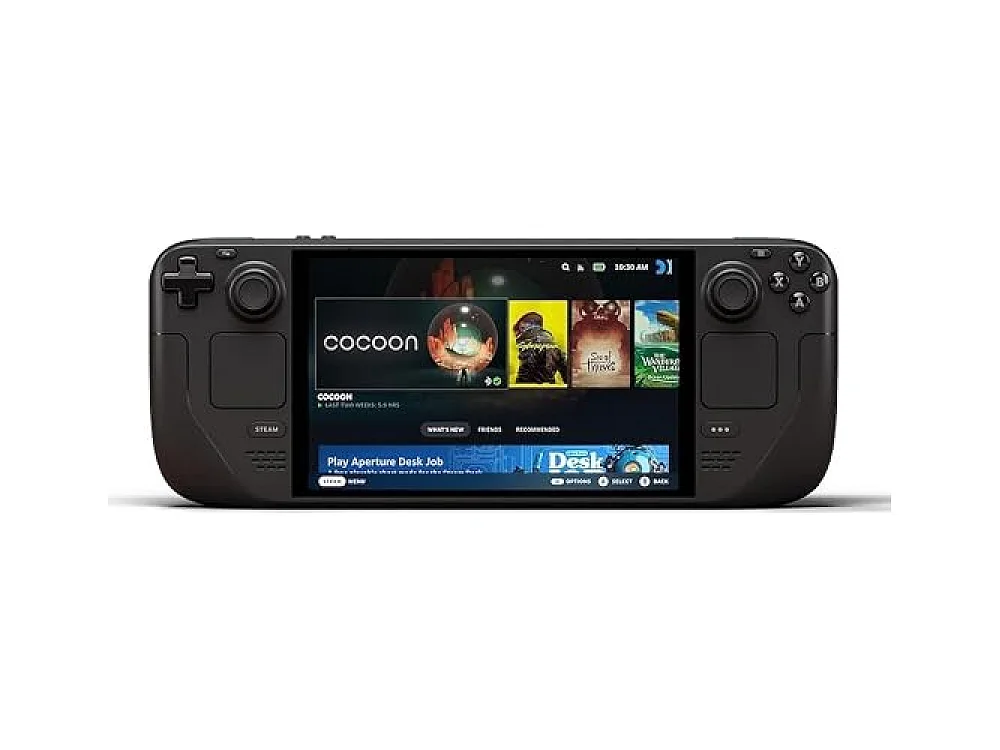 Steam Deck OLED 1TB
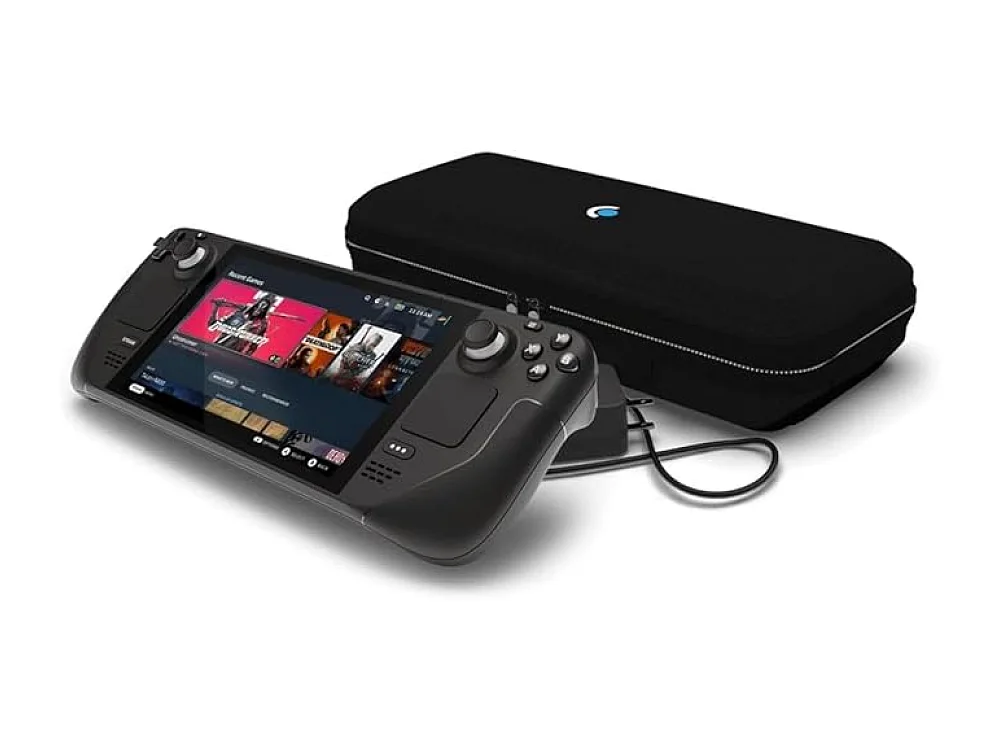 Steam Deck OLED 512GB
Valve has introduced a significant update to the Steam client that displays average framerate data for Steam Deck users directly on game store pages. According to recent reports, this feature allows players to see how a specific title performs on the handheld before they commit to a purchase. The data is already available for thousands of games, with the list expected to grow over time.
What we know
The update leverages opt-in data collection from Steam Deck owners. As noted by TechPowerUp, Valve initially introduced this toggle to help developers analyze framerate data and optimize their games for the handheld's hardware. However, the latest client update now shares that same average framerate information with prospective buyers. Notebookcheck confirms that the average FPS figures are visible on compatibility screens, giving users a concrete metric for performance expectations. This data is anonymous and aggregated, ensuring privacy while providing useful benchmarks for the community.
Why it matters for gamers
For owners of the Valve Steam Deck, this feature removes a major layer of uncertainty when browsing the library. Previously, users had to rely on community reviews or external databases to estimate if a game would run smoothly. Now, the platform provides a direct, hardware-specific performance indicator. This is particularly useful for handheld gaming, where performance can vary significantly between titles due to the device's fixed hardware configuration. It helps users avoid buying games that may stutter or fail to maintain playable framerates on the go.
ROC's take
This is a crucial step for anyone considering a handheld PC. If you own a Steam Deck or plan to buy one, this feature should become a standard part of your pre-purchase routine. It is less relevant for desktop PC gamers, as performance depends heavily on your specific GPU and CPU combination. We recommend checking this metric alongside our guide to the best Gaming Handhelds to ensure the device fits your needs. While the data is a strong indicator, it is an average, so individual experiences may vary based on settings and background processes.
What to do now
Users should update their Steam client to ensure they can view this new data on store pages. If you are unsure if a game will run on your current setup, you can use our Can I run it tool to check general requirements. For a deeper dive into the hardware, explore our PC / Handheld PC platform guide. You can also browse our full catalog of gaming hardware we cover to see how the Steam Deck fits into the broader market.
See it on Run On Console
- Best gaming handhelds: our picks
- PC / Handheld PC guide: the consoles, games and gear
- Can I run it?: check a PC game against your hardware
Sources
Verified by 3 trusted sources. This story was written from the reports below and checked against them before it was published.
Keep reading
Gaming gear on Run On Console
 Samsung DDR5-4800 32GB
 ASUS ROG Harpe Ace Mini
 TeamGroup T-Force Xtreem ARGB DDR4-3600
 MCHOSE A7
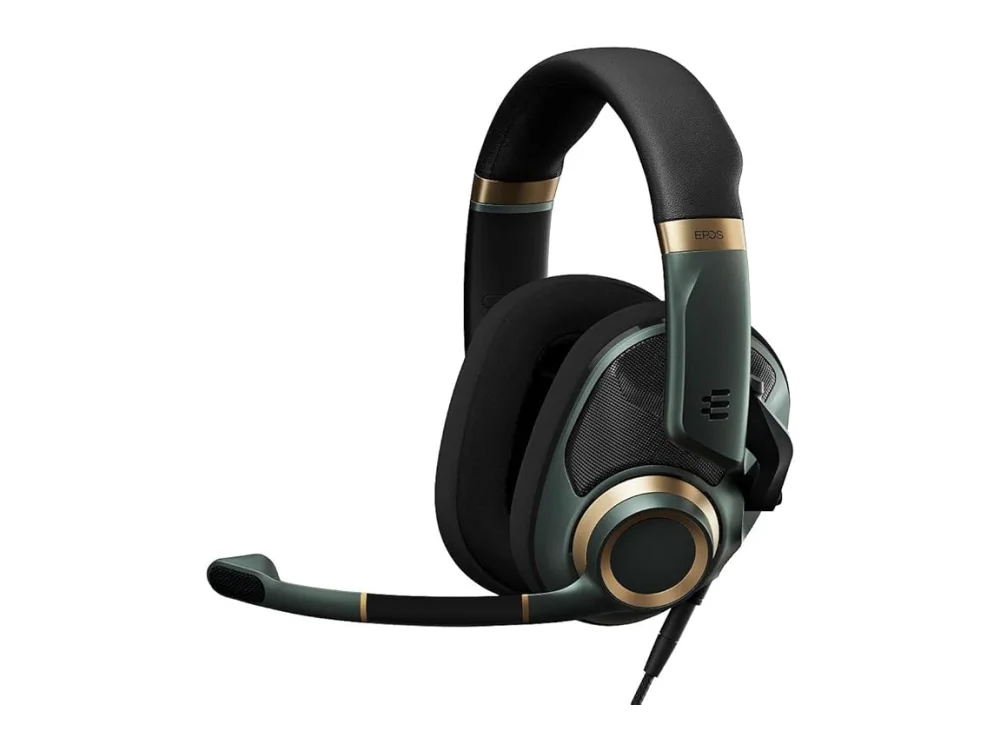 EPOS H6PRO
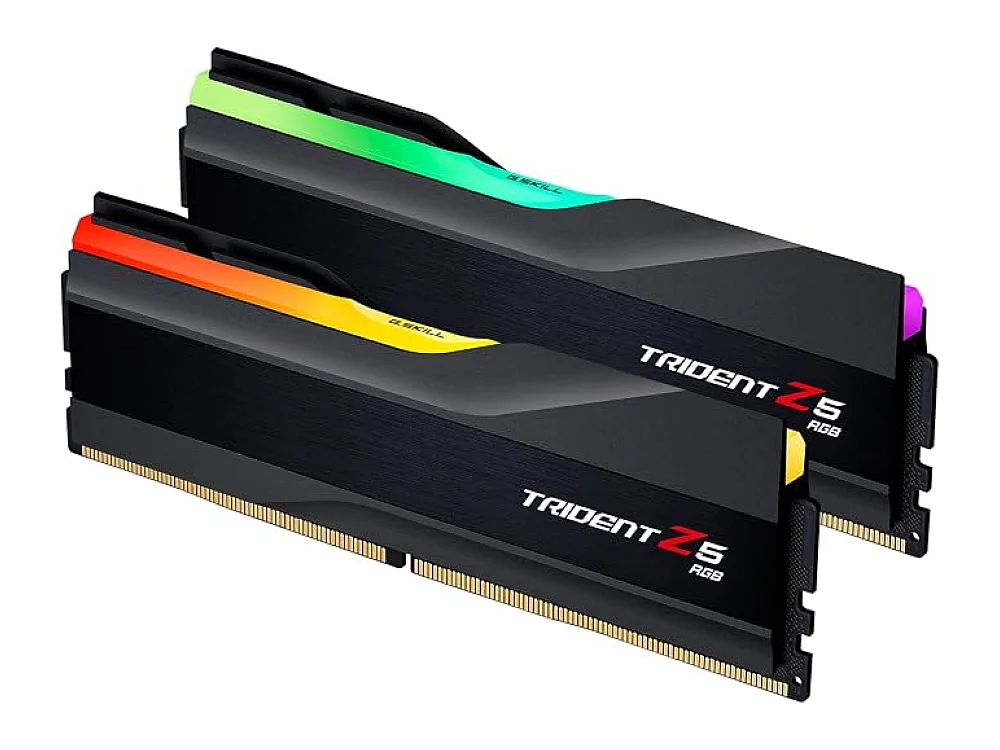 G.Skill Trident Z5 RGB DDR5-6400 96GB
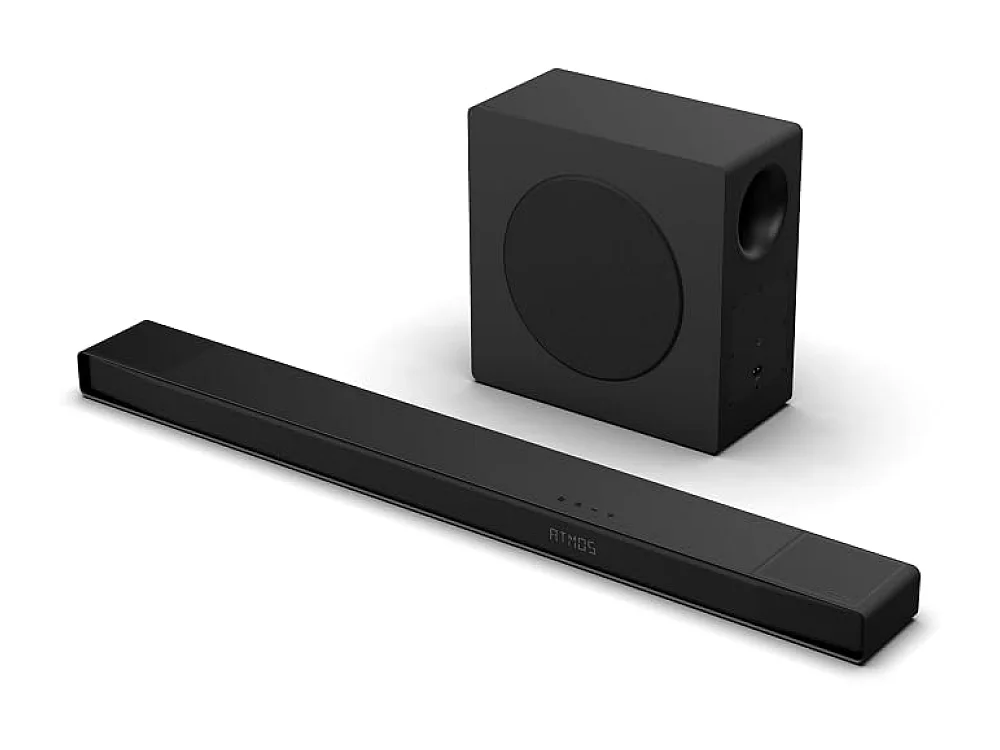 Hisense AX5125H
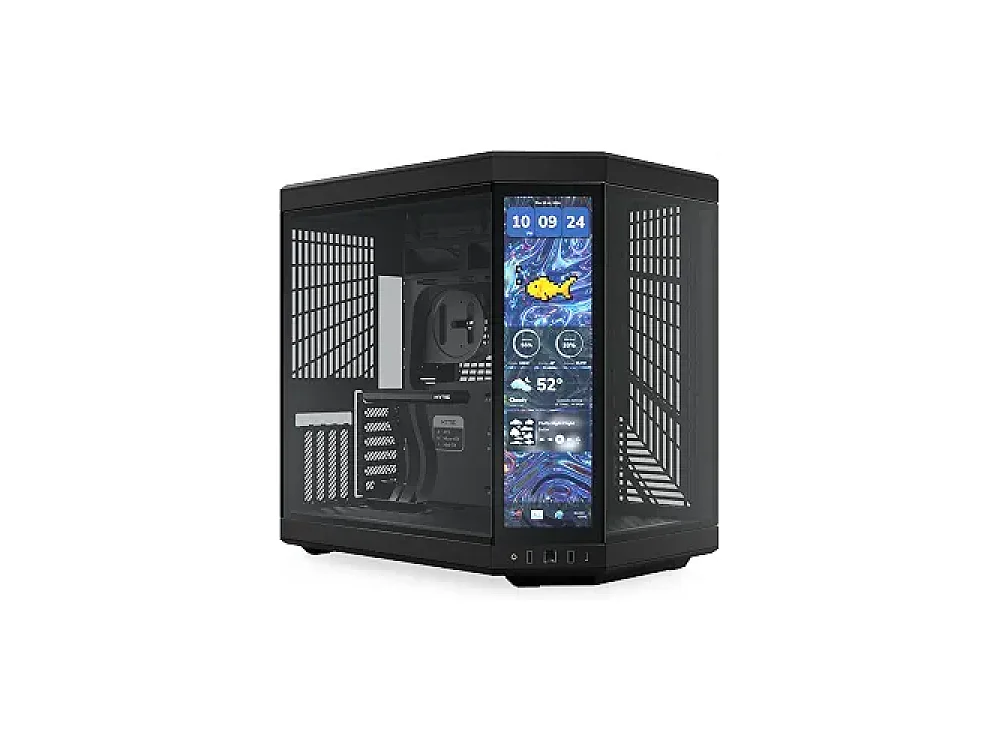 HYTE Y70 Touch
Leave a comment
Questions, corrections or your own experience: it goes to our team at comments@runonconsole.com and you get a copy.