Jailbroken PS5s Can Run Steam PC Games Locally, Thanks to Playden

The story in short
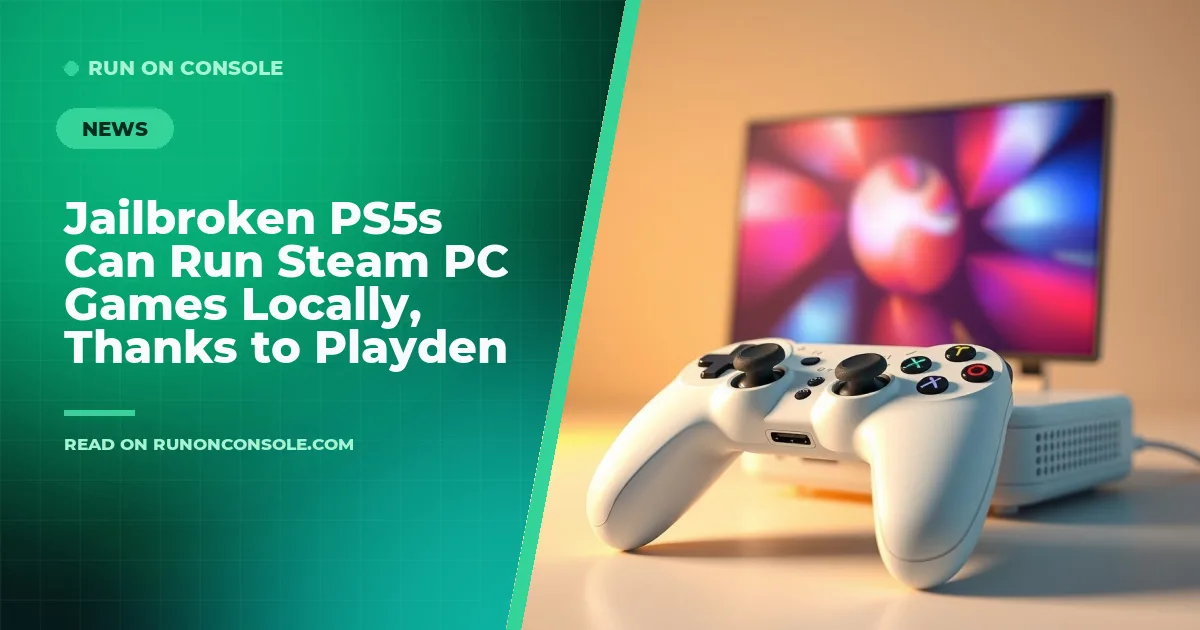
A jailbroken PlayStation 5 can now download and launch Steam PC games directly, thanks to the Playden for PS5 launcher. The tool creates a separate tile for each game on the console’s home screen.
Gaming gear to check
 GPD WIN 5
 Razer Naga V3 Pro
A PlayStation 5 that’s been jailbroken can now download and launch Steam PC games directly on the console, according to reports from PC Gamer, Tom’s Hardware and TechPowerUp. The breakthrough is powered by Playden for PS5, an alpha launcher that creates a separate tile for each game.
What we know
Playden for PS5 is a home‑brew launcher adapted from the macOS version of Playden and built by developer leolobato. It lets users sign in to Steam with a QR code, browse their library, download Windows titles and run them locally. The underlying compatibility layer is prospero‑win, a PS5 port of Wine, while DXVK translates DirectX calls to Vulkan for graphics rendering. No PC streaming is involved; the games execute on the console’s own hardware.
PC Gamer highlighted that titles such as Portal and Left 4 Dead 2 are already confirmed to run, while Tom’s Hardware noted that each game appears as an individual tile on the PS5 home screen. TechPowerUp called the development “almost on a weekly basis,” emphasizing how quickly the jailbreak scene is advancing.
Why it matters for gamers
For owners of a jailbroken PS5, the ability to run Steam’s Windows catalog expands the console’s library far beyond the official PlayStation Store. Gamers can now enjoy PC‑only indie gems, older AAA releases and mod‑friendly titles without needing a separate PC or a streaming service. This also blurs the line between console and PC ecosystems, echoing previous homebrew efforts such as the Xbox Cloud Gaming port that brought another ecosystem onto the PS5.
Because the solution relies on a Wine‑based translation layer, performance will vary by game and by how well DXVK maps DirectX calls to the PS5’s GPU. Users should also be aware that running Windows games on a console does not guarantee full compatibility; the free PC game requirements checker can help gauge whether a particular title is likely to run smoothly.
What to do now
If you already have a jailbroken console, the next step is to follow leolobato’s instructions on the Playden GitHub page and install the launcher. After signing into Steam, you can browse your library, select a game, and let Playden download it. For newcomers, our Sony PlayStation guide explains the risks and legal considerations of jailbreaking.
Keep an eye on future updates, as the community is expected to add more games and polish the compatibility layer. Until then, the ability to run Steam titles locally is a major milestone for the PS5 homebrew scene.
See it on Run On Console
- Sony PlayStation guide: the consoles, games and gear
- Can I run it?: check a PC game against your hardware
Sources
Verified by 3 trusted sources. This story was written from the reports below and checked against them before it was published.
Keep reading
Gaming gear on Run On Console
 ASUS ROG Swift OLED PG27AQWP-W vs ASUS ROG Swift OLED PG32UCDP
 ASUS ROG Strix Scope II 96 Wireless vs Corsair Vanguard Pro 96
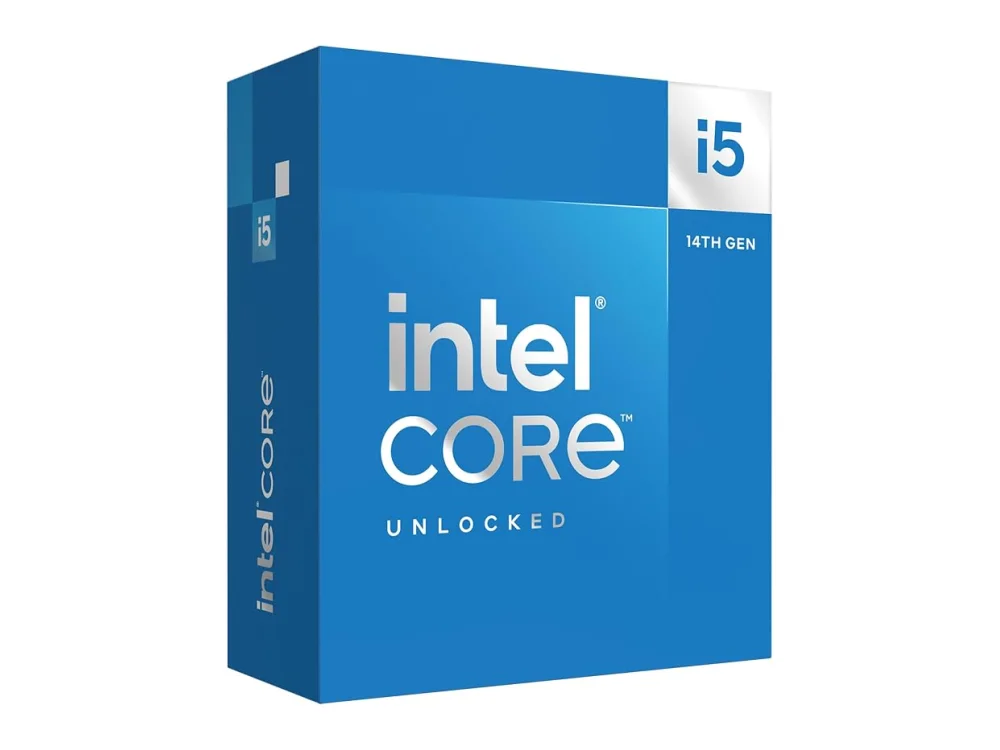 Intel Core i5-14600K
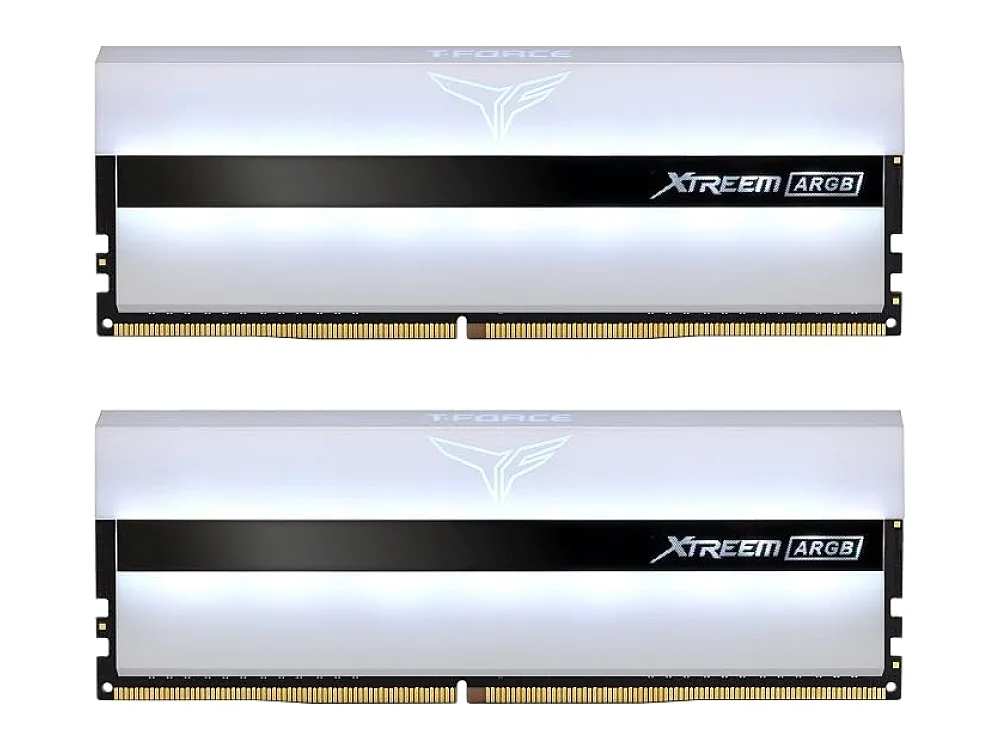 TeamGroup T-Force Xtreem ARGB DDR4-3600
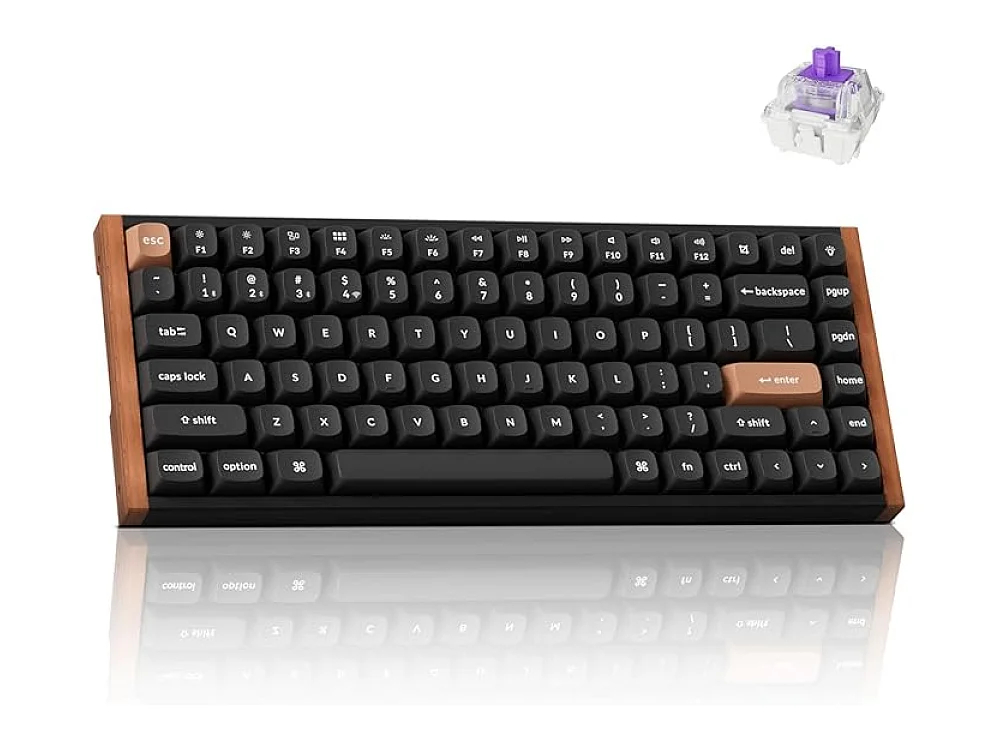 Keychron K2 HE
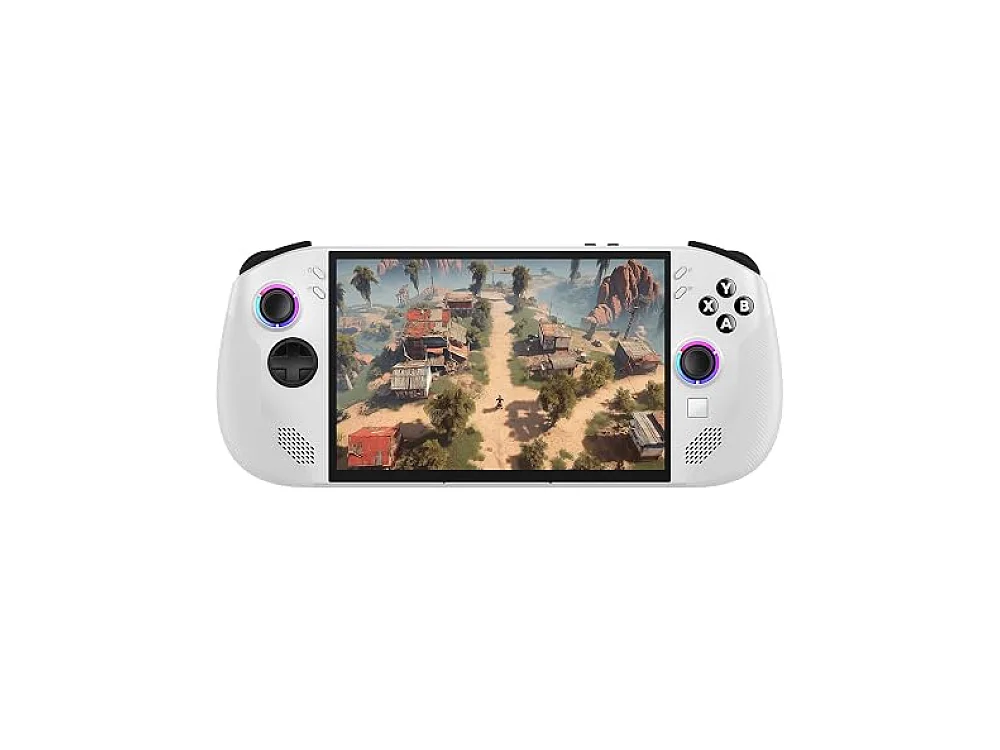 Lenovo Legion Go S
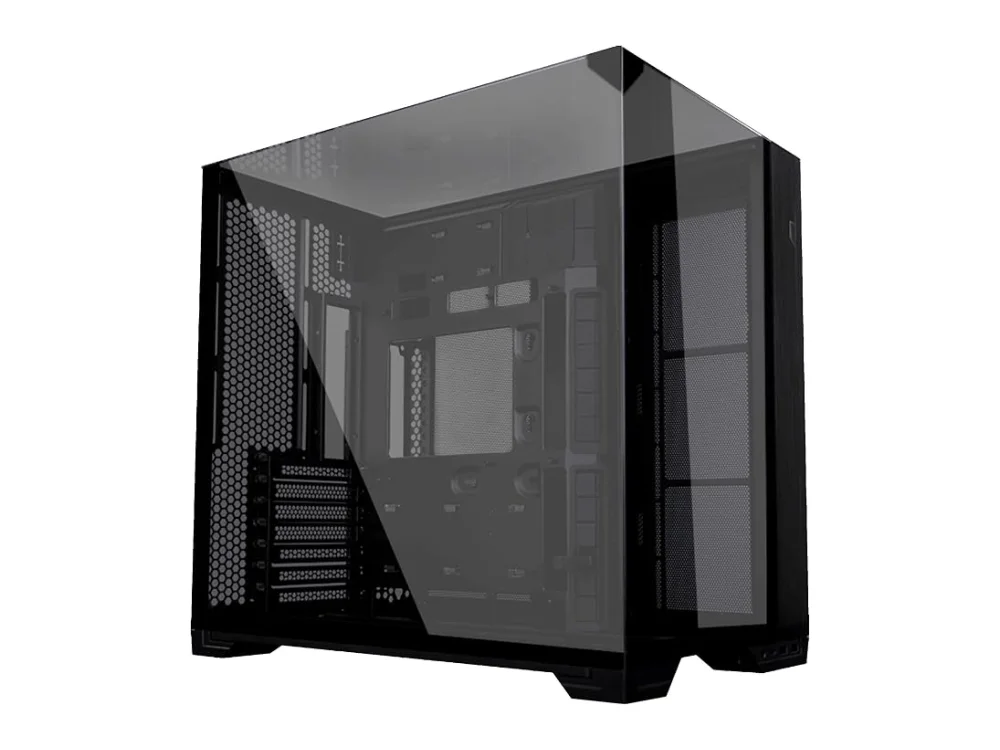 Lian Li O11 Vision Compact
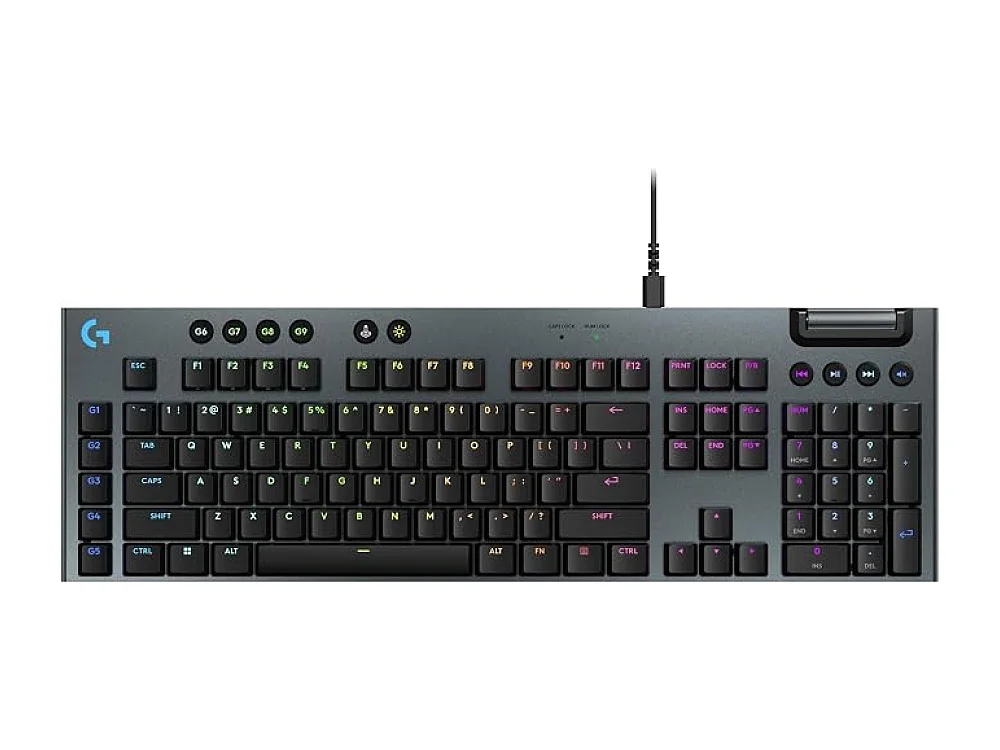 Logitech G915 X LIGHTSPEED
Leave a comment
Questions, corrections or your own experience: it goes to our team at comments@runonconsole.com and you get a copy.