Steam Deck gets Xbox Series X|S dashboard via community plugin

The story in short
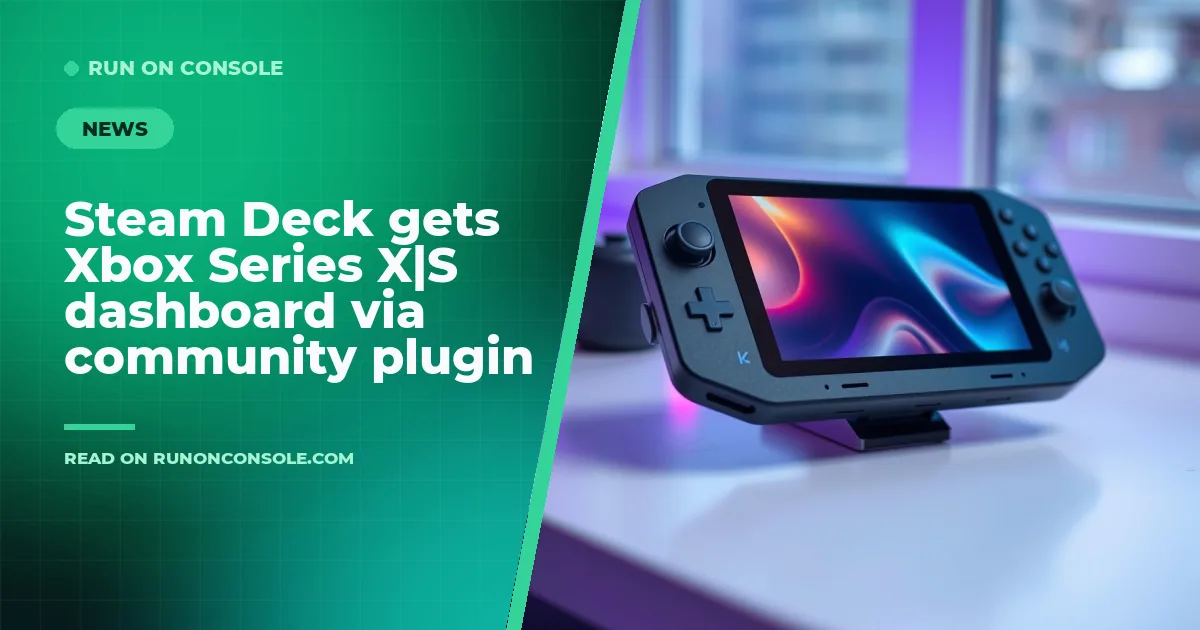
A community‑made Decky plugin now lets Steam Deck owners replace the native Steam UI with the Xbox Series X|S dashboard, offering a familiar console feel on the handheld.
Gaming gear to check
 GPD WIN 5
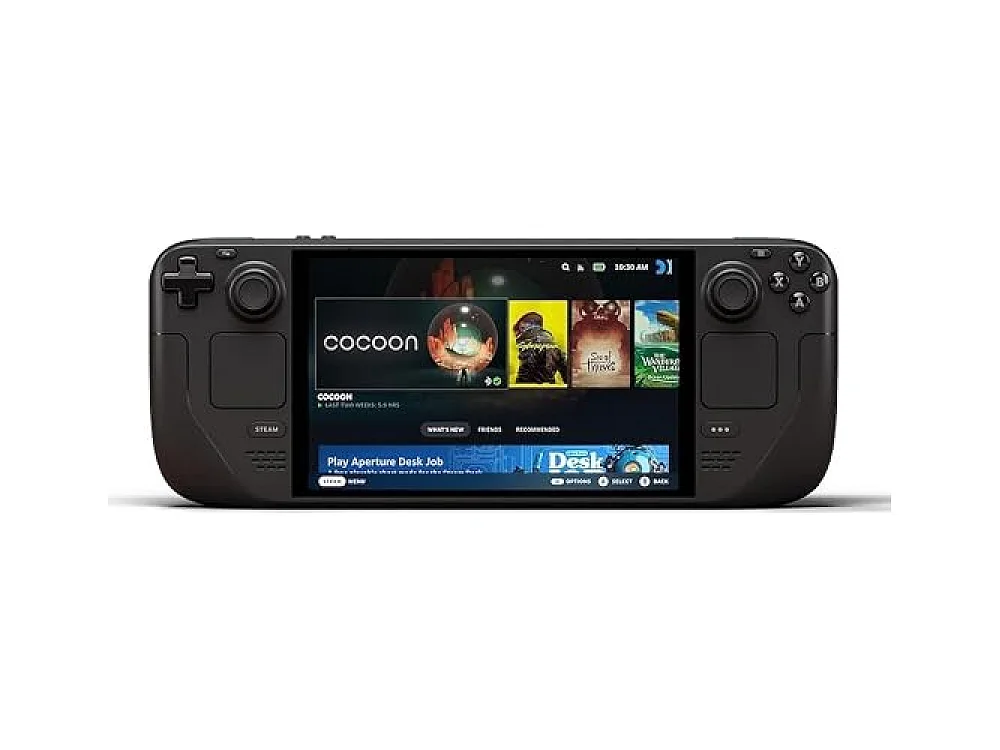 Steam Deck OLED 1TB
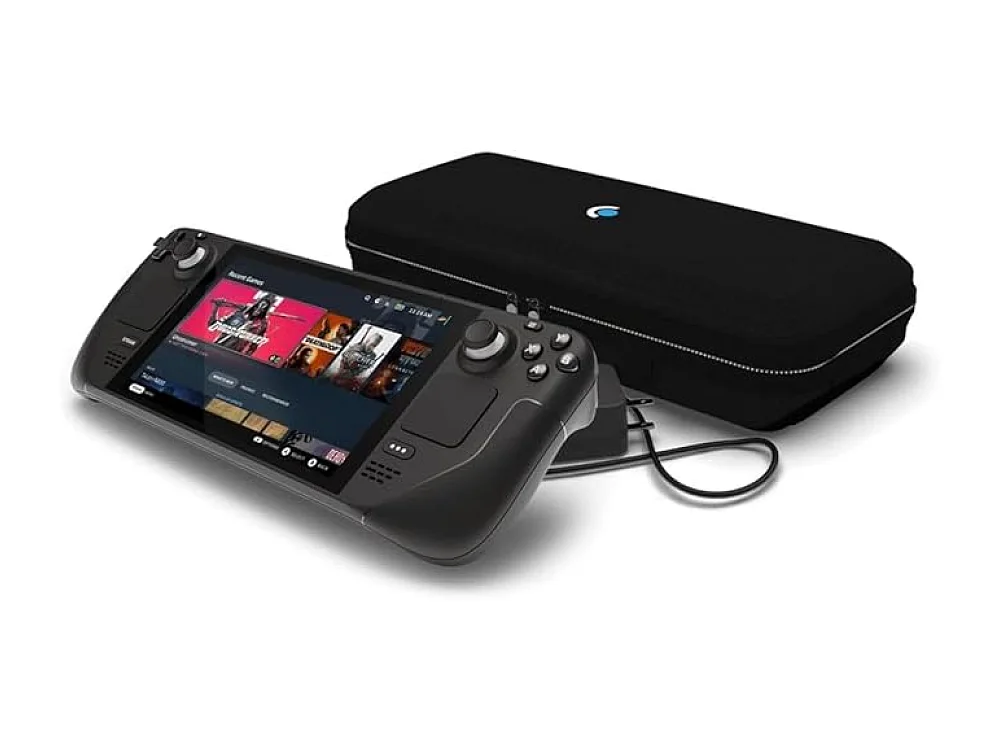 Steam Deck OLED 512GB
Valve’s Steam Deck just got a new look, thanks to a community‑built Decky plugin that swaps the default Steam UI for the Xbox Series X|S dashboard. The change was announced on 31 October 2026 by TechPowerUp and covered the next day by Windows Central.
What we know
The plugin, called Decky Xbox Dashboard, is distributed for free on GitHub under the repository decky-xbox-dashboard. It leverages the Decky Loader framework to replace the Steam UI with the familiar Xbox Series X|S home screen layout, complete with navigation tiles and game pages. A companion decky-ps5-dashboard project provides a similar PS5‑style UI. Both projects are maintained by the GitHub user kromossomom-debug. The reports stress that the openness of the Deck is “a big selling point” and that the plugins are “available for free”.
Why it matters for gamers
For players who prefer the Xbox ecosystem, the new dashboard offers a console‑like experience without leaving the handheld. Navigation mirrors the Xbox Series X|S UI, making it easier to browse libraries, launch games, and access settings. The same openness that lets developers ship games to the Deck now enables community‑driven UI tweaks, echoing similar efforts on other platforms such as the Sony PlayStation and Microsoft Xbox guides on our site. Users can also check compatibility of their favorite titles with the Can I run it tool before switching interfaces.
ROC's take
Run On Console thinks the plugin is a welcome experiment for power users who love to customize their handheld. Those happy with the native Steam UI can ignore it, but anyone who splits time between Xbox consoles and the Deck will appreciate the visual consistency. It’s still a community project, so occasional bugs or missing features are possible; waiting for a more polished update is sensible if you rely on a stable UI for daily play. Compared with other handheld options in our best Gaming Handhelds guide, the Deck now feels more versatile, though it still lacks the dedicated hardware integration of a console.
What to do now
- Visit the GitHub pages for Decky Xbox Dashboard and Decky PS5 Dashboard to download and install.
- Read our Valve Adds CD‑Drive Support to Steam Frame After User Request article for more examples of community‑driven enhancements.
- Explore the Homebrew PS5 App Brings Xbox Cloud Gaming to Jailbroken Consoles piece to see how cross‑platform UI swaps are becoming a trend.
- Check game compatibility with the new UI using our Can I run it checker.
- Compare the Deck’s new look with other handhelds in our best Gaming Handhelds roundup.
See it on Run On Console
- Best gaming handhelds: our picks
- Sony PlayStation guide: the consoles, games and gear
- Microsoft Xbox guide: the consoles, games and gear
- Can I run it?: check a PC game against your hardware
Sources
Verified by 2 trusted sources. This story was written from the reports below and checked against them before it was published.
Keep reading
Gaming gear on Run On Console
 NuPhy WH80 vs ASUS ROG Strix Scope II 96 Wireless
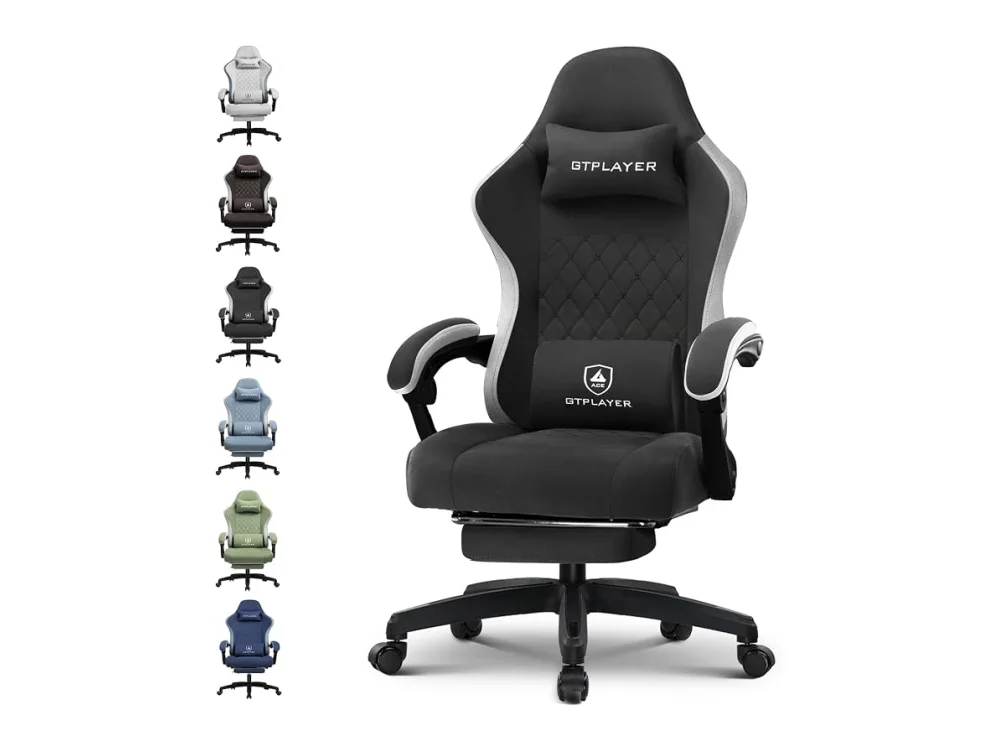 GTPLAYER Gaming Chair
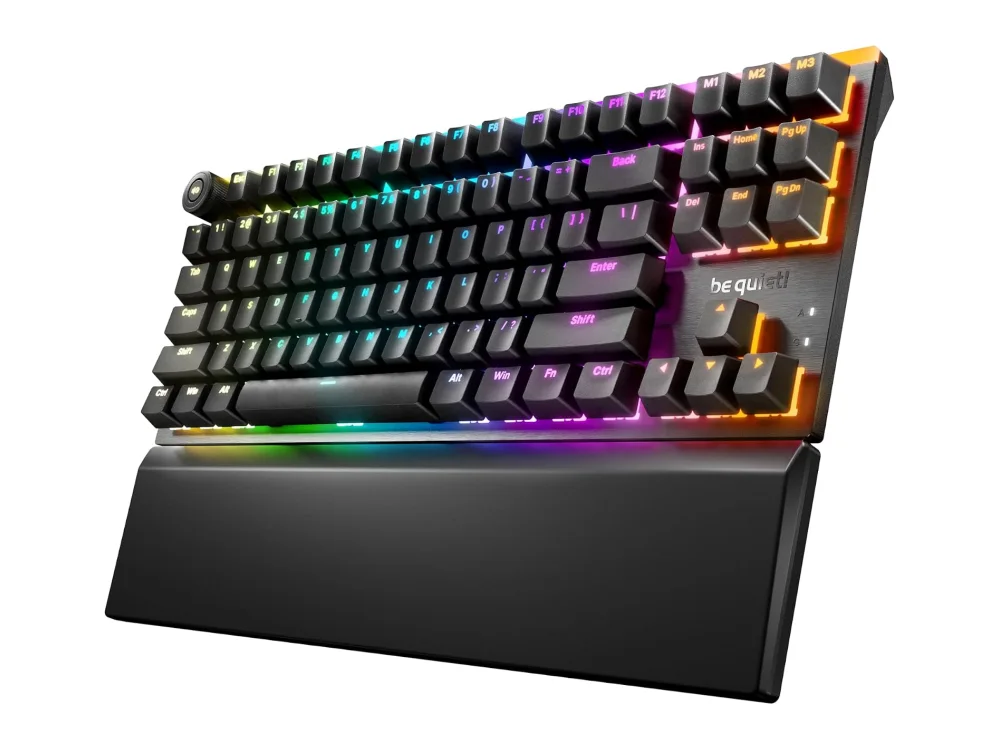 be quiet! Light Mount TKL
 Intel Core i5-14600K
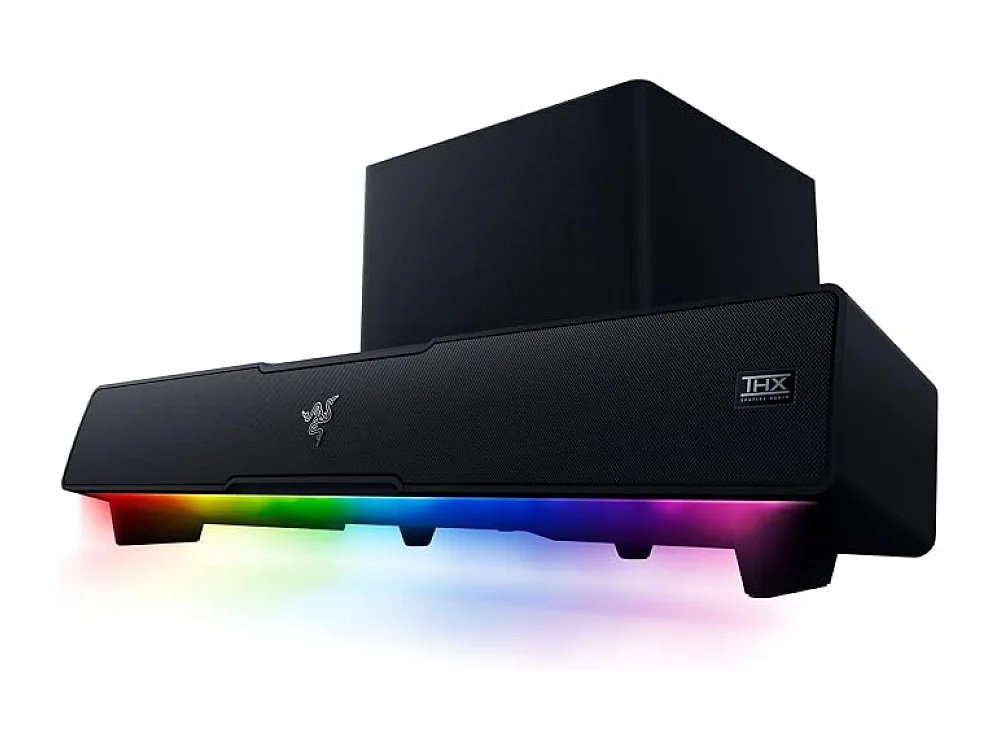 Razer Leviathan V2
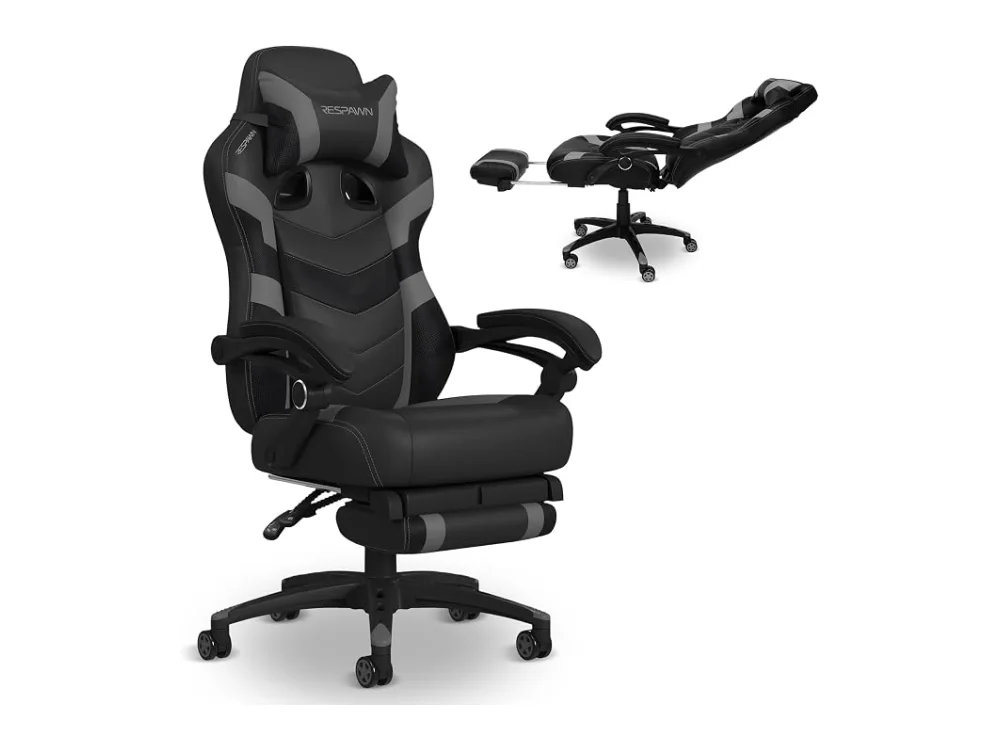 Respawn 110 Pro
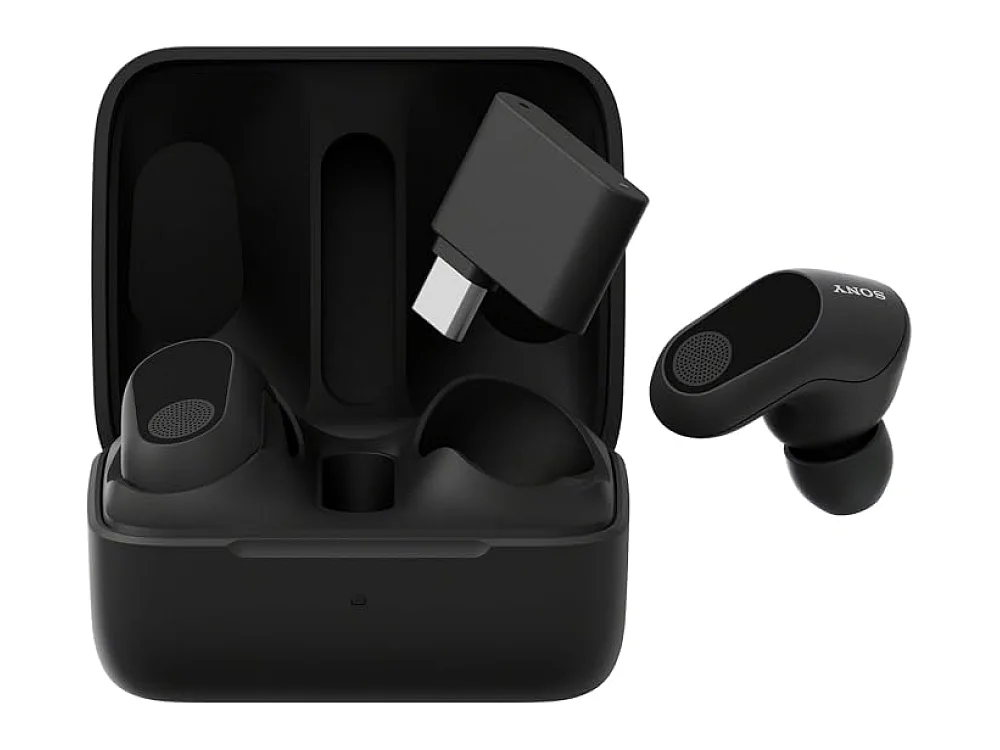 Sony INZONE Buds
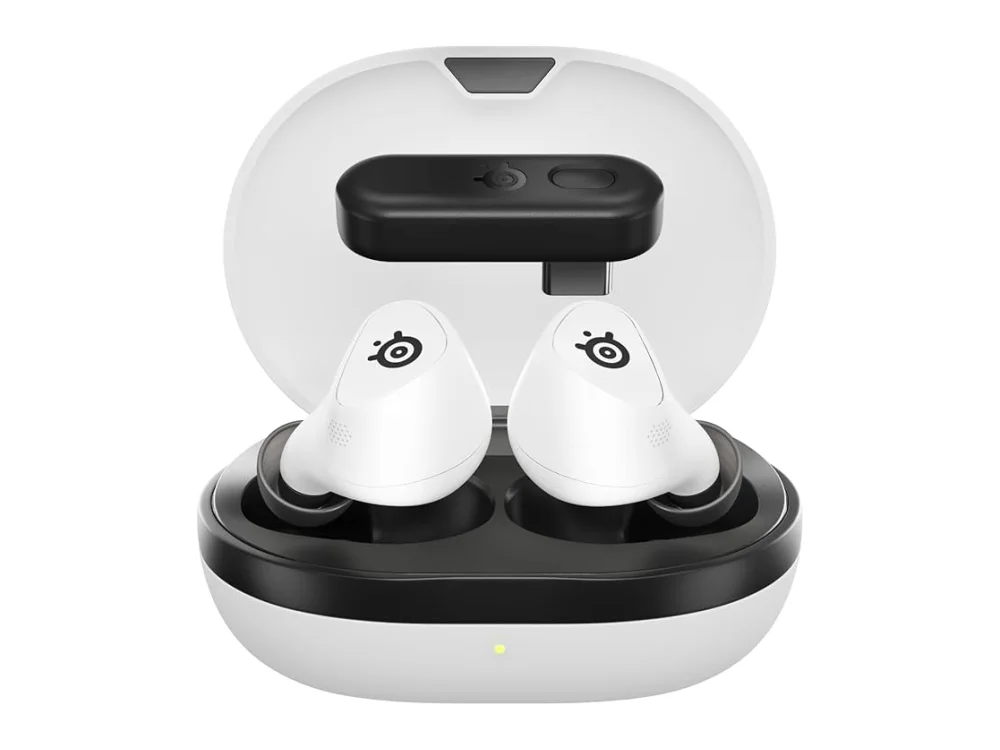 SteelSeries Arctis GameBuds
Leave a comment
Questions, corrections or your own experience: it goes to our team at comments@runonconsole.com and you get a copy.