Graphics Card Specs Meaning: What Actually Matters

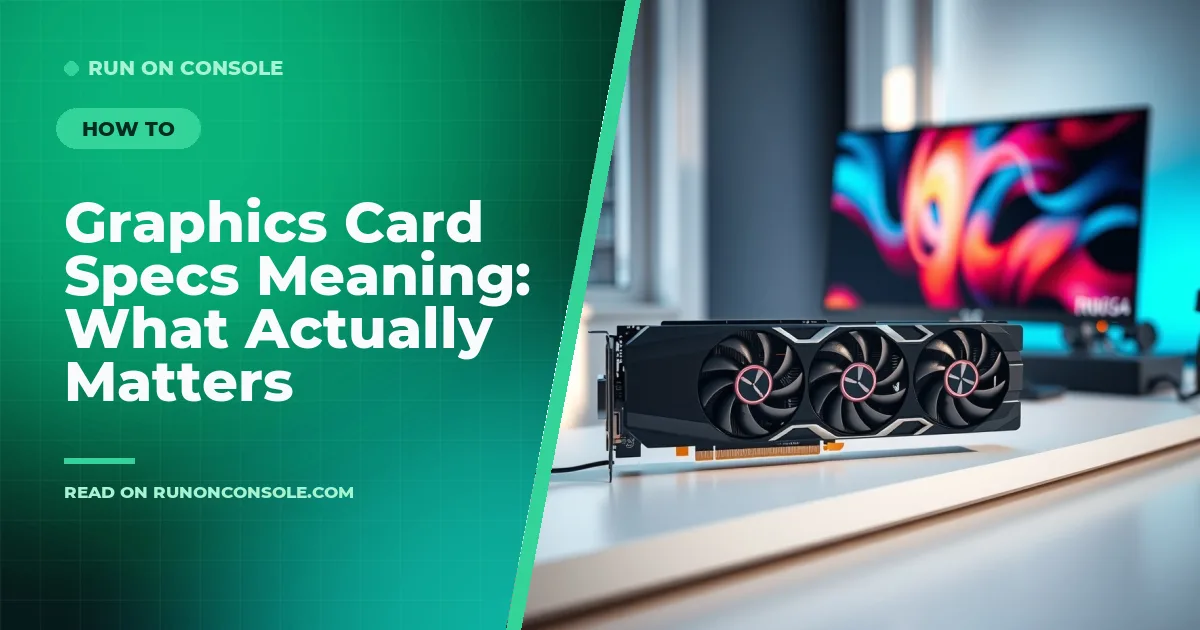
Article Overview & Key Takeaways
A clear guide that explains every spec on a graphics card, what the numbers really mean, and practical tips for choosing the right GPU.
Gaming gear to check
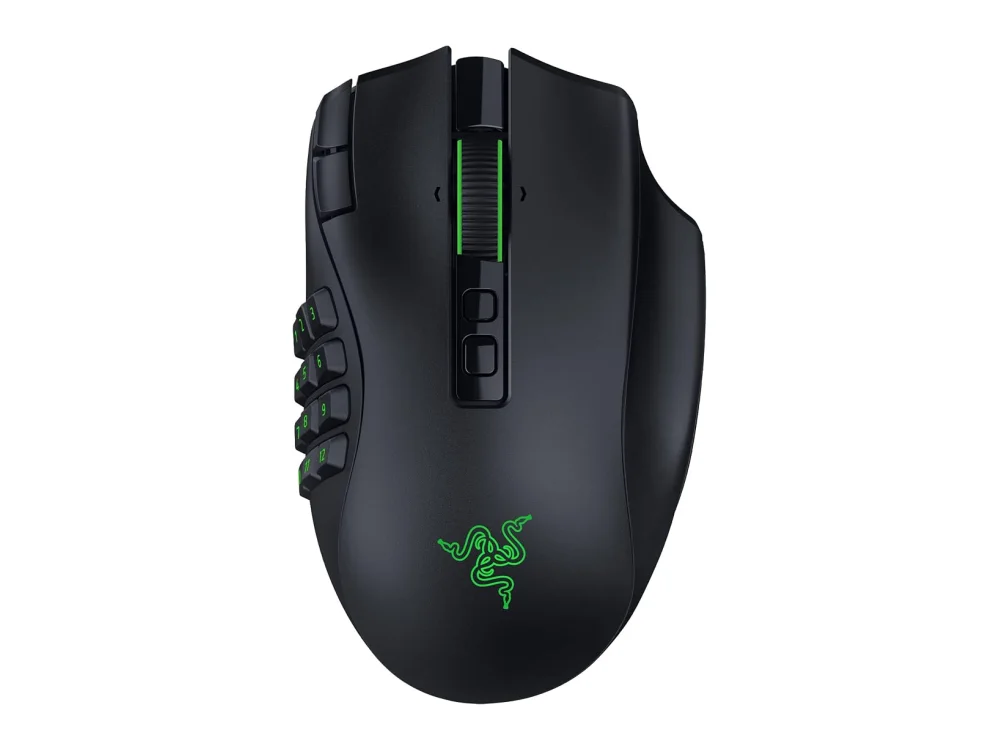 Razer Naga V3 Pro
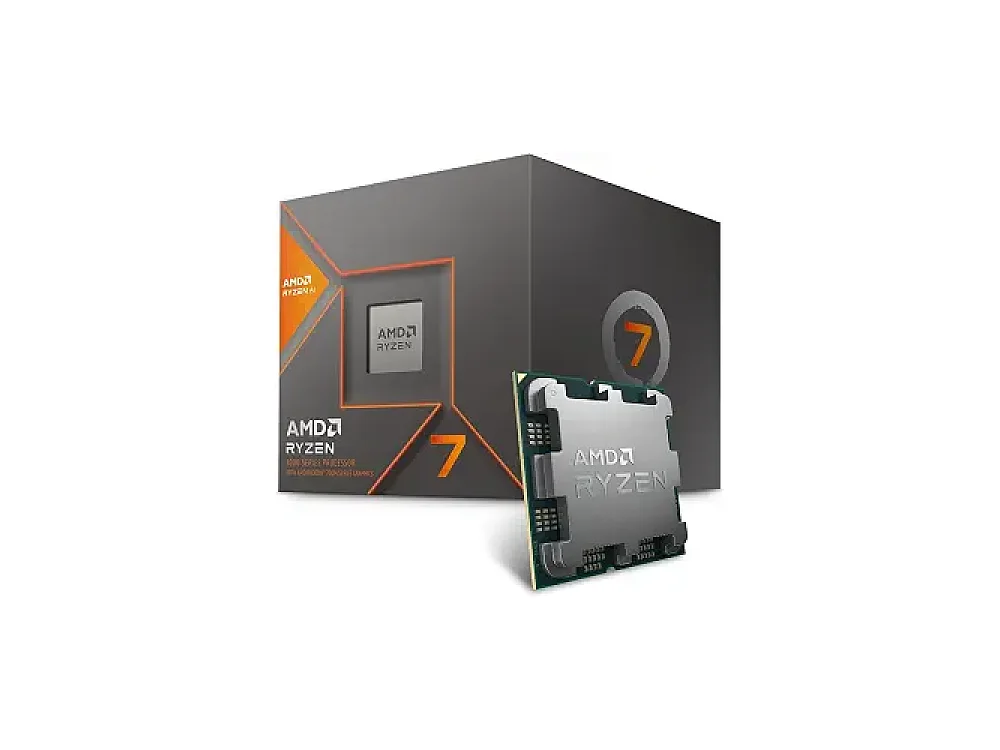 AMD Ryzen 7 8700G
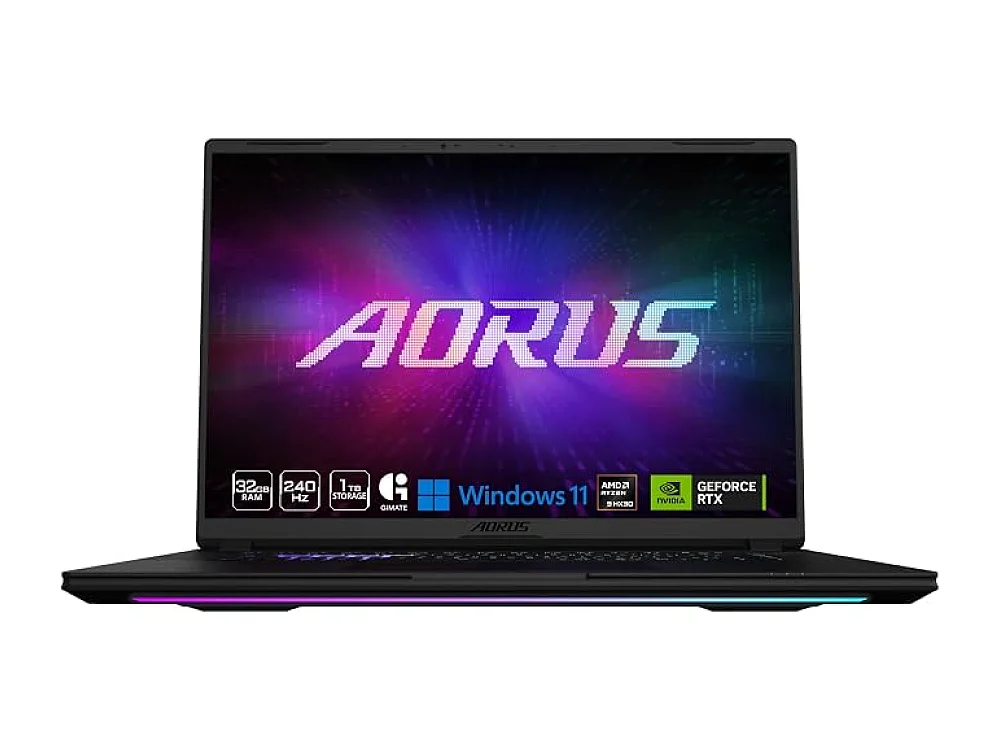 Gigabyte AORUS Master 16
When you search for "graphics card specs meaning" you want to know which numbers on a GPU actually affect your games. In this guide we break down every spec, explain the jargon, and give you practical advice so you can pick a card that fits your budget and rig.
First, get familiar with the Graphics Cards (GPU) hub on Run On Console – it collects all our GPU picks, reviews and deep‑dives. Below we’ll also reference our sister post How to Choose a Graphics Card for My Motherboard – Simple Guide for more detailed compatibility tips.
What does "graphics card specs" actually mean?
The term covers a handful of key numbers that manufacturers print on the box. Understanding each one helps you compare cards beyond marketing hype.
- GPU Architecture – The design family (e.g., AMD RDNA 3, NVIDIA Ada Lovlace). Newer architectures improve efficiency, ray‑tracing performance and driver support.
- Core Count – NVIDIA calls them CUDA cores, AMD calls them Stream Processors. More cores generally mean higher parallel processing power, but architecture matters.
- Base / Boost Clock – Measured in MHz, this is the speed at which the GPU runs under typical and burst conditions. Higher clocks can translate to higher frame rates, especially at lower resolutions.
- Memory Size (VRAM) – The amount of dedicated graphics memory (e.g., 8 GB, 16 GB). VRAM stores textures, frame buffers and compute data. Larger games and higher resolutions need more VRAM.
- Memory Type & Bandwidth – GDDR6, GDDR6X, or the newer HBM2e. Bandwidth (GB/s) determines how fast data moves between GPU and VRAM; higher bandwidth reduces bottlenecks at 1440p/4K.
- Memory Bus Width – Measured in bits (e.g., 128‑bit, 256‑bit). Wider buses can carry more data per clock tick, boosting effective bandwidth.
- Power Consumption (TDP) – The thermal design power in watts. It tells you the minimum PSU capacity you’ll need and gives an idea of heat output.
- Ray‑Tracing & AI Features – Dedicated RT cores (NVIDIA) or Ray Accelerators (AMD) and AI upscaling like DLSS or FSR. These affect visual fidelity and performance at high resolutions.
Not every spec matters equally for every gamer. A 1080p e‑sports player may prioritize high clock speeds and low latency, while a 4K enthusiast will look at VRAM, bandwidth and ray‑tracing support.
What do the numbers mean in a graphics card?
Manufacturers love to plaster numbers on the front of the box: "RX 9070 XT 12 GB 192‑bit 384‑bit" or "RTX 4060 8 GB 128‑bit". Here’s a quick decode:
- Model Number – Indicates the performance tier within a generation (e.g., 9070 is mid‑range, 9070 XT is higher).
- VRAM Size – The "8 GB" or "16 GB" figure tells you how much texture data can be stored.
- Bus Width – The "128‑bit" or "256‑bit" figure shows the data path width; larger values usually mean higher bandwidth.
- Boost Clock – Often listed as a single number (e.g., 2100 MHz). This is the maximum speed the GPU can reach under load.
- Core Count – Sometimes hidden, but you can find it in the spec sheet. More cores = more parallel processing power.
When two cards share the same VRAM but differ in bus width or core count, the one with the higher bandwidth or more cores will usually win in performance.
How to choose a graphics card
Choosing the right GPU boils down to three questions:
- What resolution and refresh rate will you play at? 1080p/144 Hz needs less VRAM and bandwidth than 4K/60 Hz.
- Which games do you play? Fast‑paced shooters benefit from high clock speeds, while open‑world titles with heavy textures need more VRAM.
- What is your power and case budget? Check the card’s TDP, required PCIe power connectors, and physical dimensions.
Use the Can I run it? tool to see if a game’s requirements match a specific GPU. Then compare the cards on our Graphics Cards (GPU) hub to find the best fit.
AMD Radeon RX 9060 XT 16GB
This card targets gamers who want solid 1440p performance without breaking the bank.
- Who it’s for: 1080p‑high‑refresh and entry‑level 1440p builds.
- Key features: RDNA 3 architecture, 16 GB GDDR6, 256‑bit memory bus, 220 W TDP, supports FidelityFX Super Resolution (FSR) 2.2.
- Pros:
- Large VRAM buffer for future‑proofing.
- Efficient power draw for its class.
- Good ray‑tracing performance for a mid‑range card.
- Cons:
- Boost clock is modest compared to some rivals.
- Physical length may require a larger case.
Want to buy a graphics card? Here are 3 similar picks:
- NVIDIA GeForce RTX 5080: High-end / 4K
- AMD Radeon RX 9060 XT 8GB: Mainstream / 1080p
- AMD Radeon RX 9070: Upper mid-range / 1440p
Open a product to see its full details, then use the Amazon button there.
AMD Radeon RX 9070 GRE
The GRE (Gaming‑Ready Edition) is a trimmed‑down version of the 9070 XT, aimed at budget‑conscious 1080p gamers who still want a taste of ray‑tracing.
- Who it’s for: 1080p ultra‑high settings, light 1440p.
- Key features: 8 GB GDDR6, 128‑bit bus, 170 W TDP, RDNA 3, supports FSR 2.2.
- Pros:
- Low power draw makes it easy to pair with modest PSUs.
- Compact PCB fits smaller cases.
- Cons:
- Only 8 GB VRAM may limit future 1440p titles.
- No dedicated hardware ray‑tracing accelerators.
Want to buy a graphics card? Here are 3 similar picks:
- Intel Arc B580: Budget / 1080p-1440p
- NVIDIA GeForce RTX 5060: Mainstream / 1080p
- NVIDIA GeForce RTX 5060 Ti 16GB: Mid-range / 1440p
Open a product to see its full details, then use the Amazon button there.
AMD Radeon RX 9070 XT
The flagship of the 9070 family, the XT version pushes higher clocks and a wider memory bus for strong 1440p and entry‑level 4K performance.
- Who it’s for: Enthusiasts targeting 1440p‑high‑refresh or 4K‑medium settings.
- Key features: 12 GB GDDR6, 192‑bit bus, 250 W TDP, RDNA 3, ray‑tracing cores, FSR 2.2.
- Pros:
- Balanced VRAM and bandwidth for future‑proofing.
- Strong ray‑tracing performance for its price tier.
- Cons:
- Higher power draw may need a 650 W PSU.
- Longer card may not fit compact cases.
Quick Comparison of the Three AMD Options
| Model | VRAM | Bus Width | TDP | Target Resolution |
|---|---|---|---|---|
| RX 9060 XT | 16 GB GDDR6 | 256‑bit | 220 W | 1440p‑high‑refresh |
| RX 9070 GRE | 8 GB GDDR6 | 128‑bit | 170 W | 1080p‑ultra |
| RX 9070 XT | 12 GB GDDR6 | 192‑bit | 250 W | 1440p‑high / 4K‑medium |
Checking Game Compatibility with ROC Tools
Before you buy, run the Can I run it? checker. Enter the game title, your CPU, RAM and desired settings, and the tool will tell you the minimum and recommended GPU specs. This saves you from guessing whether a 9060 XT will hit 60 fps in "Cyberpunk 2077" at 1440p.
Related Gear You Might Need
A powerful GPU often pairs well with a quality monitor. Browse our Gaming Monitors hub for panels that support high refresh rates and adaptive sync. If you’re building a new rig, remember to check case clearance – the 9060 XT and 9070 XT are longer than average.
FAQ
What is the difference between GDDR6 and GDDR6X?
GDDR6X uses PAM4 signaling to achieve higher data rates (up to 21 Gbps) compared to GDDR6’s 16 Gbps. The result is higher bandwidth, which matters most at 4K or when using heavy ray‑tracing. For most 1080p/1440p builds, GDDR6 is sufficient.
Do I need a high‑wattage PSU for a mid‑range GPU?
Mid‑range cards like the RX 9070 GRE draw under 200 W, so a quality 550‑W PSU is usually enough. The higher‑end RX 9070 XT at 250 W benefits from a 650‑W unit to give headroom for the CPU and other components.
Can I upgrade my GPU without changing my case?
Most modern cases support GPUs up to 12‑inch length. The RX 9070 GRE is compact and fits almost any ATX case. The RX 9060 XT and RX 9070 XT are longer, so verify the internal clearance in your case specifications before buying.
Is more VRAM always better?
More VRAM helps when you play at higher resolutions or with texture‑heavy games. However, a card with 8 GB and a faster core clock can outperform a 12 GB card with lower clocks in 1080p titles. Balance VRAM with other specs based on your target resolution.
Conclusion
Understanding "graphics card specs meaning" lets you cut through marketing fluff and choose a GPU that matches your gaming goals. Look at architecture, core count, clock speeds, VRAM, bandwidth and power draw. Use ROC’s Can I run it? tool, compare the options on our Graphics Cards (GPU) hub, and you’ll end up with a card that delivers the performance you need without overspending.
Keep reading: more on Graphics Cards (GPU)
Keep reading
Gaming gear on Run On Console
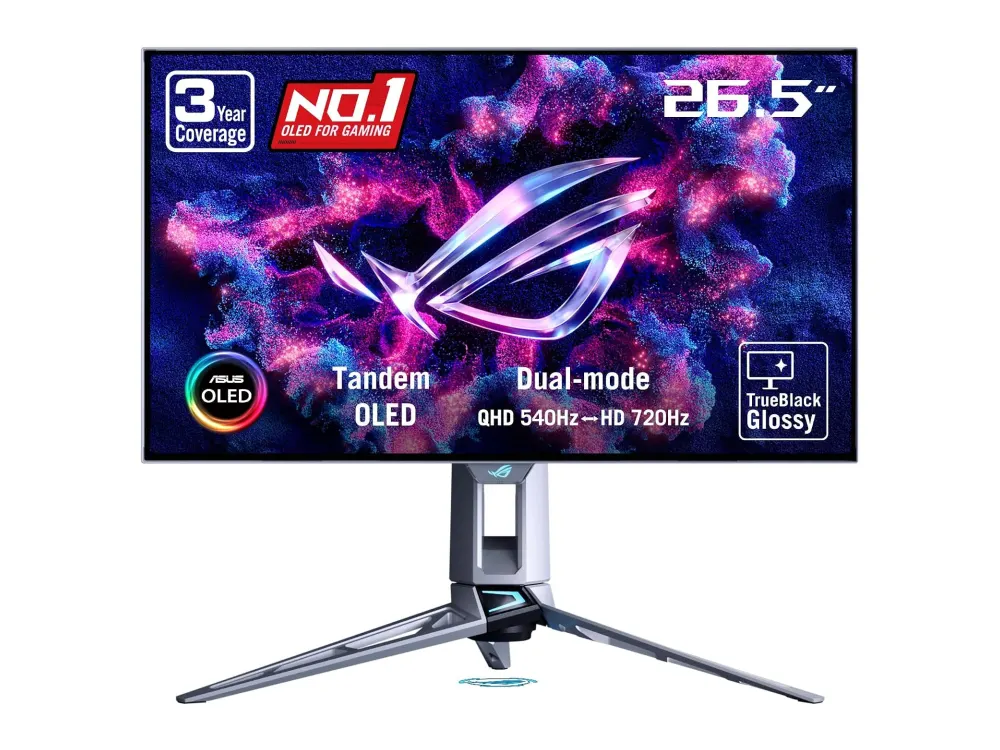 ASUS ROG Swift OLED PG27AQWP-W vs ASUS ROG Swift OLED PG32UCDP
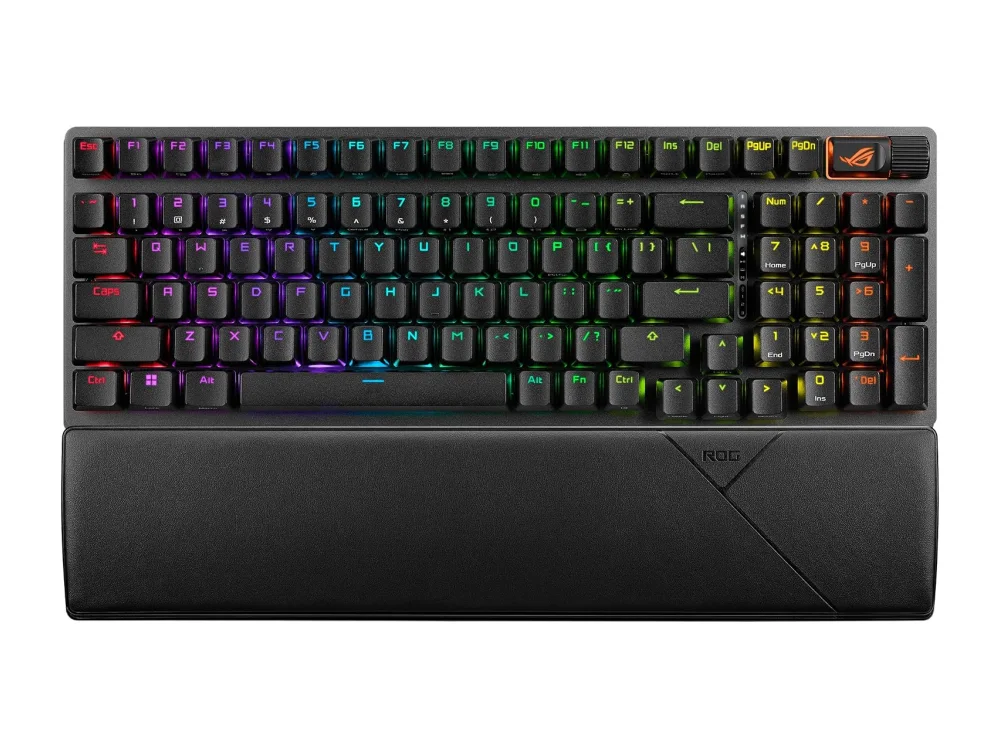 ASUS ROG Strix Scope II 96 Wireless vs Corsair Vanguard Pro 96
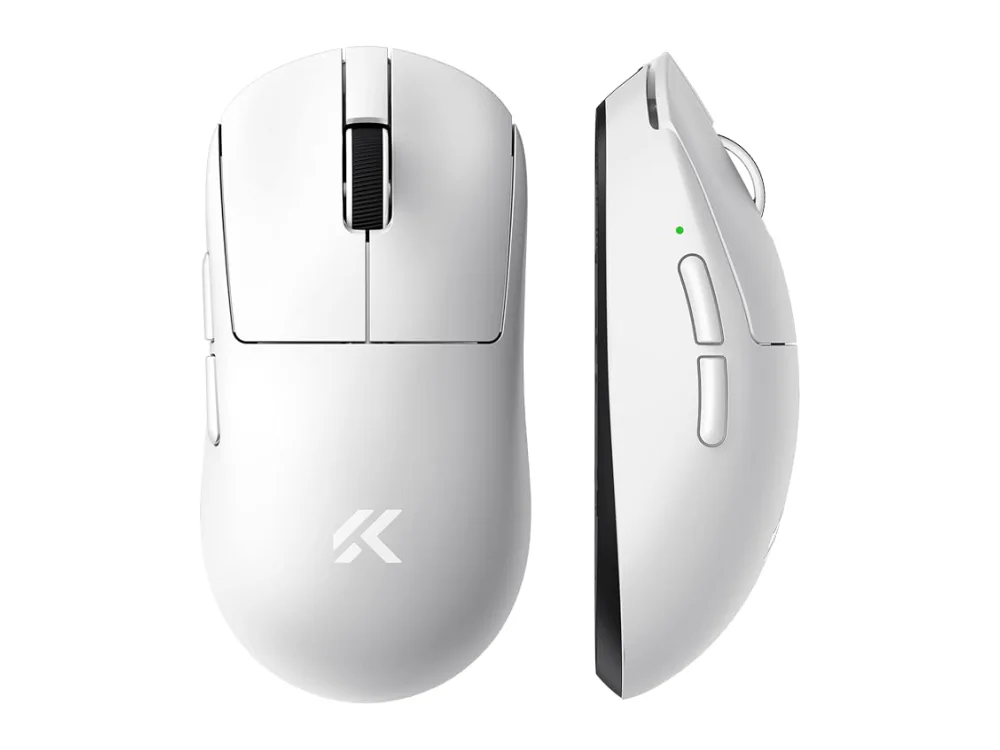 MCHOSE A7
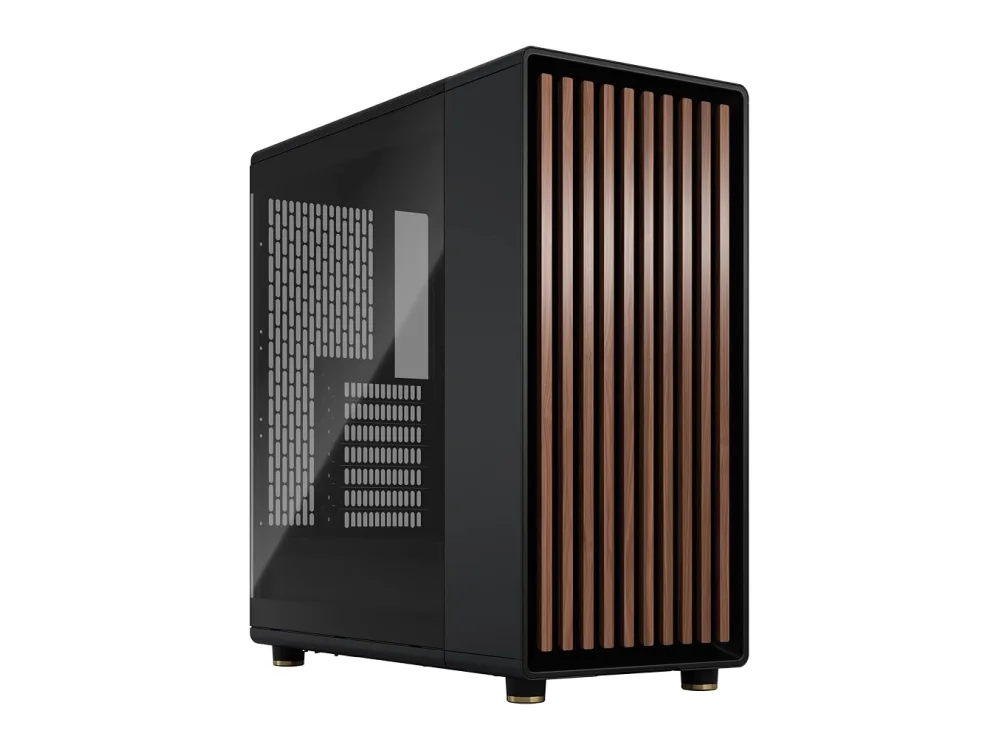 Fractal Design North
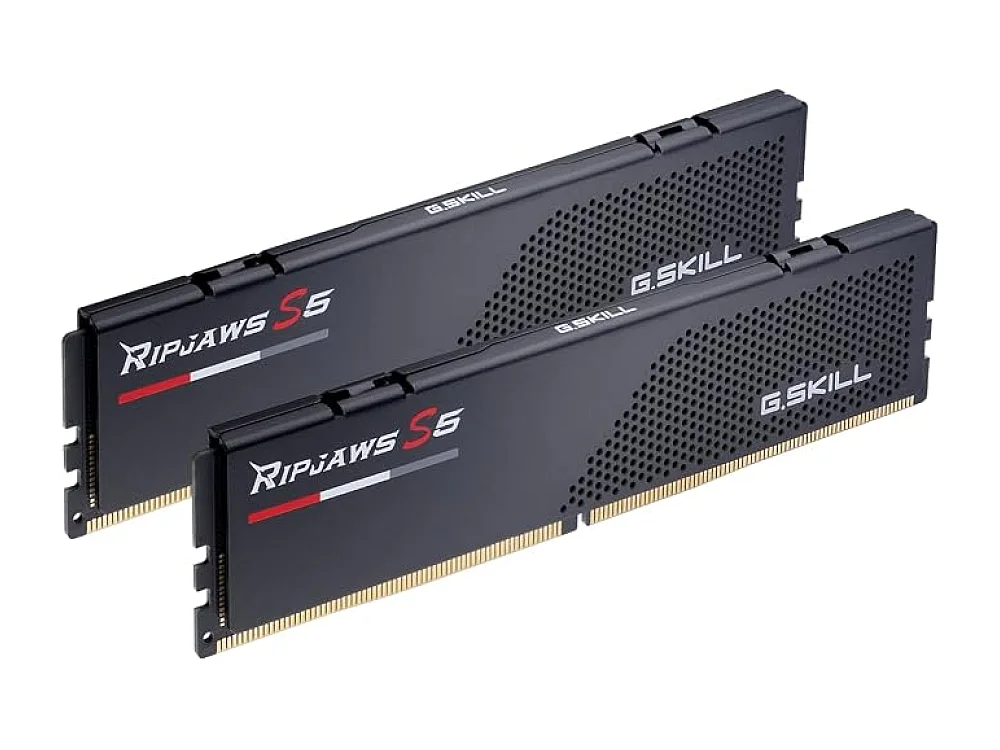 G.Skill Ripjaws S5 DDR5-6000
 GTPLAYER Comfort
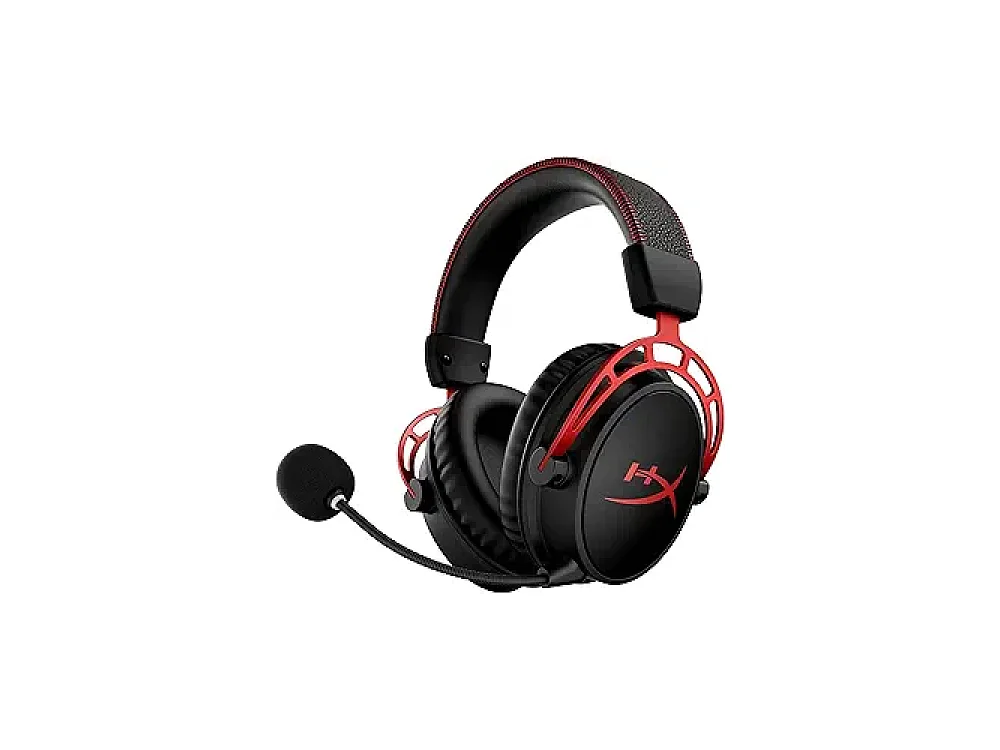 HyperX Cloud Alpha Wireless
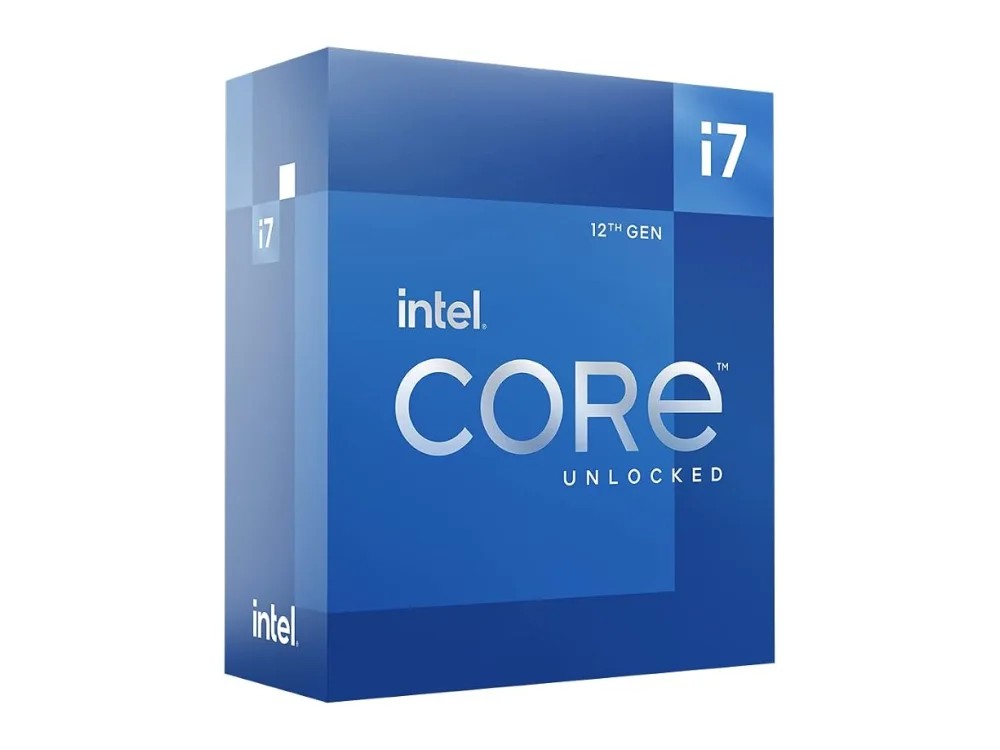 Intel Core i7-12700K
Leave a comment
Questions, corrections or your own experience: it goes to our team at comments@runonconsole.com and you get a copy.