Best 4K TV for GTA 6 – Is It Worth It on PS5 & Xbox?

Article Overview & Key Takeaways
We break down whether a 4K TV really enhances GTA 6 on PS5/Xbox, compare top TVs and gaming monitors, and help you pick the perfect display for your gaming style.
Gaming gear to check
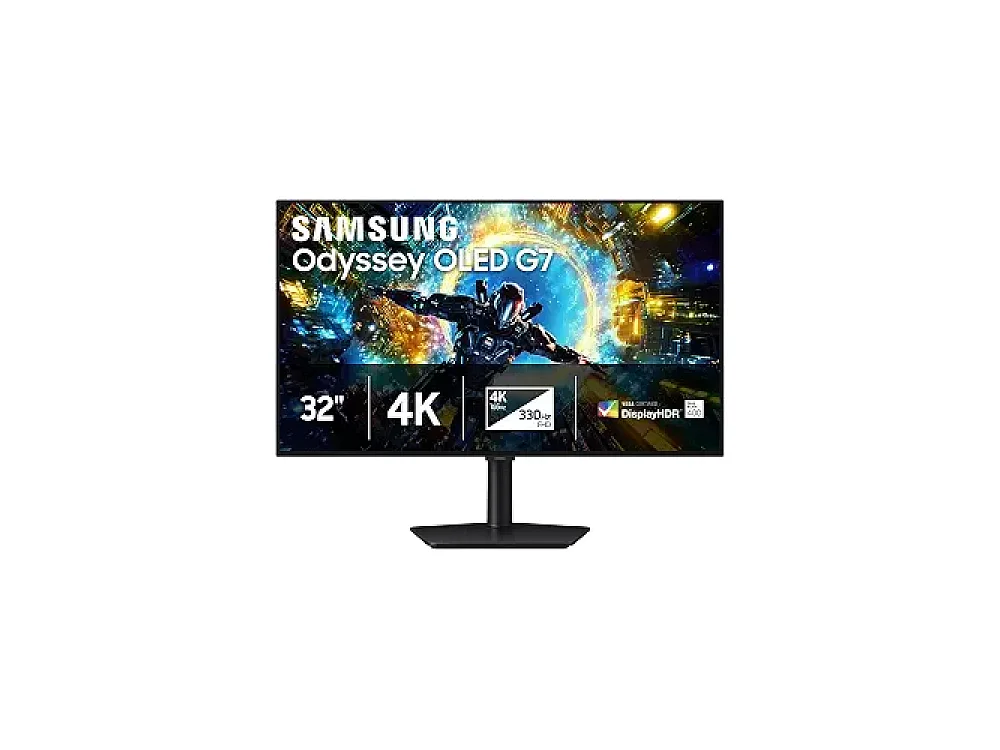 Samsung Odyssey OLED G73SH S32HG732S
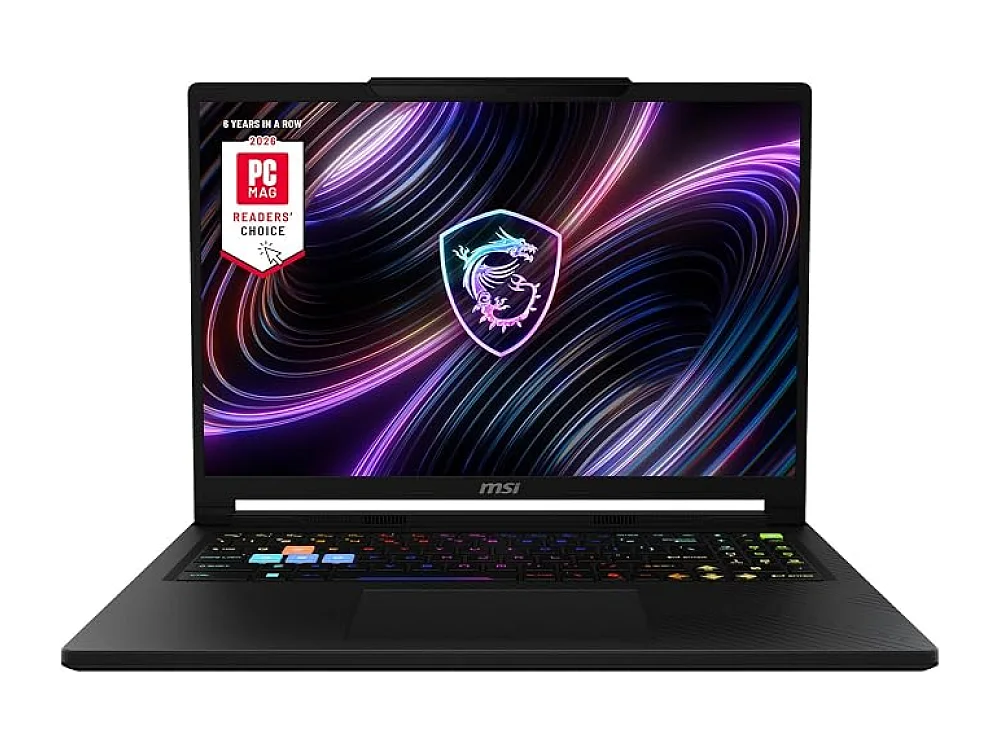 MSI Raider A18 HX
GTA 6 launched worldwide on 19 November 2026 for PS5 and Xbox Series X|S, and many players wonder if a 4K TV is the right upgrade for the massive new map of Leonida. In this guide we answer the question best 4k tv for gta 6 and compare it to high‑refresh gaming monitors.
First, check the GTA 6 release date, price and PC status for the official launch details. Then, explore our Gaming Monitors hub to see why many gamers still prefer monitors for fast‑paced action.
Why GTA 6 Matters for 4K TV Buyers
Rockstar’s newest title pushes the limits of console hardware. The game’s world is roughly twice the size of GTA 5’s, with detailed cityscapes, lush foliage, and dynamic lighting. While the PS5 and Xbox Series X|S both support native 4K output, the real benefit depends on how the display handles resolution, HDR, and input lag.
GTA 6 does not have a PC version, so console performance is the only benchmark. Both consoles render at 4K in “Performance” mode (target 60 fps) and at 4K in “Quality” mode (target 30 fps). If you want the sharpest image with vibrant colours, a good 4K TV can deliver it—provided it also offers low input lag and a decent refresh rate for the 60 fps mode.
4K TV vs 1440p Monitor: The Core Differences
- Resolution: 4K TVs (3840×2160) show more detail than 1440p monitors (2560×1440), which can be noticeable on large screens.
- Refresh Rate: Most 4K TVs top out at 60 Hz, while many gaming monitors reach 120 Hz or 144 Hz, giving smoother motion in the 60 fps performance mode.
- Input Lag: High‑end TVs have reduced lag (≈10‑15 ms), but many monitors sit below 5 ms, a clear advantage for fast reactions.
- HDR: TVs often support higher peak brightness and Dolby Vision, which can make GTA 6’s sunsets and neon lights pop. Some OLED monitors also support HDR, but brightness is lower.
- Screen Size & Viewing Distance: TVs shine when you sit 6‑8 ft away; monitors are better at 2‑3 ft.
Ultimately, the decision hinges on how you play: couch‑gaming on a sofa or desk‑gaming with a mouse‑and‑keyboard‑style setup.
Top 4K TVs for GTA 6
While we cannot link every TV model, the following three are frequently recommended for console gamers:
- LG OLED C2 Series (65‑inch) – Excellent contrast, true blacks, and HDMI 2.1 support for 4K @ 120 Hz (useful if you ever switch to a 120 Hz game).
- Samsung QN90B Neo QLED (55‑inch) – Bright panel, strong anti‑reflective coating, and low input lag (~10 ms).
- Sony Bravia XR X90K (65‑inch) – Great colour accuracy, HDR10, and a dedicated Game mode that reduces lag to ~7 ms.
All three support HDR10+ and Dolby Vision (where applicable), which can enhance GTA 6’s cinematic lighting. Remember to enable Game Mode and turn off motion‑interpolation to keep the experience responsive.
Best Gaming Monitors for GTA 6
If you prefer a desk setup, these monitors give you higher refresh rates while still delivering crisp 4K images.
AOC Gaming Q27GAZD
Designed for console gamers, the Q27GAZD is a 27‑inch IPS panel with 4K resolution, 144 Hz refresh, and Adaptive‑Sync. It offers a low input lag of ~4 ms and supports HDR400, making it a solid middle‑ground between TV size and monitor speed.
- Who it’s for: Players who sit close to the screen and want buttery‑smooth motion.
- Pros: High refresh, excellent colour coverage, ergonomic stand.
- Cons: Peak brightness lower than most 4K TVs.
ASRock Phantom Gaming PGO27QSA
This 27‑inch VA panel delivers 4K at 144 Hz, 1,000 nits peak brightness, and full‑array local dimming for deep blacks. It also includes HDMI 2.1, so you can plug the PS5 or Xbox directly and keep the 120 Hz capability for future titles.
- Who it’s for: Gamers who demand both high refresh and strong HDR performance.
- Pros: Brightness, local dimming, excellent response times.
- Cons: Slightly higher input lag (~7 ms) than the AOC.
ASUS ROG Swift OLED PG27UCDM
The PG27UCDM is a 27‑inch OLED monitor with true 4K resolution and a 144 Hz refresh rate. OLED gives perfect blacks and infinite contrast, which makes GTA 6’s night‑time driving scenes pop. Input lag is ultra‑low at ~3 ms.
- Who it’s for: Players who value image quality above all and sit close enough to avoid burn‑in concerns.
- Pros: OLED contrast, fastest response, superb colour.
- Cons: Premium price, potential burn‑in with static HUDs.
Want to buy a gaming monitor? Here are 3 similar picks:
- AOC 24G2: Best Entry-Level
- ASUS ROG Swift OLED PG27AQWP-W: Best Competitive / Esports
- ASUS ROG Swift OLED PG32UCDM Gen3: Best Overall / Premium
Open a product to see its full details, then use the Amazon button there.
Side‑by‑Side Comparison
| Feature | LG OLED C2 TV | Samsung QN90B TV | AOC Q27GAZD Monitor | ASRock PGO27QSA Monitor | ASUS ROG Swift OLED |
|---|---|---|---|---|---|
| Resolution | 4K (3840×2160) | 4K | 4K | 4K | 4K |
| Refresh Rate | 60 Hz (120 Hz HDMI 2.1 optional) | 60 Hz | 144 Hz | 144 Hz | 144 Hz |
| Input Lag | ≈10 ms (Game Mode) | ≈10 ms | ≈4 ms | ≈7 ms | ≈3 ms |
| HDR | Dolby Vision, HDR10 | HDR10+ | HDR400 | HDR600 | HDR (OLED) |
| Peak Brightness | 800 nits | 1,500 nits | 400 nits | 1,000 nits | 600 nits |
| Size (inches) | 65 | 55 | 27 | 27 | 27 |
The table shows that monitors win on refresh and input lag, while TVs win on sheer brightness and larger screen real‑estate. Your choice depends on where you sit and how fast you want the action.
Which Display Should You Pick?
Couch gamers who love cinematic immersion will likely enjoy a 4K TV. The larger panel, higher brightness, and HDR support make the sprawling streets of Vice City and the tropical islands feel alive. If you play mostly from a sofa, the TV’s 60 Hz limit isn’t a problem because GTA 6’s “Performance” mode caps at 60 fps anyway.
Desk‑bound competitive players should gravitate toward a high‑refresh 4K monitor. The AOC Q27GAZD offers the best value for a smooth 144 Hz experience, while the ASUS OLED monitor provides the ultimate visual fidelity for those who can afford it. The ASRock PGO27QSA is a great middle ground with strong HDR and brightness.
In short, if you prioritize size and HDR, go for a TV; if you need speed and low latency, choose a monitor.
FAQ
Should I get a 4K TV for GTA 6?
Yes, if you play from a distance and want the biggest, most immersive picture. Make sure the TV has a Game Mode to keep input lag low.
Do I need a 4K TV for GTA 6?
No. The PS5 and Xbox Series X|S already output 4K, and a good 1440p or 4K monitor will deliver a perfectly playable experience.
Does GTA 5 support 4K?
GTA 5 received a 4K patch for consoles, but the game was originally designed for 1080p. GTA 6 launches natively at 4K on both consoles.
What’s the difference between 4K and 1440p for console gaming?
4K gives higher pixel density, which is noticeable on larger screens. 1440p can run at higher refresh rates on many monitors, offering smoother motion if the game supports it.
Conclusion
Choosing the best 4k tv for gta 6 or a comparable monitor boils down to how you play. A 4K TV provides a cinema‑like experience for couch sessions, while a 4K gaming monitor delivers the low‑latency, high‑refresh performance needed for fast‑paced action. Pair your screen with a solid console, keep your storage free (212 GB for GTA 6), and you’ll be ready to explore Leonida in stunning detail.
For more GTA 6 news, check out our GTA 6 UAE Price, Release Time & Where to Buy in the Gulf article, the GTA 6 India Price guide, and the GTA 6 Display Settings fixes for fine‑tuning your visual experience.
Keep reading: more on Gaming Monitors
- Gaming Monitors
- Best Monitor for GTA 6 PS5 Pro: TV or Monitor, What to Look For
- 120Hz HDR VRR TV Guide for GTA 6 Console Players
More on GTA 6
- GTA 6 release date, price and PC status
- GTA 6 PS5 vs Xbox Series X: HDR Cost and Performance Gap (News)
- Xbox Controllers Hit Lowest 2026 Price for GTA 6 Launch (News)
- Black Friday 2026: XR Glasses, RTX 5090 PC and GTA 6 Ready Hardware (News)
- GTA 6 PC Price: GPU Guide for the Future Port (Blog)
- Best Monitor for GTA 6 PS5 Pro: TV or Monitor, What to Look For (Blog)
- Best headset for GTA 6 PS5 – Top picks for PS5 & Xbox (Blog)
- Xbox HDR Calibration Guide for GTA 6 on Series X|S (Guide)
Keep reading
Gaming gear on Run On Console
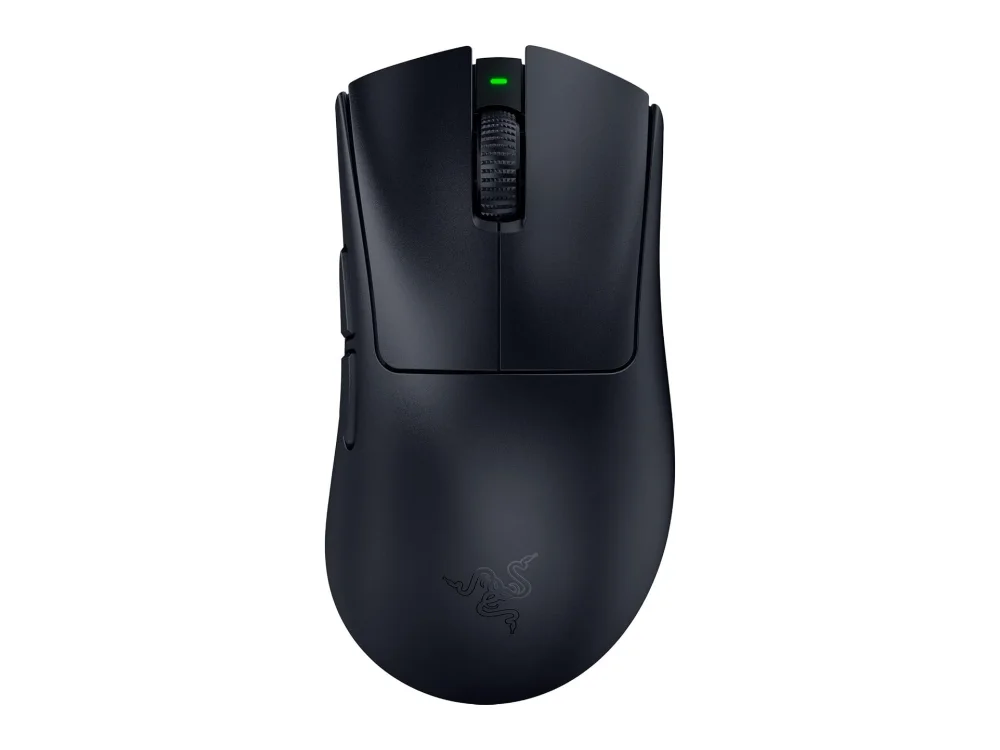 Razer DeathAdder V4 Pro
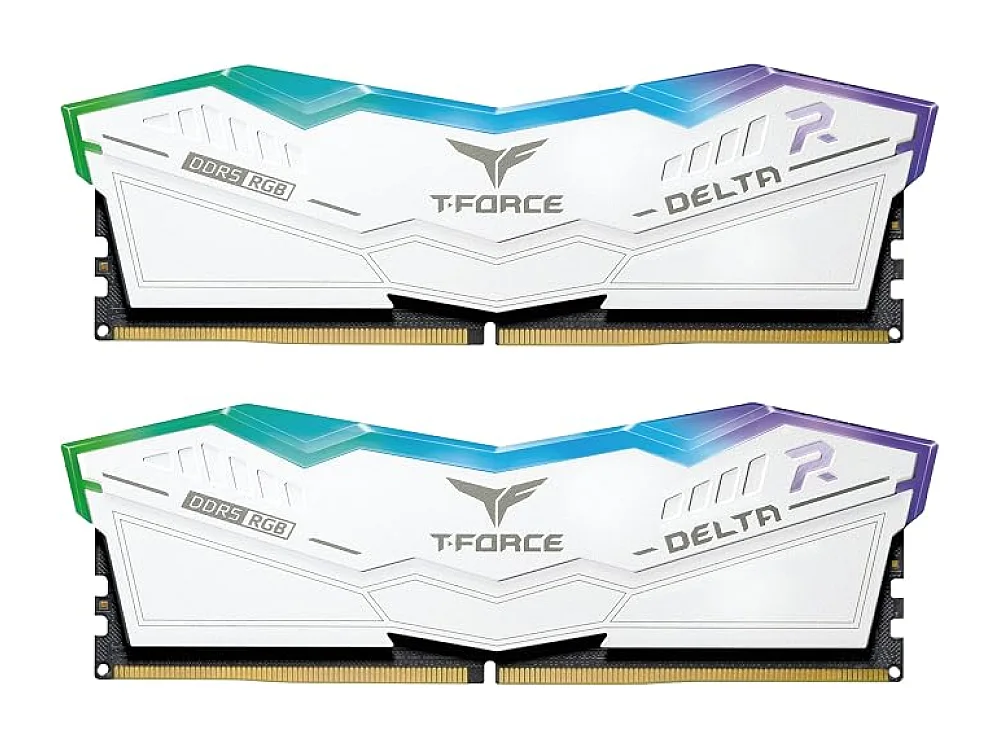 TeamGroup T-Force Delta RGB DDR5-6000 64GB
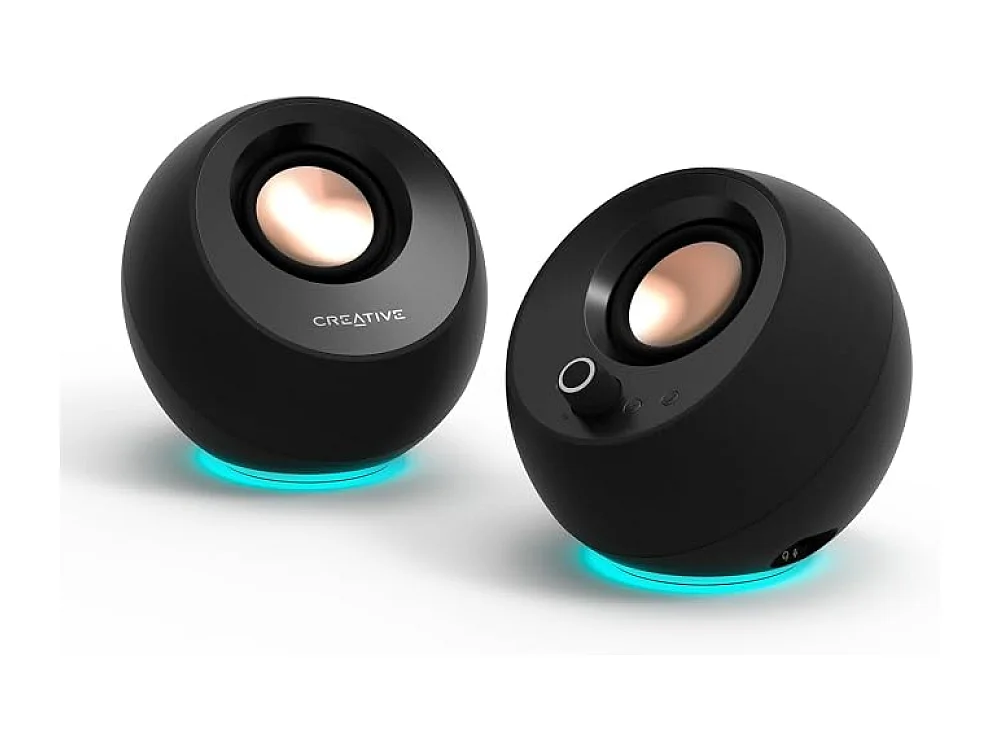 Creative Pebble Pro
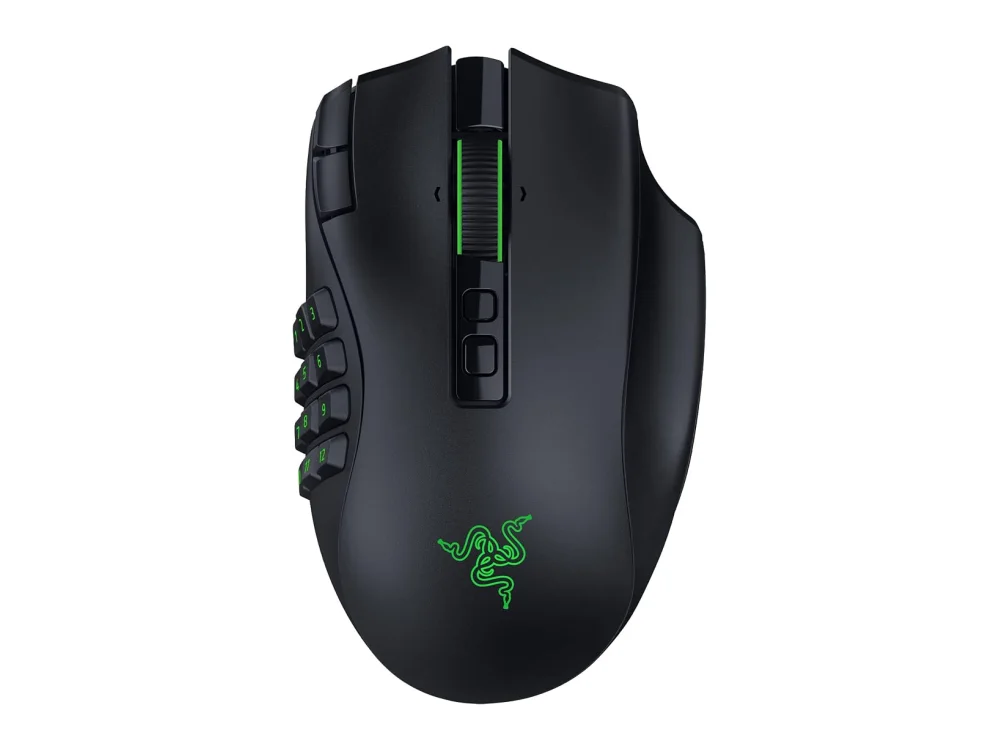 Razer Naga V3 Pro
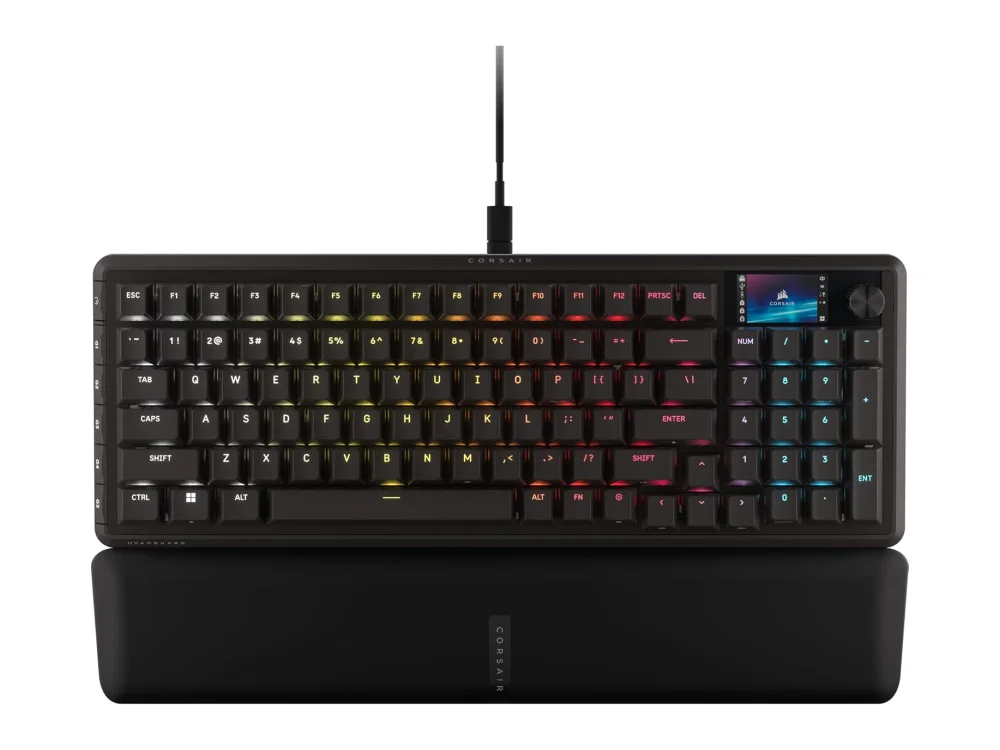 Corsair Vanguard Pro 96
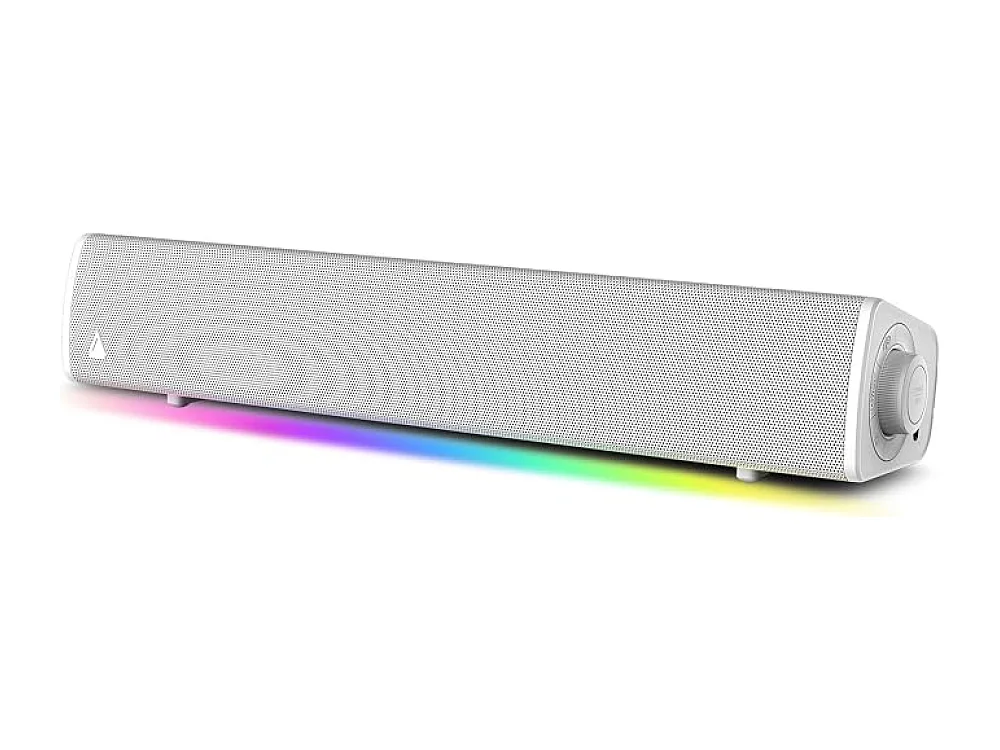 Creative Sound Blaster GS3
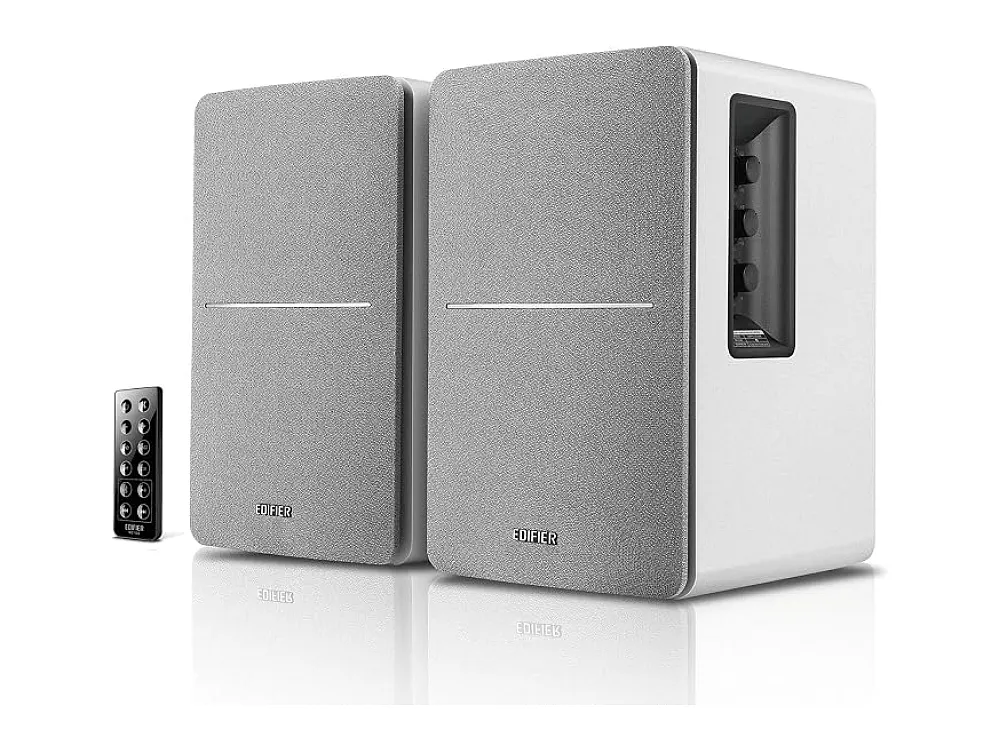 Edifier R1280DB
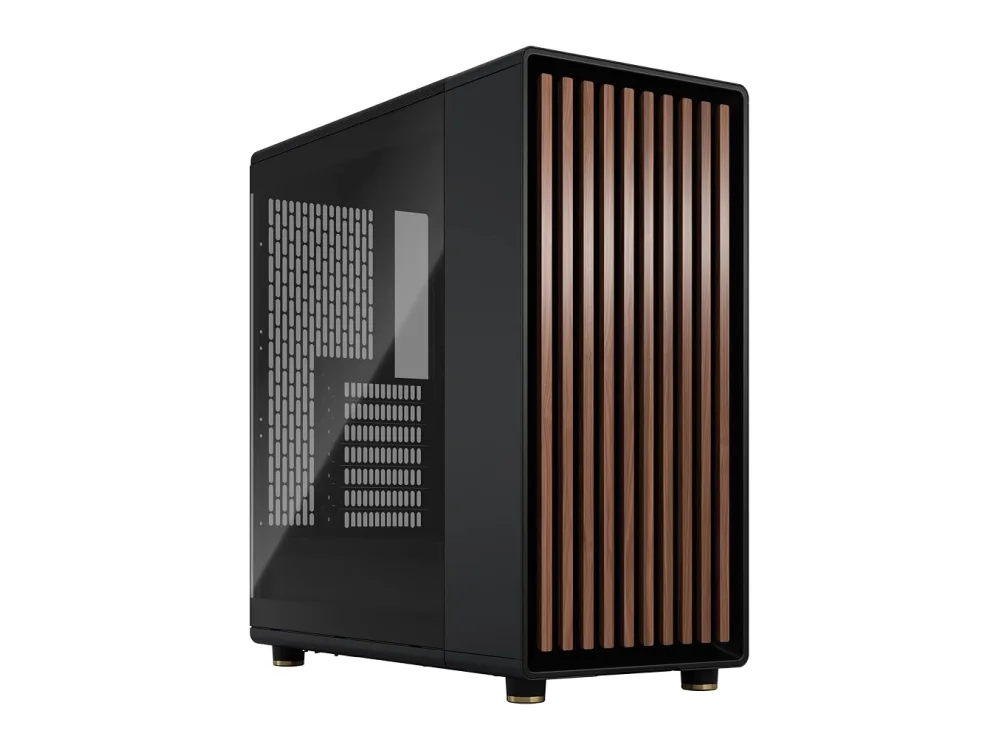 Fractal Design North
Leave a comment
Questions, corrections or your own experience: it goes to our team at comments@runonconsole.com and you get a copy.