120Hz HDR VRR TV Guide for GTA 6 Console Players

Article Overview & Key Takeaways
Learn how HDR, 120 Hz and VRR work together on a TV or monitor to give GTA 6 on console the best possible picture, and see which displays are worth considering.
Gaming gear to check
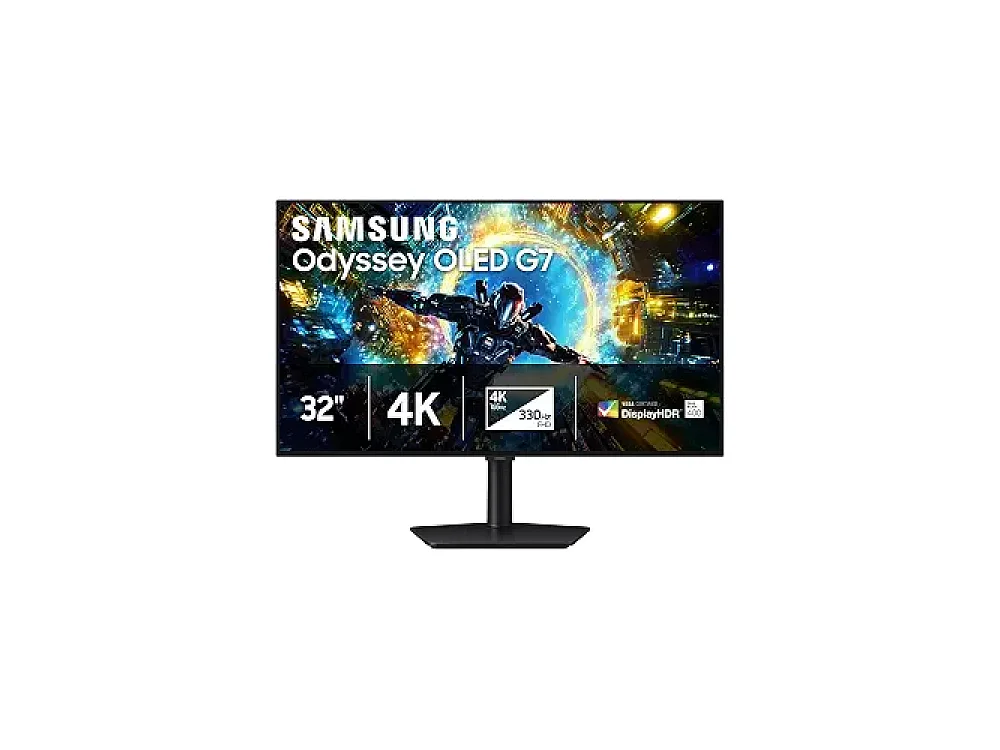 Samsung Odyssey OLED G73SH S32HG732S
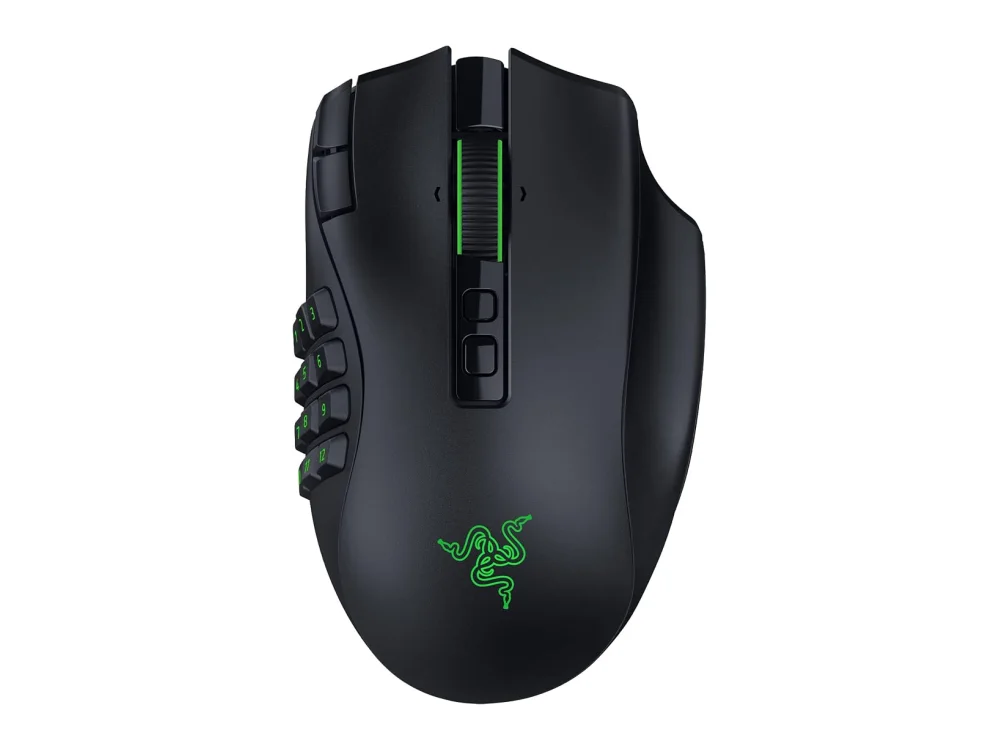 Razer Naga V3 Pro
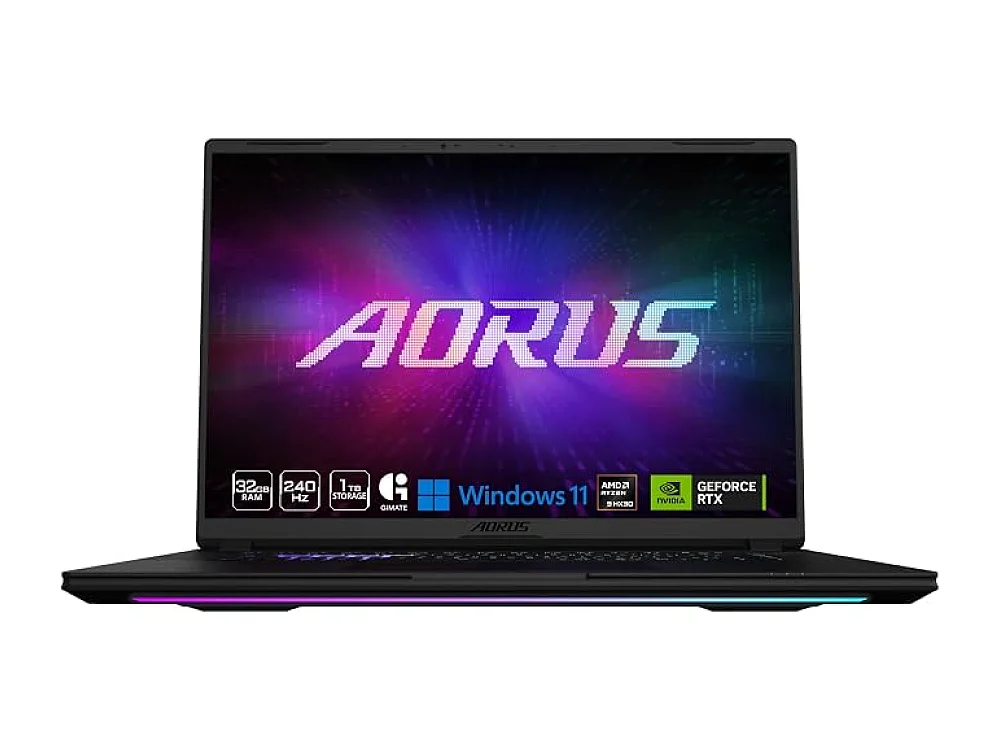 Gigabyte AORUS Master 16
Grand Theft Auto VI launched worldwide on 19 November 2026 for PlayStation 5 and Xbox Series X|S, and players are already hunting the perfect display to showcase Vice City’s neon‑lit streets. This guide explains what 120 Hz, HDR and VRR mean for console gamers, how to enable them, and which 4K 120 Hz HDR VRR TVs or monitors give the most bang for your buck.
For a quick rundown of the game’s release date, price and PC status, see our GTA 6 release date, price and PC status. If you want to browse the full range of gaming monitors, head to our Gaming Monitors hub.
What 120Hz HDR VRR TV Means for GTA 6
All three terms are part of the next‑gen visual toolbox:
- HDR (High Dynamic Range) expands the contrast ratio, letting bright areas get brighter and dark zones stay truly black. In a city like Vice City, HDR makes the sunrise over the ocean and the flicker of streetlights feel more realistic.
- 120 Hz refers to the refresh rate – the number of times the screen redraws each second. A higher refresh rate reduces motion blur and makes fast‑paced chases feel smoother.
- VRR (Variable Refresh Rate) synchronises the console’s output with the display’s refresh cycle, eliminating screen tearing and stutter when frame rates dip below the native 120 Hz.
When you combine HDR, 120 Hz and VRR, you get a 4K HDR 120 Hz VRR TV that can deliver up to 120 frames per second with vibrant colour and no tearing – exactly what GTA 6’s open world can benefit from.
Why HDR, 120 Hz and VRR Matter in Vice City
Rockstar’s new map of Leonida is roughly twice the size of GTA V’s, packed with dense foliage, reflective water and neon signage. The extra visual fidelity demands a display that can keep up:
- HDR reveals hidden details in shadows, such as a sniper’s silhouette behind a wall, while making the sun‑glint on the ocean look natural.
- 120 Hz smooths high‑speed driving – think of racing down the highway at 200 km/h; the motion looks fluid rather than a blur of pixels.
- VRR prevents tearing during the occasional frame‑rate drops that happen when the game loads a new region or heavy traffic.
Even though Rockstar hasn’t published exact frame‑rate targets, the console hardware is capable of delivering up to 120 fps in many scenes, so a compatible TV or monitor lets you see the game at its best.
Setting Up Your Console for HDR, 120 Hz and VRR
Both PS5 and Xbox Series X|S support HDR, 120 Hz and VRR out of the box, but you need to enable the right settings:
- PS5 – TV Settings for PS5: Go to Settings → Screen and Video → Video Output. Set Resolution to 4K, HDR to On, and enable 120 Hz Output (if your TV advertises it). Then enable Variable Refresh Rate under the “Enable 120 Hz Output” submenu.
- Xbox Series X|S – TV Settings for Xbox: Open Settings → General → TV & Display Options. Choose 4K UHD, set HDR to On, and select 120 Hz under Refresh Rate. Turn on Variable Refresh Rate (Auto Low Latency Mode will also help).
Make sure you use a high‑speed HDMI 2.1 cable; older HDMI 2.0 cables may cap the refresh rate at 60 Hz even on a 120 Hz TV.
Choosing a 4K 120Hz HDR VRR Monitor or TV
If you prefer a monitor for a desk setup, look for a "4k 120hz hdr vrr monitor" that explicitly lists HDMI 2.1 support. For living‑room gaming, a "4k hdr 120hz vrr tv" will give you the larger screen and built‑in speakers.
Below are a few examples that illustrate the range of options. Each product is linked once to its ROC product page.
ASUS ROG Swift OLED PG27AQWP‑W
This 27‑inch OLED monitor offers true 4K resolution, HDR support, a native 120 Hz refresh rate and Adaptive‑Sync (VRR). OLED panels provide perfect blacks, making night‑time missions in Vice City look cinematic.
- Who it’s for: Competitive players who want the fastest response and deepest blacks.
- Key features: 4K OLED, 120 Hz, HDR10, VRR via Adaptive‑Sync, HDMI 2.1, 0.1 ms gray‑to‑gray response.
- Pros: Incredible contrast, zero input lag, excellent colour accuracy.
- Cons: Premium price, risk of OLED burn‑in with static UI elements.
ASUS ROG Swift OLED PG27AQWP‑W
AOC 24G2
A budget‑friendly 24‑inch IPS panel that hits 1080p at 144 Hz, but it also supports HDR and VRR over HDMI 2.1. While not 4K, it’s a good entry point for gamers who can’t yet afford a 4K screen.
- Who it’s for: Players on a tighter budget who still want smooth gameplay.
- Key features: 1080p, 144 Hz, HDR, VRR, HDMI 2.1.
- Pros: Low cost, high refresh rate, good colour.
- Cons: Not 4K, HDR peak brightness is modest.
LG 4K 120Hz HDR VRR OLED TV
LG’s flagship OLED TV line (e.g., C3 series) delivers 4K resolution, HDR10+, a native 120 Hz panel and HDMI 2.1‑enabled VRR. It’s ideal for couch‑side GTA 6 sessions.
- Who it’s for: Living‑room gamers who want the ultimate cinematic experience.
- Key features: 4K OLED, 120 Hz, HDR10+, VRR, HDMI 2.1, low input lag mode.
- Pros: Stunning picture quality, perfect blacks, excellent colour.
- Cons: Expensive, larger footprint.
While we don’t list a specific model here, search for "lg 4k 120hz hdr vrr oled" to find the latest options.
Want to buy a gaming monitor? Here are 3 similar picks:
- AOC Gaming Q27GAZD: Best Budget OLED
- ASUS ROG Swift OLED PG27UCDM: Best 27-inch 4K OLED
- ASUS ROG Swift OLED PG32UCDM Gen3: Best Overall / Premium
Open a product to see its full details, then use the Amazon button there.
Quick Comparison
| Model | Resolution | Refresh Rate | HDR | VRR |
|---|---|---|---|---|
| ASUS ROG Swift OLED PG27AQWP‑W | 4K | 120 Hz | HDR10 | Adaptive‑Sync |
| AOC 24G2 | 1080p | 144 Hz | HDR | VRR (HDMI 2.1) |
| LG OLED TV (C3) | 4K | 120 Hz | HDR10+ | HDMI 2.1 VRR |
FAQ
Do I need a 4K TV to enjoy HDR in GTA 6?
No. HDR works on 1080p panels as well, but a 4K display provides more detail and a higher pixel density, which makes the world feel richer.
Can I use a monitor instead of a TV for GTA 6?
Yes. Any monitor that supports 4K, 120 Hz and VRR over HDMI 2.1 will work with PS5 or Xbox Series X|S. Just make sure you enable the console’s 120 Hz output.
What is the difference between VRR and FreeSync/G‑Sync?
VRR is the generic term. FreeSync (AMD) and G‑Sync (NVIDIA) are proprietary implementations. On consoles, the feature is simply called VRR and works with any display that advertises it.
Will HDR improve performance?
HDR doesn’t affect frame rate, but it can make the game look more vibrant. The console may need to tone‑map the image, which is handled by the hardware without a noticeable performance hit.
Conclusion
GTA 6’s massive, sun‑drenched world shines brightest when you pair it with a 4K 120 Hz HDR VRR TV or monitor. Enable HDR, lock the refresh rate at 120 Hz, and turn on VRR in your console’s settings to enjoy fluid, tear‑free action with vivid colours. Whether you choose an OLED TV for couch gaming or an OLED monitor for a desk setup, the right display will let you experience Vice City exactly as Rockstar intended.
Keep reading: more on Gaming Monitors
- Gaming Monitors
- Best Monitor for GTA 6 PS5 Pro: TV or Monitor, What to Look For
- Best 4K TV for GTA 6 – Is It Worth It on PS5 & Xbox?
More on GTA 6
- GTA 6 release date, price and PC status
- GTA 6 PS5 vs Xbox Series X: HDR Cost and Performance Gap (News)
- Xbox Controllers Hit Lowest 2026 Price for GTA 6 Launch (News)
- Black Friday 2026: XR Glasses, RTX 5090 PC and GTA 6 Ready Hardware (News)
- GTA 6 PC Price: GPU Guide for the Future Port (Blog)
- Best Monitor for GTA 6 PS5 Pro: TV or Monitor, What to Look For (Blog)
- Best headset for GTA 6 PS5 – Top picks for PS5 & Xbox (Blog)
- Xbox HDR Calibration Guide for GTA 6 on Series X|S (Guide)
Keep reading
Gaming gear on Run On Console
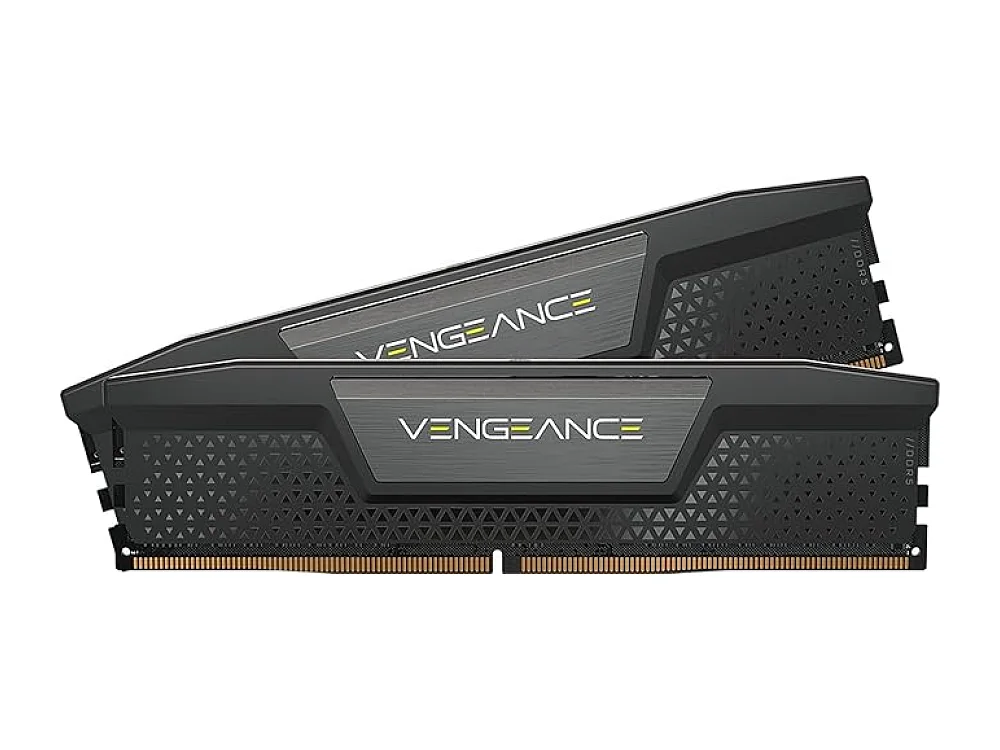 Corsair Vengeance DDR5-5200 64GB
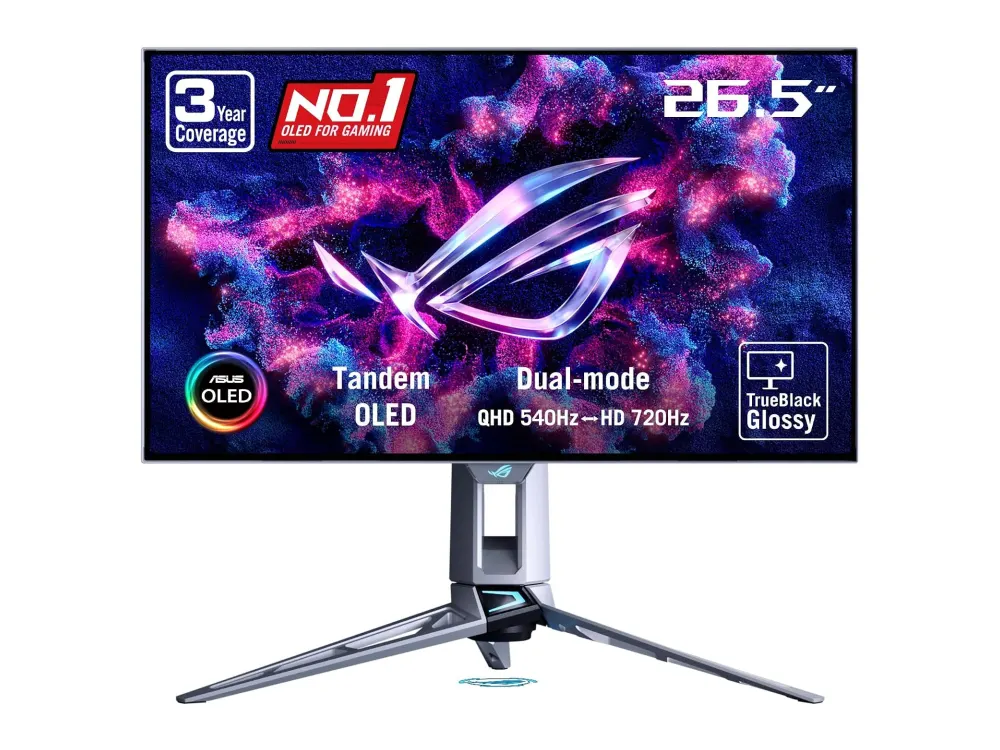 ASUS ROG Swift OLED PG27AQWP-W
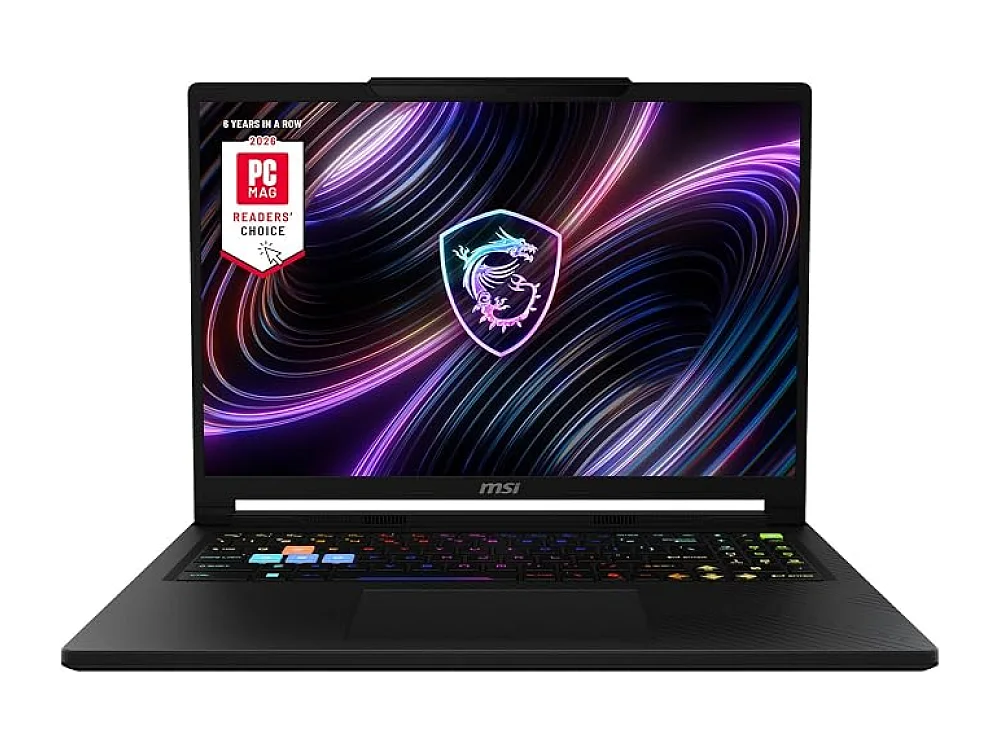 MSI Raider A18 HX
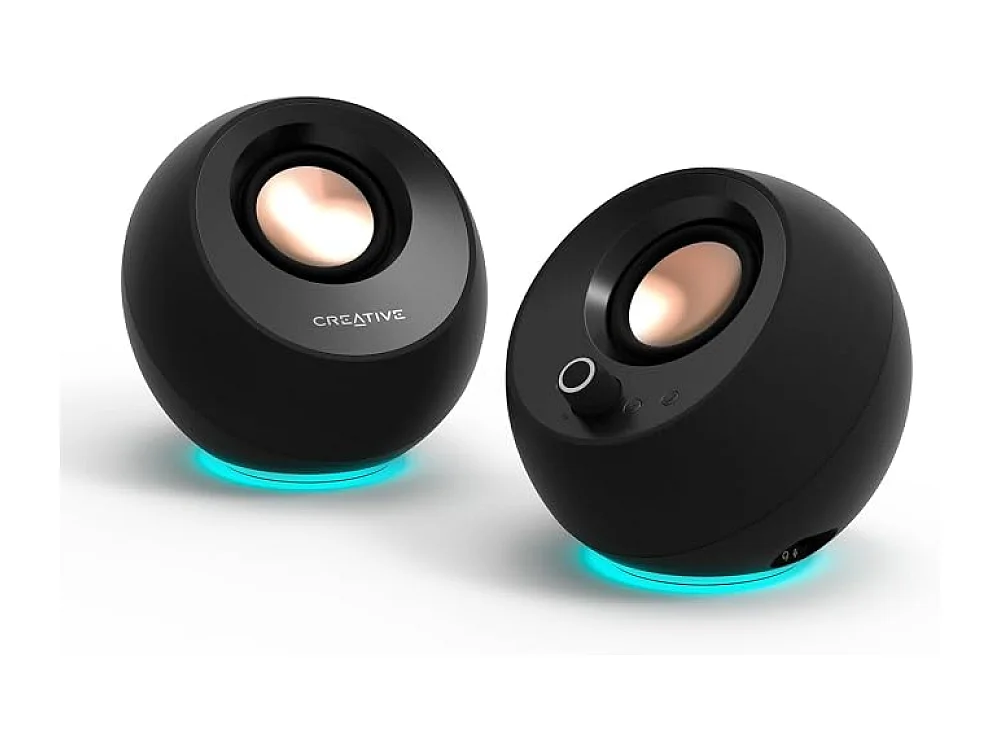 Creative Pebble Pro
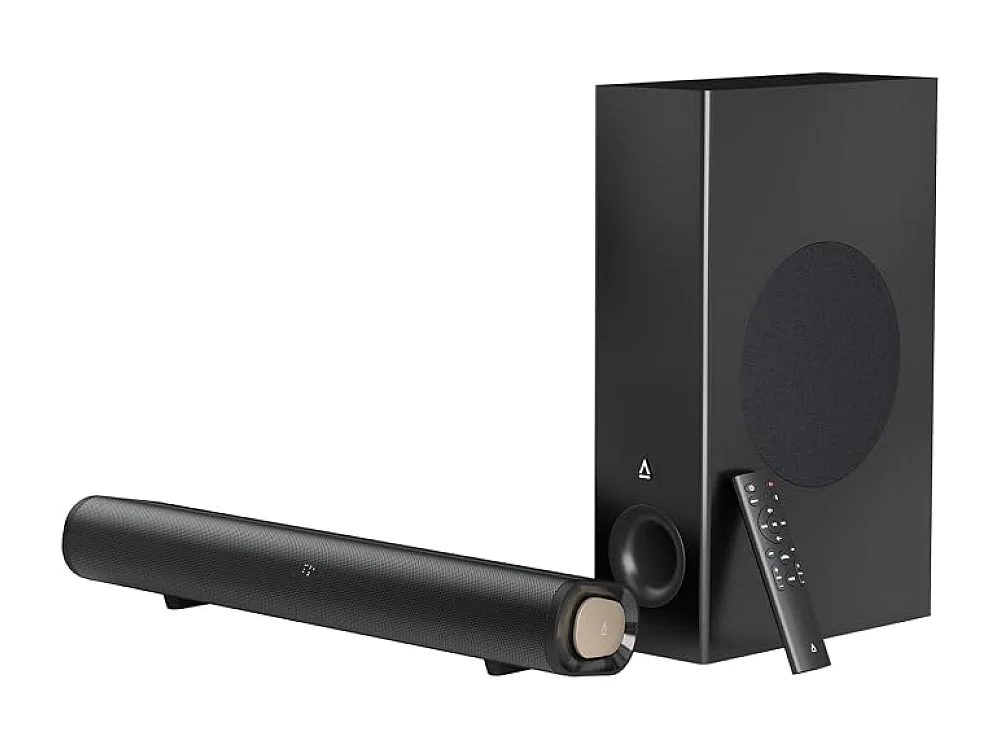 Creative Stage Pro
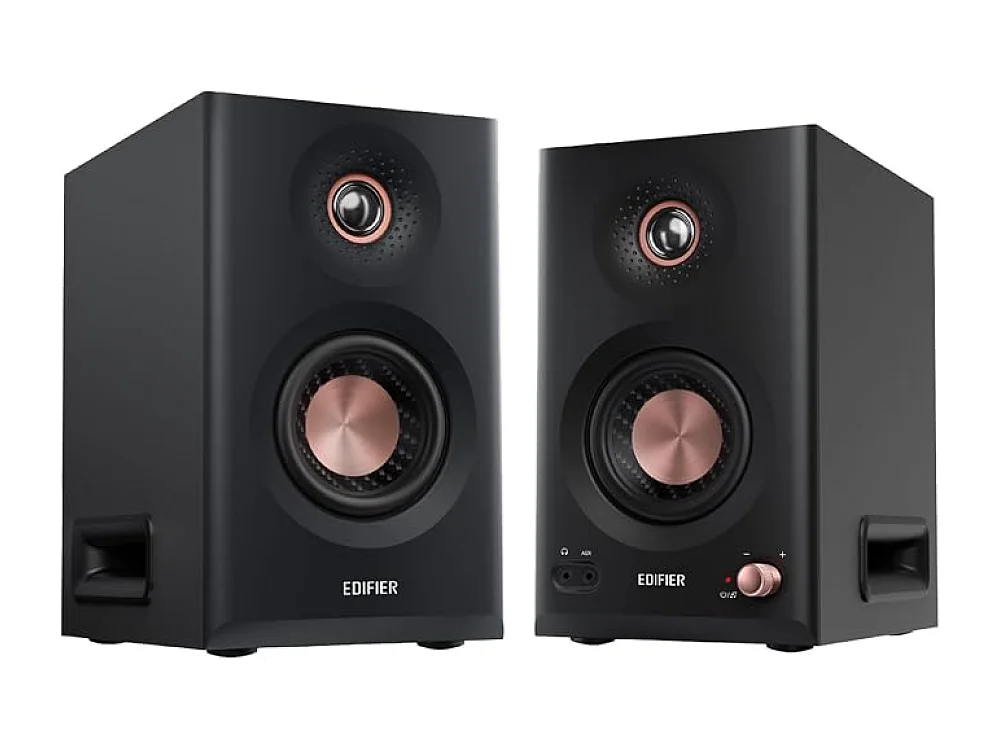 Edifier S350DB
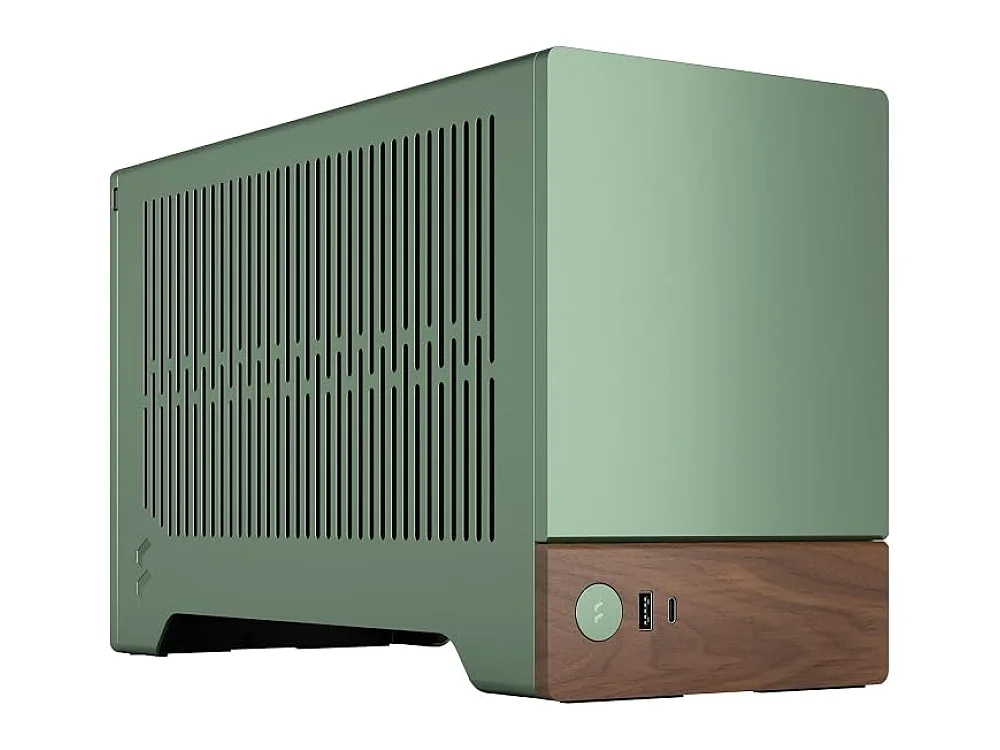 Fractal Design Terra
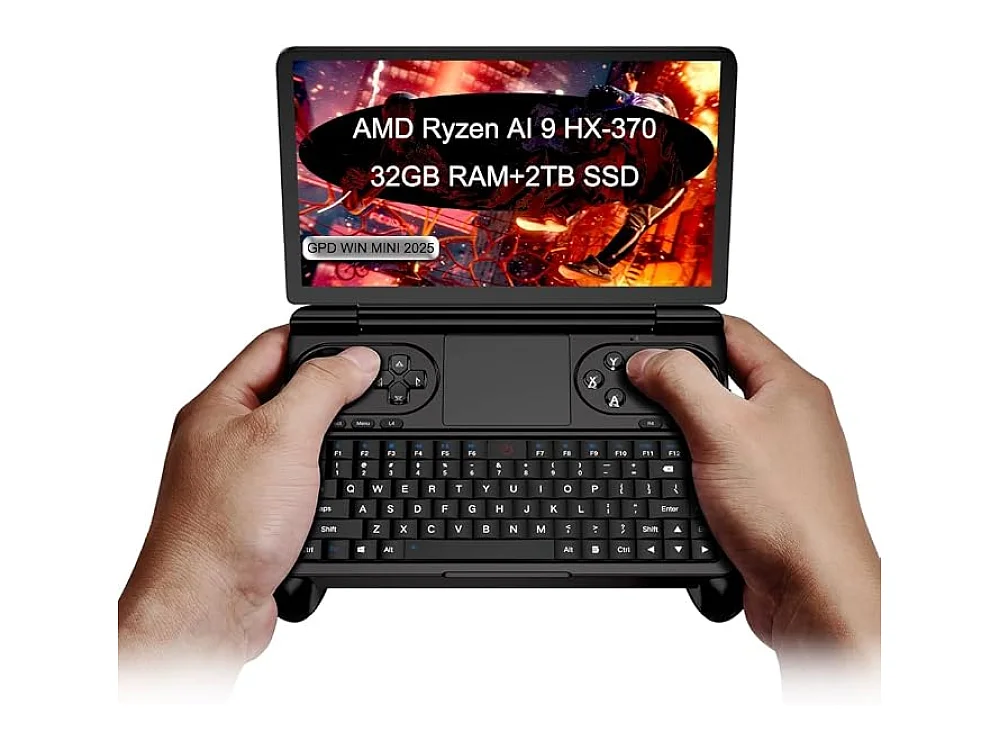 GPD WIN Mini 2025
Leave a comment
Questions, corrections or your own experience: it goes to our team at comments@runonconsole.com and you get a copy.