GTA 6 Display Settings: Motion Blur, Brightness, HDR Fixes

The story in short
A recent report reveals how to adjust GTA 6's motion blur, brightness, and HDR on PS5 and Xbox Series X|S, noting that the built‑in calibration tool is slightly broken. Players can now fine‑tune their visuals for a clearer Vice City experience.
Gaming gear to check
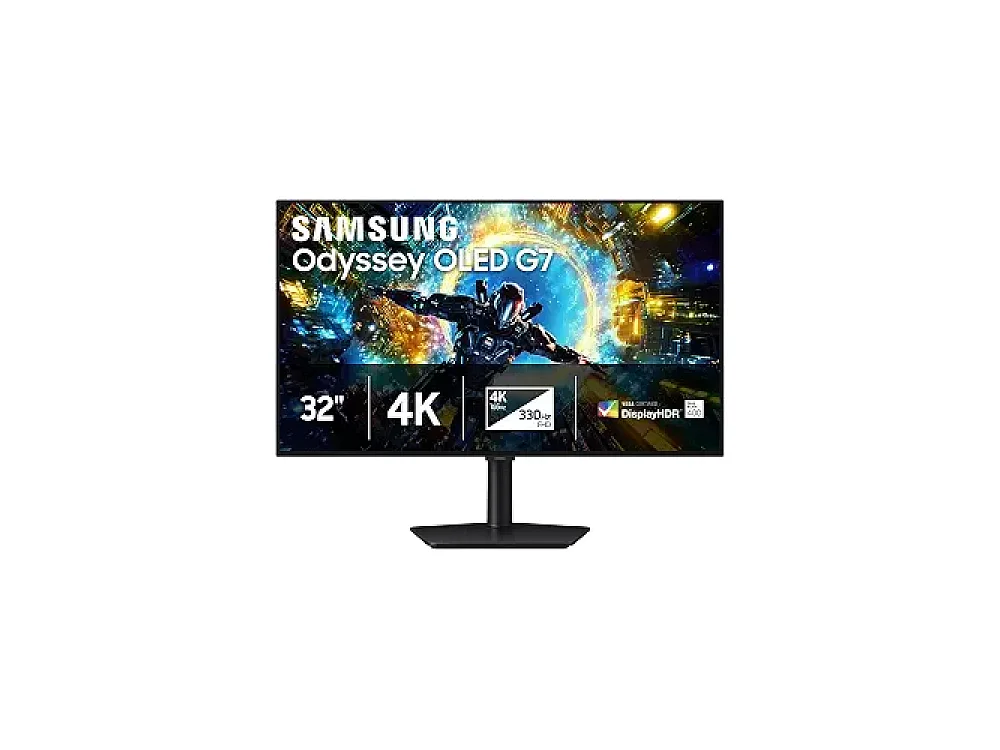 Samsung Odyssey OLED G73SH S32HG732S
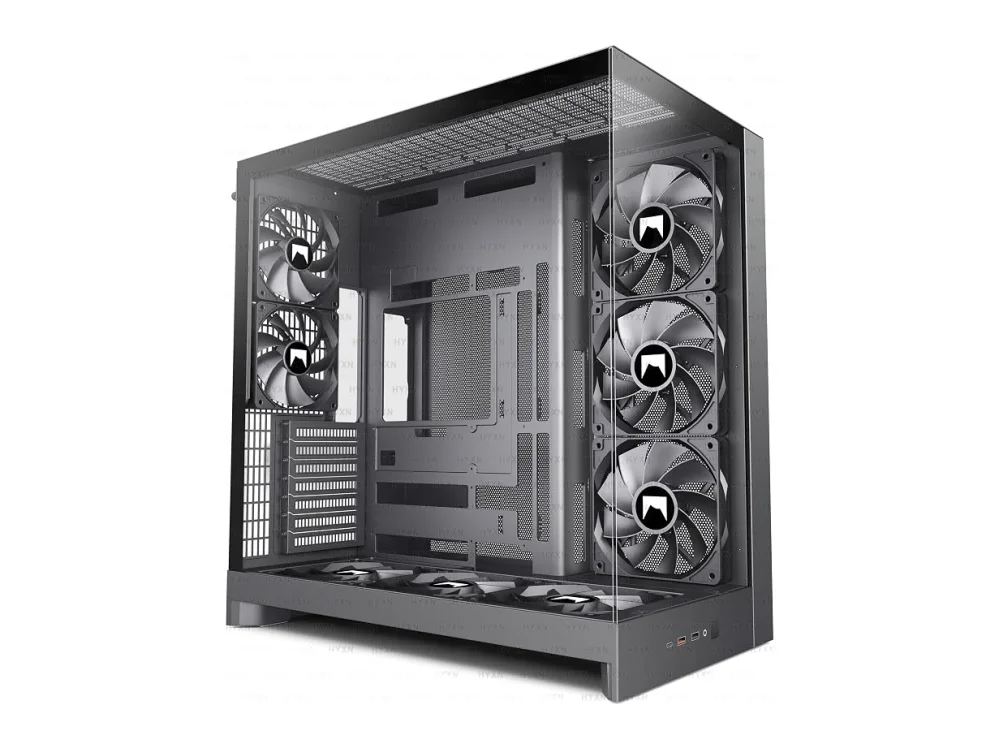 Montech TG3
A new report released on 20 November 2026 details how to tweak GTA 6 release date, price and PC status for optimal visuals on PS5 and Xbox Series X|S.
GTA 6 launched worldwide on 19 November 2026, unlocking at midnight local time across regions—from 00:00 NZDT in New Zealand to 00:00 ET in the U.S.—and is available only on Sony PlayStation and Microsoft Xbox.
What we know
According to a recent report, the game’s on‑screen display settings let players adjust motion blur and brightness reduction to smooth the fast‑paced streets of Vice City. Another report notes that the HDR calibration tool is slightly broken; the values shown in the tool do not fully translate into the game, potentially leaving the picture under‑calibrated.
Why it matters for gamers
Players who enjoy the cinematic feel of GTA 6 will find motion blur and brightness tweaks help reduce eye strain during long sessions. The broken HDR tool means that many will see washed‑out colors unless they manually calibrate their monitors, a task that can be daunting for newcomers.
ROC's take
Run On Console believes that casual players can ignore the calibration issue if they’re satisfied with the default look, while enthusiasts who want peak color accuracy should experiment with the motion blur slider and set brightness to the level that feels most natural. Because the game is only on console, those who own a gaming PC can’t play GTA 6 yet, but can still prepare by checking PC requirements of 2,400+ games for future titles.
What to do now
- Open the in‑game settings menu and try the motion blur slider; a moderate setting usually balances performance and visual fidelity.
- Use an external monitor calibration tool or the how‑to guides on Run On Console to manually adjust HDR levels.
- Read PS5 or Xbox Series X for GTA 6: Which Console Wins? to see which platform offers the best visual experience.
- Check GTA 6 launches today on PS5 and Xbox Series X|S for launch details and storage requirements.
- Explore the gaming platforms page to compare future console releases.
See it on Run On Console
- Sony PlayStation guide: the consoles, games and gear
- Microsoft Xbox guide: the consoles, games and gear
Sources
Verified by 2 trusted sources. This story was written from the reports below and checked against them before it was published.
- GTA 6 Display Settings Explained — Our Recommendations for Motion Blur, Brightness Reduction, and More (IGN)
- HDR Expert Shares Their Three Recommended Display Settings For GTA 6 (Pure Xbox)
More on GTA 6
- GTA 6 release date, price and PC status
- GTA 6 PS5 vs Xbox Series X: HDR Cost and Performance Gap (News)
- Xbox Controllers Hit Lowest 2026 Price for GTA 6 Launch (News)
- Black Friday 2026: XR Glasses, RTX 5090 PC and GTA 6 Ready Hardware (News)
- GTA 6 PC Price: GPU Guide for the Future Port (Blog)
- Best Monitor for GTA 6 PS5 Pro: TV or Monitor, What to Look For (Blog)
- Best headset for GTA 6 PS5 – Top picks for PS5 & Xbox (Blog)
- Xbox HDR Calibration Guide for GTA 6 on Series X|S (Guide)
Keep reading
Gaming gear on Run On Console
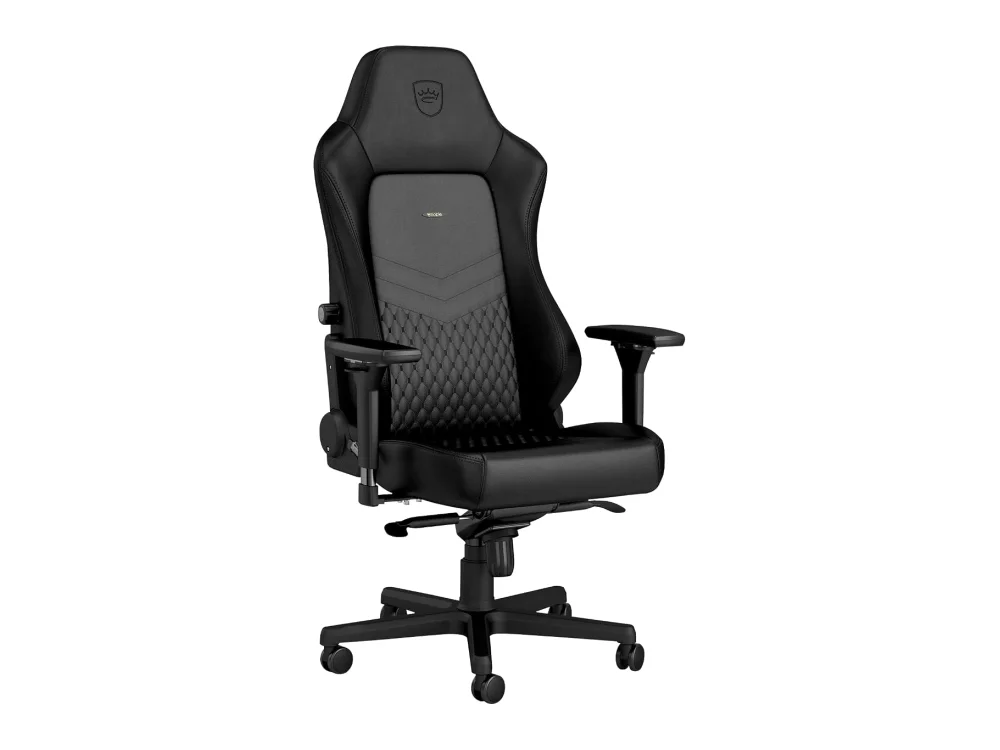 noblechairs HERO
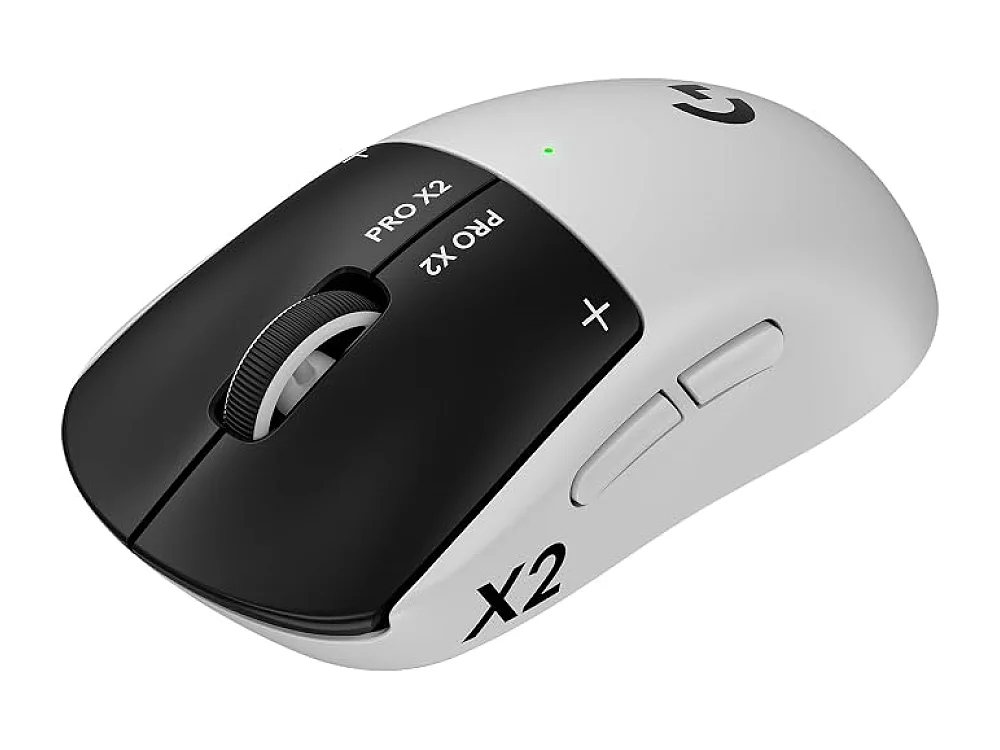 Logitech G PRO X2 SUPERSTRIKE
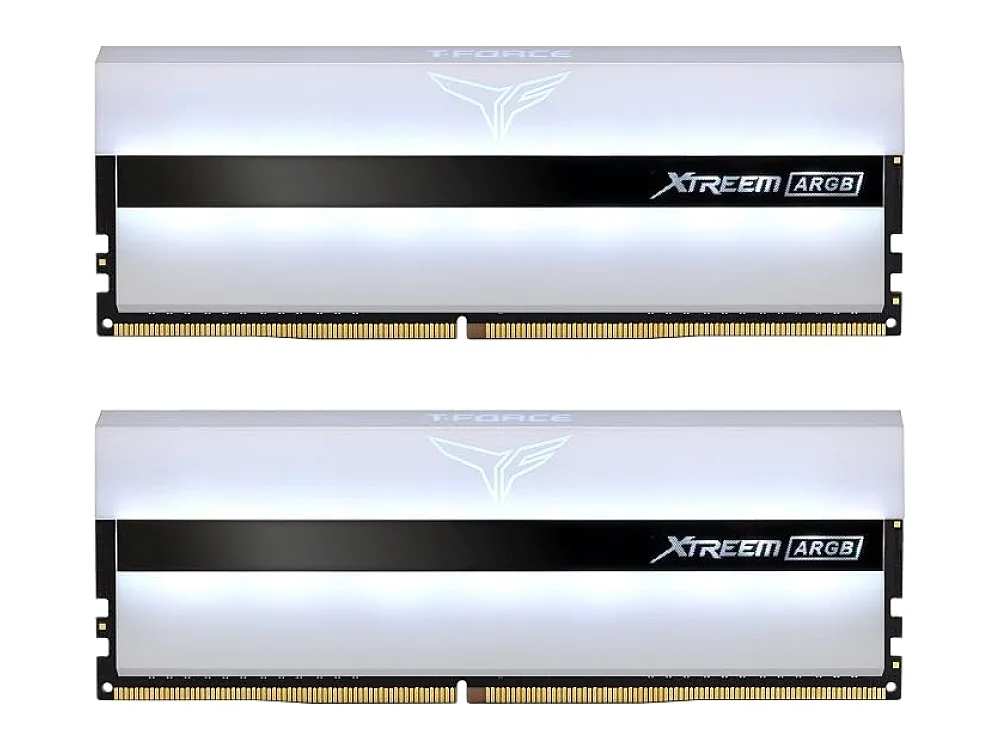 TeamGroup T-Force Xtreem ARGB DDR4-3600
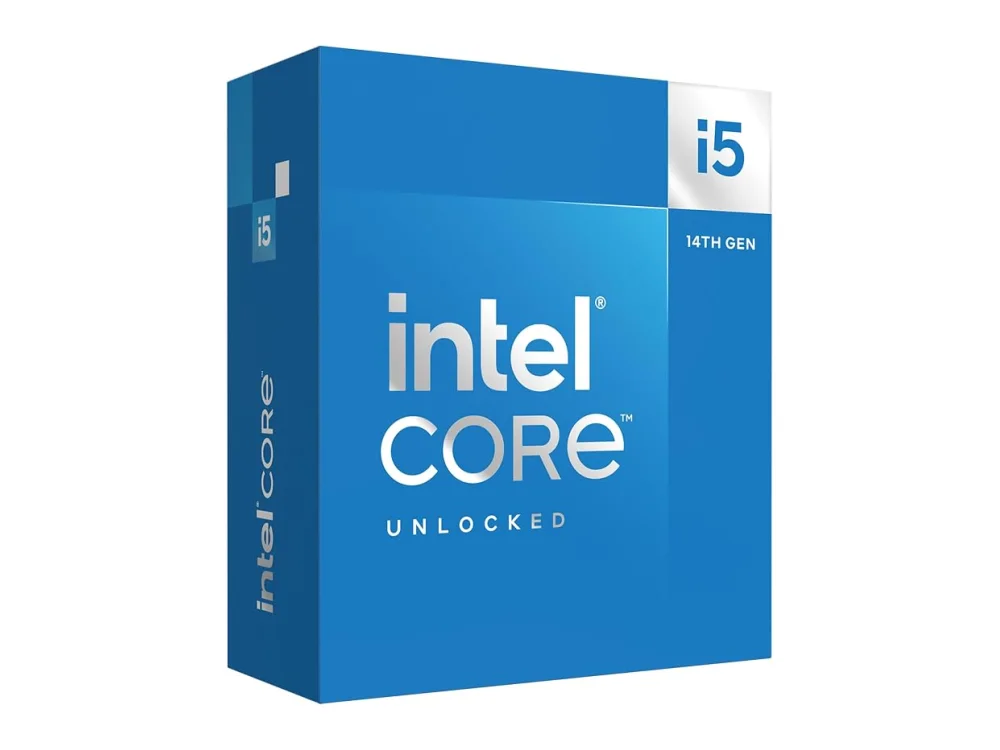 Intel Core i5-14600K
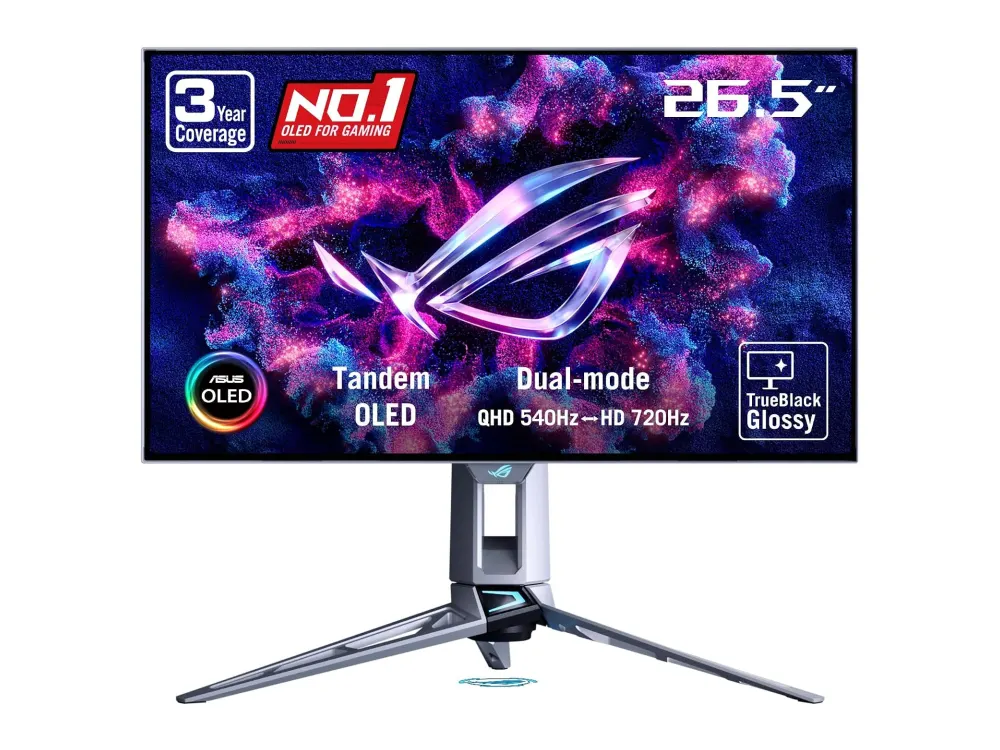 ASUS ROG Swift OLED PG27AQWP-W
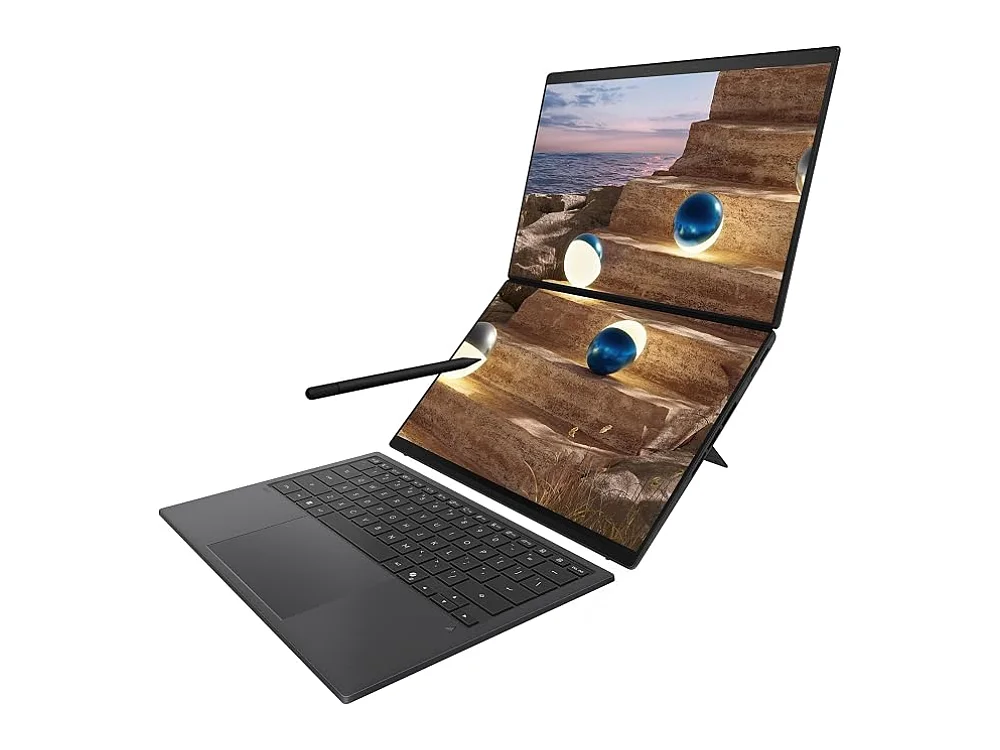 ASUS Zenbook Duo Laptop
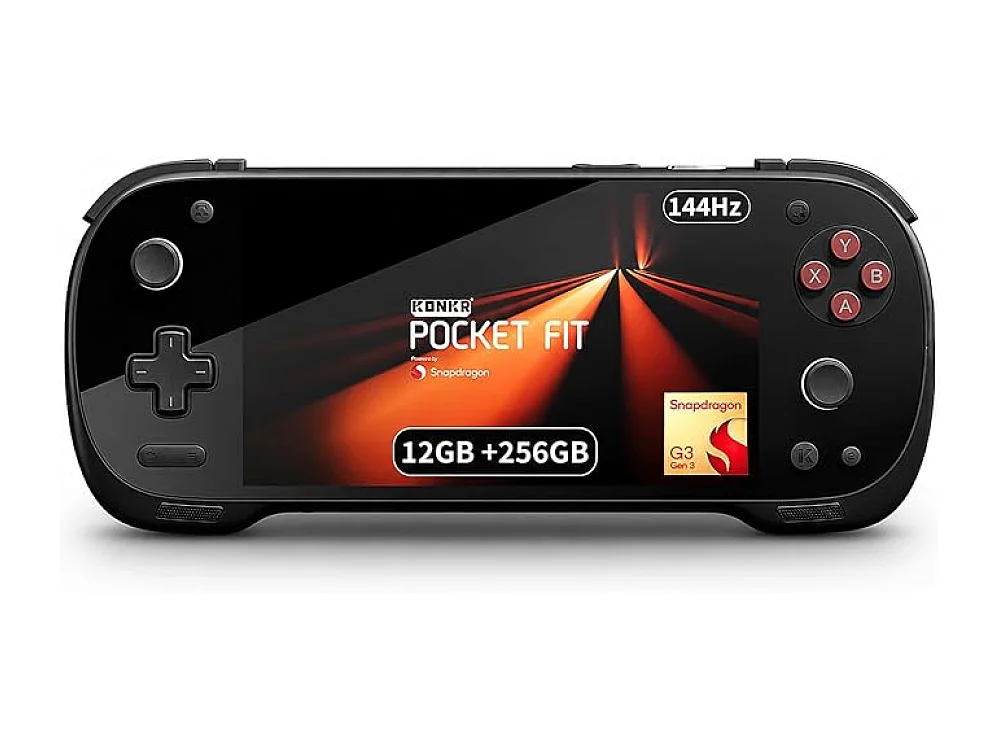 AYANEO 3
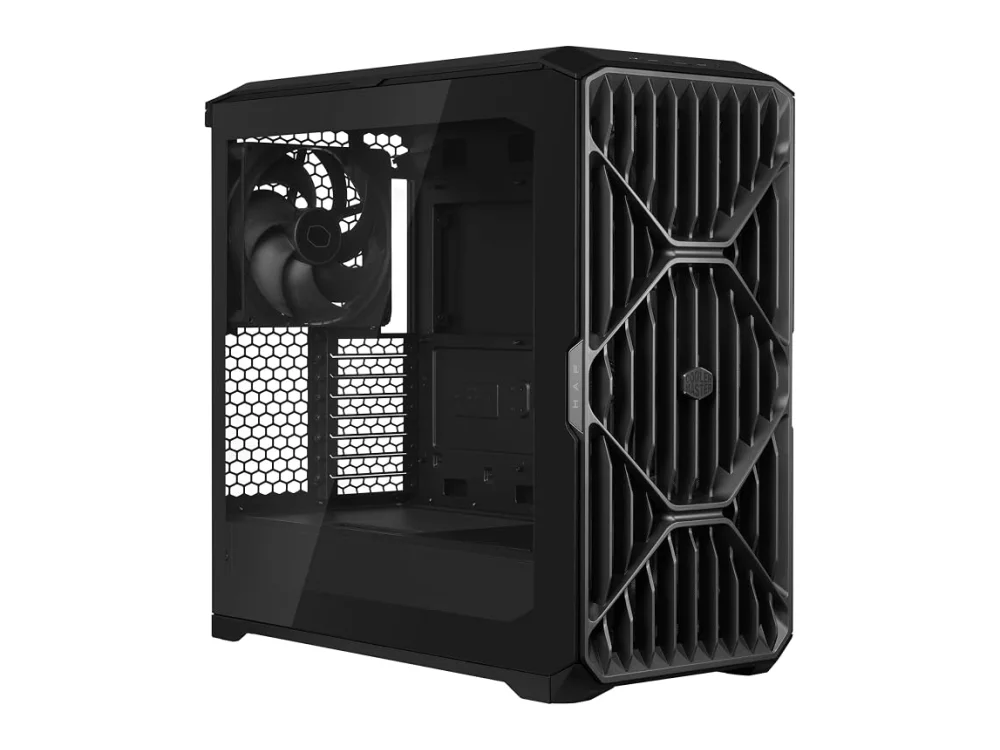 Cooler Master HAF 700
Leave a comment
Questions, corrections or your own experience: it goes to our team at comments@runonconsole.com and you get a copy.