How to Stream GTA 6 on Xbox One and Other Consoles

Article Overview & Key Takeaways
GTA 6 is exclusive to PS5 and Xbox Series X|S. This guide explains why you cannot play it on Xbox One and shows you how to set up streaming on the supported consoles.
Gaming gear to check
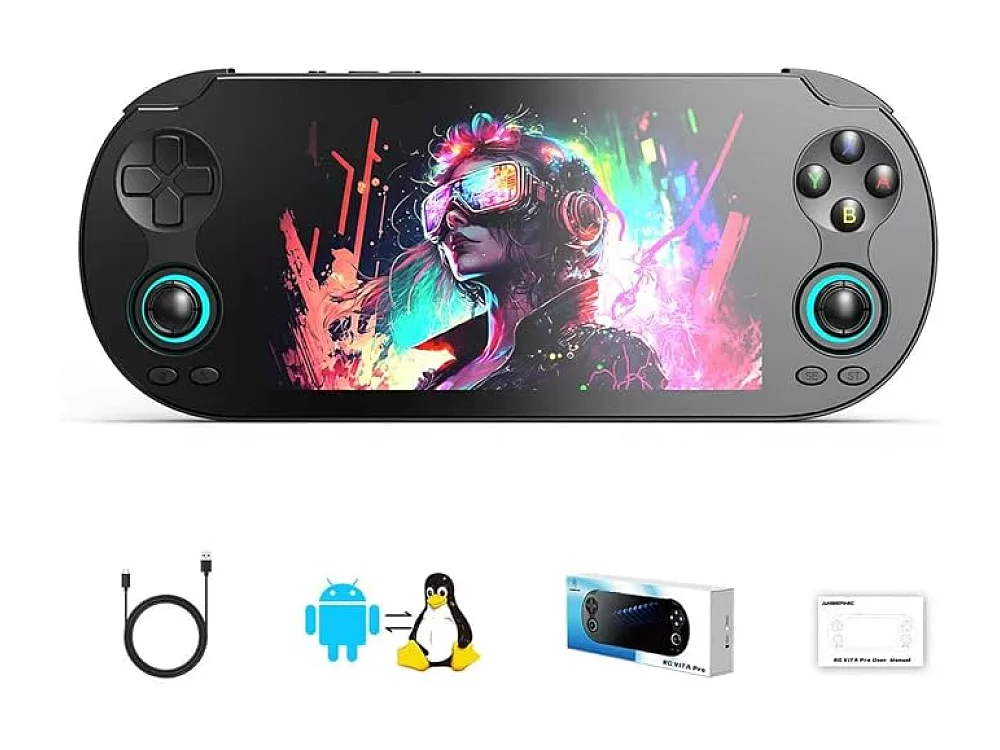 Vita Pro Handheld
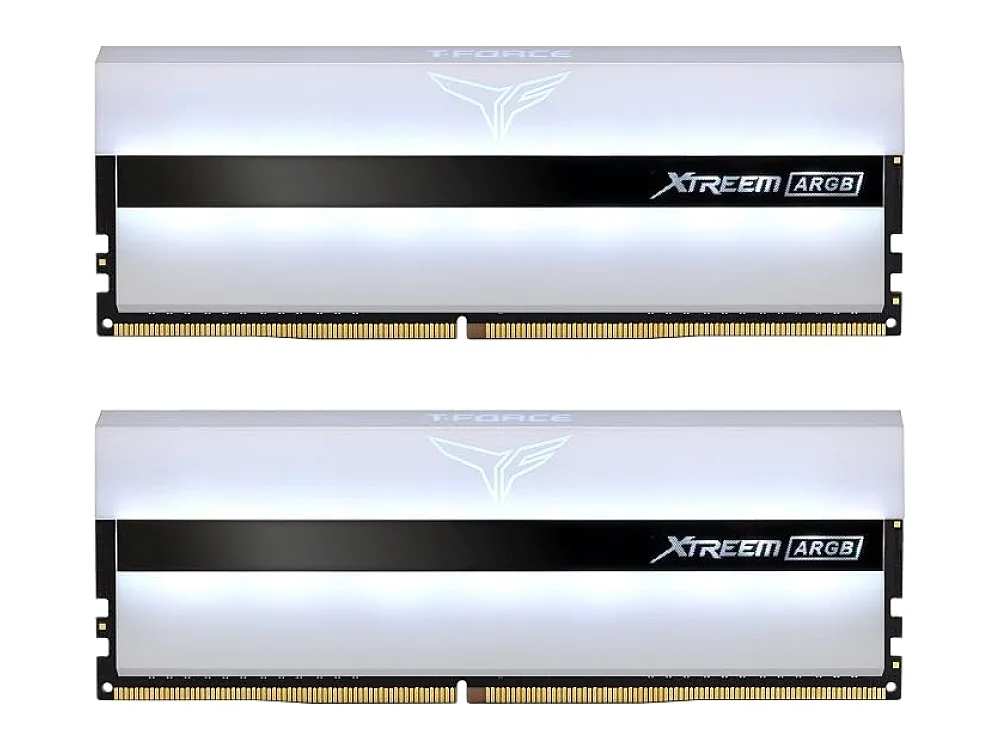 TeamGroup T-Force Xtreem ARGB DDR4-3600
You cannot stream gta 6 on xbox one because the game is not available on that console. Grand Theft Auto VI launched on November 19, 2026, exclusively for PlayStation 5 and Xbox Series X|S hardware. If you are holding an Xbox One, you do not have the required hardware to run the game, let alone stream it. This post explains the hardware reality and provides a step-by-step guide for those who do have the correct console.
For the latest information on the game's availability and platform restrictions, visit our GTA 6 release date, price and PC status hub. We also maintain a Can I run it? Game requirements checker where you can verify if your current setup meets the needs of modern titles.
Why You Cannot Play GTA 6 on Xbox One
Rockstar Games has confirmed that GTA 6 is a next-generation exclusive. The game requires the advanced processing power and memory controllers found only in the PS5 and Xbox Series X|S. The Xbox One, while a capable machine of its time, lacks the specific architectural features needed to run the Leonida state and its complex simulation systems. Consequently, no version of the game exists for the Xbox One, and there is no cloud streaming option that allows Xbox One users to play it directly on that device.
This distinction is important for anyone searching for how to stream gta 6 on xbox one. The search intent often comes from players who own older hardware and hope for a workaround. Unfortunately, Microsoft and Rockstar have not announced any backward compatibility or cloud bridge for this specific title. If you are playing on an Xbox One, you will need to upgrade your hardware to access the game.
Hardware Requirements for Streaming GTA 6
To stream the game, you first need a console that can run it. Your options are the PlayStation 5, Xbox Series X, or Xbox Series S. For the best experience, the Xbox Series X or PS5 is recommended due to higher performance outputs, but the Xbox Series S is a valid entry point if you are on a budget. You will also need a stable internet connection with sufficient upload speed. A minimum of 5 Mbps upload is recommended for 1080p streaming at 30 FPS, while 10 Mbps or higher is better for 60 FPS or higher resolutions.
Console Selection for Streamers
If you are choosing between consoles specifically for streaming, consider the native capture features. Both PlayStation and Xbox have built-in capture cards that allow you to record and broadcast directly from the dashboard. We have a detailed comparison on PS5 or Xbox Series X for GTA 6: Which Console Wins? that breaks down the performance differences. Additionally, if you are considering a lower-spec console, our guide on GTA 6 Xbox Series S Performance: What to Know covers what to expect in terms of frame rates and visual fidelity.
How to Stream GTA 6 to Twitch
Streaming to Twitch is the most common goal for console players. The process is nearly identical on PlayStation and Xbox, utilizing the platform's native integration.
Setup on Xbox Series X|S
- Ensure your Xbox is signed in to your Microsoft account.
- Open the Game Bar by pressing the Xbox button on your controller.
- Navigate to the Streaming icon (it looks like a play button inside a circle).
- Select Sign in to stream and follow the prompts to connect your Twitch account.
- Once connected, select your stream title and category (Grand Theft Auto VI).
- Choose your video settings. For GTA 6, 1080p at 30 FPS is a safe default for most home internet connections.
- Press Go Live to start broadcasting.
Setup on PlayStation 5
- Open the Game Hub by pressing the PS button.
- Go to Stream in the top menu.
- Select Sign in to stream and choose Twitch.
- Complete the authentication process and set your stream title.
- Click Go Live to begin.
How to Stream GTA 6 to YouTube
YouTube also supports native console streaming, though the integration is slightly different depending on the platform.
- On your console, access the streaming menu as described above.
- Select YouTube as your destination.
- Sign in with your Google account. You may need to enter a code on a separate device (like a phone or PC) to authorize the console.
- Set your stream title and privacy settings (Public, Unlisted, or Private).
- Start your stream. Note that YouTube uses a different encoding pipeline than Twitch, so you may need to adjust bitrate settings if you experience lag.
Streaming to Discord and PC Options
Many players ask how to stream gta 6 to discord or stream gta 6 to pc. Discord does not natively support direct game streaming from consoles in the same way Twitch and YouTube do. To stream to Discord, you must use a secondary method.
The most common workaround is using a capture card. You connect the console's HDMI output to a capture card, which plugs into a PC via USB. You then use OBS Studio or Discord's built-in screen capture to broadcast the game feed. This method offers higher control over video quality and overlays but requires a PC to act as the encoder. If you are considering this route, ensure your PC meets the requirements for running OBS while the game is running on the console. For a broader look at PC requirements for gaming, check our Can I run it? Game requirements hub.
Internet Speed and Stability Tips
Streaming is sensitive to internet stability. A high download speed does not guarantee a good stream; upload speed is the critical metric. Use a wired Ethernet connection if possible for the most stable performance. If you must use Wi-Fi, ensure your console is close to the router and on the 5 GHz band if available. Avoid other heavy bandwidth activities on your network, such as large downloads or video calls, while streaming.
Common Questions About GTA 6 Streaming
Can I stream GTA 6 on Xbox One using a cloud service?
No. Xbox Cloud Gaming is reported to start at 1:00 a.m. ET on November 19, 2026, but it requires a compatible device like a PC, mobile phone, or newer Xbox console. The Xbox One is not listed as a supported device for cloud streaming GTA 6. Therefore, you cannot play or stream the game on an Xbox One.
What is the best resolution for streaming GTA 6?
1080p at 30 FPS is the most stable resolution for most home internet connections. If you have a very fast and stable upload speed (15 Mbps or higher), you can try 1080p at 60 FPS. 4K streaming is generally not recommended for console players due to the high bandwidth requirements and potential for input lag.
Does streaming GTA 6 affect performance?
On modern consoles like the PS5 and Xbox Series X|S, the impact of streaming on in-game performance is minimal. The consoles are designed to handle the encoding load without significant frame drops. However, if you are using an external capture card and PC, ensure your PC is not under heavy load from other tasks.
Can I stream GTA 6 to Netflix?
No. Netflix is a streaming service for movies and TV shows, not a platform for live game streaming. You cannot broadcast your gameplay to Netflix. You should use Twitch, YouTube, or Facebook Gaming for live streaming.
Final Thoughts
While you cannot stream gta 6 on xbox one, the game is ready to be broadcast from the PS5 and Xbox Series X|S. By following the native streaming steps and ensuring your internet connection is stable, you can share your adventures in Leonida with your audience. If you are upgrading your setup, consider the hardware needs carefully to ensure a smooth streaming experience. For more insights into Rockstar's latest title, check out our comparison of GTA 6 vs RDR2 Story: How Rockstar's Two Biggest Worlds Compare and our history of the series in GTA Games in Order of Release: From 1997 to GTA 6.
Keep reading: more on Can I run it? Game requirements
- Can I run it? Game requirements
- Can I Run Red Dead Redemption 2 on My PC?
- GTA 6 Release Time USA: Midnight Launch Explained
- GTA 6 Release Time UK Xbox: Europe Schedule
- GTA 6 Preload Date: Download Early on PS5 & Xbox
- Games Like GTA for Windows 7: Best Alternatives
More on GTA 6
- GTA 6 release date, price and PC status
- GTA 6 PS5 vs Xbox Series X: HDR Cost and Performance Gap (News)
- Xbox Controllers Hit Lowest 2026 Price for GTA 6 Launch (News)
- Black Friday 2026: XR Glasses, RTX 5090 PC and GTA 6 Ready Hardware (News)
- GTA 6 PC Price: GPU Guide for the Future Port (Blog)
- Best Monitor for GTA 6 PS5 Pro: TV or Monitor, What to Look For (Blog)
- Best headset for GTA 6 PS5 – Top picks for PS5 & Xbox (Blog)
- Xbox HDR Calibration Guide for GTA 6 on Series X|S (Guide)
Keep reading
Gaming gear on Run On Console
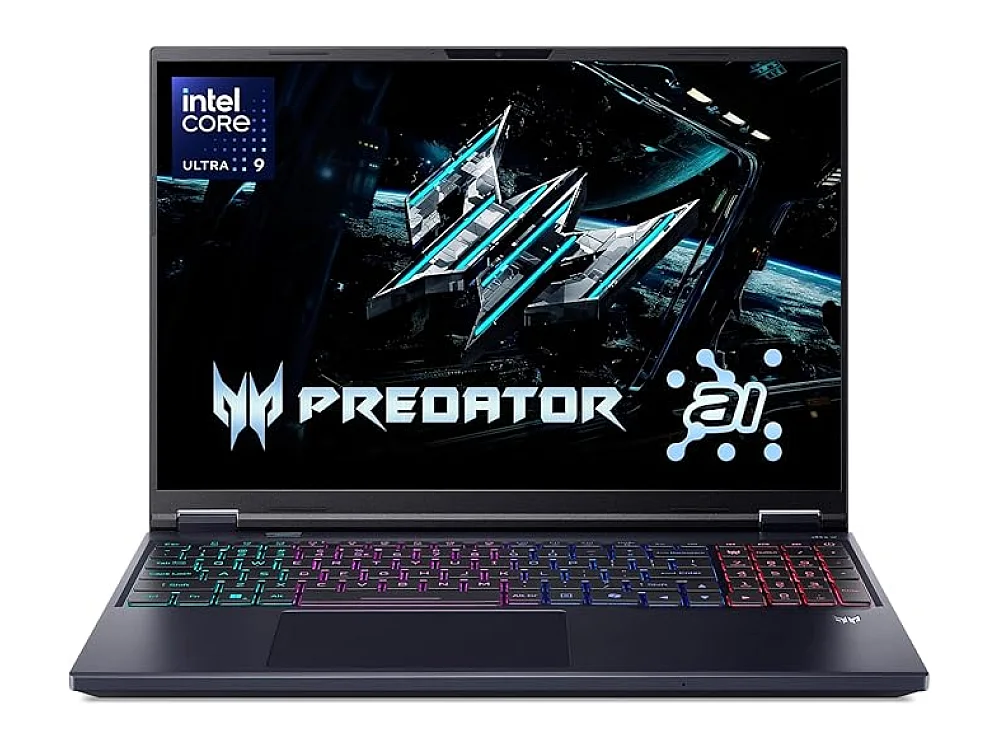 Acer Predator Helios Neo 16 AI
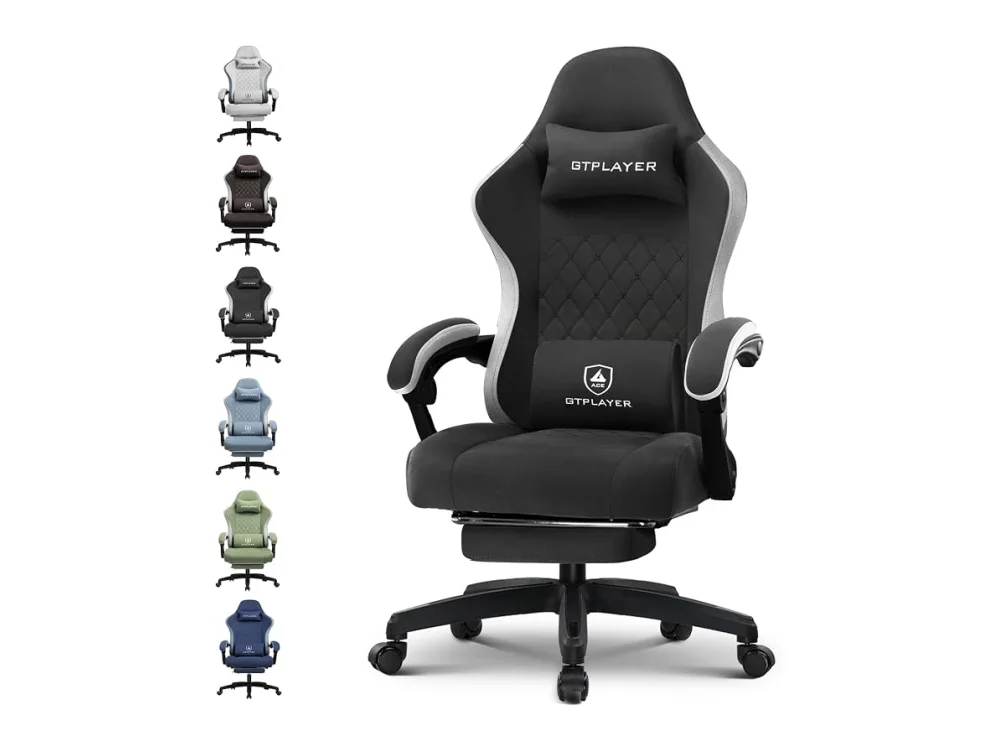 GTPLAYER Gaming Chair
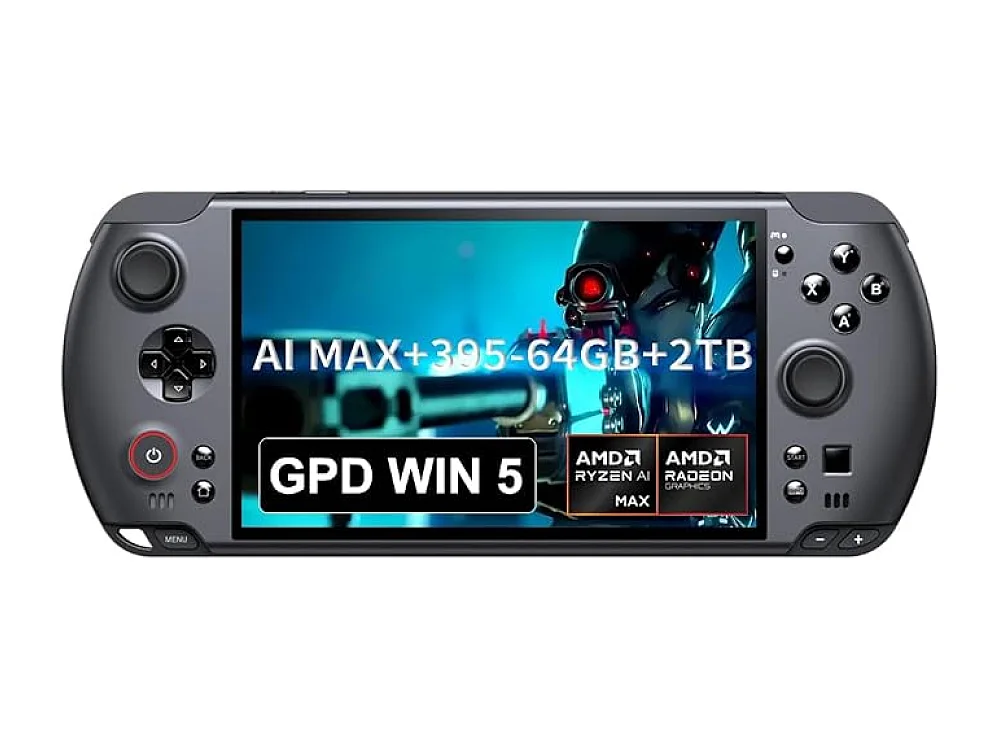 GPD WIN 5
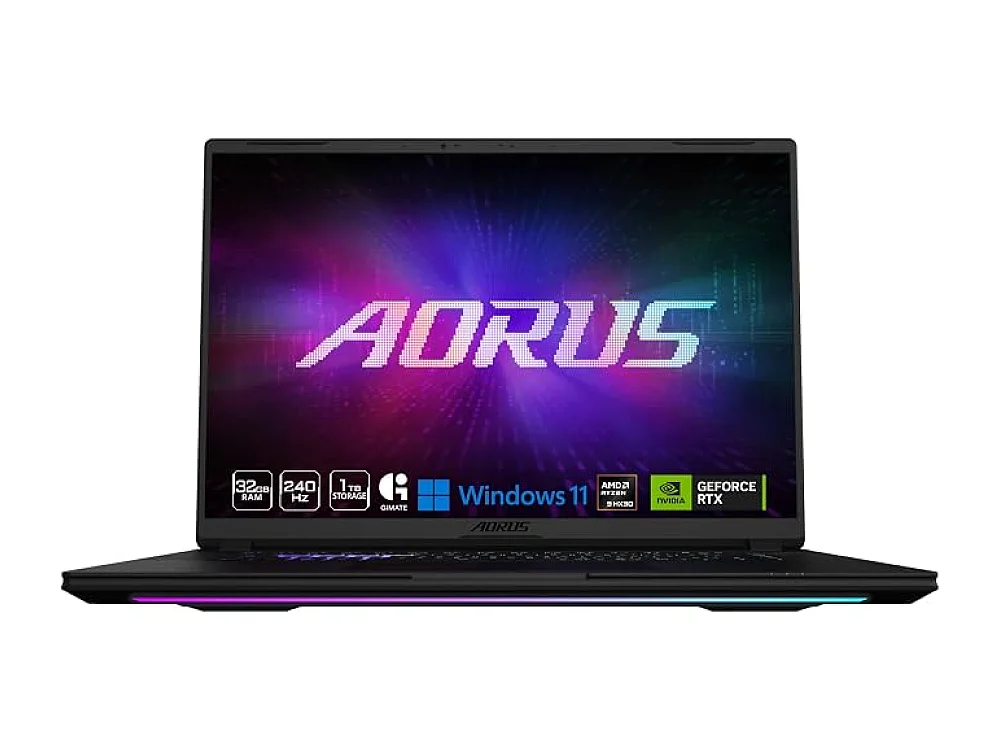 Gigabyte AORUS Master 16
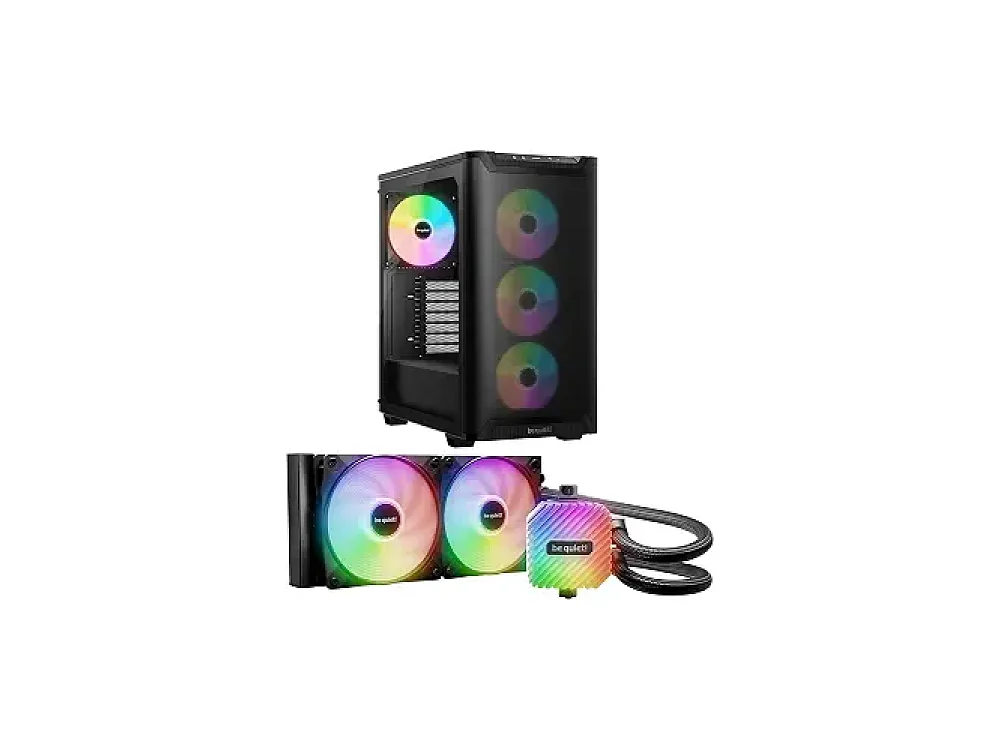 be quiet! Pure Base 501 Airflow
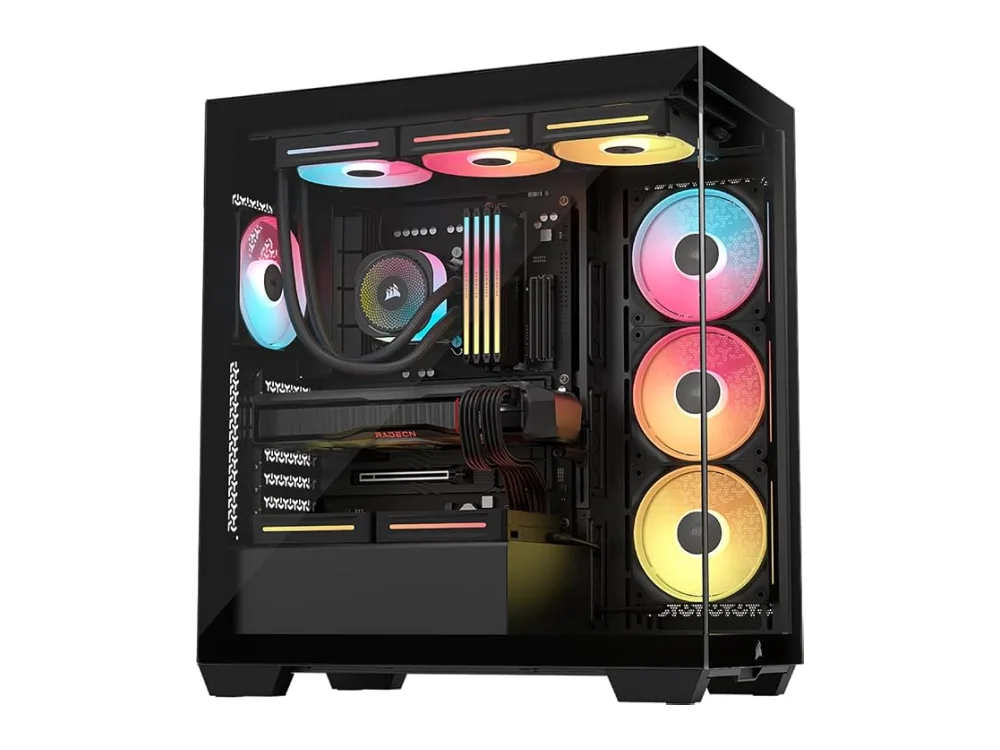 Corsair 3500X
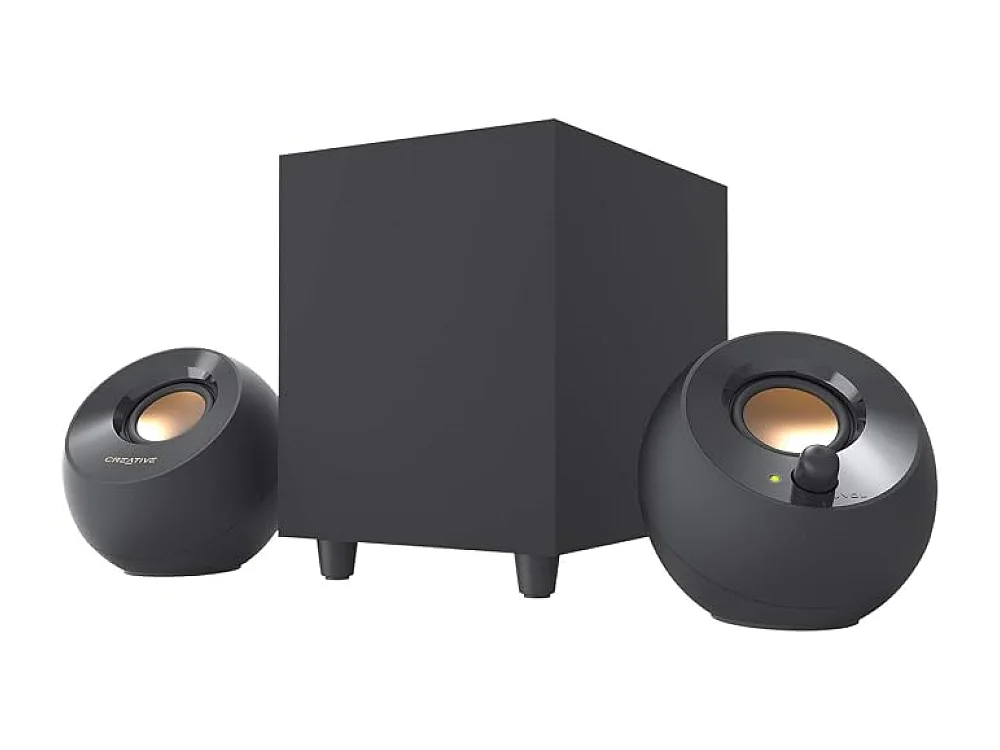 Creative Pebble Plus
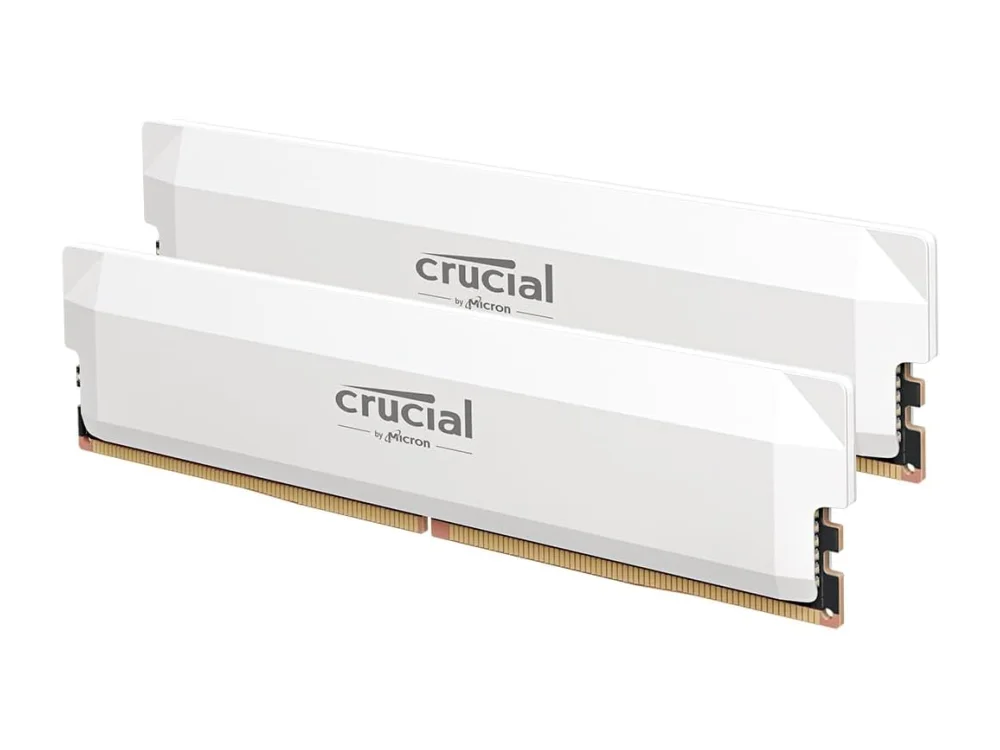 Crucial Pro Overclocking DDR5-6000
Leave a comment
Questions, corrections or your own experience: it goes to our team at comments@runonconsole.com and you get a copy.