GTA Xbox Storage: Xbox Series X|S Expansion Cards & USB Drives Explained

Article Overview & Key Takeaways
Learn how much space GTA 6 needs on Xbox Series X|S and discover the best ways to expand storage with official expansion cards or USB drives.
Gaming gear to check
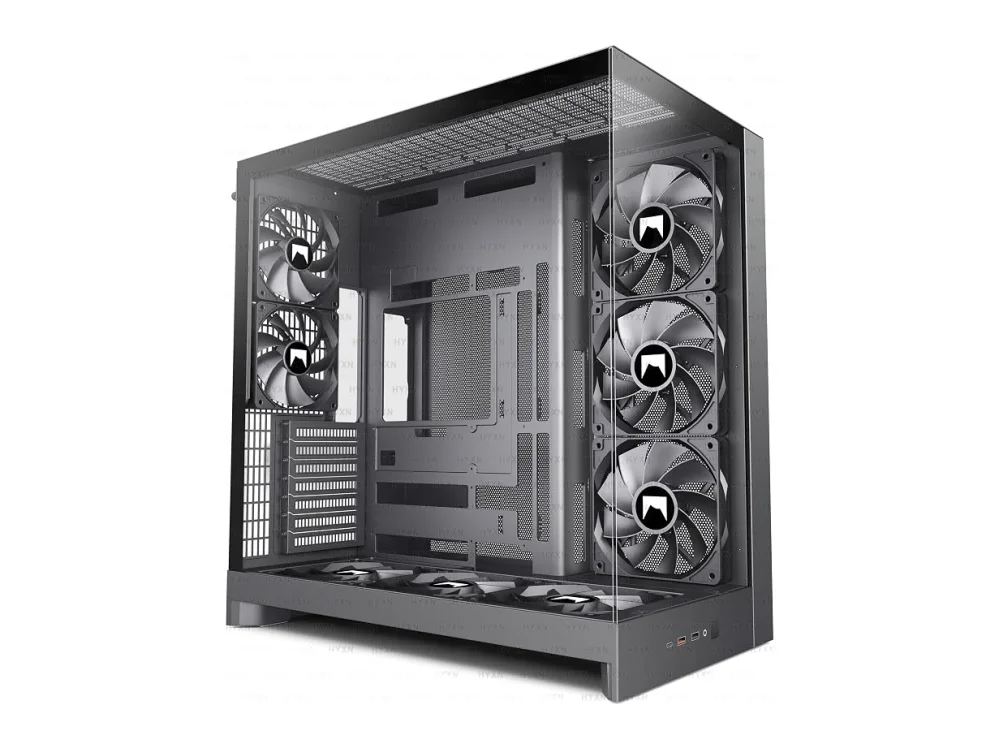 Montech TG3
 Intel Core i5-14600K
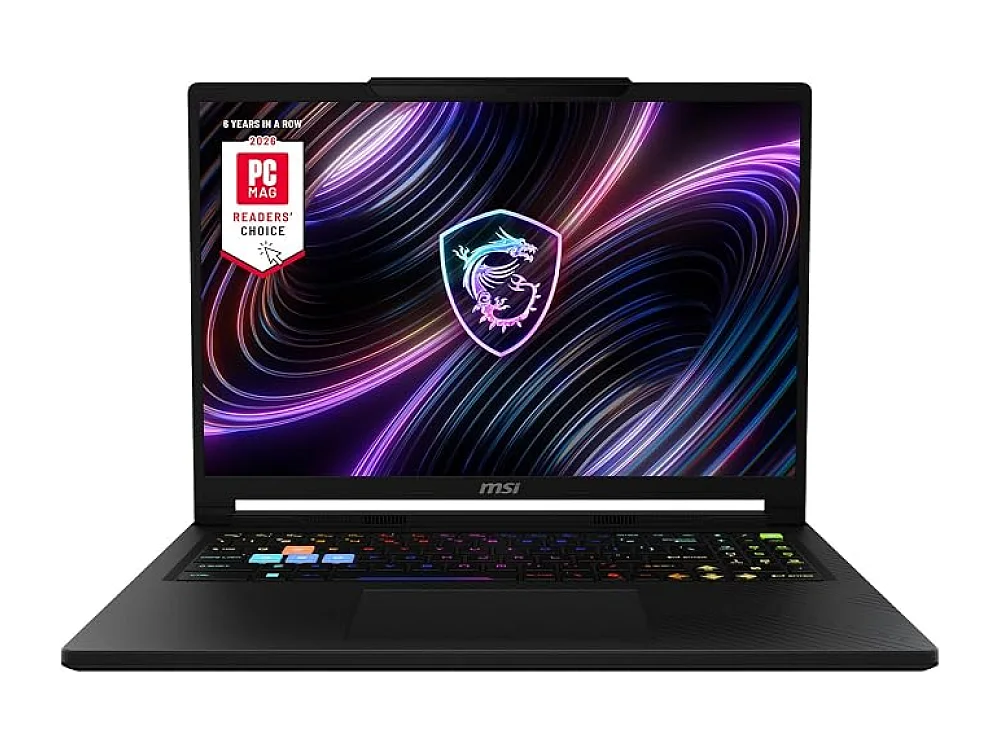 MSI Raider A18 HX
Grand Theft Auto VI launched worldwide on 19 November 2026 for PlayStation 5 and Xbox Series X|S, and it immediately demanded a massive amount of storage. Rockstar says the pre‑load can be up to 212 GB, so Xbox owners need to plan ahead if they want to install the game without deleting other titles.
For a full breakdown of the launch, pricing and the fact that there is no PC version, see the GTA 6 release date, price and PC status. If you’re wondering whether your console can handle the file size, the Can I run it? Game requirements hub explains the basics of console storage.
Xbox Series X comes with a 1 TB SSD, while the Series S ships with a 512 GB SSD. Both consoles support the proprietary Xbox Storage Expansion Card, which slots into a dedicated port on the back of the console. You can also attach a USB‑C external drive, but there are performance differences to consider.
Xbox Expansion Card for GTA Xbox Storage
The official Xbox Storage Expansion Card is available in 512 GB, 1 TB and 2 TB capacities. It uses the same NVMe technology as the internal SSD, so load times remain fast and you won’t notice a slowdown when playing GTA 6.
Who it’s for: Players who want to keep the full 212 GB GTA 6 install alongside other large games, without sacrificing performance.
Key features:
- NVMe SSD performance, matching the console’s internal drive.
- Plug‑and‑play installation – no tools needed.
- Available in 512 GB, 1 TB and 2 TB sizes.
- Same form factor for both Xbox Series X and Series S.
Pros
- Fast load times identical to the internal SSD.
- Compact, no external power brick.
- Seamless integration with the console UI.
Cons
- Higher price per GB compared with standard USB drives.
- Limited to the Xbox’s proprietary slot.
For the official product page, visit Microsoft’s Xbox Storage Expansion Card.
USB External Drives for GTA Xbox Storage
USB‑C external SSDs or high‑capacity flash drives can also be used on Xbox Series X|S, but they function as "External Storage" rather than "Expanded Storage". This means games stored on a USB drive must be transferred to the internal SSD or an expansion card before you can launch them.
Who it’s for: Gamers who need a flexible, cheaper way to store large files, backups, or older titles that don’t require the fastest load times.
Key features:
- Wide range of capacities (from 256 GB to 4 TB).
- Generally cheaper per GB than the Xbox Expansion Card.
- Works with any USB‑C port on the console.
Pros
- Cost‑effective for massive libraries.
- Portable – can be used on PC or other consoles.
Cons
- Games must be moved to internal storage to play, adding an extra step.
- Slower read/write speeds can increase load times.
- Some USB drives may require external power.
When choosing a USB drive, look for models that advertise NVMe‑based speeds and a USB‑C connection for the best experience.
How Much Space Do You Really Need?
Rockstar’s official recommendation is at least 212 GB of free space. That figure includes the base game and the initial set of downloadable content (DLC). If you plan to install future updates or extra missions, reserve an additional 50‑100 GB.
Here’s a quick way to check your current free space:
- From the Xbox home screen, go to My games & apps.
- Select Manage storage on the left.
- View the free space bar under each storage device.
If you’re below the 212 GB threshold, consider deleting older games, moving them to an external drive, or installing an expansion card.
Practical Tips to Free Up Space for GTA 6
- Delete unused games: Use the same Manage storage menu to uninstall titles you haven’t played in months.
- Move older titles to a USB drive: Highlight a game, choose Move or copy, and select your external SSD.
- Clear temporary files: Xbox automatically clears cache, but you can perform a hard reset (hold the Xbox button for 10 seconds) to refresh the system.
- Use the "Instant-On" power mode sparingly: It keeps some background data that can occupy a few gigabytes.
- Consider a 1 TB expansion card: It gives you roughly 800 GB of usable space after system files, enough for GTA 6 plus several other large games.
Comparison: Expansion Card vs. USB External Drive
| Feature | Xbox Expansion Card | USB External Drive |
|---|---|---|
| Performance (load times) | Native SSD speed – no slowdown | Varies; often slower than internal SSD |
| Installation | Plug‑and‑play, ready to use | Requires moving games before launch |
| Cost per GB | Higher | Lower |
| Portability | Console‑specific | Works on PC, other consoles |
| Capacity options | 512 GB, 1 TB, 2 TB | 256 GB – 4 TB+ |
Related GTA 6 Guides
For a deeper look at how GTA 6’s map size compares to Red Dead Redemption 2, read our GTA 6 vs RDR2 Story: How Rockstar's Two Biggest Worlds Compare. Want to see the full timeline of Rockstar’s open‑world releases? Check out GTA Games in Order of Release: From 1997 to GTA 6. If you’re on a PlayStation console, the GTA 6 Download Time PS5: 212 GB Speed Guide offers similar storage advice.
FAQ
How much free space do I need for GTA 6 on Xbox Series X?
Rockstar recommends at least 212 GB of free space for the initial install. Adding a buffer of 50‑100 GB helps accommodate future updates and DLC.
Can I use a regular USB flash drive for GTA Xbox storage?
Yes, but the drive will be treated as external storage. You must move the game to the internal SSD or an expansion card before playing, and load times may be slower.
Do expansion cards work on Xbox Series S?
Absolutely. The same proprietary slot is present on both Series X and Series S, and the cards function identically on the smaller console.
Conclusion
GTA 6’s 212 GB footprint means Xbox Series X|S owners need to think ahead about storage. The official Xbox Expansion Card offers the simplest, fastest solution, while a high‑capacity USB‑C SSD provides a cheaper, more flexible alternative at the cost of an extra step before launching the game. By checking your current free space, pruning unused titles, and choosing the right storage method, you’ll be ready to dive into Leonida’s massive world without interruption.
Keep reading: more on Can I run it? Game requirements
Keep reading
Gaming gear on Run On Console
 be quiet! Shadow Base 800
 Corsair Vengeance DDR5-6000
 Gigabyte AORUS Master 16
 HON Ignition 2.0
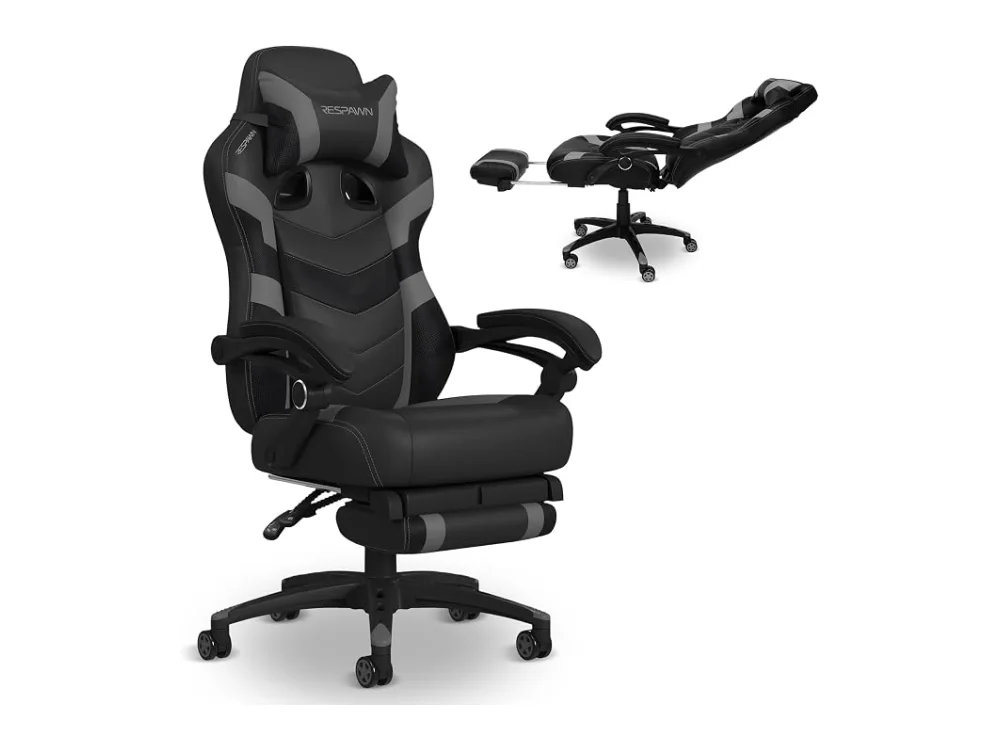 Respawn 110 Pro
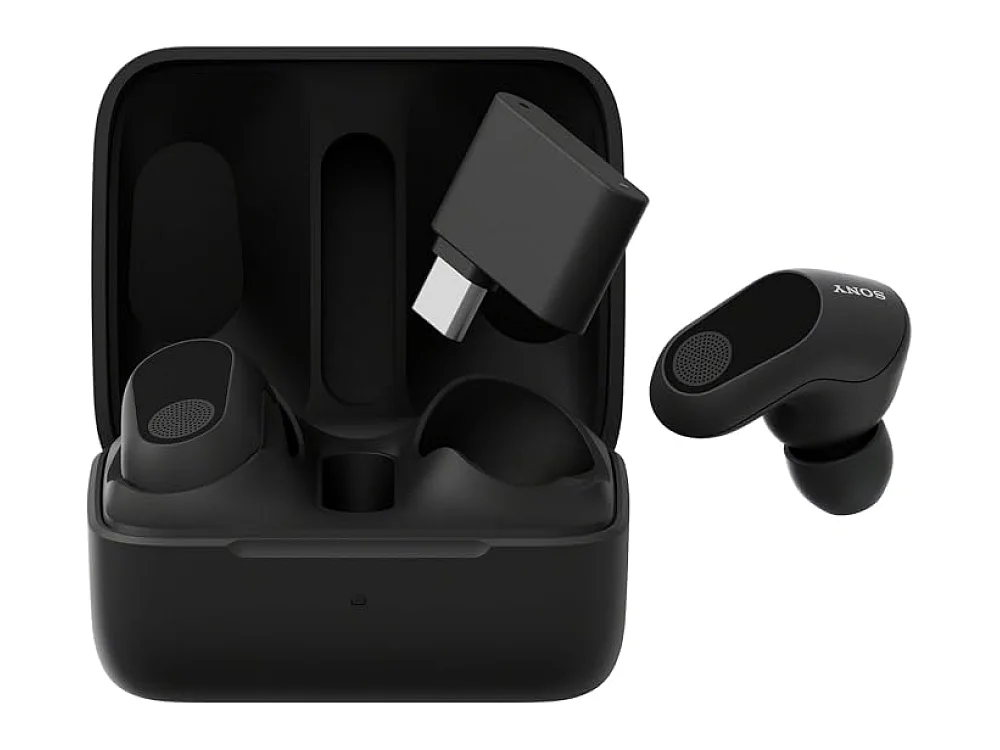 Sony INZONE Buds
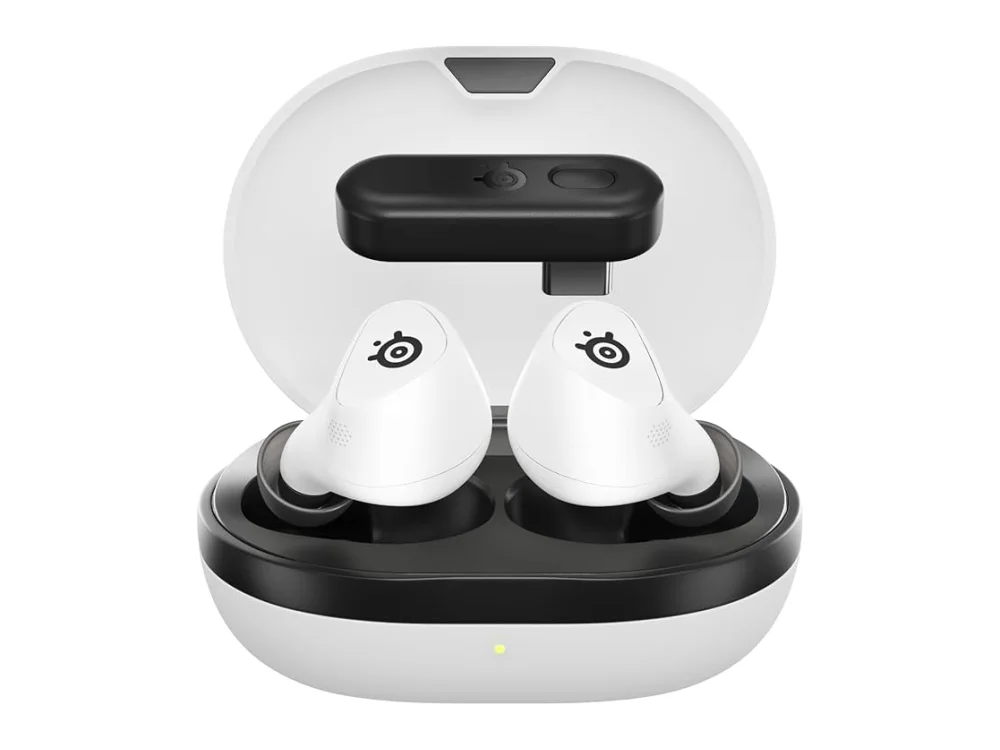 SteelSeries Arctis GameBuds
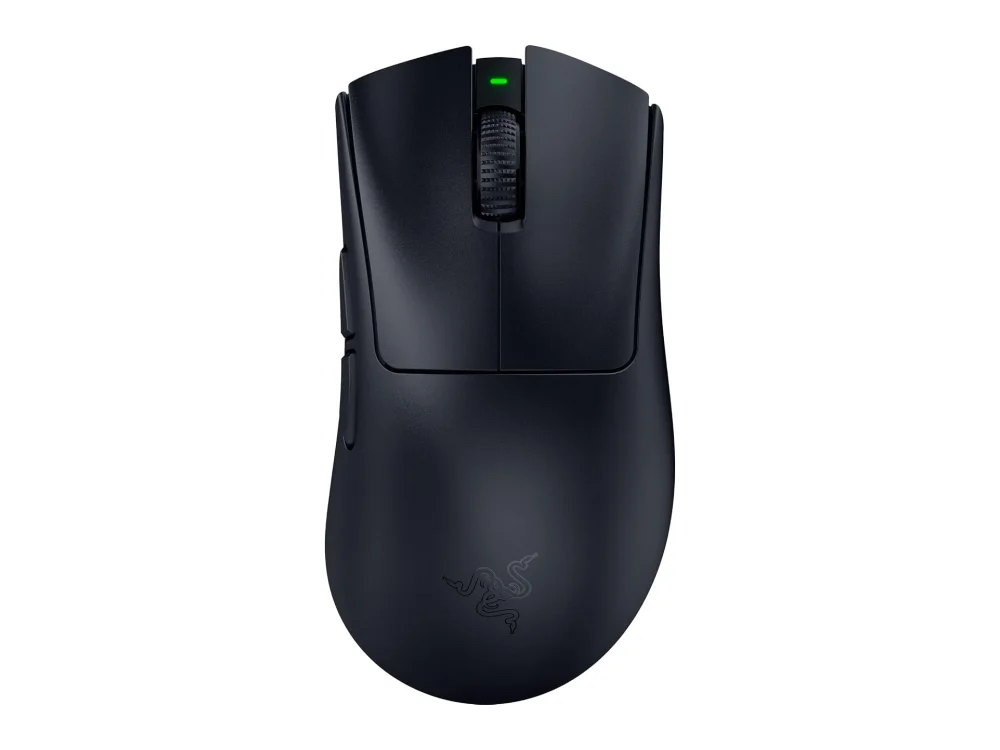 SteelSeries Prime Wireless Mini
Leave a comment
Questions, corrections or your own experience: it goes to our team at comments@runonconsole.com and you get a copy.