Discord Rust rewrite cuts RAM usage to 290 MB


The story in short
Discord has confirmed a full rewrite of its desktop app in Rust, abandoning Electron. Early builds show memory usage dropping to 290 MB, significantly lower than competitors.
Gaming gear to check
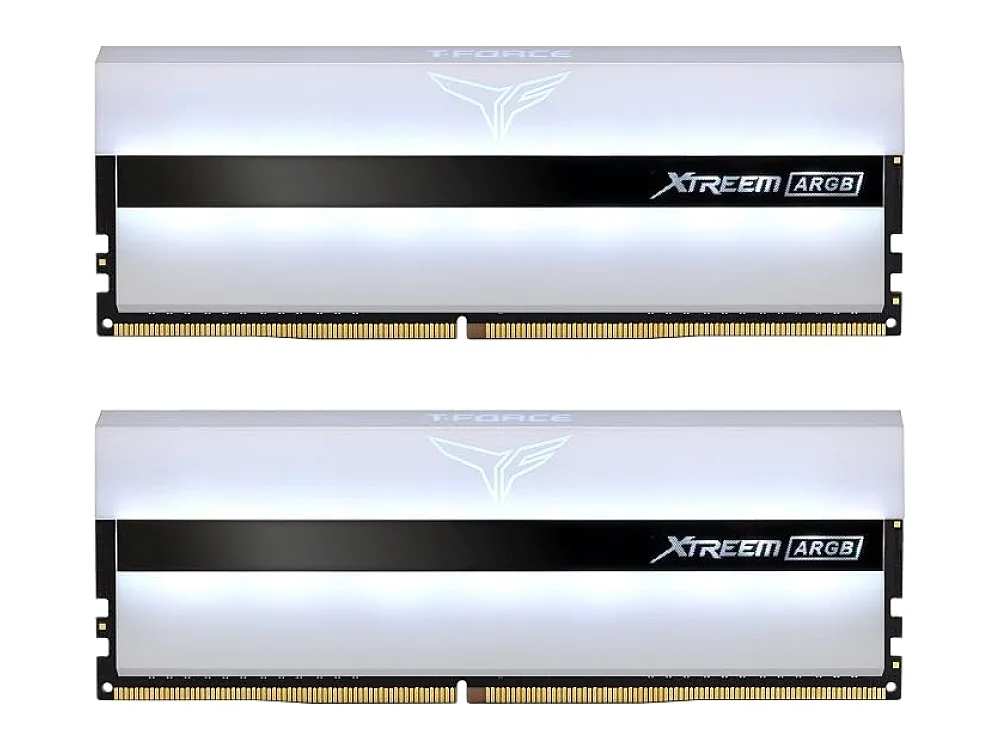 TeamGroup T-Force Xtreem ARGB DDR4-3600
 Corsair Vengeance DDR5-6000
 Crucial Pro Overclocking DDR5-6000
Discord is replacing its Electron-based desktop application with a new client written in Rust, according to reports from TechPowerUp and The Verge. The shift aims to reduce system resource consumption, with early internal builds showing dramatic improvements in memory efficiency.
What we know
Stanislav Vishnevskiy, Discord's CTO and co-founder, shared performance data indicating the new client, internally known as "Discord Phoenix," uses approximately 290.2 MB of RAM. This figure comes from a Task Manager screenshot posted on X, which also listed Steam's WebHelper at 856 MB and Battle.net at 344 MB. According to Vishnevskiy, the current Windows client typically stays under 1 GB but has been tested to auto-restart if it exceeds 4 GB. The move away from Electron, a framework that often leads to high resource usage, marks a significant architectural change for the platform.
Why it matters for gamers
For PC gamers, every megabyte of RAM counts, especially when running demanding titles alongside communication apps. A lighter client means less pressure on your system, potentially improving frame times and stability. This is particularly relevant for users with mid-range hardware who rely on Discord for voice chat during intense gaming sessions. By reducing background noise, the new build allows your hardware to focus more on the game itself.
ROC's take
This rewrite is a clear win for efficiency, but gamers should not expect immediate changes to gameplay performance. The reduction in RAM usage is substantial, moving from a heavy framework to a language designed for speed and safety. However, this is an early build, so final performance may vary. Users with high-end setups may not notice a difference, but those on tighter budgets or using integrated graphics will benefit from the freed-up memory. It is not yet clear when the full release will occur, so patience is required before you see these numbers in your own Task Manager.
What to do now
Keep an eye on Discord's official channels for the public release of the Rust-based client. In the meantime, you can check if your current system meets the requirements for your favorite games using our PC requirements checker. If you are looking to upgrade your setup to handle heavier multitasking, browse our picks for the best Gaming Laptops. For more on how different platforms handle background processes, explore our consoles and gaming platforms coverage. You can also find detailed breakdowns of hardware capabilities in our gaming hardware section and practical tips in our how-to guides.
See it on Run On Console
- Best gaming laptops: our picks
- Can I run it?: check a PC game against your hardware
Sources
Verified by 2 trusted sources. This story was written from the reports below and checked against them before it was published.
Keep reading
Gaming gear on Run On Console
 ASUS ROG Ally Z1 Extreme vs AYANEO KUN
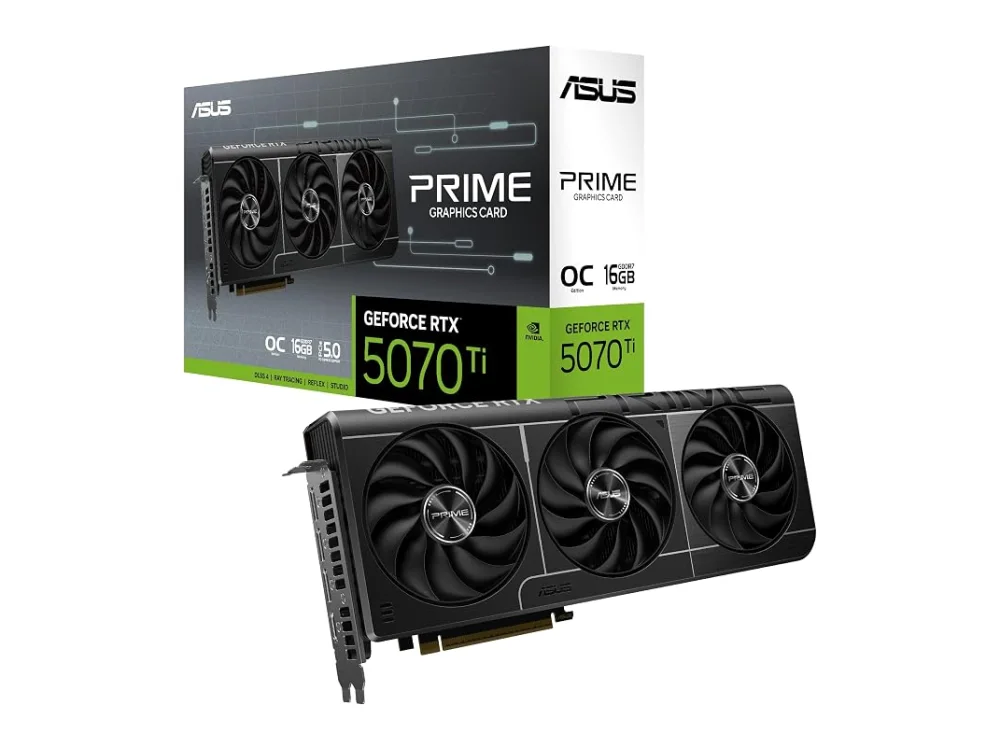 NVIDIA GeForce RTX 5070 Ti vs NVIDIA GeForce RTX 5060 Ti 16GB
 AMD Ryzen 7 8700G
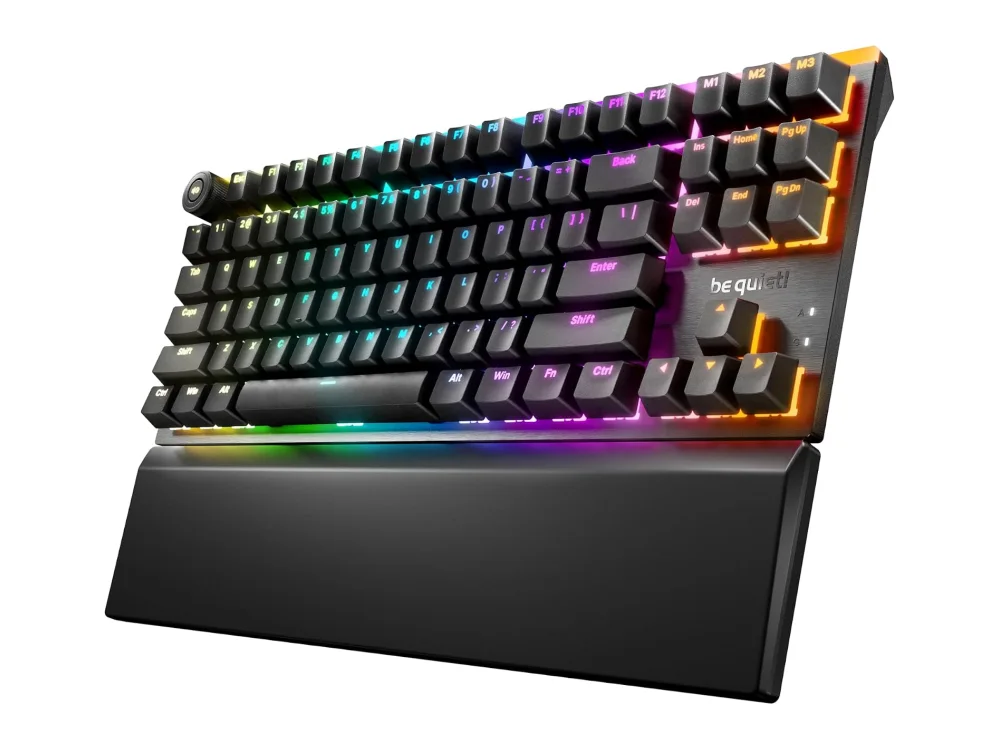 be quiet! Light Mount TKL
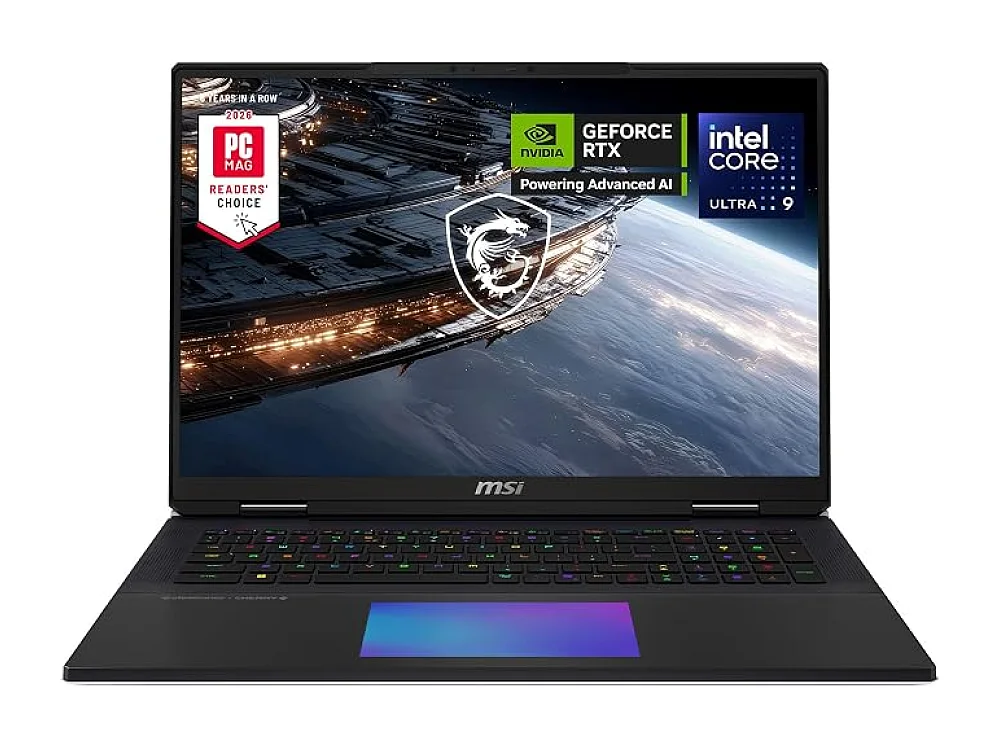 MSI Titan 18 HX AI
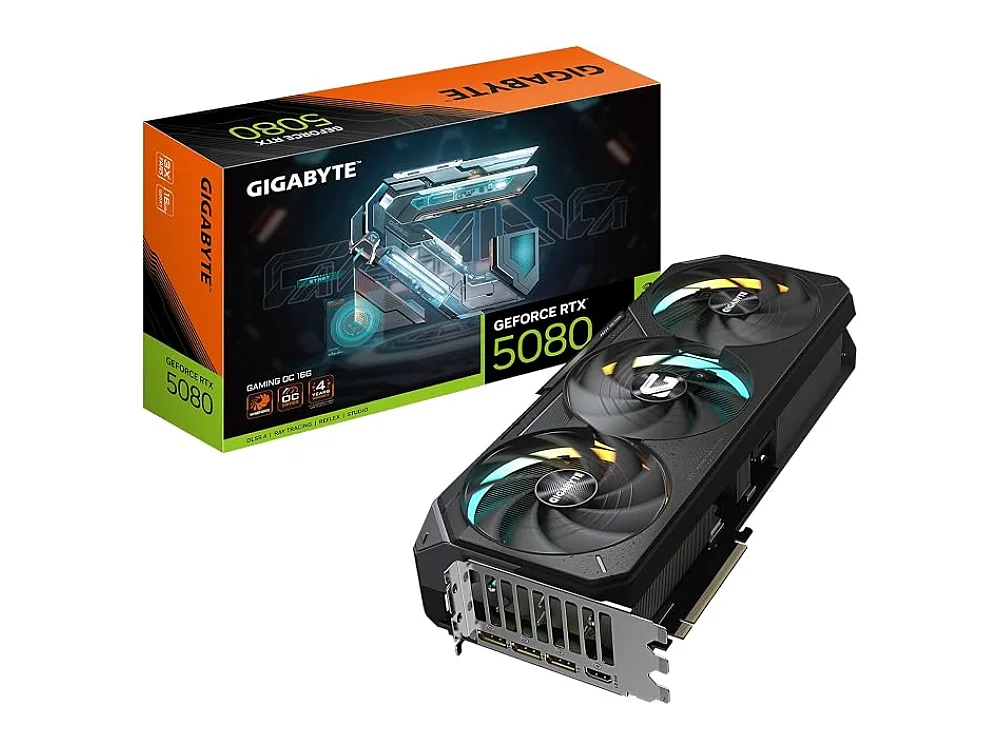 NVIDIA GeForce RTX 5080
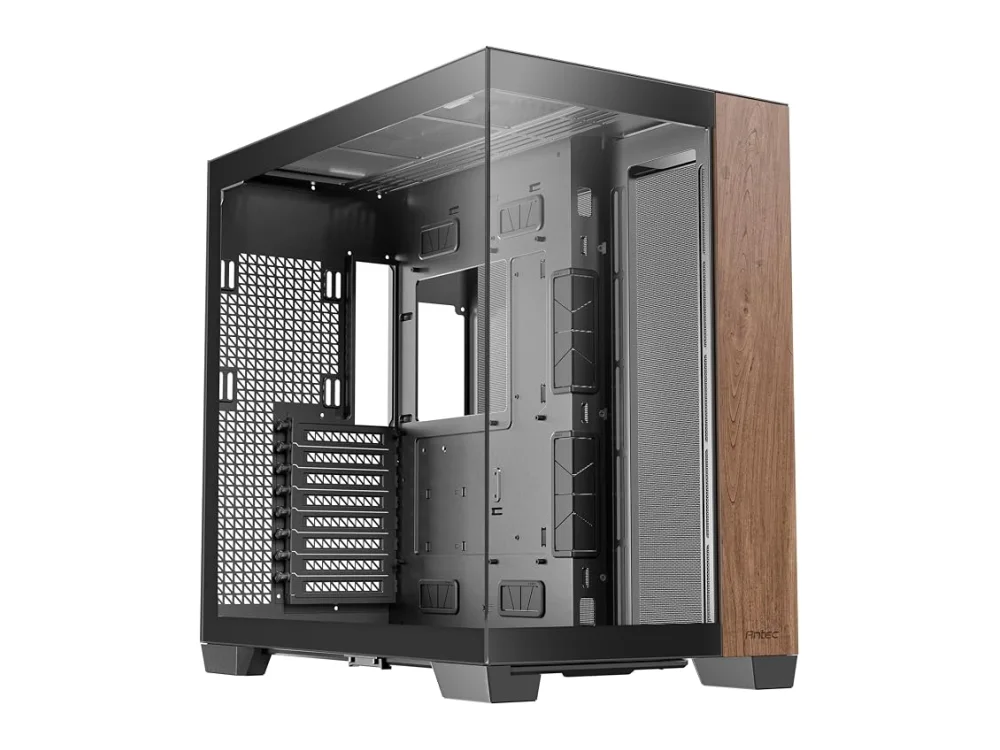 Phanteks G500A
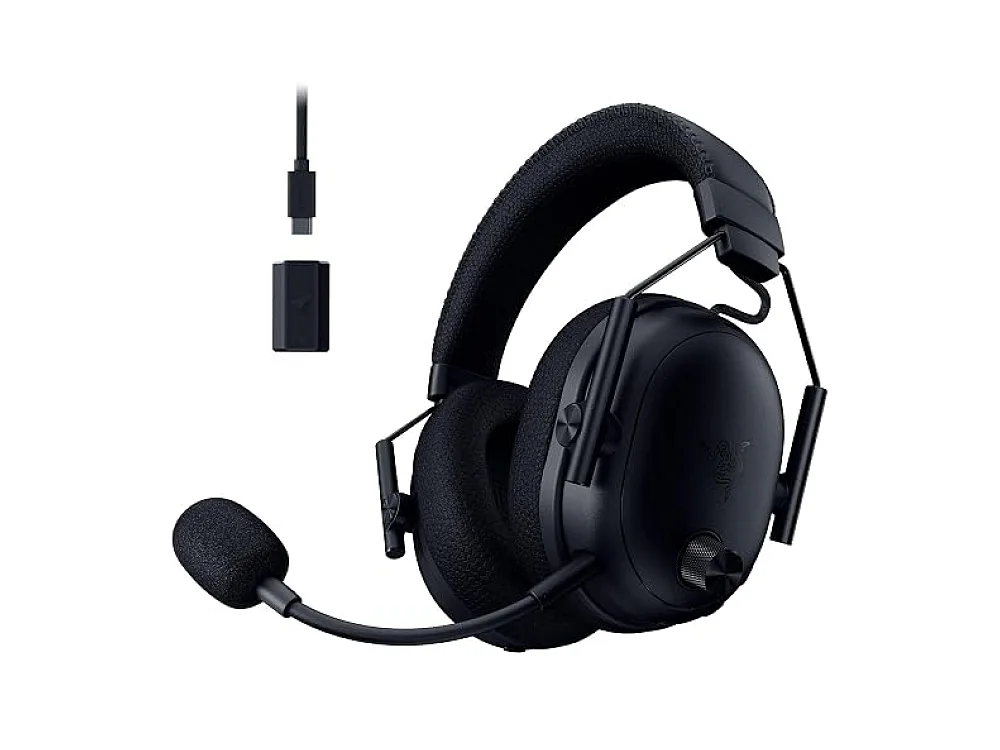 Razer BlackShark V3 Pro
Leave a comment
Questions, corrections or your own experience: it goes to our team at comments@runonconsole.com and you get a copy.