Mackie CR3.5BT + CR8SBT vs Creative Pebble V3
The Mackie CR3.5BT + CR8SBT gives a 2.1 setup with a powered subwoofer for deeper bass, while the Creative Pebble V3 offers a 2.0 pair that is smaller and cheaper. Gamers who need richer low-end and a dedicated subwoofer will lean toward Mackie, whereas those with tight desks or tight budgets should choose Pebble V3.
 VS
VS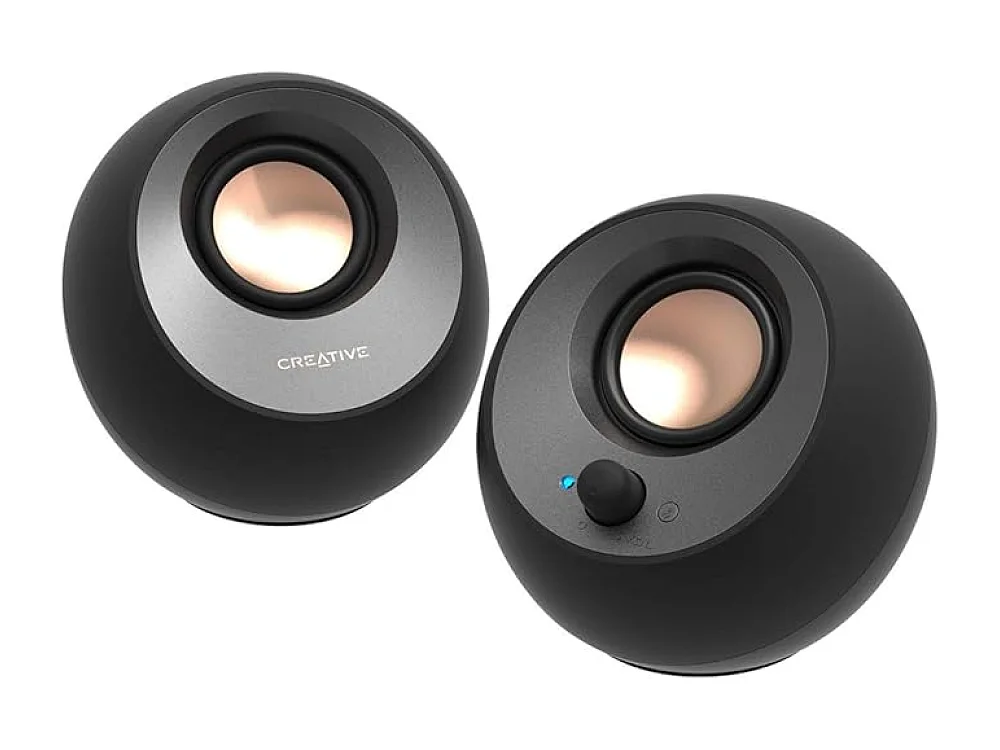
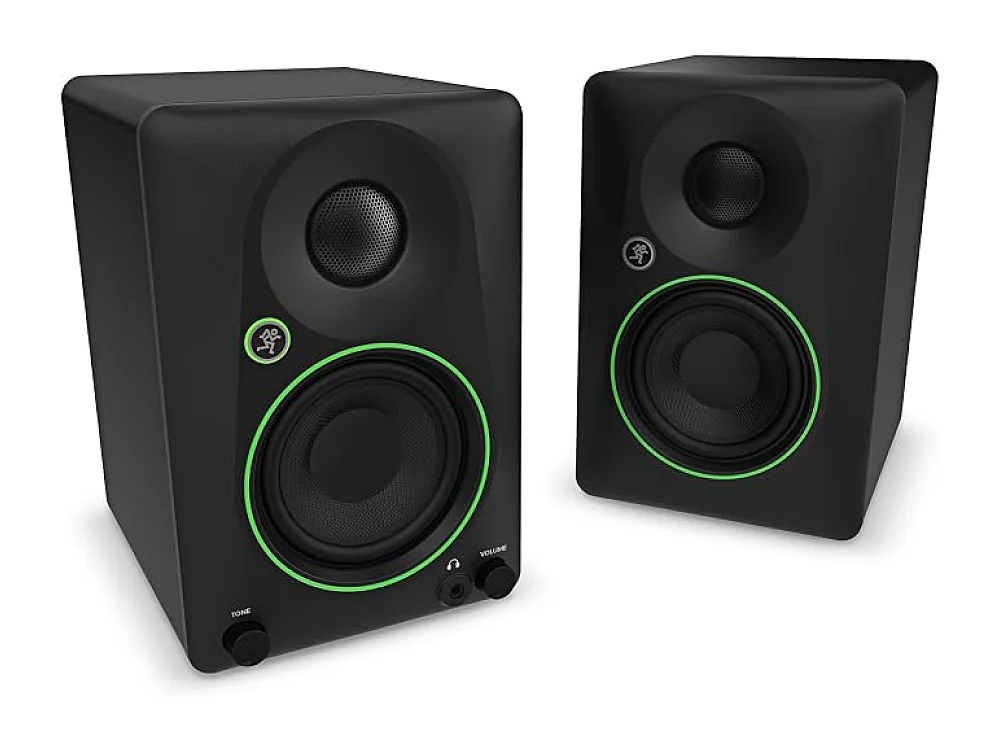
Mackie CR3.5BT + CR8SBT
Best Overall PC SpeakersMackie CR3.5BT + CR8SBT is best for players who want a richer bass response and can accommodate the larger footprint.
Creative Pebble V3
Best Ultra-BudgetCreative Pebble V3 is best for players who need a compact, budget-friendly solution and are okay with limited bass.
The differences that matter
- Mackie has a 2.1 layout with an 8-inch subwoofer; Pebble is 2.0 with no subwoofer
- Mackie uses Bluetooth 5.0 and analog inputs; Pebble uses USB-C power and Bluetooth 5.0
- Mackie monitors are 3.5-inch drivers, Pebble uses 2-inch drivers
- Mackie offers a powered subwoofer for deeper bass, Pebble has only a passive bass radiator
- Mackie is larger and requires more desk space, Pebble is compact and fits tight shelves
Specs side by side
| Mackie CR3.5BT + CR8SBT | Creative Pebble V3 | |
|---|---|---|
| Brand | Mackie | Creative |
| Best For | Best Overall PC Speakers | Best Ultra-Budget |
| Key Specs | 2.1 · 3.5-inch monitors + 8-inch subwoofer · Bluetooth 5.0 | 2.0 · USB-C · Bluetooth 5.0 · compact |
Pros and cons
Mackie CR3.5BT + CR8SBT
- Compact 2.1 design fits most desks
- Bluetooth 5.0 provides reliable wireless audio
- Balanced monitors give clear mids and highs
- Powered subwoofer adds depth to low frequencies
- No dedicated surround channels
- Limited volume boost for very loud gaming sessions
- No built-in headphone jack
Creative Pebble V3
- USB-C power eliminates a separate AC adapter
- Bluetooth 5.0 provides reliable wireless streaming
- Compact footprint fits tight desk spaces
- Simple rotary knob for quick volume changes
- Affordable price point for entry-level builds
- Limited bass response compared to larger speakers
- No dedicated subwoofer or surround channels
- No on-board EQ controls
Mackie CR3.5BT + CR8SBT vs Creative Pebble V3: questions
Which is better for low-end bass?
The Mackie CR3.5BT + CR8SBT has a dedicated 8-inch subwoofer, so it delivers stronger bass than the Pebble V3. If deep bass is critical, check the subwoofer power rating on the listing.
What is the main difference between the two?
The main difference is the presence of a subwoofer and the 2.1 versus 2.0 channel configuration. Mackie also includes analog inputs, while Pebble relies on USB-C power and a single volume knob.
Is the upgrade worth it?
If you have space and need more immersive sound, the Mackie offers more depth; if space or budget is tight, the Pebble provides adequate clarity at a lower cost.
More on Run On Console
We compare what each product's own specs and listing say; we do not show prices because they change every day. We may earn a commission from qualifying purchases.