Cooler Master HAF 700 vs Corsair 3500X
The Cooler Master HAF 700 is a full-tower steel case focused on airflow and space, while the Corsair 3500X is a mid-tower tempered-glass case that balances aesthetics and cable management. If you need room for big GPUs or custom loops, choose the HAF 700; for a compact, show-case build, go with the 3500X.
 VS
VS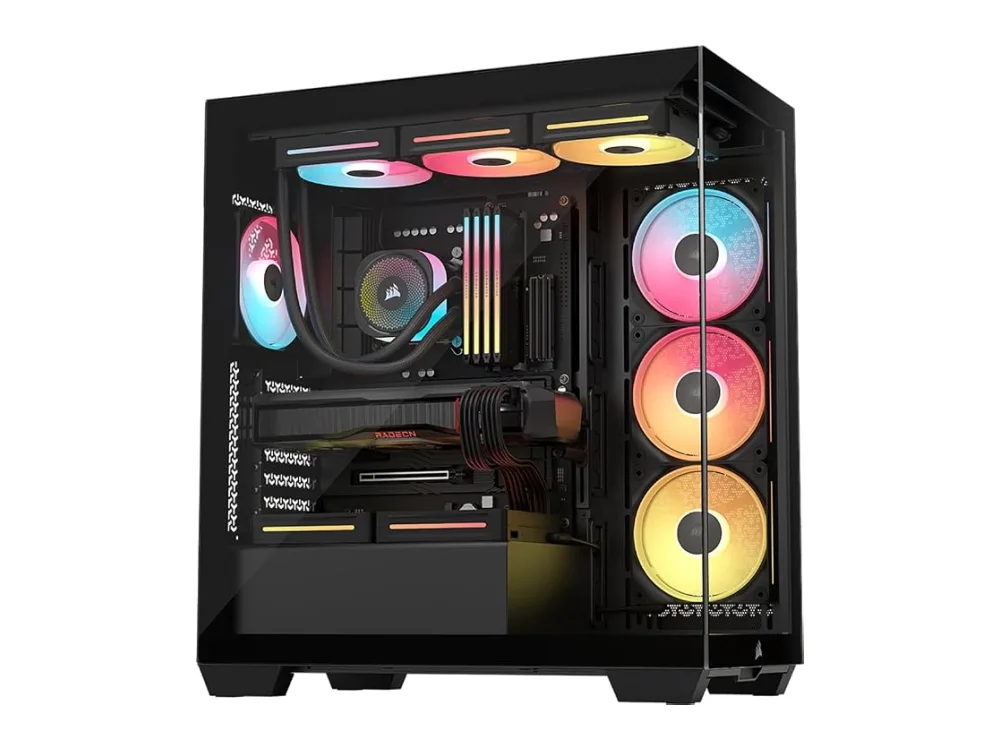
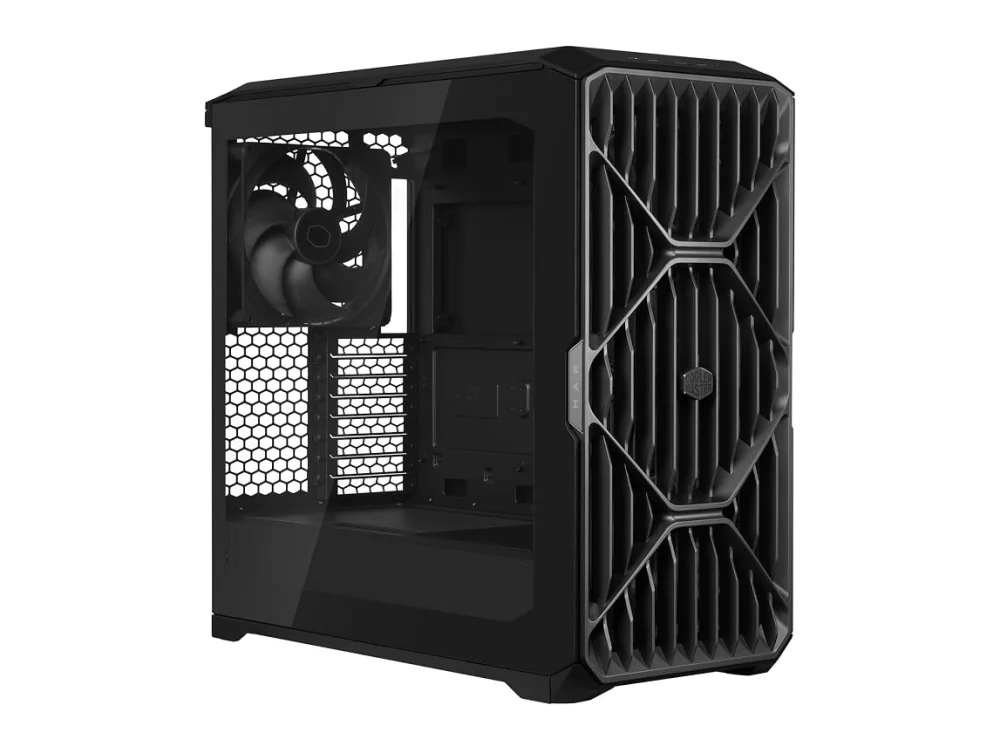
Cooler Master HAF 700
Airflow-focused buildsCooler Master HAF 700 is best for builders who need maximum space, airflow and are not concerned with RGB or glass panels. It is ideal for large GPU builds, custom water loops, or enthusiast workstations that value cable management over visual flair.
Corsair 3500X
Mid-range gaming buildsCorsair 3500X suits those who want a compact mid-tower with a tempered-glass side panel, good cable routing, and moderate fan support. It is suitable for mid-range gaming rigs that benefit from a show-case look and easy dust cleaning.
The differences that matter
- Case size: HAF 700 is full-tower, 3500X is mid-tower
- Build material: HAF 700 uses steel panels, 3500X has steel frame with tempered glass side
- Cooling focus: HAF 700 prioritizes airflow, 3500X offers moderate fan space
- Aesthetics: HAF 700 has plain design, 3500X shows tempered glass
- Cable management: HAF 700 has simple routing, 3500X has dedicated openings
- Water cooling: HAF 700 supports custom loops more easily, 3500X has limited native mounting
Pros and cons
Cooler Master HAF 700
- Sturdy steel construction.
- High-airflow front mesh.
- Spacious interior for large components.
- Removable side panel for easy access.
- Simple cable routing options.
- No built-in RGB or tempered glass.
- Heavier than aluminum alternatives.
- Plain aesthetic may not suit style-focused builds.
Corsair 3500X
- Tempered-glass side panel for visual appeal
- Solid steel frame provides durability
- Good cable management openings
- Removable dust filters for easy cleaning
- Adequate space for multiple fans
- Limited native water-cooling mounting options
- No built-in RGB lighting
- May be larger than ultra-compact cases
Cooler Master HAF 700 vs Corsair 3500X: questions
Which case is better for large GPU builds?
The HAF 700 offers more clearance and a larger interior, making it better for oversized GPUs and multiple storage drives.
What is the main difference between the two?
The HAF 700 focuses on airflow and space with a plain steel design, while the 3500X balances a smaller footprint, tempered glass aesthetics, and cable management.
Is upgrading to the Corsair 3500X worth it for a show-case build?
If you need a smaller case with a tempered-glass side panel and good cable routing, the 3500X is worthwhile. If space and airflow are higher priority, stick with the HAF 700.
More on Run On Console
We compare what each product's own specs and listing say; we do not show prices because they change every day. We may earn a commission from qualifying purchases.