Can I run Blade Symphony?
Blade Symphony (2014) is an action and indie game and a very light game for a PC. It even runs on integrated graphics, so most laptops and office PCs can play it.

Quick answer
- Minimum graphics card: integrated graphics.
- GTX 1650 + Core i5-8400 + 16 GB: 100%, high settings.
- RTX 3060 + Ryzen 5 5600 + 16 GB: 100%, high settings.
- Laptop with integrated graphics + 8 GB: 89%, medium to high settings.
- How heavy: Blade Symphony is lighter than 53% of the 3,334 PC games on Run On Console, and is lighter than 60% of the 1,807 action games.
- Download size: 5 GB HD space.
- Steam Deck: Playable (Valve's rating).
From the official Steam requirements and our checker's scores (how we check). Check your own PC below.
Check your PC
Choose the graphics card, processor and memory closest to yours. Not sure? On Windows press Win + R, type dxdiag and look at "Processor", "Memory" and the Display tab.
See every game your PC can run →
Blade Symphony FPS: what players get
No player has shared an FPS for Blade Symphony yet. Played it? Your numbers help the next player decide. See FPS reports for other games
Share your FPS
Blade Symphony on Steam Deck: Playable
Playable Blade Symphony runs on Steam Deck, but Valve found some extra steps, such as small text or a menu that needs the touchscreen.
- Some controls need a mouse, keyboard or the touchscreen
- Some on-screen buttons show another controller or keyboard keys
- You may need to open the on-screen keyboard yourself
- Gamepad not enabled by default
- Text is easy to read on the Deck screen
- Runs well with the default settings
Rating from Valve's Steam Deck tests, as shown on the game's Steam page, checked November 2026. All Steam Deck games.
Blade Symphony system requirements
| Minimum | |
|---|---|
| Processor | 3.0 Ghz P4(+), Dual Core 2.0(+) or AMD64X2(+) |
| Memory | 2 GB RAM |
| Graphics | DX9.0c Compatible 256MB VRAM, NVIDIA Geforce 7600 Series / ATI x1600 Series |
| Storage | 5 GB HD space |
The game's Steam page lists only the minimum requirements.
Source: the official Blade Symphony Steam page, checked November 2026. How we check games.
Which PC runs Blade Symphony?
To play it you need at least integrated graphics (Intel UHD / Iris Xe) or any graphics card, 3.0 Ghz P4(+), Dual Core 2.0(+) or AMD64X2(+) (or a processor of the same speed) and 2 GB of RAM.
Graphics card: minimum
Processor: minimum
- Intel Core 2 Quad Q6600
- Intel Core i3-6100
- AMD FX-8350
How common PCs do: GTX 1650 + Core i5-8400 + 16 GB: 100%, high settings; RTX 3060 + Ryzen 5 5600 + 16 GB: 100%, high settings; Laptop with integrated graphics + 8 GB: 89%, medium to high settings.
Parts with the same speed (and newer, faster ones) work too. Laptop versions of a graphics card are usually a little slower.
Best graphics cards for Blade Symphony
Blade Symphony runs without a graphics card, on integrated graphics. If you want one anyway:
| Pick | Graphics cards still sold new | Why |
|---|---|---|
| Room to spare | Radeon RX 6600 or GeForce RTX 3060 Intel Arc B580 · Check price on Amazon | Faster than the game asks for |
From the official Steam requirements and our tier scale (how we check). Your processor and RAM need to meet the game too: use the check above to see what holds your PC back.
PC builds for Blade Symphony
Parts from our product guides: the lowest of each that reaches the game's recommended specs. Prices change every day, so Amazon shows today's price.
Recommended build
Plays Blade Symphony on high settings (the recommended specs)
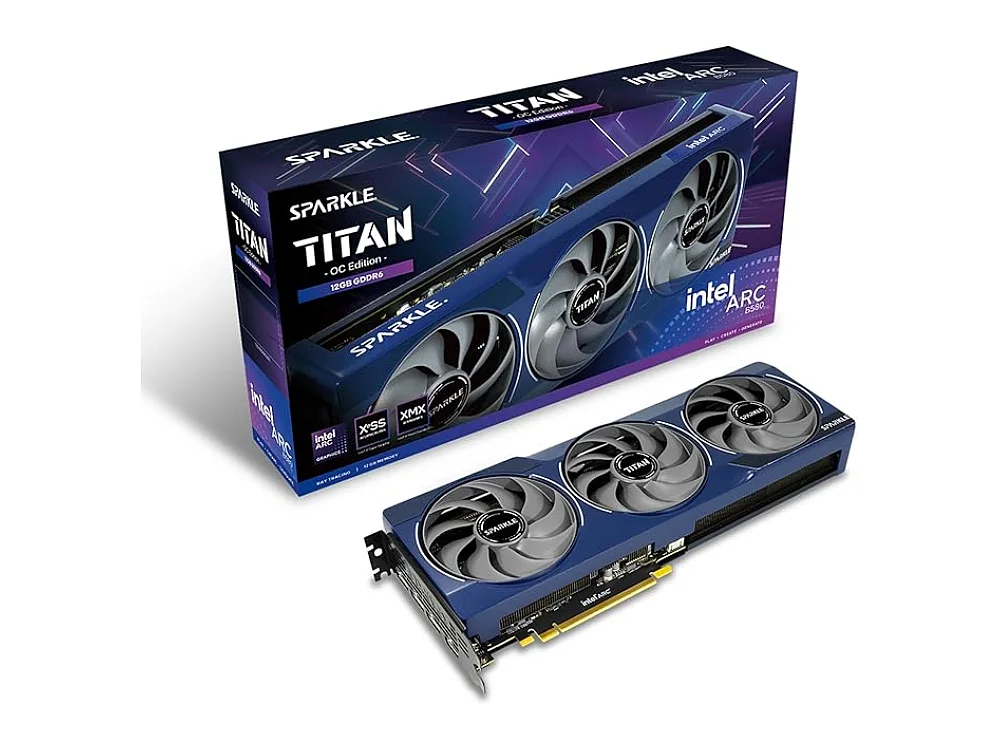 Graphics cardIntel Arc B580Amazon
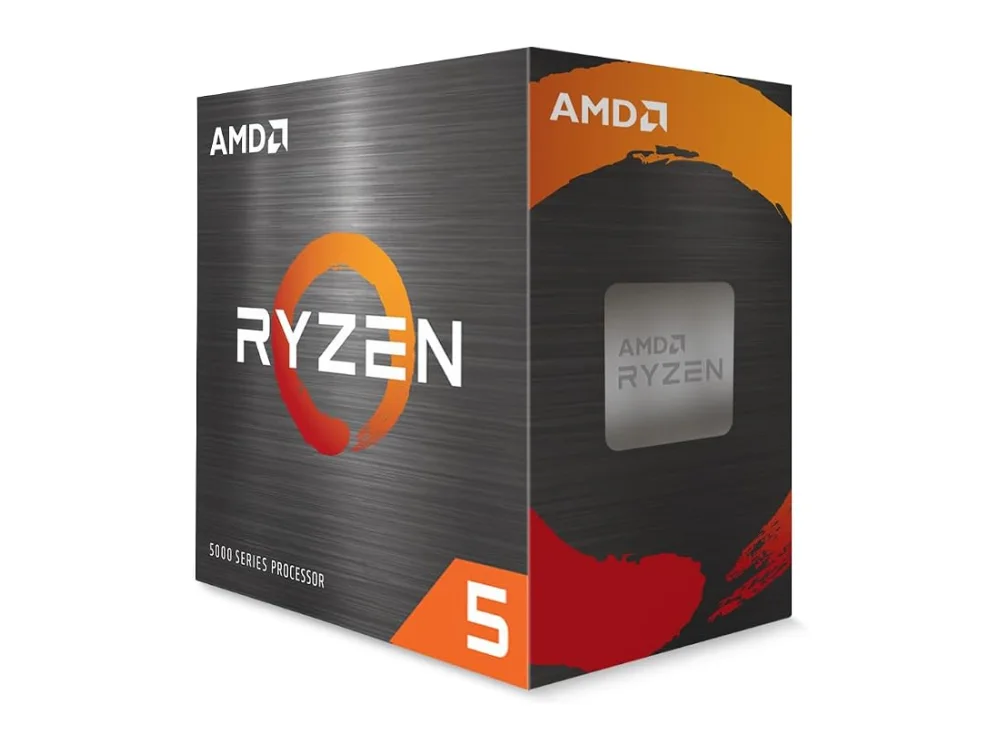 ProcessorAMD Ryzen 5 5500FAmazon
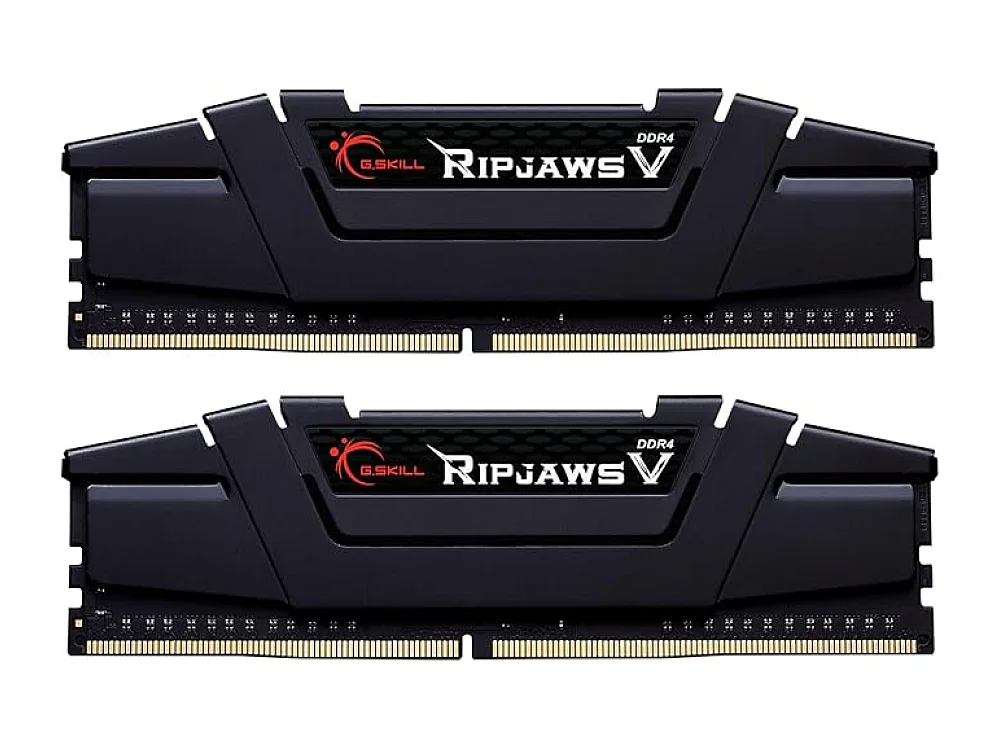 Memory (8 GB+, DDR4)G.Skill Ripjaws V DDR4-3200Amazon
Already have some parts? what to upgrade first. As an Amazon Associate we earn from qualifying purchases.
Blade Symphony: questions
What are the minimum system requirements for Blade Symphony?
What graphics card do I need for Blade Symphony?
Can a GTX 1650 run Blade Symphony?
Can Blade Symphony run without a graphics card (integrated graphics)?
Can I play Blade Symphony on a laptop?
Is 8 GB of RAM enough for Blade Symphony?
Can I play Blade Symphony with 4 GB of RAM?
How many GB is Blade Symphony?
What is the best graphics card for Blade Symphony?
Can you play Blade Symphony on Steam Deck?
Similar games: can you run them?
Gear to play Blade Symphony
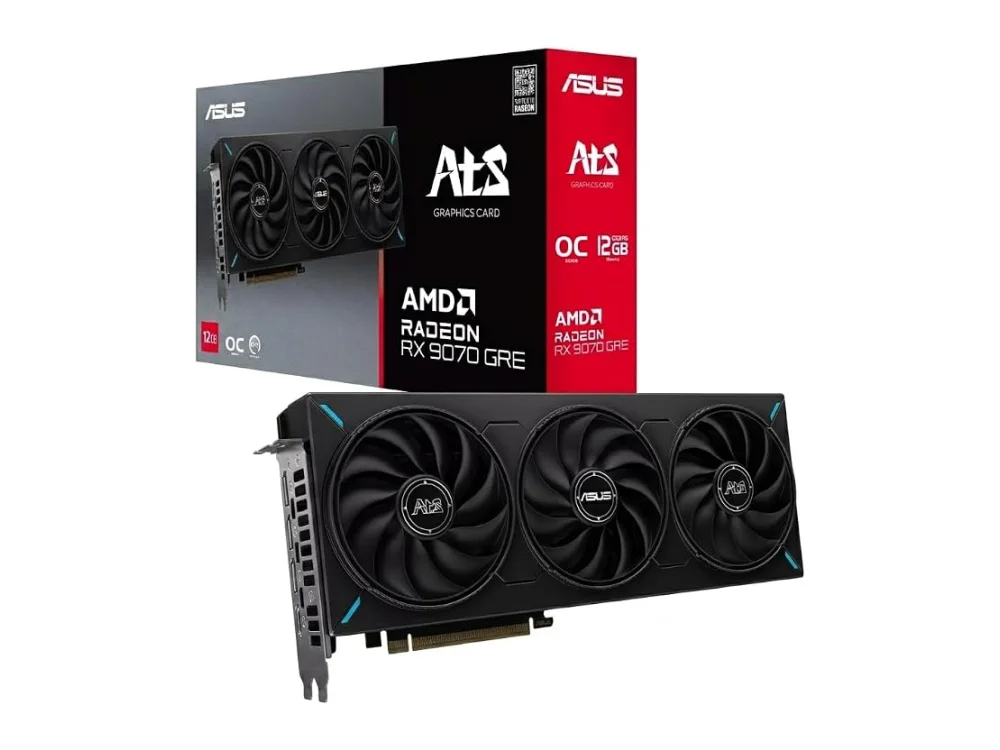 AMD Radeon RX 9070 GRE
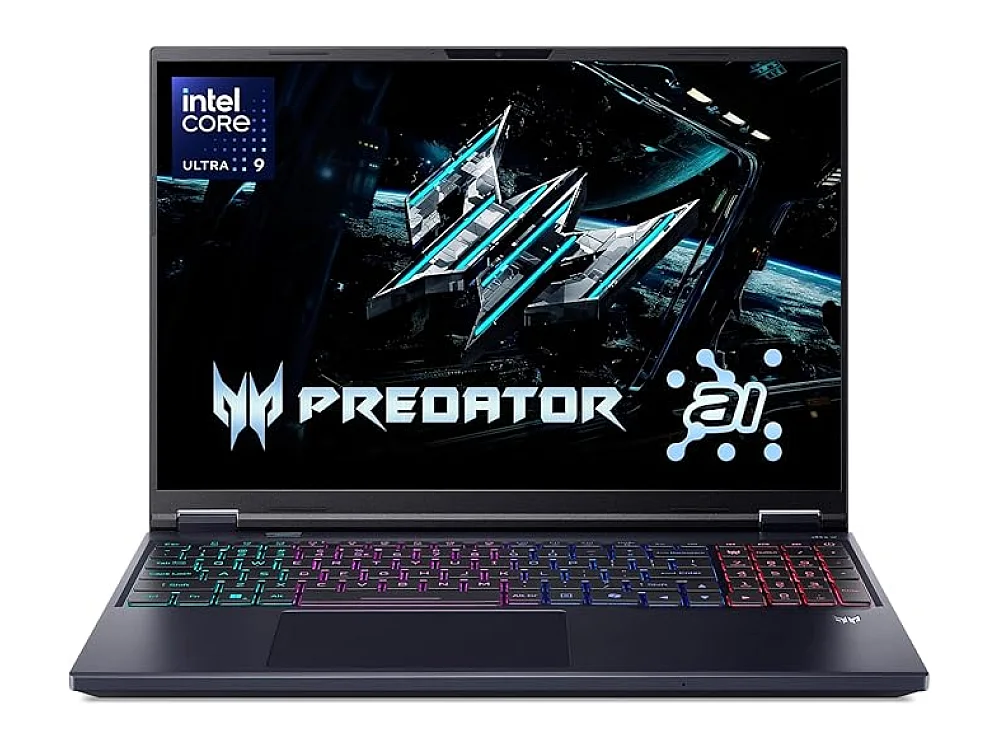 Acer Predator Helios Neo 16 AI
 GPD WIN 5
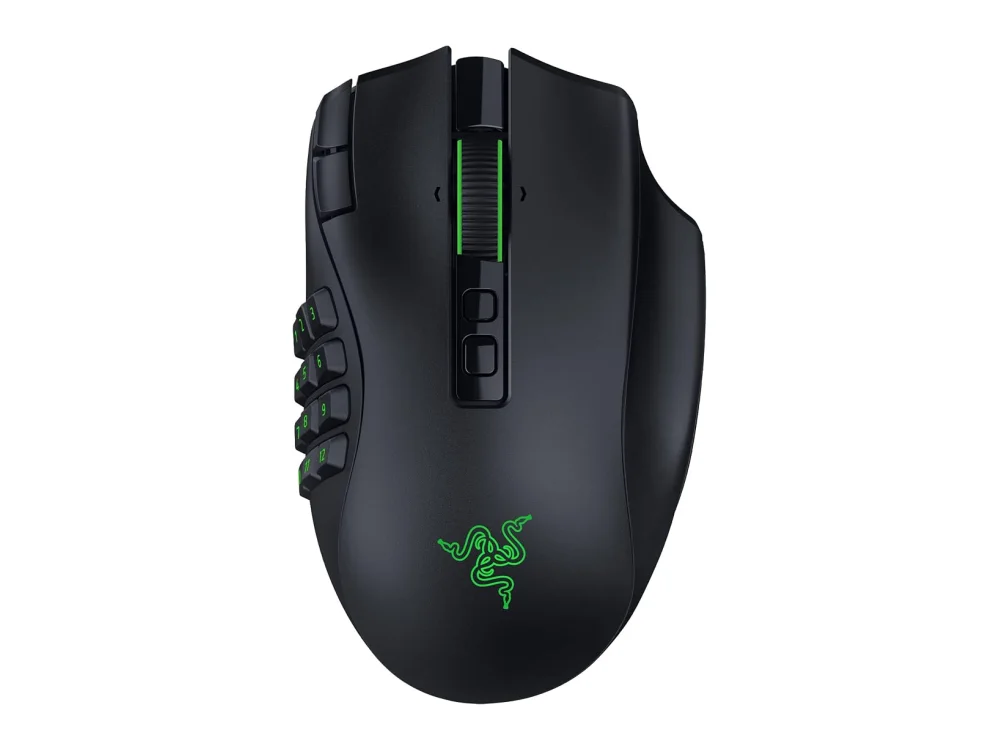 Razer Naga V3 Pro
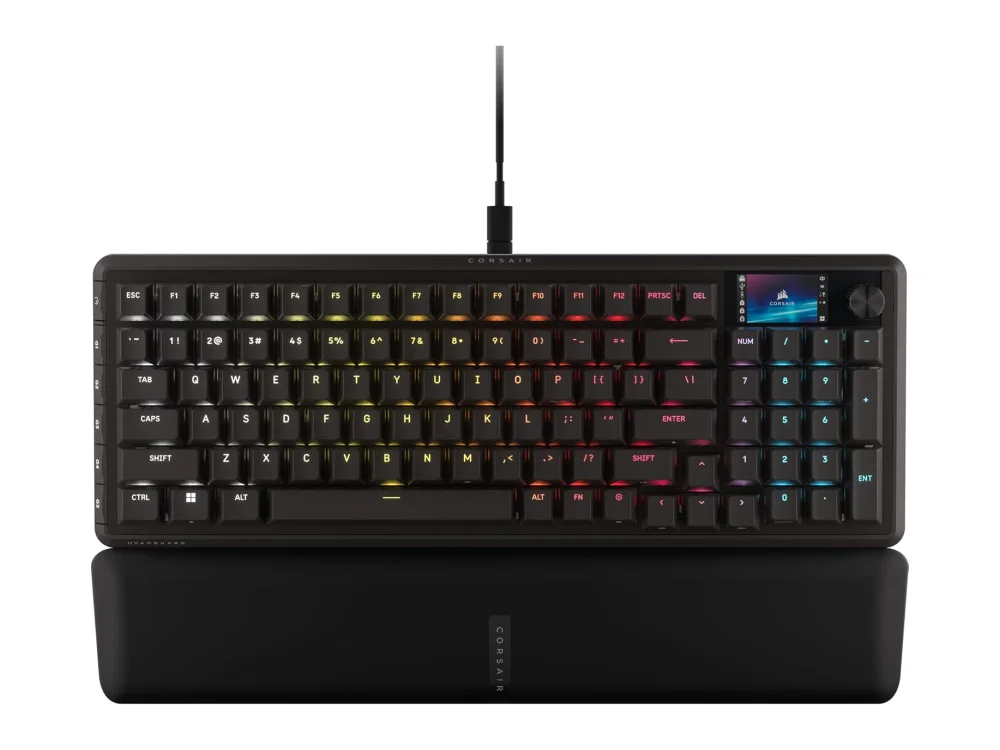 Corsair Vanguard Pro 96
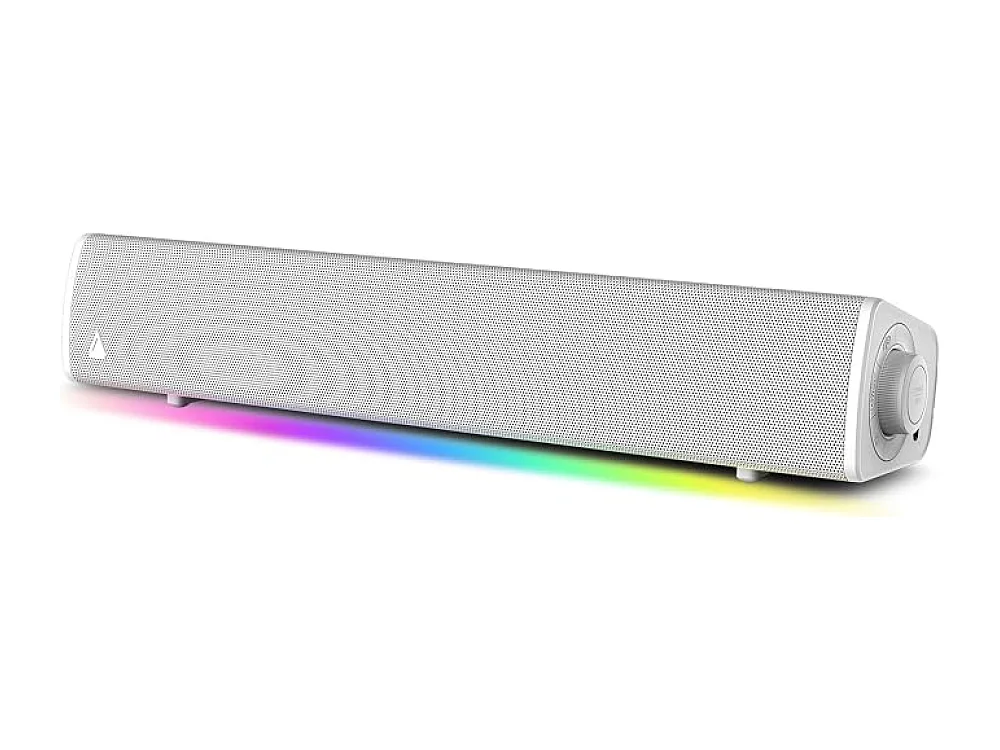 Creative Sound Blaster GS3
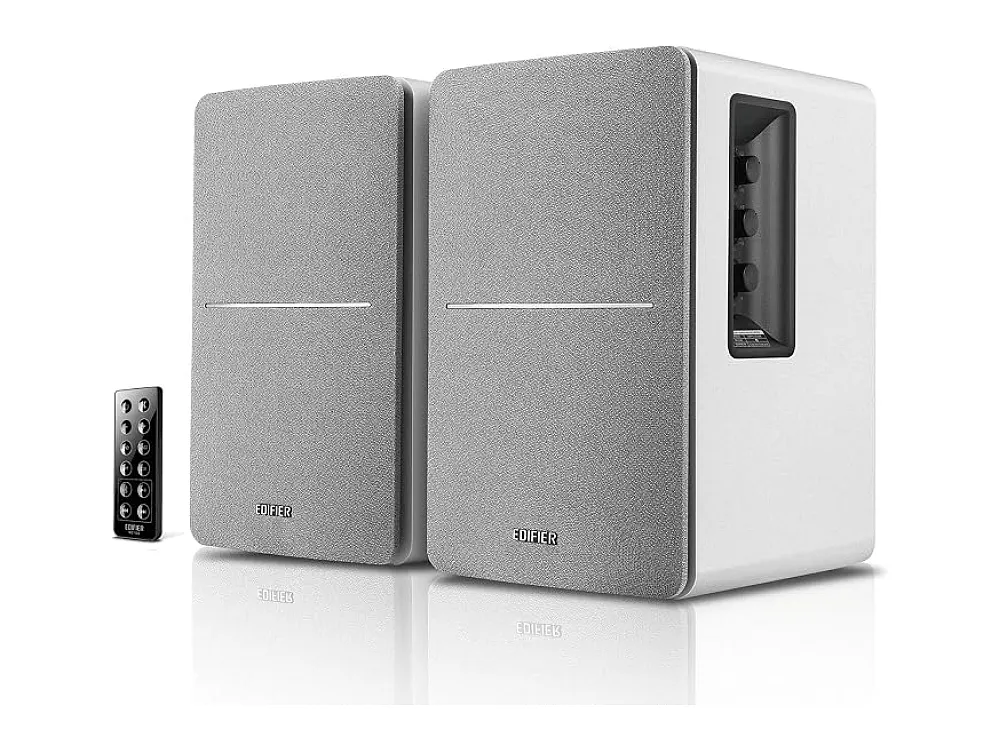 Edifier R1280DB
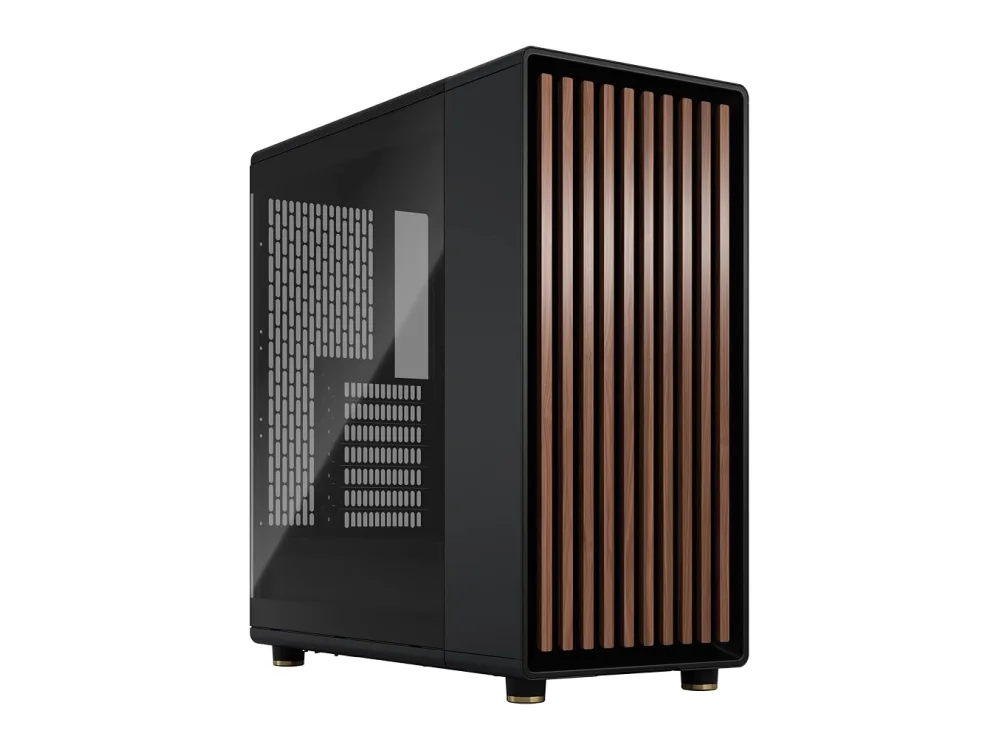 Fractal Design North
More for PC players
Ask ROC, our gaming assistant (the chat button), "can my PC run Blade Symphony?" and tell it your parts, or upload your dxdiag file.