Elgato Wave:3 Review – Is It Worth Buying for Streamers?
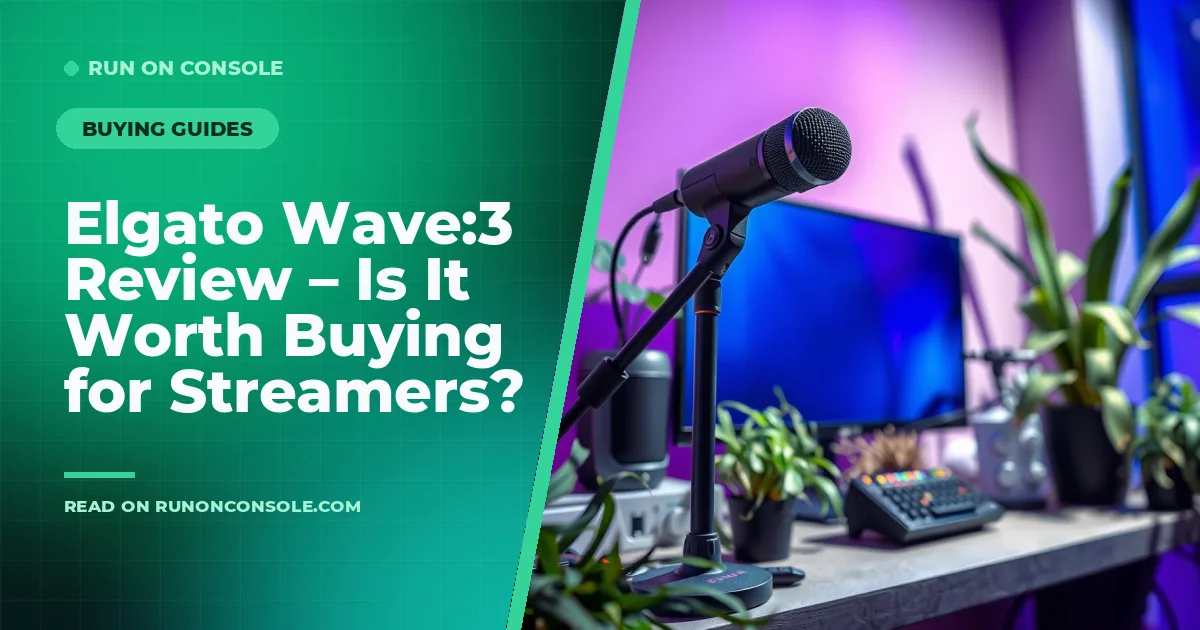
Article Overview & Key Takeaways
The Elgato Wave:3 is a compact USB condenser mic that promises studio‑grade sound for streamers and podcasters. Our review breaks down its specs, strengths, and ideal users.
Looking for a mic that delivers clear, studio‑quality audio without a cluttered desk? The Elgato Wave:3 aims to be that all‑in‑one solution for streamers, podcasters, and content creators. In this elgato wave:3 review we’ll walk through its design, sound performance, software features, and who should consider buying it.
First, if you’re exploring the broader world of gaming audio, check out our Gaming Headsets & Audio hub for more gear recommendations and buying tips.
Elgato Wave:3 Review – Is It Worth Buying?
The Wave:3 is Elgato’s third‑generation USB microphone, positioned as a bridge between entry‑level mics and higher‑end studio gear. It plugs directly into a PC or Mac via USB‑C, offers a cardioid condenser capsule, and integrates tightly with Elgato’s Wave Link software for multi‑source mixing. Below we break down the key specs straight from the product page.
Design & Build Quality
The Wave:3 sports a sleek, matte black chassis with a detachable pop filter that folds into the body for easy transport. Its dimensions are 158 mm × 45 mm × 45 mm, weighing just 210 g, making it one of the lightest USB mics on the market. The metal construction feels solid, and the built‑in 3.5 mm headphone jack provides zero‑latency monitoring. A small LED indicator shows mute status, and the mic can be mounted on a standard desk stand or a boom arm.
Audio Performance
Inside the Wave:3 sits a 24‑bit/48 kHz cardioid condenser capsule, delivering a warm, clear mid‑range with low self‑noise. The mic includes two gain stages (low and high) that let you adjust sensitivity without sacrificing quality. Elgato’s Clipguard technology automatically reduces gain when the input peaks, preventing distortion during loud moments like explosions or cheering.
- Frequency response: 70 Hz – 20 kHz
- Sensitivity: –38 dB (±3 dB) at 1 kHz
- Self‑noise: 18 dBA
- Polar pattern: Cardioid
In practice, the mic captures vocal nuance well, making it suitable for both spoken word and singing. It handles background noise decently thanks to the cardioid pattern, though a quiet room is still recommended for optimal results.
Software & Features
The real differentiator is Elgato’s free Wave Link software. It acts as a virtual audio mixer, letting you route game audio, Discord, music, and mic input into separate channels that you can adjust on the fly. You can also add DSP effects such as a high‑pass filter, compression, and a reverb preset. The software integrates with popular streaming platforms (Twitch, YouTube) and works on Windows 10/11 and macOS 10.15+.
Pros and Cons
Pros
- Compact, sturdy design with built‑in pop filter
- Zero‑latency headphone monitoring via 3.5 mm jack
- Clipguard prevents clipping during loud peaks
- Wave Link mixer offers powerful multi‑source control
- USB‑C connectivity simplifies cable management
Cons
- No interchangeable capsules (fixed cardioid pattern)
- Software is Windows‑centric; macOS version lacks some features
- Limited high‑frequency sparkle compared to larger studio mics
Who Is It For?
The Wave:3 shines for creators who want high‑quality audio without a bulky audio interface. It’s ideal for:
- Live streamers who need quick mic swaps and on‑the‑fly mixing
- Podcasters looking for a single‑mic setup with headphone monitoring
- Gamers who want to balance game sound, voice chat, and music without external hardware
If you already own a professional X‑LR mic and an audio interface, you may prefer that route for maximum flexibility. But for most PC‑based creators, the Wave:3 offers a sweet spot of quality and convenience.
Comparison Table
| Feature | Elgato Wave:3 | Edifier G2000 | HyperX Quadcast |
|---|---|---|---|
| Connection | USB‑C | USB‑C | USB‑A |
| Sample Rate | 24‑bit/48 kHz | 24‑bit/48 kHz | 24‑bit/48 kHz |
| Polar Pattern | Cardioid | Cardioid | Cardioid |
| Headphone Jack | 3.5 mm (zero‑latency) | 3.5 mm (zero‑latency) | None |
| Software Mixer | Wave Link (multi‑track) | Basic gain control | Basic gain control |
| Clip Prevention | Clipguard | None | Auto‑gain |
For a deeper dive into how the Wave:3 stacks up against the Edifier G2000, see our Edifier G2000 vs Elgato Wave:3 – Which Should You Buy? post.
Related Reading
If you’re still deciding on a headset or want to understand audio specs better, check out our How to Choose a Gaming Headset: A Simple Guide for Gamers and Gaming Headset Specs Explained: What Actually Matters. For broader recommendations, see the Best gaming headsets 2026: our top picks for every play style guide.
FAQ
Can the Elgato Wave:3 be used with a Mac?
Yes, the mic works on macOS 10.15 or later, though the Wave Link software has fewer features than the Windows version.
Do I need an external audio interface?
No. The Wave:3 is a fully USB‑C powered mic with built‑in monitoring, so an interface is unnecessary for most streaming setups.
Is the pop filter replaceable?
The pop filter folds into the mic body and isn’t sold separately, but you can attach a standard foam windscreen if you prefer.
How does Clipguard differ from a compressor?
Clipguard automatically reduces gain only when the signal exceeds a set threshold, preventing hard clipping. It’s not a full‑range compressor, which shapes dynamics continuously.
Conclusion
The Elgato Wave:3 delivers a solid mix of audio quality, compact design, and powerful software for creators who stream or podcast from a PC. While it lacks the modular flexibility of an X‑LR setup, its built‑in monitoring, Clipguard, and Wave Link mixer make it a compelling all‑in‑one solution. If those features align with your workflow, check the product page for the current price and availability.